Virtoo (Beta) - Virtual smartphone on your PC PC
Screenovate Technologies LTD.
Download Virtoo (Beta) - Virtual smartphone on your PC on PC With GameLoop Emulator
Virtoo (Beta) - Virtual smartphone on your PC pada PC
Virtoo (Beta) - Virtual smartphone on your PC, datang daripada pembangun Screenovate Technologies LTD., sedang berjalan pada sistem Android pada masa lalu.
Kini, Anda boleh bermain Virtoo (Beta) - Virtual smartphone on your PC pada PC dengan GameLoop dengan lancar.
Muat turunnya dalam pustaka GameLoop atau hasil carian. Tiada lagi melihat bateri atau panggilan yang mengecewakan pada masa yang salah lagi.
Hanya nikmati Virtoo (Beta) - Virtual smartphone on your PC PC pada skrin besar secara percuma!
Virtoo (Beta) - Virtual smartphone on your PC Pengenalan
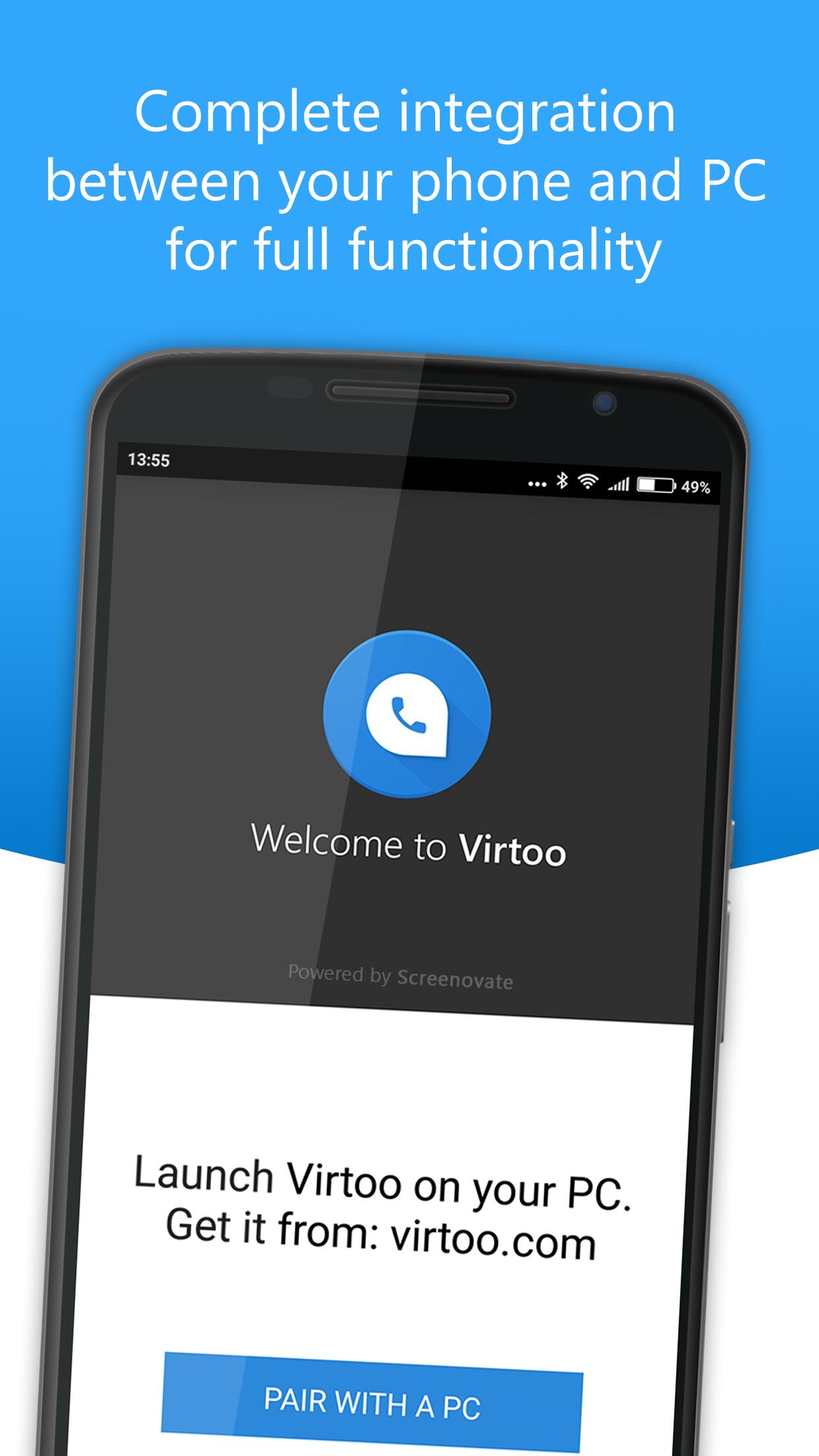
Virtoo extends your smartphone to the PC, allowing hands-free calls, SMS messaging and Android apps mirroring.
For a successful setup, the Virtoo PC has the following requirements:
- Windows 10 64-bit
- Wi-Fi card with Wi-Fi direct support
- Bluetooth 4 or higher
Go to http://virtoo.com/get to get started on your PC.
Virtoo provides complete integration between your PC and your phone. Leave your mobile device in your bag or on the desk and enjoy its full functionality through the PC’s mouse, keyboard, and touch screen.
Make or take calls using your PC’s speakers and microphone, send and receive text messages, access your contacts, get mobile notifications on your PC, and even mirror the phone’s screen onto the PC for interactive engagement with any of your phone apps.
Virtoo is designed for ease of use, increased productivity, and more than anything – convenience.
Key Features:
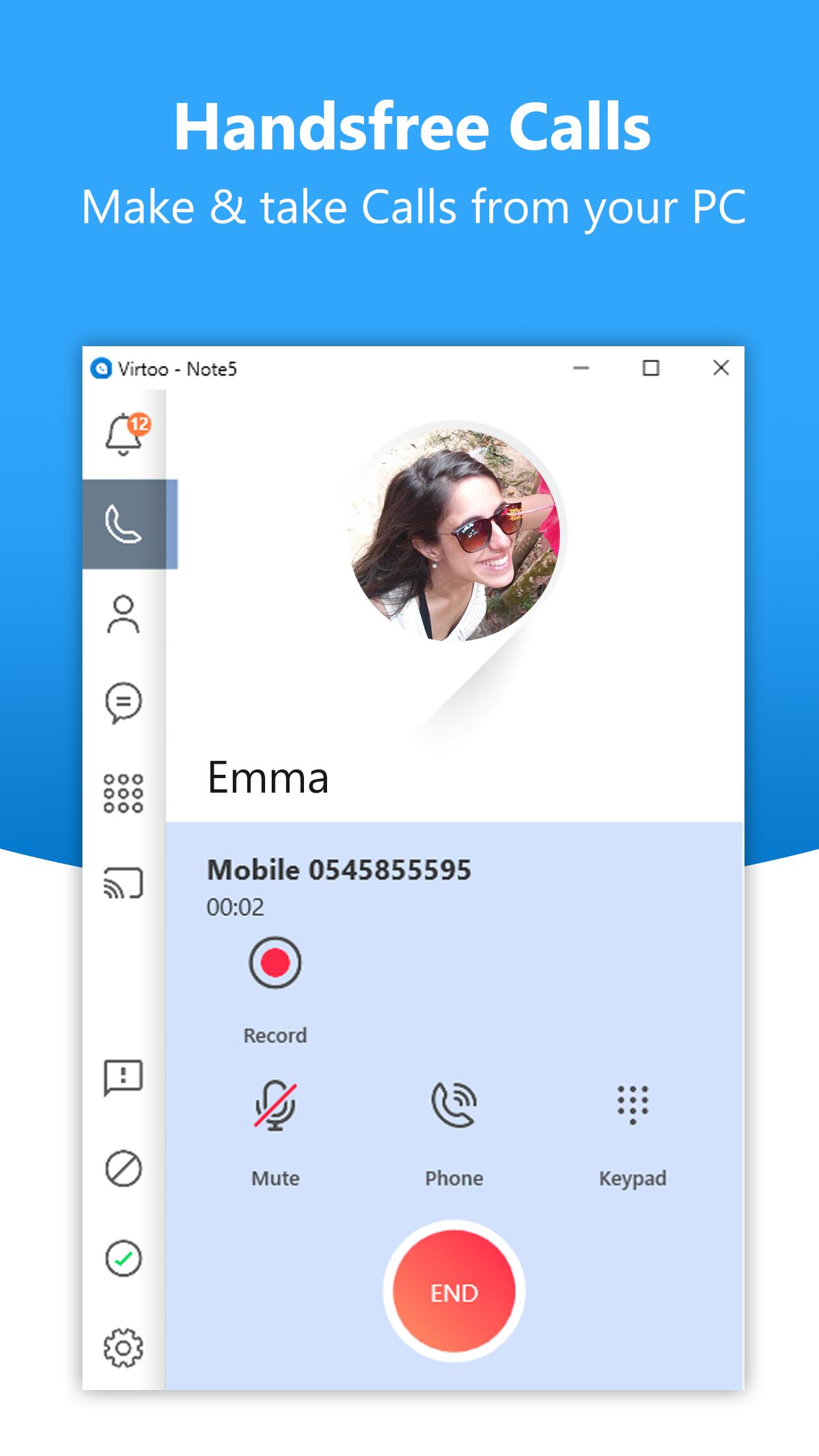
• Handsfree phone calls – make and take phone calls, they will be automatically routed through your PC and will be handled using your PC’s speakers and microphone (or headset).
• Text messaging – send and receive SMS messages using your PC’s keyboard. SMS messages can be engaged with through the Message tab or through an SMS notification as it comes up.
• Notifications – your phone and Android notifications will show on your PC and you will be able to engage with them through your PC’s mouse, keyboard, and touch screen.
• Contacts – have your phone’s contact book available through the PC, search for the right contact and either make a call or send an SMS directly from it.
• Screen mirroring – mirror your phone’s screen onto your PC and engage with any of the apps through your PC’s mouse, keyboard, and touch screen.
Instructions:
• Install Virtoo on your Android phone
• Launch the PC-side Virtoo software (find it on virtoo.com/get)
• The setup process will lead you through first-time pairing and connection. Once the connection is established – your PC and phone are now integrated and ready to go.
Preview
Information
Developer
Screenovate Technologies LTD.
Latest Version
2.2.3563
Last Updated
2017-10-23
Category
Communications
Available on
Google Play
Show More
Cara bermain Virtoo (Beta) - Virtual smartphone on your PC dengan GameLoop pada PC
1. Muat turun GameLoop dari laman web rasmi, kemudian jalankan fail exe untuk memasang GameLoop.
2. Buka GameLoop dan cari "Virtoo (Beta) - Virtual smartphone on your PC", cari Virtoo (Beta) - Virtual smartphone on your PC dalam hasil carian dan klik "Pasang".
3. Nikmati bermain Virtoo (Beta) - Virtual smartphone on your PC di GameLoop.
Minimum requirements
OS
Windows 8.1 64-bit or Windows 10 64-bit
GPU
GTX 1050
CPU
i3-8300
Memory
8GB RAM
Storage
1GB available space
Recommended requirements
OS
Windows 8.1 64-bit or Windows 10 64-bit
GPU
GTX 1050
CPU
i3-9320
Memory
16GB RAM
Storage
1GB available space