
ntel VOXHD PC
NatCom Development and Investment Limited
Download ntel VOXHD on PC With GameLoop Emulator
ntel VOXHD pada PC
ntel VOXHD, datang daripada pembangun NatCom Development and Investment Limited, sedang berjalan pada sistem Android pada masa lalu.
Kini, Anda boleh bermain ntel VOXHD pada PC dengan GameLoop dengan lancar.
Muat turunnya dalam pustaka GameLoop atau hasil carian. Tiada lagi melihat bateri atau panggilan yang mengecewakan pada masa yang salah lagi.
Hanya nikmati ntel VOXHD PC pada skrin besar secara percuma!
ntel VOXHD Pengenalan
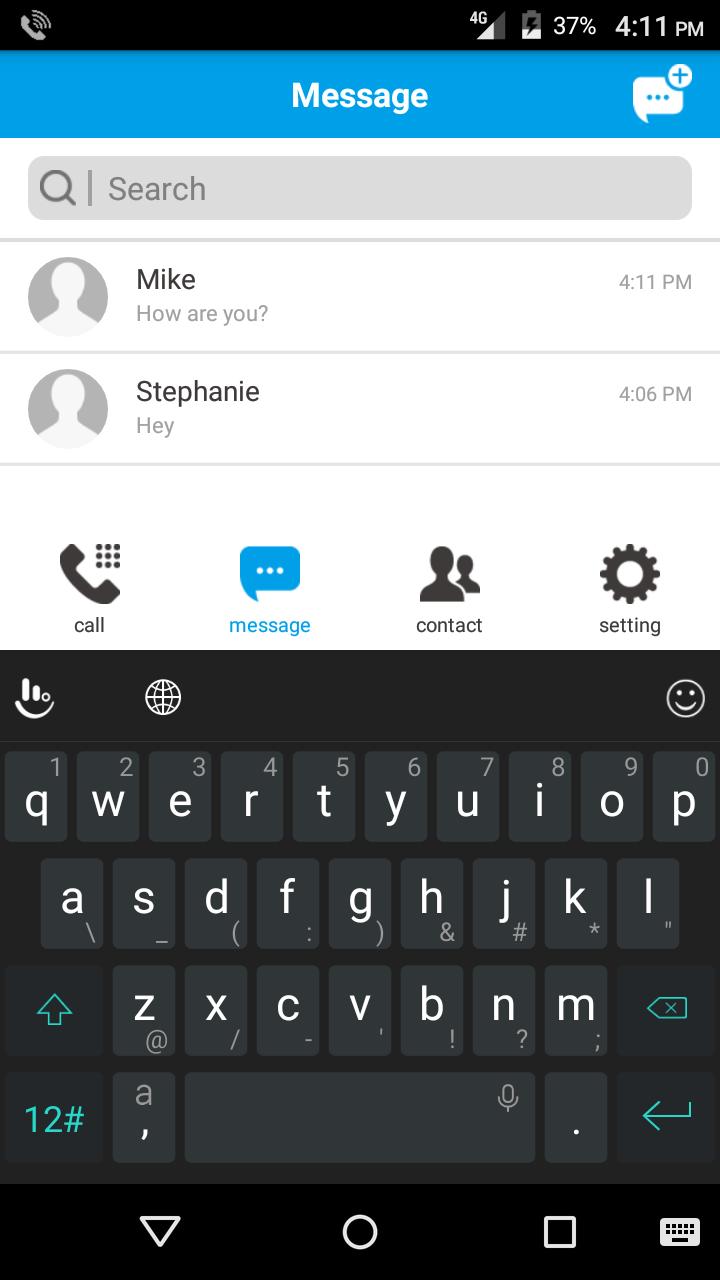
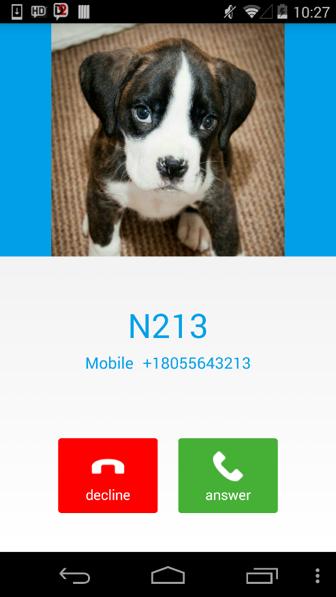
VoXHD is an IMS client/VoLTE calling application from ntel. The app was designed to allow ntel subscribers who have 4G/LTE devices that are supported on the ntel network, but do not own an ntel VoLTE phone, to experience the unique voice feature on cellular 4G. The app provides our customers with our crystal clear high definition Voice over LTE (VoLTE) service, Short Message Service (SMS over LTE) as well as other traditional features expected from a cellular voice service. With this app, our customers can make and receive HD voice calls, send and receive SMS on their ntel number, from any supported 4G device, everywhere within our coverage.
Compatibility
The ntel VoXHD app is currently compatible with devices running Android operating systems and supports versions from Android 4.x KitKat, Android 5.X and Android 6.X.
The ntel VoXHD is only compatible with ntel SIM cards and will not work on any other SIM cards.
Main Features
- User Friendly Interface
- Text Messaging
- HD Voice calls
- Contacts integration
Preview
Information
Developer
NatCom Development and Investment Limited
Latest Version
1.0.0.132 Date: 2017-05-12
Last Updated
2017-05-18
Category
Communications
Available on
Google Play
Show More
Cara bermain ntel VOXHD dengan GameLoop pada PC
1. Muat turun GameLoop dari laman web rasmi, kemudian jalankan fail exe untuk memasang GameLoop.
2. Buka GameLoop dan cari "ntel VOXHD", cari ntel VOXHD dalam hasil carian dan klik "Pasang".
3. Nikmati bermain ntel VOXHD di GameLoop.
Minimum requirements
OS
Windows 8.1 64-bit or Windows 10 64-bit
GPU
GTX 1050
CPU
i3-8300
Memory
8GB RAM
Storage
1GB available space
Recommended requirements
OS
Windows 8.1 64-bit or Windows 10 64-bit
GPU
GTX 1050
CPU
i3-9320
Memory
16GB RAM
Storage
1GB available space