
Notify PC
linuxwhatelse
Download Notify on PC With GameLoop Emulator
Notify pada PC
Notify, datang daripada pembangun linuxwhatelse, sedang berjalan pada sistem Android pada masa lalu.
Kini, Anda boleh bermain Notify pada PC dengan GameLoop dengan lancar.
Muat turunnya dalam pustaka GameLoop atau hasil carian. Tiada lagi melihat bateri atau panggilan yang mengecewakan pada masa yang salah lagi.
Hanya nikmati Notify PC pada skrin besar secara percuma!
Notify Pengenalan
Essentially Notify allows you to forward events like notifications or calls to configured clients/addons.
For example on a Kodi installation you can show your notifications and automatically lower the volume on an incoming or outgoing call.
Available clients can be found below
Features
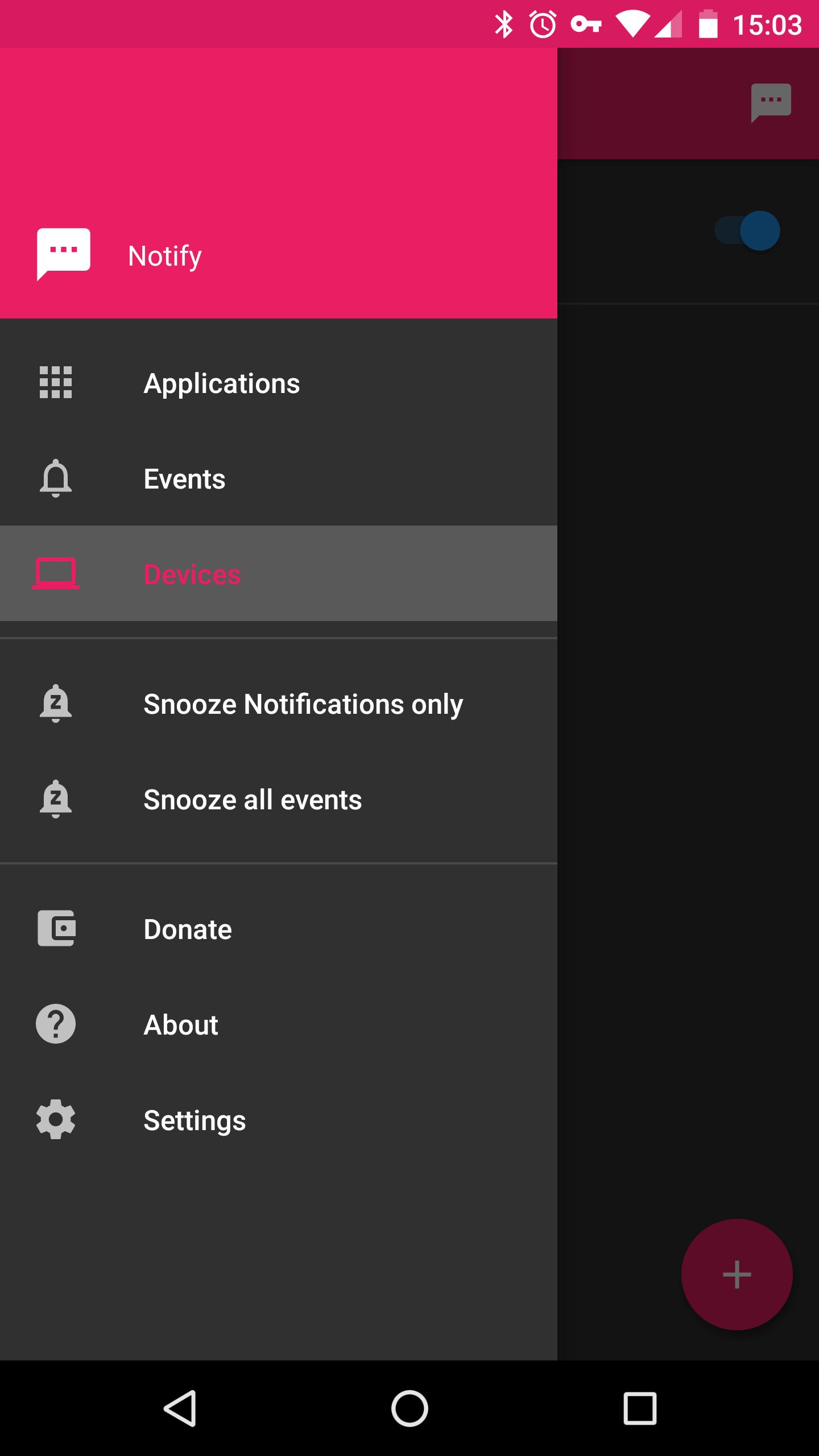
- Material Design
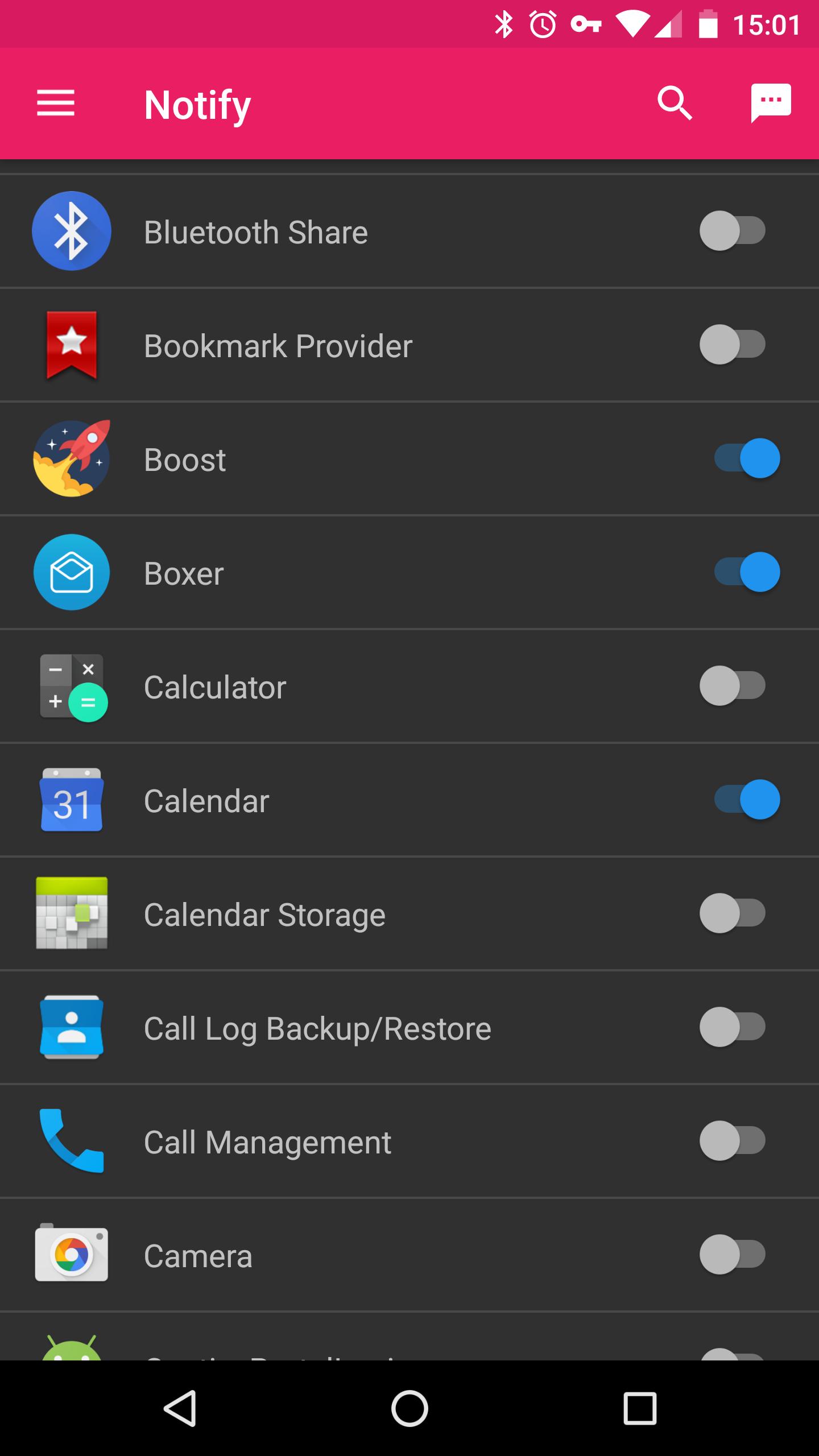
- Forward notifications from selected apps
- Forward call events
- Snooze the app for a chosen amount of time. (e.g. when you get visitors and don't want them to see your notifications)
Planned
- Integration to the Android Share-menu (to e.g. send a youtube-link)
- Linux desktop client
- Chrome-Browser extension
- Any great ideas? Let me know :)
What I might consider doing
- Send events via https
- Java client for windows
Featured Clients / Addons
- Kodi-Addon: https://github.com/linuxwhatelse/service.linuxwhatelse.notify
How to use
Because this app is in a very early state there is only one client available so far which is a Kodi-Addon.
Downloadlink and installation-instructions can be found on github
linuxwhatelse on Google+
https://plus.google.com/u/0/communities/116226315734023023610
Permissions
BILLING: Only used for donations
ACCESS_WIFI_STATE: To determine if the app is allowed to send the event (A SSID can be configured per client)
INTERNET: To send the events to your configured clients
READ_PHONE_STATE: Used to know when a new call is triggered
PROCESS_OUTGOING_CALLS: To gather some extra information's about the call event (This app will NEVER process an actual call)
CAMERA: Needed to add a new client via a QR-Code
RECEIVE_BOOT_COMPLETED: Used to reset the snooze-feature if you reboot your device
Preview
Tags
CommunicationsInformation
Developer
linuxwhatelse
Latest Version
0.2.5
Last Updated
2019-10-22
Category
Communications
Available on
Google Play
Show More
Cara bermain Notify dengan GameLoop pada PC
1. Muat turun GameLoop dari laman web rasmi, kemudian jalankan fail exe untuk memasang GameLoop.
2. Buka GameLoop dan cari "Notify", cari Notify dalam hasil carian dan klik "Pasang".
3. Nikmati bermain Notify di GameLoop.
Minimum requirements
OS
Windows 8.1 64-bit or Windows 10 64-bit
GPU
GTX 1050
CPU
i3-8300
Memory
8GB RAM
Storage
1GB available space
Recommended requirements
OS
Windows 8.1 64-bit or Windows 10 64-bit
GPU
GTX 1050
CPU
i3-9320
Memory
16GB RAM
Storage
1GB available space