
Auto Reply PC
TechInnate Solutions
Download Auto Reply on PC With GameLoop Emulator
Auto Reply pada PC
Auto Reply, datang daripada pembangun TechInnate Solutions, sedang berjalan pada sistem Android pada masa lalu.
Kini, Anda boleh bermain Auto Reply pada PC dengan GameLoop dengan lancar.
Muat turunnya dalam pustaka GameLoop atau hasil carian. Tiada lagi melihat bateri atau panggilan yang mengecewakan pada masa yang salah lagi.
Hanya nikmati Auto Reply PC pada skrin besar secara percuma!
Auto Reply Pengenalan
Simple Turn On
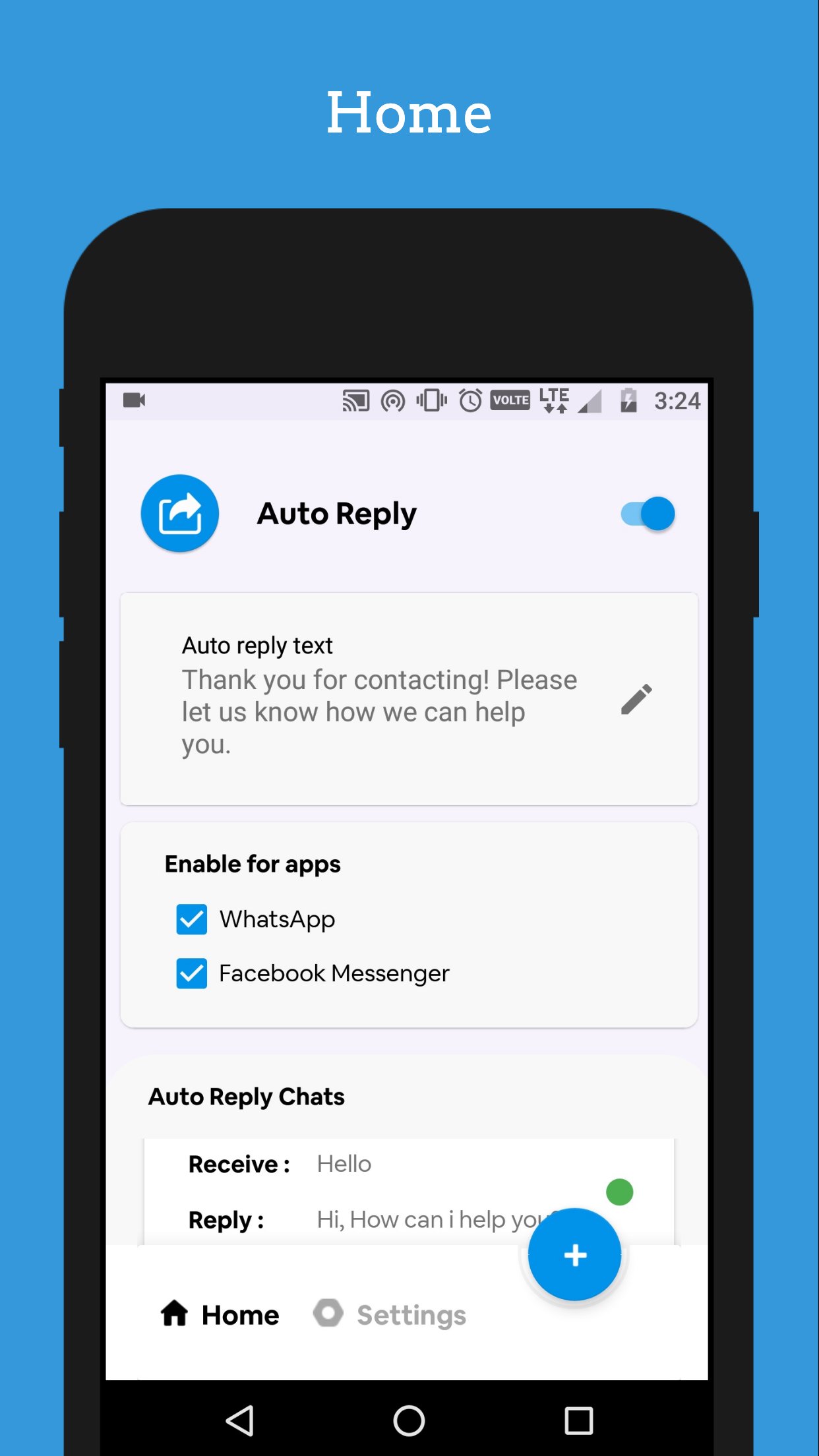
Turn on auto reply with single touch, no need to setup an complicated requirements.
Auto Reply sends an automated reply to everyone contacting you on WhatsApp or Facebook Messenger. This is especially useful if you are planning to migrate away from those services but can also be used as a simple vacation responder.
Features
• Auto reply to every incoming message or set a reply frequency
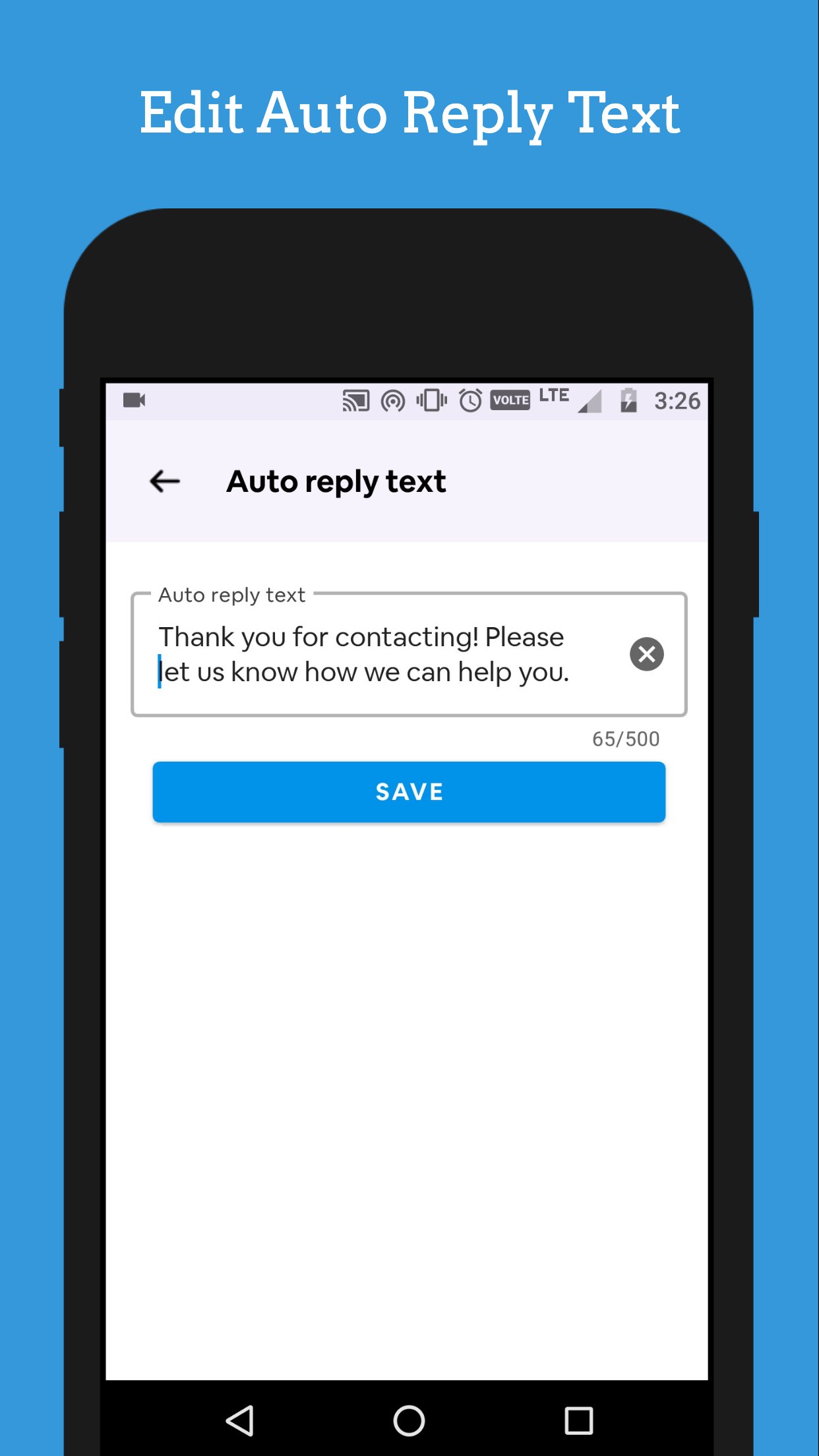
• Set your own auto reply message
• Auto reply to group chats
• Respects your privacy
Future features
• Telegram
• Line
• Viber
• Signal
• Hangouts
Auto reply Chats List
We can manage your chat list that manage how your receive and reply message respond.
Contact Base Reply
Choose whom you want to send an auto reply.
Groups Reply
We support groups, Auto Reply can send auto reply to any groups in your messaging app.
Supported Messengers
We support WhatsApp and Facebook messaging apps. With this one app you can be able to send auto reply to social messaging apps.
Preview
Tags
CommunicationsInformation
Developer
TechInnate Solutions
Latest Version
7.1
Last Updated
2026-04-20
Category
Communications
Available on
Google Play
Show More
Cara bermain Auto Reply dengan GameLoop pada PC
1. Muat turun GameLoop dari laman web rasmi, kemudian jalankan fail exe untuk memasang GameLoop.
2. Buka GameLoop dan cari "Auto Reply", cari Auto Reply dalam hasil carian dan klik "Pasang".
3. Nikmati bermain Auto Reply di GameLoop.
Minimum requirements
OS
Windows 8.1 64-bit or Windows 10 64-bit
GPU
GTX 1050
CPU
i3-8300
Memory
8GB RAM
Storage
1GB available space
Recommended requirements
OS
Windows 8.1 64-bit or Windows 10 64-bit
GPU
GTX 1050
CPU
i3-9320
Memory
16GB RAM
Storage
1GB available space