
App Call Recorder PC
Sparkling Design and Infotech Pvt. Ltd.
Download App Call Recorder on PC With GameLoop Emulator
App Call Recorder pada PC
App Call Recorder, datang daripada pembangun Sparkling Design and Infotech Pvt. Ltd., sedang berjalan pada sistem Android pada masa lalu.
Kini, Anda boleh bermain App Call Recorder pada PC dengan GameLoop dengan lancar.
Muat turunnya dalam pustaka GameLoop atau hasil carian. Tiada lagi melihat bateri atau panggilan yang mengecewakan pada masa yang salah lagi.
Hanya nikmati App Call Recorder PC pada skrin besar secara percuma!
App Call Recorder Pengenalan
Record WA calls using Call Recorder
Supports WA calls for a wide range of Android devices and OS versions. You can store your conversation and replay it anytime you need it.
※ Notes and Warning
- Not all devices support call recording
- Use the speakerphone feature to improve incoming audio
☆☆ Main features
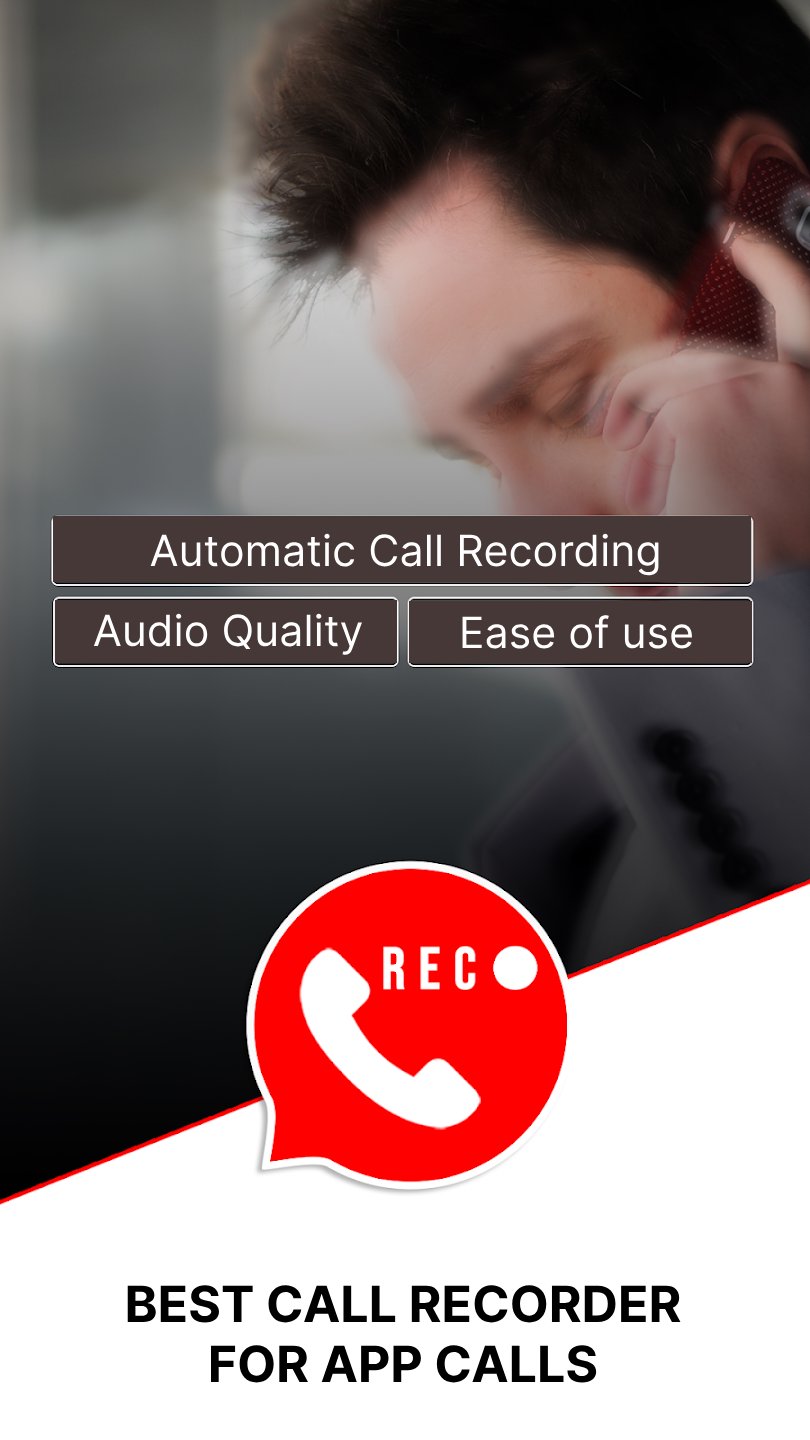
🏅 Automatic WA recording
Call Recorder is able to detect WA calls automatically and start recording.
🏅 Audio quality
Call Recorder creates superior output audio quality, enhanced with AI routines to provide the best audible voice.
🏅 Ease of use
Call Recorder is able to start and stop recording automatically.
※ Legal notice
Call recording without the permission from callee/caller is illegal in several countries. Always notify the participants that the call will be recorded.
※ Contact us
If you have any questions or issues, please, send us a message at support@sparklingapps.com
FAQ
1. Only caller voice recorded, other person voice can't record, I am able to record only my side of the conversation on Record WA calls:
Solutions :
a. Try speakerphone (Some phones can record incoming voice if speakerphone turned on)
b. Try using headsets (Some phones can record incoming voice if headsets are plugged in)
If both of the above solutions are not working, please check audio source in your application menu. Most phones can record both sides of call for audio source "voice recognition".
Try with voice communication, microphone and voice call sources.
2. Where can I find the file of the recording?
The files can be found at sdcard>Android>data>com.sparklingapps.callrecorder>files
Thank you, and good luck!
Preview
Tags
CommunicationsInformation
Developer
Sparkling Design and Infotech Pvt. Ltd.
Latest Version
1.6.2
Last Updated
2025-09-15
Category
Communications
Available on
Google Play
Show More
Cara bermain App Call Recorder dengan GameLoop pada PC
1. Muat turun GameLoop dari laman web rasmi, kemudian jalankan fail exe untuk memasang GameLoop.
2. Buka GameLoop dan cari "App Call Recorder", cari App Call Recorder dalam hasil carian dan klik "Pasang".
3. Nikmati bermain App Call Recorder di GameLoop.
Minimum requirements
OS
Windows 8.1 64-bit or Windows 10 64-bit
GPU
GTX 1050
CPU
i3-8300
Memory
8GB RAM
Storage
1GB available space
Recommended requirements
OS
Windows 8.1 64-bit or Windows 10 64-bit
GPU
GTX 1050
CPU
i3-9320
Memory
16GB RAM
Storage
1GB available space