HueDrop - Mix and Match Colors PC
PIXEL MILLER
Download HueDrop - Mix and Match Colors on PC With GameLoop Emulator
HueDrop - Mix and Match Colors pada PC
HueDrop - Mix and Match Colors, datang daripada pembangun PIXEL MILLER, sedang berjalan pada sistem Android pada masa lalu.
Kini, Anda boleh bermain HueDrop - Mix and Match Colors pada PC dengan GameLoop dengan lancar.
Muat turunnya dalam pustaka GameLoop atau hasil carian. Tiada lagi melihat bateri atau panggilan yang mengecewakan pada masa yang salah lagi.
Hanya nikmati HueDrop - Mix and Match Colors PC pada skrin besar secara percuma!
HueDrop - Mix and Match Colors Pengenalan
This is for everyone who loves colors, for those who gets intrigued, when the sky has hues all mixed up, for those who wonder how the sea and the rivers have greens and blues when flowing on brown land. And for those who loves to solve puzzles, mix your colors and solve the problem.
This game will give you an understanding on how by mixing primary colors, can give you a color spectrum. Blue and yellow gives you green, this we have learned since we are kids, HueDrop takes it multi step forward, enabling you to create millions of colors with just 3 primary colors.
Classic Mode:
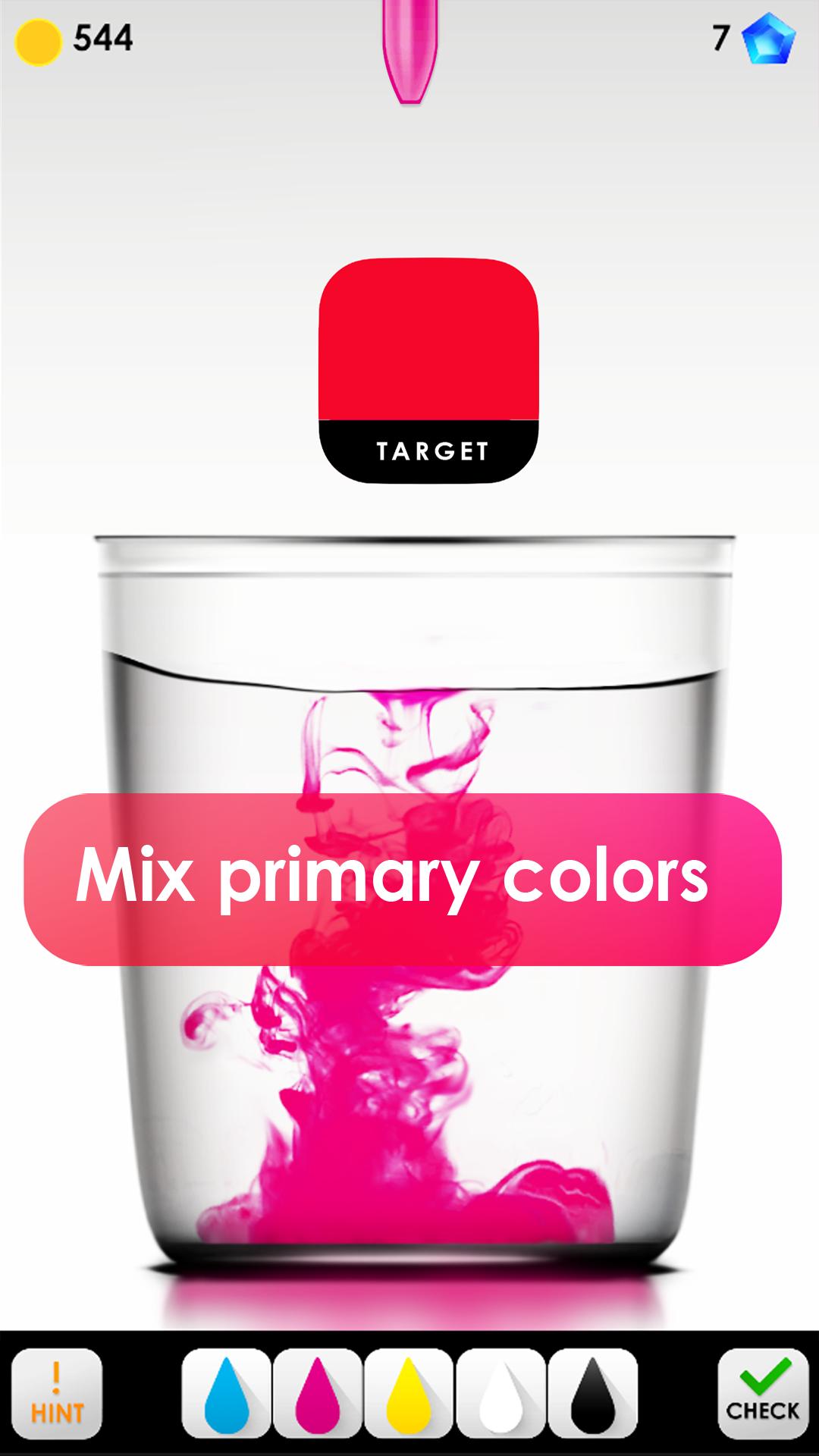
Get the target color by mixing Cyan, Magenta,Yellow, Black paints. There is no time limit and use white white paint to reduce saturation of colors you just mixed. Once you are happy with the result you may press the check button to see the match percentage.
Try to get a match percentage as high as possible.
Time trial
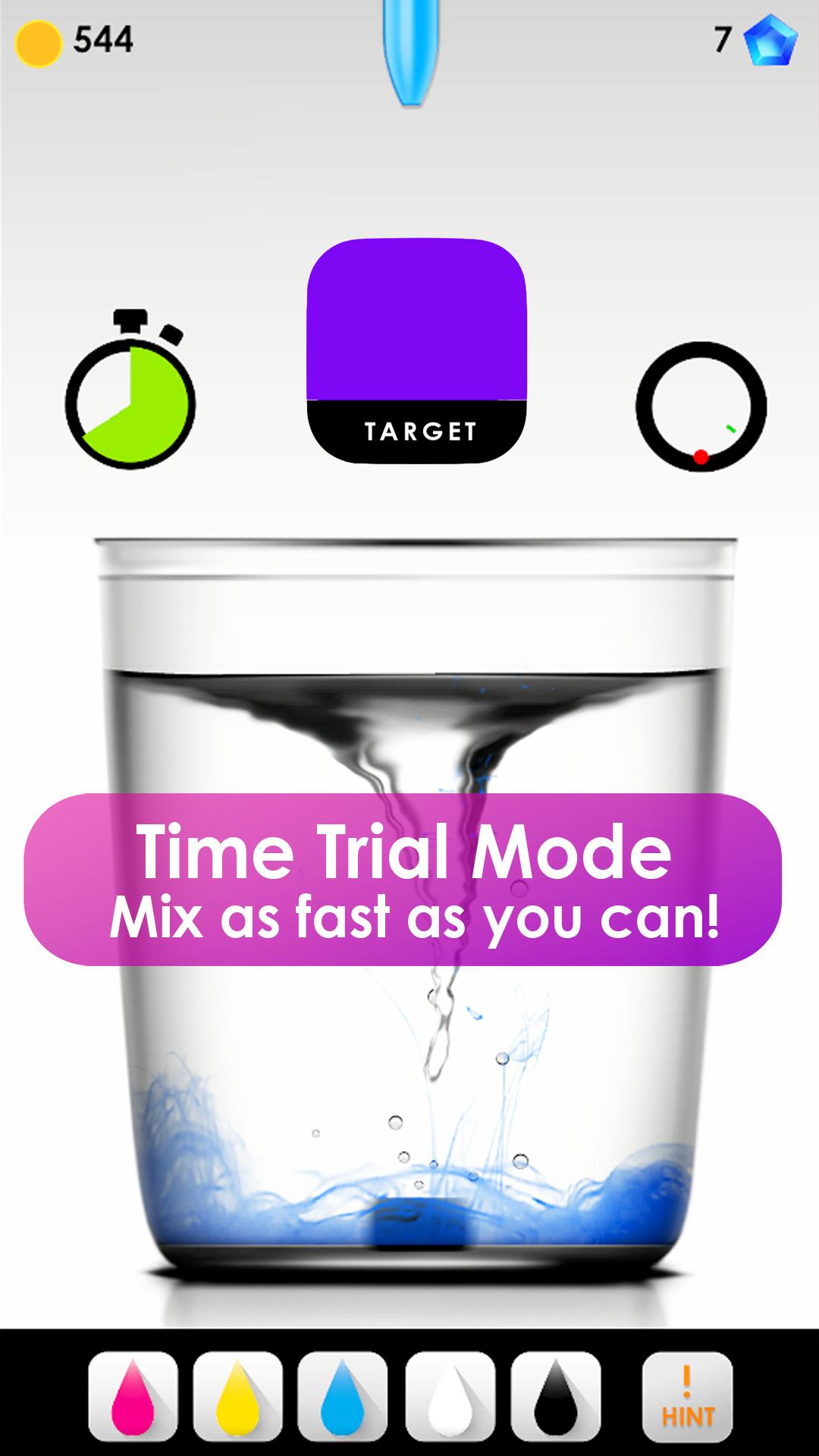
Similar to classic mode but limited by time. You will have 20 seconds to get the target match and if you finish early, whatever time is left will be added to your next level.
Mixer
Mixer is a color mix simulator where you can mix commonly available watercolors and explore the results. Mixer will give you step by step instructions to recreate a color in real world using the colors in your watercolor palette.
Preview
Tags
CasualInformation
Developer
PIXEL MILLER
Latest Version
3.0
Last Updated
2022-09-02
Category
Casual
Available on
Google Play
Show More
Cara bermain HueDrop - Mix and Match Colors dengan GameLoop pada PC
1. Muat turun GameLoop dari laman web rasmi, kemudian jalankan fail exe untuk memasang GameLoop.
2. Buka GameLoop dan cari "HueDrop - Mix and Match Colors", cari HueDrop - Mix and Match Colors dalam hasil carian dan klik "Pasang".
3. Nikmati bermain HueDrop - Mix and Match Colors di GameLoop.
Minimum requirements
OS
Windows 8.1 64-bit or Windows 10 64-bit
GPU
GTX 1050
CPU
i3-8300
Memory
8GB RAM
Storage
1GB available space
Recommended requirements
OS
Windows 8.1 64-bit or Windows 10 64-bit
GPU
GTX 1050
CPU
i3-9320
Memory
16GB RAM
Storage
1GB available space