Silom POS PC
Silom Technology Co., Ltd.
Download Silom POS on PC With GameLoop Emulator
Silom POS pada PC
Silom POS, datang daripada pembangun Silom Technology Co., Ltd., sedang berjalan pada sistem Android pada masa lalu.
Kini, Anda boleh bermain Silom POS pada PC dengan GameLoop dengan lancar.
Muat turunnya dalam pustaka GameLoop atau hasil carian. Tiada lagi melihat bateri atau panggilan yang mengecewakan pada masa yang salah lagi.
Hanya nikmati Silom POS PC pada skrin besar secara percuma!
Silom POS Pengenalan
Free!! Silom POS | Point of Sale
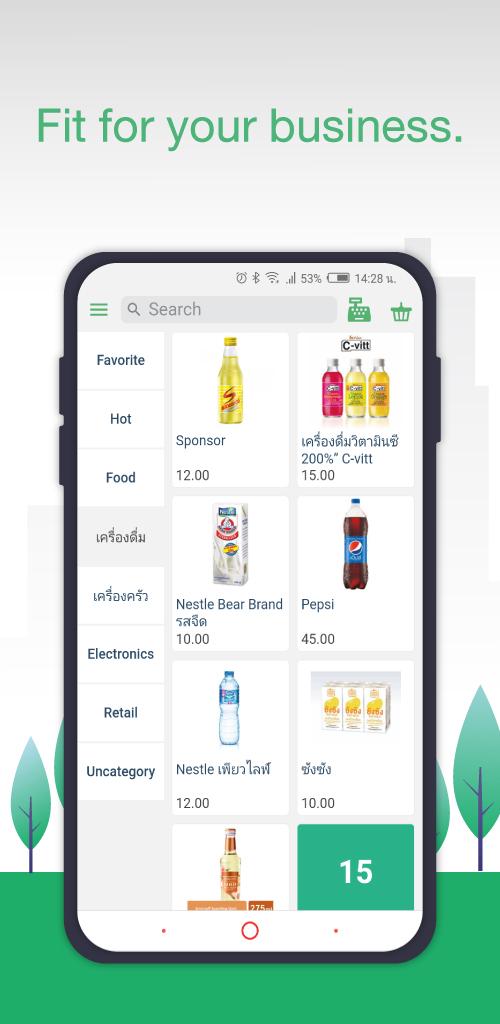
Getting started with Silom POS is fast and easy. It works with receipt printers, cash drawers.
KEY FEATURES
- FREE to download, with FREE updates
- Android devices optimized and easy to use
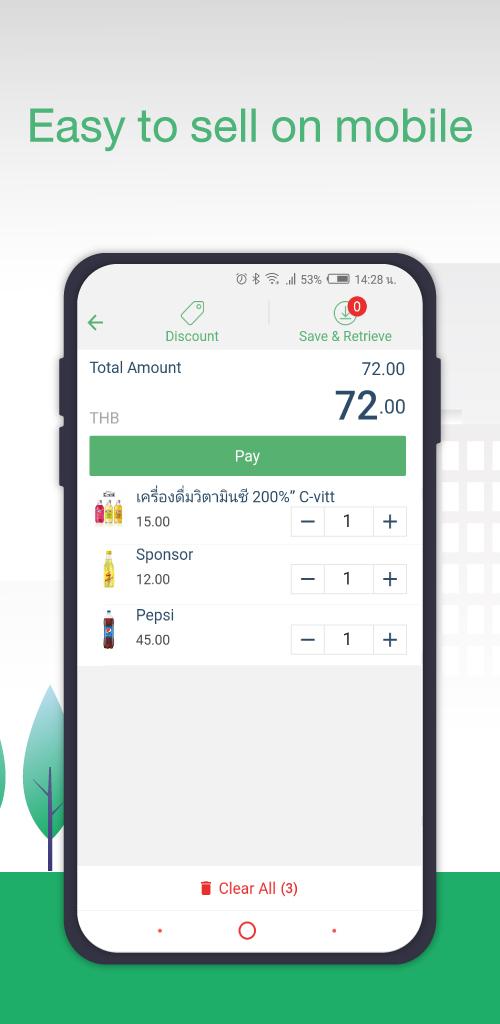
- Standard Point of sale
- Barcode & Non-Barcode Products Supported
- Many Products Supported
- Multiple Payment Supported
- Billing and Thai full tax invoice supported
- Real-time Dashboard & Reporting
- Staff's permission control
- Offline working mode
- No limit Products Adding
- Backup & Restore data
What kind of retailers is SilomPOS great for?
- Gift shops
- Coffee and Bakery shops
- Health and Beauty salons
- Small Retailer shops
- Salad bars and Fruit shops
Download the Silom POS app and start your business today.
To find out more information about us.
Line: @silompos
Preview
Tags
BusinessInformation
Developer
Silom Technology Co., Ltd.
Latest Version
5.0.23
Last Updated
2025-06-15
Category
Business
Available on
Google Play
Show More
Cara bermain Silom POS dengan GameLoop pada PC
1. Muat turun GameLoop dari laman web rasmi, kemudian jalankan fail exe untuk memasang GameLoop.
2. Buka GameLoop dan cari "Silom POS", cari Silom POS dalam hasil carian dan klik "Pasang".
3. Nikmati bermain Silom POS di GameLoop.
Minimum requirements
OS
Windows 8.1 64-bit or Windows 10 64-bit
GPU
GTX 1050
CPU
i3-8300
Memory
8GB RAM
Storage
1GB available space
Recommended requirements
OS
Windows 8.1 64-bit or Windows 10 64-bit
GPU
GTX 1050
CPU
i3-9320
Memory
16GB RAM
Storage
1GB available space