
King Scanner - PDF Scanner by Camera PC
Nibigame
Download King Scanner - PDF Scanner by Camera on PC With GameLoop Emulator
King Scanner - PDF Scanner by Camera pada PC
King Scanner - PDF Scanner by Camera, datang daripada pembangun Nibigame, sedang berjalan pada sistem Android pada masa lalu.
Kini, Anda boleh bermain King Scanner - PDF Scanner by Camera pada PC dengan GameLoop dengan lancar.
Muat turunnya dalam pustaka GameLoop atau hasil carian. Tiada lagi melihat bateri atau panggilan yang mengecewakan pada masa yang salah lagi.
Hanya nikmati King Scanner - PDF Scanner by Camera PC pada skrin besar secara percuma!
King Scanner - PDF Scanner by Camera Pengenalan
King Scanner is tiny scanner app (only ~10 MB download) to make your phone become a amazing scanner (or called by other names as CamScanner, Tiny Scanner, PDF Scanner, etc...) to scan photos, PDFs, receipts, reports, or just about anything in everywhere. King Scanner uses best algorithms to detect documents edge, enhance texts, graphics, and easy to manage or share in PDF, JPEG formats.
★★★ App highlight
★ Mobile scanner
Turn your device to a scanner, scan everything as photos, reports, receipts,...
★ Optimize scan quality
Enhance texts and graphics look clear and sharp.
★ Speed & quality option
Scan with higher quality mean that decoding speed is slower (3 options : slow, medium, fast).
★ Scan Automatically
Detect document edge automatically.
★ Apply effect
4 modes for scan document : Magic, Original, Grayscale, Black & White.
5 levels for adjust contrast, text bold.
★ User interface
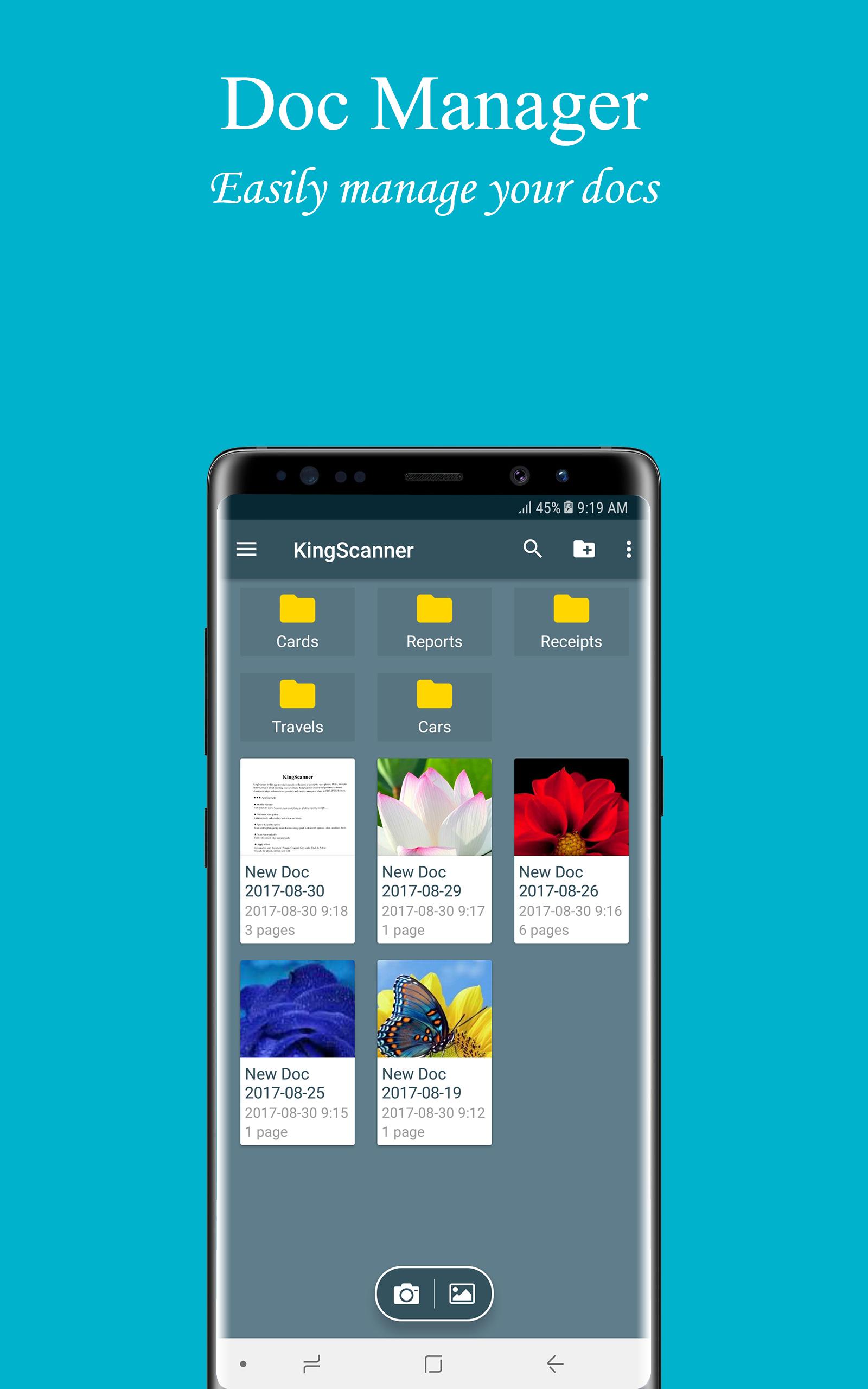
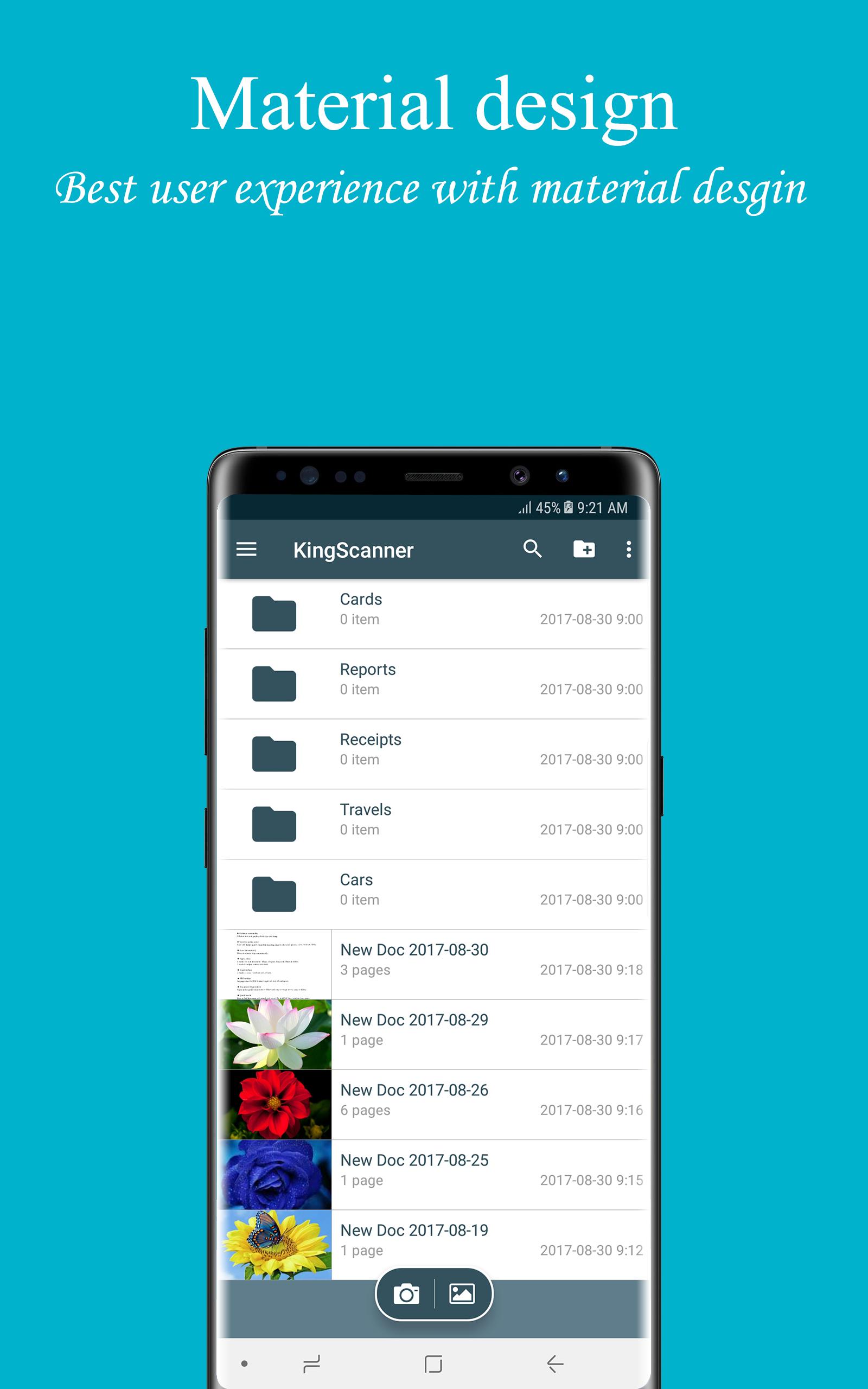
2 modes to view : GridView or ListView.
★ PDF settings
Set page sizes for PDF (Letter, Legal, A3, A4, A5 and more).
★ Documents Organization
Name and organize documents in folders and easy to merge, move, copy or delete.
★ Quick search
Easy to find document with search tool, or sort by modified time, creation time, name.
★ Share PDF/JPEG files
Easy share doc in PDF, JPEG formats via social, email,...
★ Print & Upload
Instantly print out docs in King Scanner with nearby printer by Cloud Printing Service.
Or upload to Google Drive, Box, Dropbox, Evernote,...
★★★ How to use
1. Select document you need from Gallery or capture with Camera.
2. Select a part of document or full. Rotate document to correct direction.
3. Apply effect with 4 modes : Magic, Original, Grayscale, Black & White.
4. Press done! and you can manage your documents easy for now!
We always appreciate your feedback. Contact us at kfn.developer@gmail.com.
Preview
Information
Developer
Nibigame
Latest Version
1.1.6
Last Updated
2019-01-07
Category
Business
Available on
Google Play
Show More
Cara bermain King Scanner - PDF Scanner by Camera dengan GameLoop pada PC
1. Muat turun GameLoop dari laman web rasmi, kemudian jalankan fail exe untuk memasang GameLoop.
2. Buka GameLoop dan cari "King Scanner - PDF Scanner by Camera", cari King Scanner - PDF Scanner by Camera dalam hasil carian dan klik "Pasang".
3. Nikmati bermain King Scanner - PDF Scanner by Camera di GameLoop.
Minimum requirements
OS
Windows 8.1 64-bit or Windows 10 64-bit
GPU
GTX 1050
CPU
i3-8300
Memory
8GB RAM
Storage
1GB available space
Recommended requirements
OS
Windows 8.1 64-bit or Windows 10 64-bit
GPU
GTX 1050
CPU
i3-9320
Memory
16GB RAM
Storage
1GB available space