
AirWatch Relay PC
VMware Workspace ONE
Download AirWatch Relay on PC With GameLoop Emulator
AirWatch Relay pada PC
AirWatch Relay, datang daripada pembangun VMware Workspace ONE, sedang berjalan pada sistem Android pada masa lalu.
Kini, Anda boleh bermain AirWatch Relay pada PC dengan GameLoop dengan lancar.
Muat turunnya dalam pustaka GameLoop atau hasil carian. Tiada lagi melihat bateri atau panggilan yang mengecewakan pada masa yang salah lagi.
Hanya nikmati AirWatch Relay PC pada skrin besar secara percuma!
AirWatch Relay Pengenalan
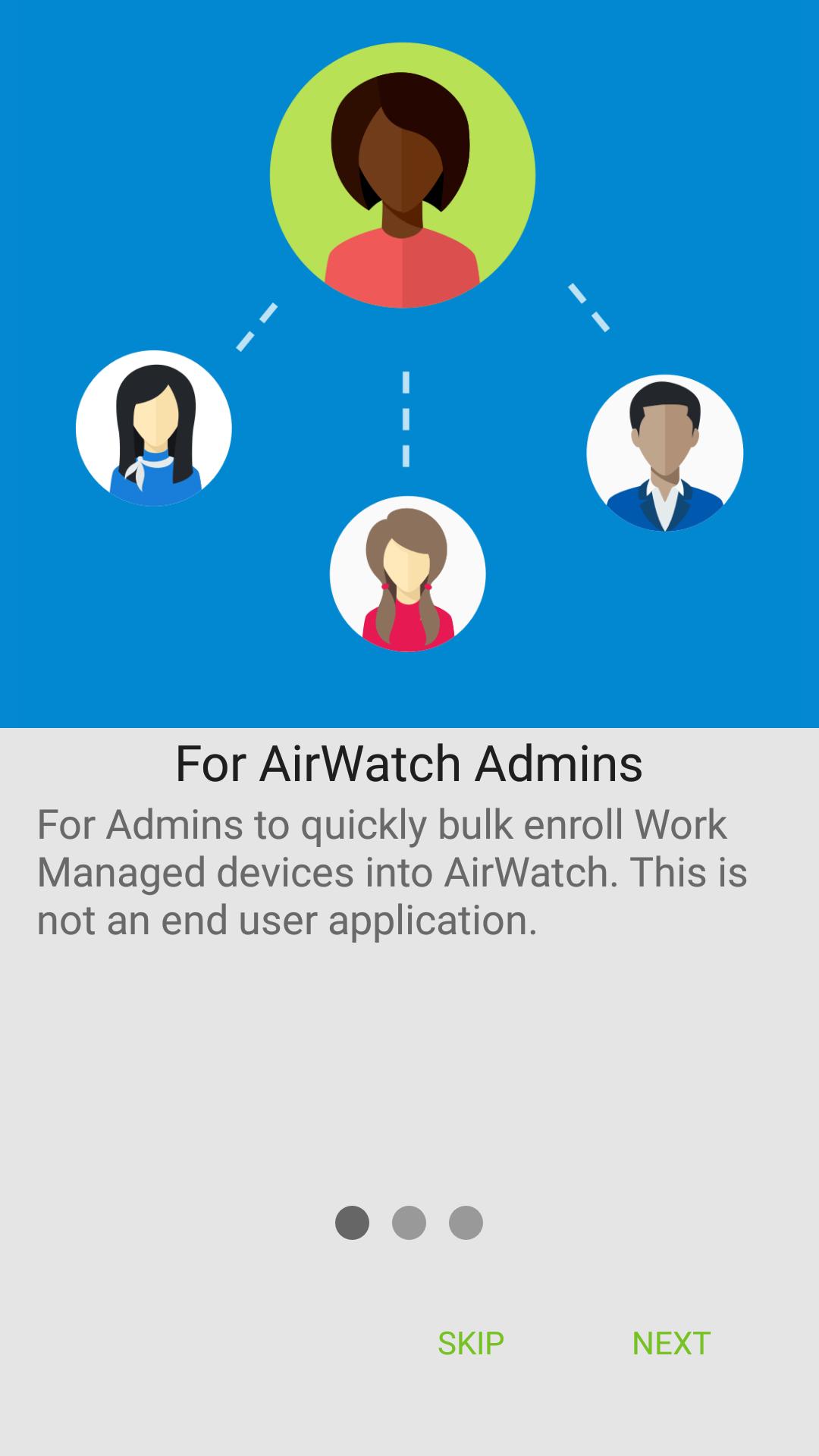
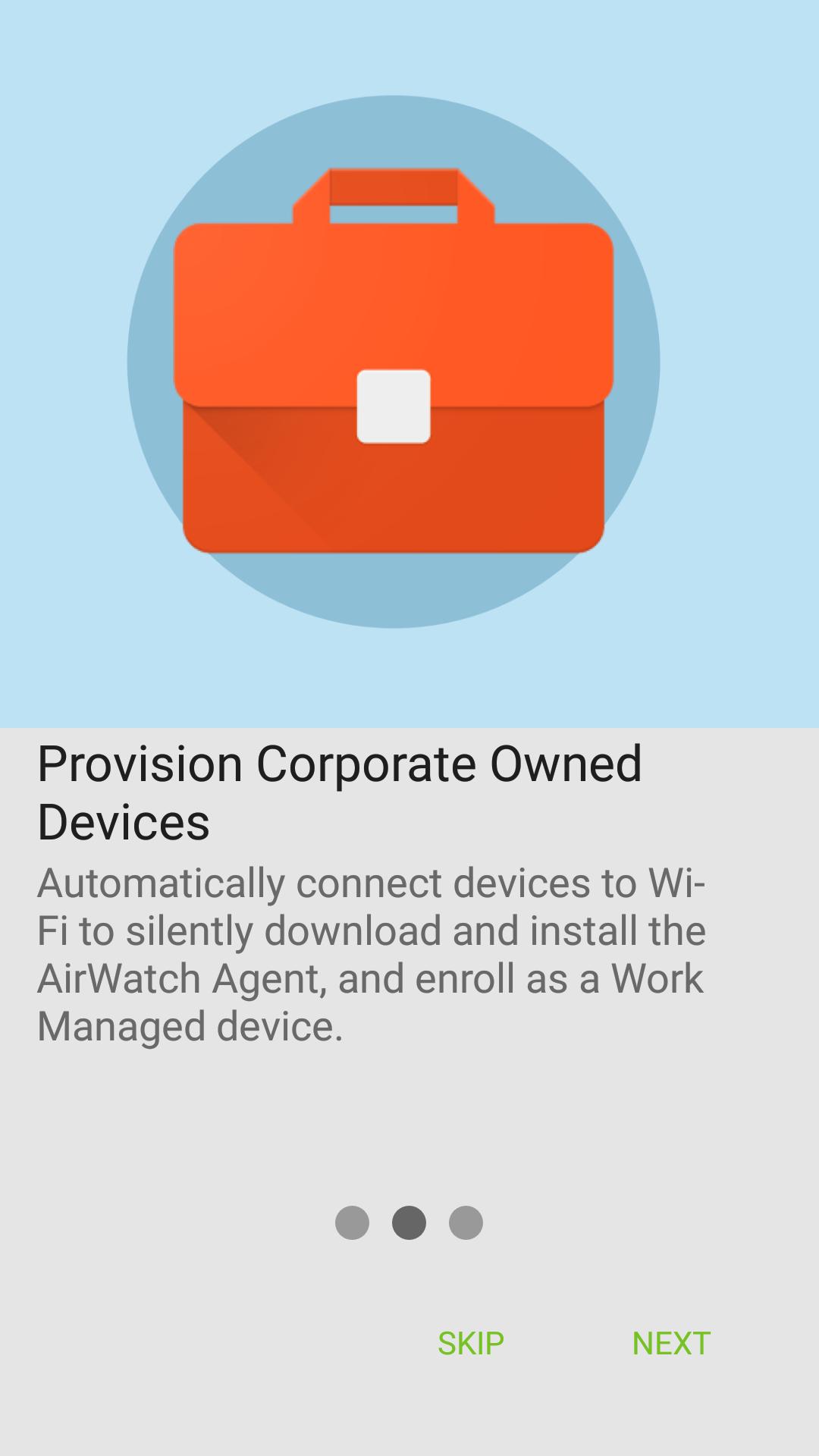
Google has created a true corporate ownership mode for Android devices that allows AirWatch and the IT administrator to control the entire device. This mode is known as “Work Managed Device” mode. The purpose of this app is to provision a device into Work Managed Device mode and auto-enroll it into AirWatch.
Setting up a Work Managed Device using AirWatch Relay requires a staging process. This will require a staging device or a “parent device” that will stage a “child device”. The parent device will have AirWatch Relay installed on it. This application will relay information through NFC telling the child device to:
Set the device date/time and locale
Connect to the staging Wi-Fi network
Download the latest production version of the AirWatch Agent for Android
Silently set the AirWatch Agent as device owner
Automatically enroll the agent into AirWatch
Note:
The child device must be in a factory reset state and support/have NFC turned on by default in order to be provisioned into Work Managed Device mode. This will guarantee that the device is not setup for personal use.
Requires Android Beam (not available in Android 10)
Preview
Tags
BusinessInformation
Developer
VMware Workspace ONE
Latest Version
5.21.0
Last Updated
2022-11-02
Category
Business
Available on
Google Play
Show More
Cara bermain AirWatch Relay dengan GameLoop pada PC
1. Muat turun GameLoop dari laman web rasmi, kemudian jalankan fail exe untuk memasang GameLoop.
2. Buka GameLoop dan cari "AirWatch Relay", cari AirWatch Relay dalam hasil carian dan klik "Pasang".
3. Nikmati bermain AirWatch Relay di GameLoop.
Minimum requirements
OS
Windows 8.1 64-bit or Windows 10 64-bit
GPU
GTX 1050
CPU
i3-8300
Memory
8GB RAM
Storage
1GB available space
Recommended requirements
OS
Windows 8.1 64-bit or Windows 10 64-bit
GPU
GTX 1050
CPU
i3-9320
Memory
16GB RAM
Storage
1GB available space