Guide Xiaomi Mi Pocket Printer PC
Sasori Studio
Download Guide Xiaomi Mi Pocket Printer on PC With GameLoop Emulator
Guide Xiaomi Mi Pocket Printer pada PC
Guide Xiaomi Mi Pocket Printer, datang daripada pembangun Sasori Studio, sedang berjalan pada sistem Android pada masa lalu.
Kini, Anda boleh bermain Guide Xiaomi Mi Pocket Printer pada PC dengan GameLoop dengan lancar.
Muat turunnya dalam pustaka GameLoop atau hasil carian. Tiada lagi melihat bateri atau panggilan yang mengecewakan pada masa yang salah lagi.
Hanya nikmati Guide Xiaomi Mi Pocket Printer PC pada skrin besar secara percuma!
Guide Xiaomi Mi Pocket Printer Pengenalan
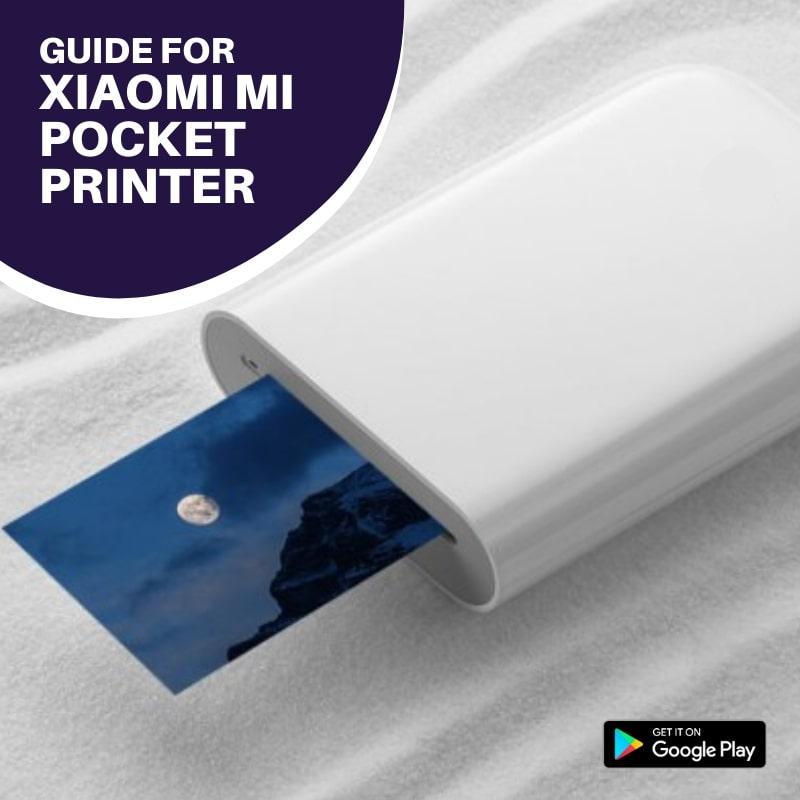
Overview of xiaomi mi pocket printer, Pocket printer technology is a way for you to print high-quality photos without buying expensive ink cartridges or photo paper packs.
Pocket printers use specially designed paper that holds the ink (colored pigments) needed for printing.
They're small, portable, easy to use and can produce high-quality prints.
In this application there are several things that can help you how to connect printer in xiaomi mi 9 and pairing and connect with mi home / xiaomi home app etc.
Want to find out more about guide for xiaomi mi pocket printer | info app Check the information below!
By downloading, installing and using this app, you agree to our Privacy Policy (https://xalpha.website/sosori/xmpckt11/pp.html).
Hope it is useful!
Preview
Tags
Books-&Information
Developer
Sasori Studio
Latest Version
1.1
Last Updated
2021-12-20
Category
Books-reference
Available on
Google Play
Show More
Cara bermain Guide Xiaomi Mi Pocket Printer dengan GameLoop pada PC
1. Muat turun GameLoop dari laman web rasmi, kemudian jalankan fail exe untuk memasang GameLoop.
2. Buka GameLoop dan cari "Guide Xiaomi Mi Pocket Printer", cari Guide Xiaomi Mi Pocket Printer dalam hasil carian dan klik "Pasang".
3. Nikmati bermain Guide Xiaomi Mi Pocket Printer di GameLoop.
Minimum requirements
OS
Windows 8.1 64-bit or Windows 10 64-bit
GPU
GTX 1050
CPU
i3-8300
Memory
8GB RAM
Storage
1GB available space
Recommended requirements
OS
Windows 8.1 64-bit or Windows 10 64-bit
GPU
GTX 1050
CPU
i3-9320
Memory
16GB RAM
Storage
1GB available space