
Inverted Filter (Trending Inverted Effect) PC
MAA FOR APPS
Download Inverted Filter (Trending Inverted Effect) on PC With GameLoop Emulator
Inverted Filter (Trending Inverted Effect) pada PC
Inverted Filter (Trending Inverted Effect), datang daripada pembangun MAA FOR APPS, sedang berjalan pada sistem Android pada masa lalu.
Kini, Anda boleh bermain Inverted Filter (Trending Inverted Effect) pada PC dengan GameLoop dengan lancar.
Muat turunnya dalam pustaka GameLoop atau hasil carian. Tiada lagi melihat bateri atau panggilan yang mengecewakan pada masa yang salah lagi.
Hanya nikmati Inverted Filter (Trending Inverted Effect) PC pada skrin besar secara percuma!
Inverted Filter (Trending Inverted Effect) Pengenalan
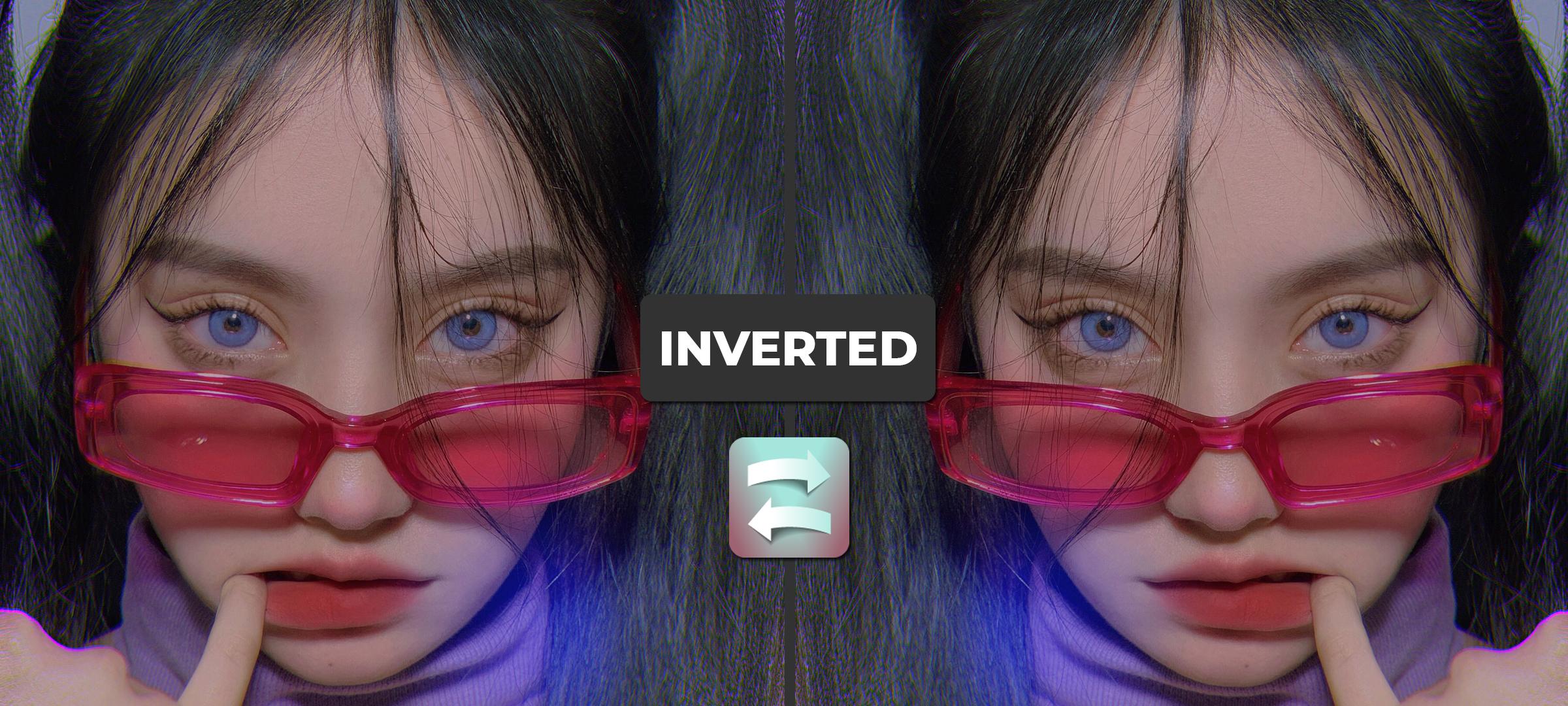
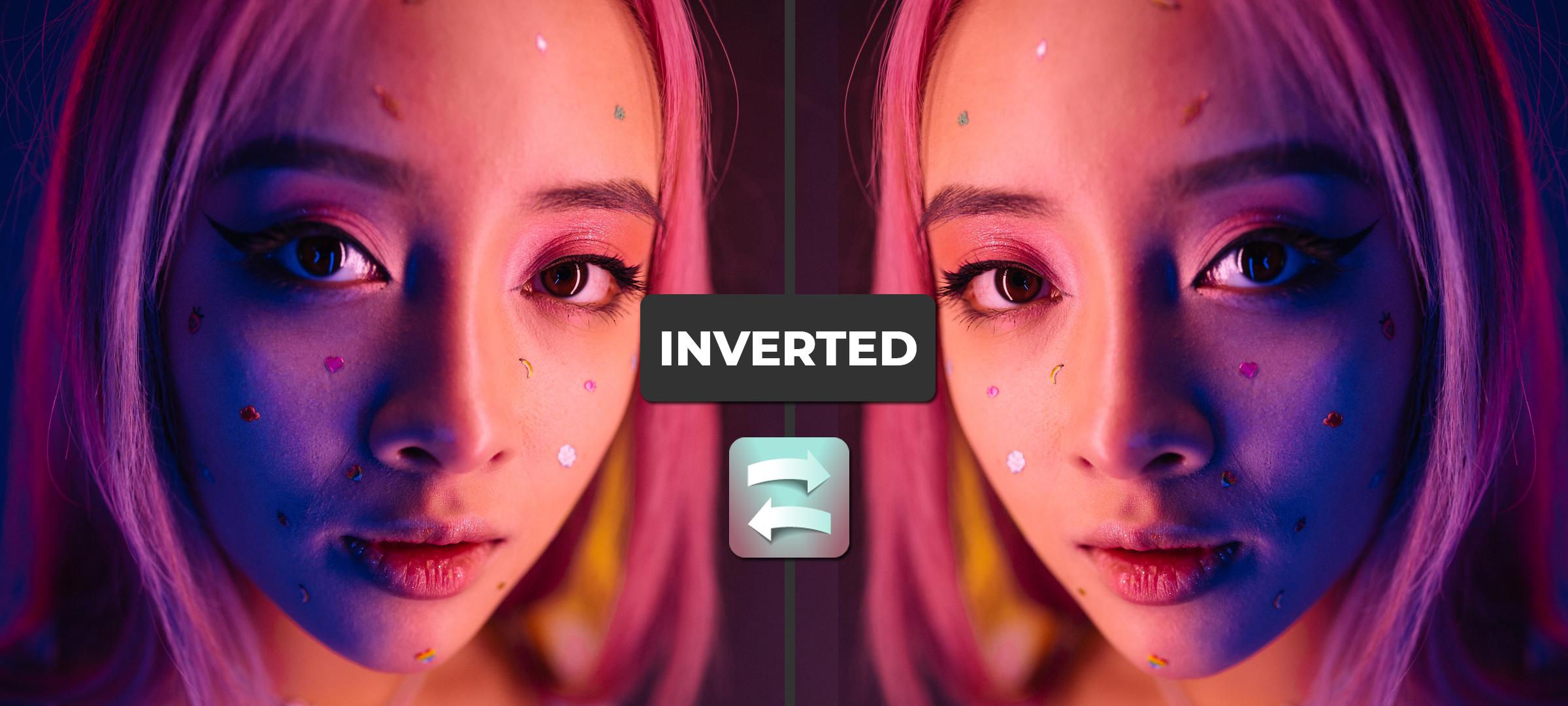
Inverted camera effect app allows you to apply the most trending and popular inverted filter in your video for free and no extra apps needed, with one click you can apply the inverted effect to your video.
The inverted filter is the most popular effect these days, not the social media famous use it, but everyone uses it, why don't be one of them?
Inverted camera effect provides too many features such as add a song to your video, yes, you can play your favorite song while your recording video with the inverted effect, isn't that cool?
The inverted effect is exactly like the mirror effect, it based on the inverted camera, each time you tap on the screen the camera will be inverted or mirrored.
Features :
- Inverted camera effect.
- The app compatible with all devices, even if you have a low-end device.
- Share your inverted effect video with your friends.
- Support all tablet and phone devices.
- Support multi languages.
How to use it:
1 - Open the inverted camera effect app.
2 - Click on the start button to start your inverted video.
3 - Click on the timer icon if you want to adjust the video duration.
4 - Click on the song icon to add your favorite song while you recording the video.
5 - Click on the record button to start recording the inverted video.
6 - When the record finished, you can share your inverted effect video with your friends using social media apps.
What are you waiting for, use our app inverted camera effect now to make your video cool and popular.
Preview
Information
Developer
MAA FOR APPS
Latest Version
2.1
Last Updated
2021-10-06
Category
Beauty
Available on
Google Play
Show More
Cara bermain Inverted Filter (Trending Inverted Effect) dengan GameLoop pada PC
1. Muat turun GameLoop dari laman web rasmi, kemudian jalankan fail exe untuk memasang GameLoop.
2. Buka GameLoop dan cari "Inverted Filter (Trending Inverted Effect)", cari Inverted Filter (Trending Inverted Effect) dalam hasil carian dan klik "Pasang".
3. Nikmati bermain Inverted Filter (Trending Inverted Effect) di GameLoop.
Minimum requirements
OS
Windows 8.1 64-bit or Windows 10 64-bit
GPU
GTX 1050
CPU
i3-8300
Memory
8GB RAM
Storage
1GB available space
Recommended requirements
OS
Windows 8.1 64-bit or Windows 10 64-bit
GPU
GTX 1050
CPU
i3-9320
Memory
16GB RAM
Storage
1GB available space