
SVG Converter Lite PC
Bostan Constantin
Download SVG Converter Lite on PC With GameLoop Emulator
SVG Converter Lite pada PC
SVG Converter Lite, datang daripada pembangun Bostan Constantin, sedang berjalan pada sistem Android pada masa lalu.
Kini, Anda boleh bermain SVG Converter Lite pada PC dengan GameLoop dengan lancar.
Muat turunnya dalam pustaka GameLoop atau hasil carian. Tiada lagi melihat bateri atau panggilan yang mengecewakan pada masa yang salah lagi.
Hanya nikmati SVG Converter Lite PC pada skrin besar secara percuma!
SVG Converter Lite Pengenalan
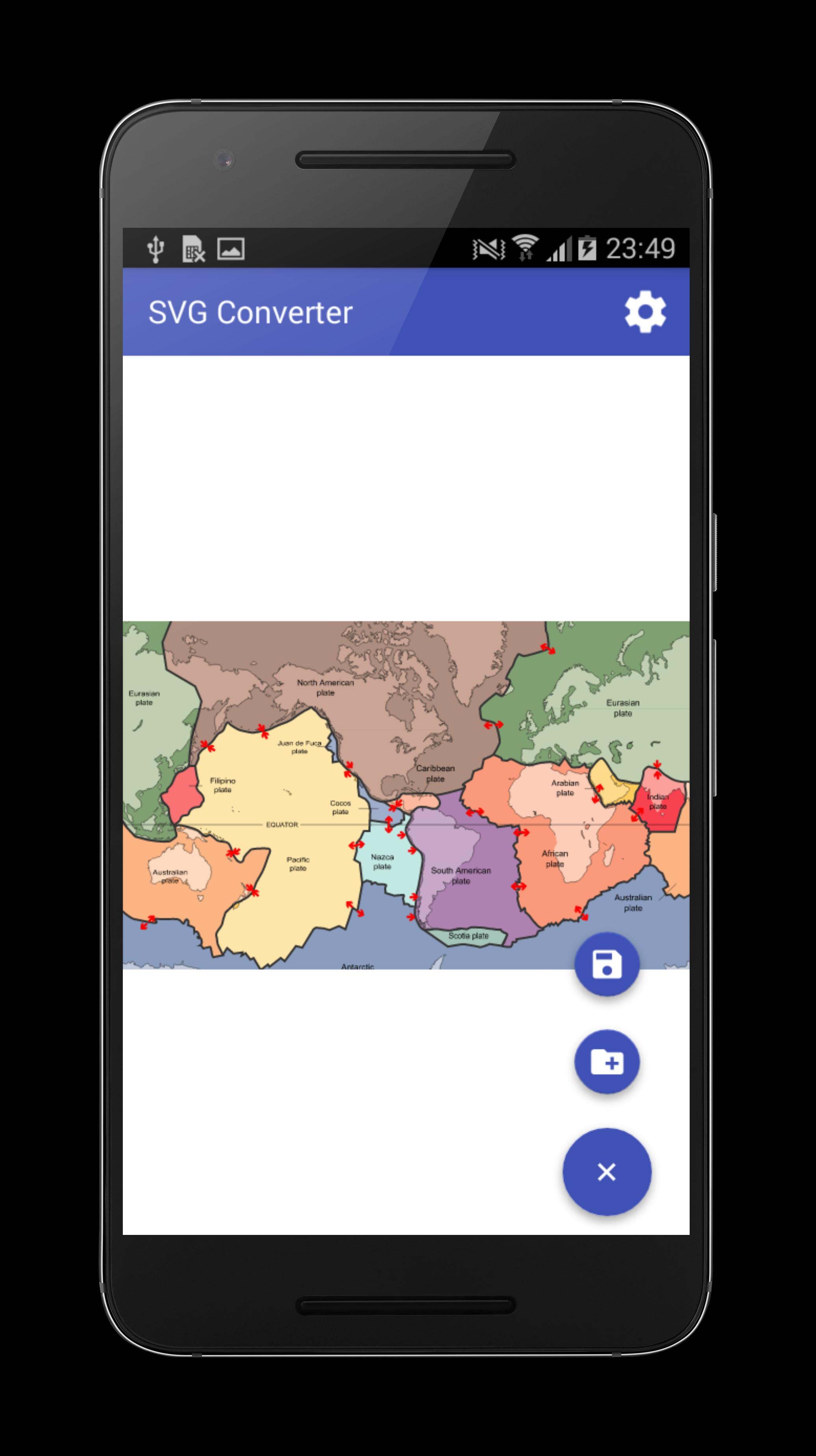
This application allow you to convert SVG file to PNG and save it on the device.
The application is free and can be easily used. The program has the following advantages:
- The converted SVG file can be viewed before converting;
- Application works offline without internet connection;
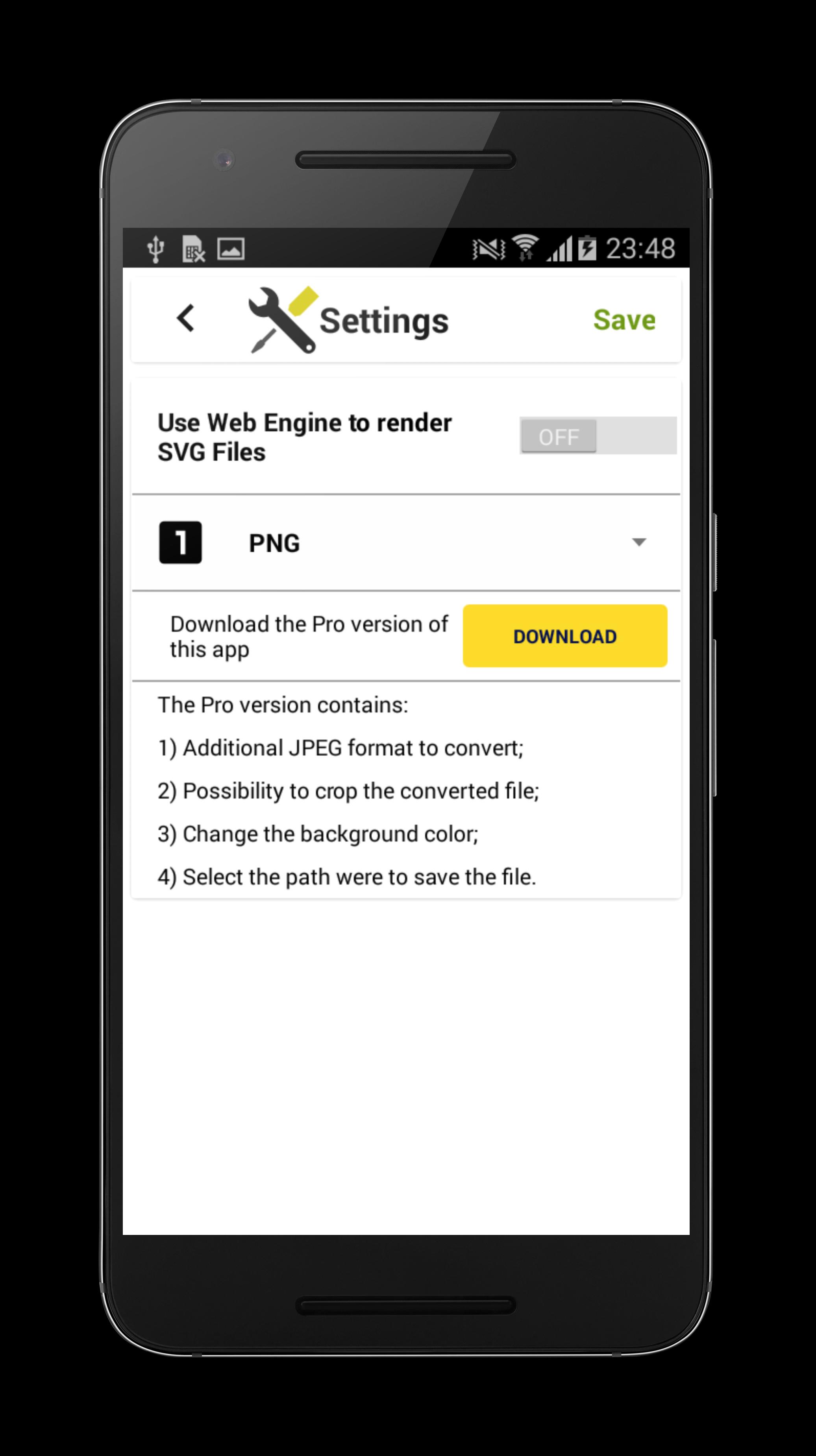
- Settings menu;
Important notes:
1) Application is always in portrait mode because it's only a converter, if you want something more advanced in viewing the SVG documents I suggest to download my other app SVG Viewer;
2) Some SVG files with custom fonts will not be rendered, therefore the best strategy is to use an editor which can export text as independent line curves;
3) Don't select documents stored internally in other apps because of file access restrictive policy therefore sometimes these files may not load at all.
Don't forget to rate this app :) , for bad reviews send me a bug report via email.
Preview
Information
Developer
Bostan Constantin
Latest Version
2.2.0
Last Updated
2016-05-05
Category
Art-design
Available on
Google Play
Show More
Cara bermain SVG Converter Lite dengan GameLoop pada PC
1. Muat turun GameLoop dari laman web rasmi, kemudian jalankan fail exe untuk memasang GameLoop.
2. Buka GameLoop dan cari "SVG Converter Lite", cari SVG Converter Lite dalam hasil carian dan klik "Pasang".
3. Nikmati bermain SVG Converter Lite di GameLoop.
Minimum requirements
OS
Windows 8.1 64-bit or Windows 10 64-bit
GPU
GTX 1050
CPU
i3-8300
Memory
8GB RAM
Storage
1GB available space
Recommended requirements
OS
Windows 8.1 64-bit or Windows 10 64-bit
GPU
GTX 1050
CPU
i3-9320
Memory
16GB RAM
Storage
1GB available space