Draw Fun PC
MobileRise
Download Draw Fun on PC With GameLoop Emulator
Draw Fun pada PC
Draw Fun, datang daripada pembangun MobileRise, sedang berjalan pada sistem Android pada masa lalu.
Kini, Anda boleh bermain Draw Fun pada PC dengan GameLoop dengan lancar.
Muat turunnya dalam pustaka GameLoop atau hasil carian. Tiada lagi melihat bateri atau panggilan yang mengecewakan pada masa yang salah lagi.
Hanya nikmati Draw Fun PC pada skrin besar secara percuma!
Draw Fun Pengenalan
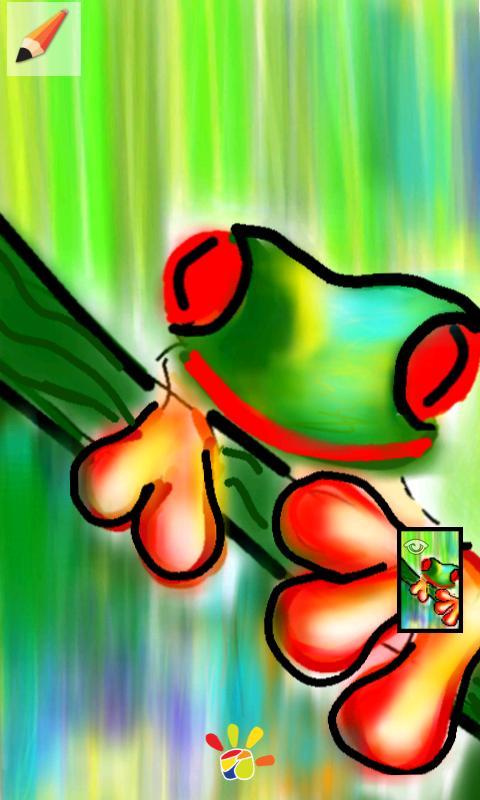
A unique drawing application that supports layers and very funny to use it.
Draw Fun is great in both drawing and photo editing.
Use your imagination and create funny and exiting images , then share it with your friends by using facebook, twitter, email, mms or whatever you have.
Select items such as photos or drawings then resize or rotate with two fingers or move the item to another layer.
*Usage:
-Touch the pen to draw and retouch to insert the drawing as an item.
-Long press an item to delete it(move it to recycle bin).
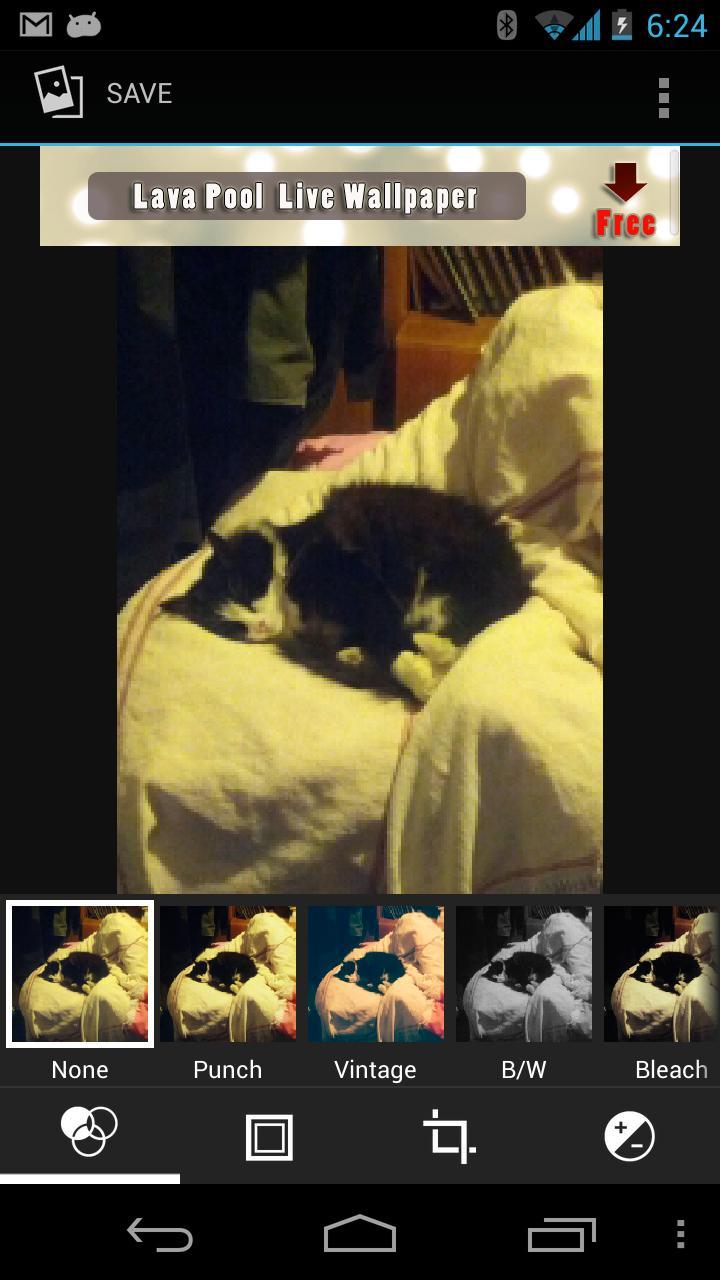
-New:Long press on an image to edit with filters(drag it to lens)
-Long press any image to crop it(move it to scissors).
-Long press any item to move it to another layer.
-Double tap on a layer to make it invisible
-select any item and move it.
-rotate or zoom an item with two fingers(Pinch zoom and rotate)
-Important: You can only select an item if it's layer is selected.
*Functions:
-Stickers(Beards, glasses, hairs,hats, masks, speech bubbles and many many more)
-Save and load
-Share
-Layers
-Text drawing, many fonts.
-Draw on photos
-Many brushes
-Spray and laser effects on brushes.
-Pinch zoom and rotate
*Photo editing functions:
-9 ready to use filters(Punch, Vintage, Black/White, Instant, Latte, Blue, Litho, X Process)
-7 Frame
-Straighten, Crop, Rotate, Mirror
-10 more detailed filters(Autocolor, Exposure, Vignette, Contrast, Shadows, Vibrance, Curves, Hue, Saturation, BW Filter)
-History (slide left to reach history)
*Usage of photo editing
-On photo editing screen slide left to open history and slide right to close history
-To use Rotate or Mirror slide the screen with your finger.
-From the bottom tabs change screens .(Ready Filters, Frames, Crop, Detailed Filters)
-Use back button to save and use the image in Draw Fun.
Note that this is the second version, we will add more features.
If you have an idea , we are glad to hear about it.
Next version we will add;
-more drawing features
-more layer features
We work hard to make the best drawing and photo application and we need your pozitive ratings to keep it better.
Please email if you find any bug or problem.
Preview
Information
Developer
MobileRise
Latest Version
1.5.0
Last Updated
2015-03-04
Category
Art-design
Available on
Google Play
Show More
Cara bermain Draw Fun dengan GameLoop pada PC
1. Muat turun GameLoop dari laman web rasmi, kemudian jalankan fail exe untuk memasang GameLoop.
2. Buka GameLoop dan cari "Draw Fun", cari Draw Fun dalam hasil carian dan klik "Pasang".
3. Nikmati bermain Draw Fun di GameLoop.
Minimum requirements
OS
Windows 8.1 64-bit or Windows 10 64-bit
GPU
GTX 1050
CPU
i3-8300
Memory
8GB RAM
Storage
1GB available space
Recommended requirements
OS
Windows 8.1 64-bit or Windows 10 64-bit
GPU
GTX 1050
CPU
i3-9320
Memory
16GB RAM
Storage
1GB available space