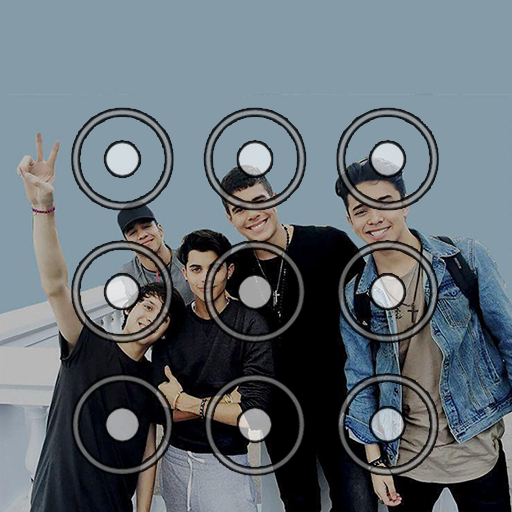
CNCO Pattern Lock Screen PC
Stickerball
Download CNCO Pattern Lock Screen on PC With GameLoop Emulator
CNCO Pattern Lock Screen pada PC
CNCO Pattern Lock Screen, datang daripada pembangun Stickerball, sedang berjalan pada sistem Android pada masa lalu.
Kini, Anda boleh bermain CNCO Pattern Lock Screen pada PC dengan GameLoop dengan lancar.
Muat turunnya dalam pustaka GameLoop atau hasil carian. Tiada lagi melihat bateri atau panggilan yang mengecewakan pada masa yang salah lagi.
Hanya nikmati CNCO Pattern Lock Screen PC pada skrin besar secara percuma!
CNCO Pattern Lock Screen Pengenalan
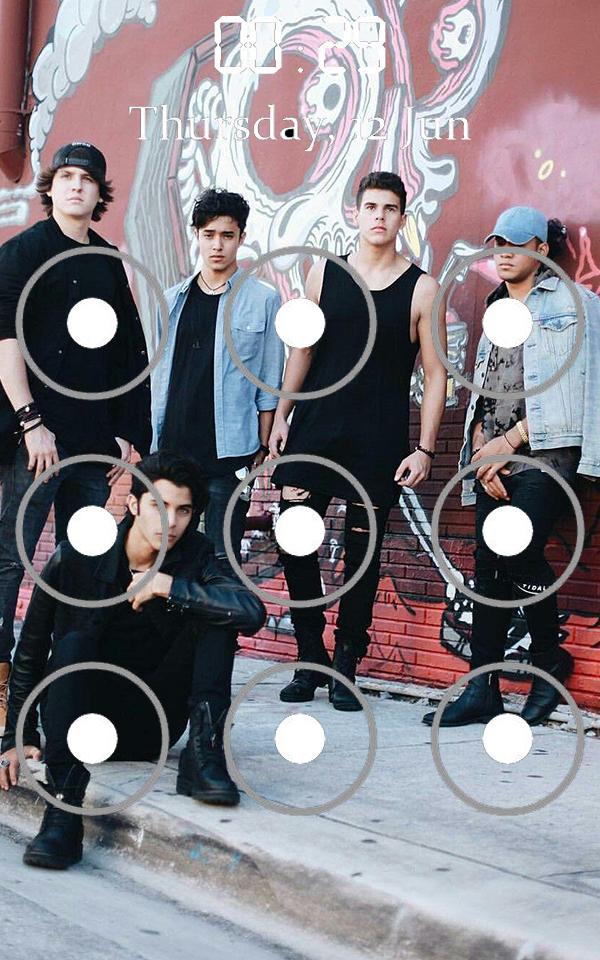
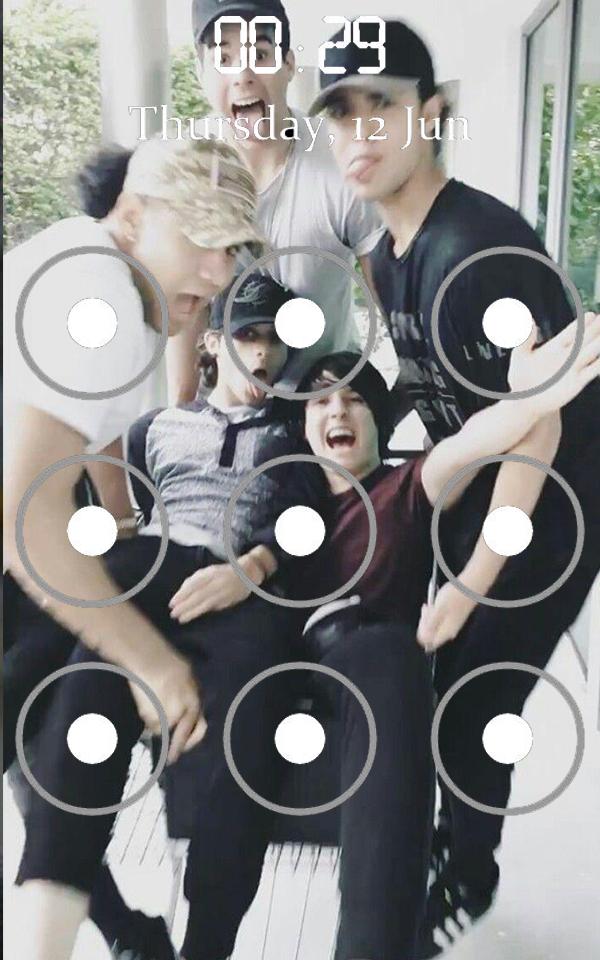
CNCO Pattern Lock Screen is an app made by fans. Its gives you to make pattern lock screen for your smartphone. This will make your background better and beautiful.
Download CNCO Pattern Lock Screen For Android now and start enjoying its awesome features. It was created to be used with most Android versions! Don't forget to share app with your friends, so they can have more fun with their phones too.
Our unique Pattern Lock Screen app has all our latest designs! Enjoy a fun way to write your text messages and chat with your friends with this new Pattern Lock Screen themes app.
Features of app:
-Create widget Home screen for easy settings
-Create CNCO Pattern Lock Screen Background
-Set pattern or password with keypad lock screen to boost your phone's security lock.
-you will get 8 CNCO Pattern Lock Screen Wallpaper
How to use the "CNCO Pattern Lock Screen":
1. Select "Enable lock screen " .
2. Go to Theme options, choose the best of 8 background pattern Screen Lock
3. Confirm the pattern.
4. Then you get a cool lockscreen
Enjoy our theme in your phone and do not forget to rate CNCO Pattern Lock Screen with 5 stars and leave a comment.
Thank you very much!
Take it easy....
Preview
Tags
Art-&Information
Developer
Stickerball
Latest Version
1.2
Last Updated
2020-04-06
Category
Art-design
Available on
Google Play
Show More
Cara bermain CNCO Pattern Lock Screen dengan GameLoop pada PC
1. Muat turun GameLoop dari laman web rasmi, kemudian jalankan fail exe untuk memasang GameLoop.
2. Buka GameLoop dan cari "CNCO Pattern Lock Screen", cari CNCO Pattern Lock Screen dalam hasil carian dan klik "Pasang".
3. Nikmati bermain CNCO Pattern Lock Screen di GameLoop.
Minimum requirements
OS
Windows 8.1 64-bit or Windows 10 64-bit
GPU
GTX 1050
CPU
i3-8300
Memory
8GB RAM
Storage
1GB available space
Recommended requirements
OS
Windows 8.1 64-bit or Windows 10 64-bit
GPU
GTX 1050
CPU
i3-9320
Memory
16GB RAM
Storage
1GB available space