Word Maze - Word Search para PC
Crossman
Descarga Word Maze - Word Search en PC con GameLoop Emulator
Word Maze - Word Search en PC
Word Maze - Word Search, proveniente del desarrollador Crossman, se ejecuta en el sistema Android en el pasado.
Ahora, puedes jugar Word Maze - Word Search en PC con GameLoop sin problemas.
Descárgalo en la biblioteca de GameLoop o en los resultados de búsqueda. No más mirar la batería o llamadas frustrantes en el momento equivocado nunca más.
Simplemente disfrute de Word Maze - Word Search PC en la pantalla grande de forma gratuita!
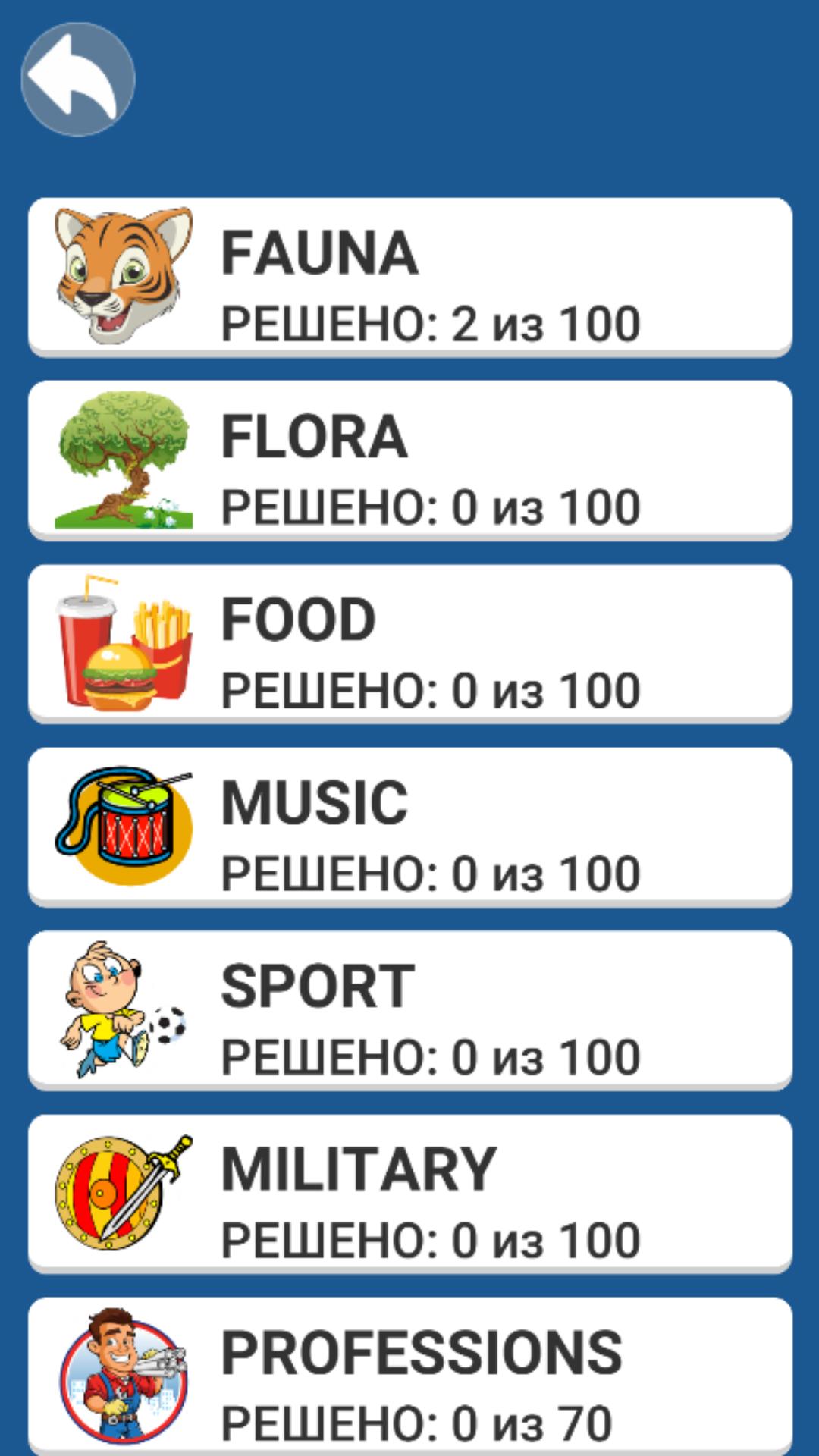
Word Maze - Word Search Introducción
"Word Maze - Word Search" is a beautiful word puzzle game. The levels are easy at first, but they get challenging fast. Is your mind ready to get pushed to the next level with word puzzles?
Solve puzzles in different languages and replenish your vocabulary. Choose a theme to your liking or find words from a certain number of letters. Try to solve more than 1000 levels.
RULES OF THE GAME.
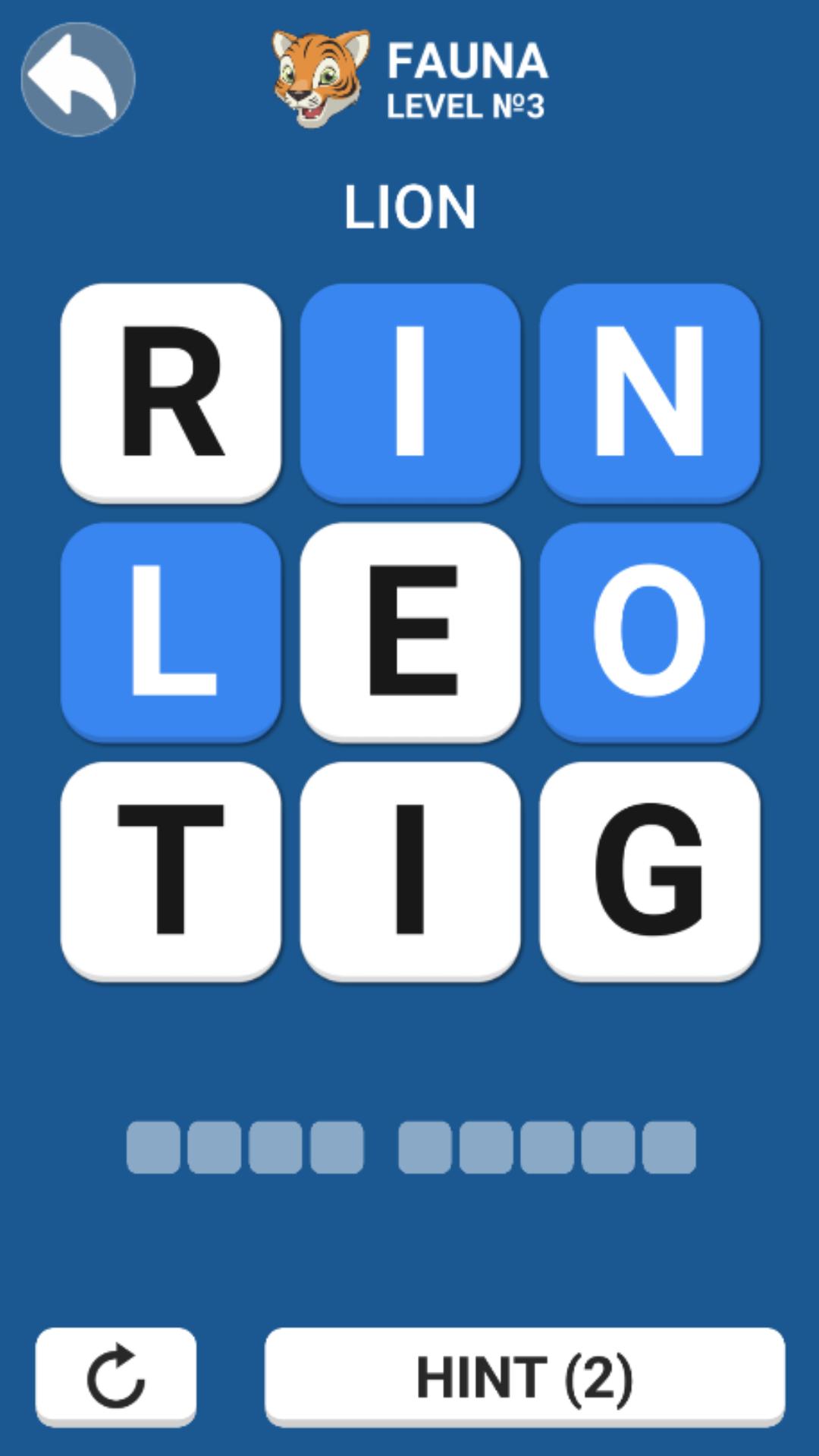
The goal of the game is to search for words on the selected theme. Without taking your finger off the screen, connect the letters in the correct sequence to collect the desired word. It is allowed to move to any adjacent letter: right-left, up-down and diagonally. If you connect the letters incorrectly, then it will be impossible to solve the puzzle. Press the reset button (the round arrow at the bottom of the screen) and try to find the right way.
Hints will help you cope even with hard word search.
FEATURES.
English and Russian languages.
Lots of themes.
1000+ levels.
Unlimited hints.
Difficulty ranges from simple to hard.
Do you like Word search, to solve crosswords, Fill the words, Guess the words? This game is an exciting activity during leisure hours or on the way to work.
Avance
Etiquetas
Juegos de palabrasInformación
Desarrollador
Crossman
La última versión
1.0.4
Última actualización
2022-11-27
Categoría
Juegos de palabras
Disponible en
Google Play
Mostrar más
Cómo jugar Word Maze - Word Search con GameLoop en PC
1. Descargue GameLoop desde el sitio web oficial, luego ejecute el archivo exe para instalar GameLoop.
2. Abra GameLoop y busque "Word Maze - Word Search", busque Word Maze - Word Search en los resultados de búsqueda y haga clic en "Instalar".
3. Disfruta jugando Word Maze - Word Search en GameLoop.
Minimum requirements
OS
Windows 8.1 64-bit or Windows 10 64-bit
GPU
GTX 1050
CPU
i3-8300
Memory
8GB RAM
Storage
1GB available space
Recommended requirements
OS
Windows 8.1 64-bit or Windows 10 64-bit
GPU
GTX 1050
CPU
i3-9320
Memory
16GB RAM
Storage
1GB available space