Crucigrama - Autodefinido para PC
FgCos Games
Descarga Crucigrama - Autodefinido en PC con GameLoop Emulator
Crucigrama - Autodefinido en PC
Crucigrama - Autodefinido, proveniente del desarrollador FgCos Games, se ejecuta en el sistema Android en el pasado.
Ahora, puedes jugar Crucigrama - Autodefinido en PC con GameLoop sin problemas.
Descárgalo en la biblioteca de GameLoop o en los resultados de búsqueda. No más mirar la batería o llamadas frustrantes en el momento equivocado nunca más.
Simplemente disfrute de Crucigrama - Autodefinido PC en la pantalla grande de forma gratuita!
Crucigrama - Autodefinido Introducción
Crossword - Self-Defining is a classic, free word game that helps keep your mind active while having fun. Discover thousands of Spanish crosswords in a timeless, traditional style that always makes you want to solve just one more.
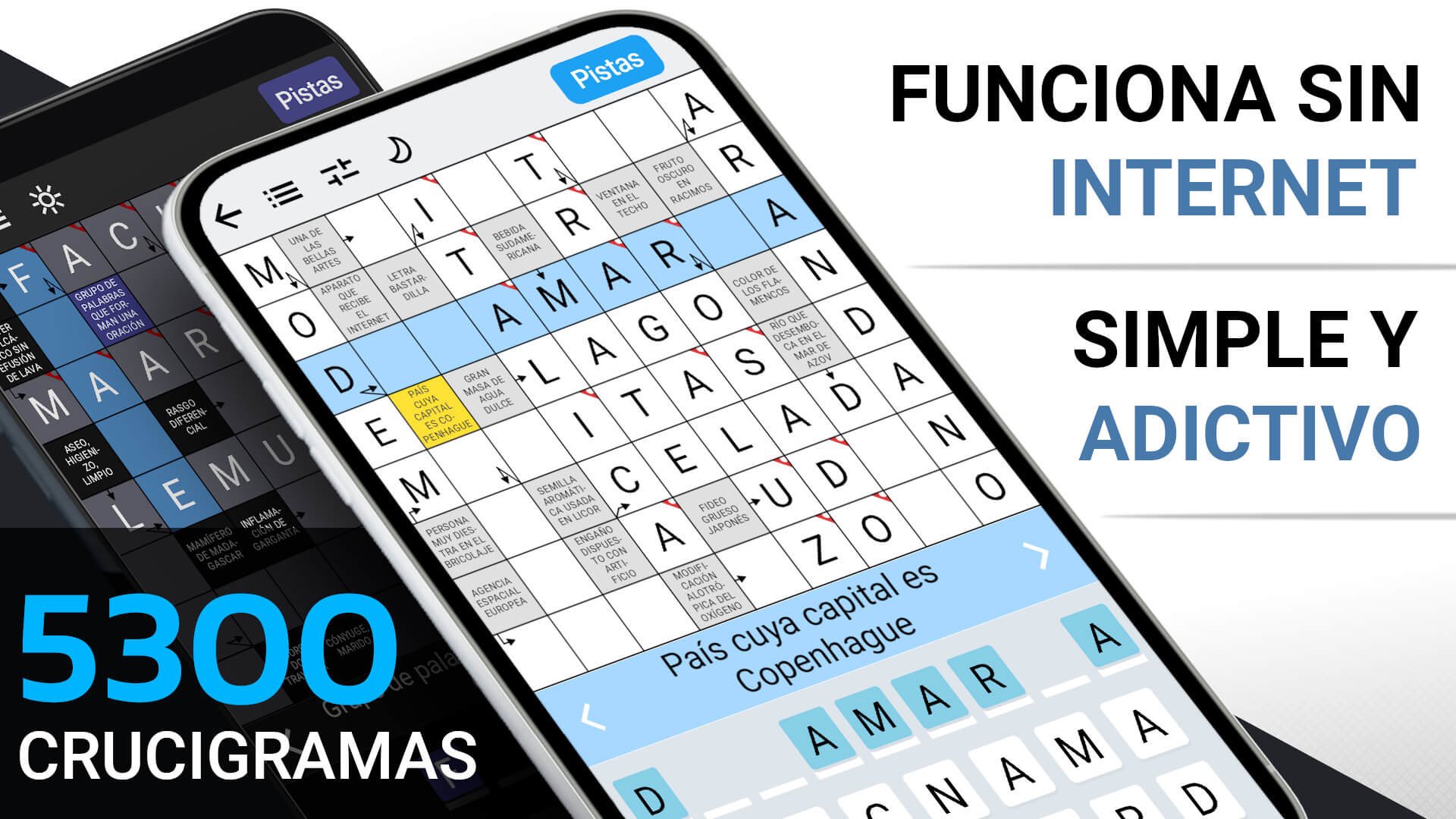
Crossword - Self-Defining combines the charm of classic paper crosswords with a modern and accessible format, offering fun for both experts and those looking to relax with a smart challenge. Inspired by Scandinavian crosswords, it includes clues within the cells for a smoother experience. Word game lovers, trivia enthusiasts, and those who enjoy brain teasers will find an irresistible challenge here, one that invites you to play again and again.
The app offers thousands of Spanish crosswords with interesting and carefully selected questions. Perfect for solving anytime: at home, while traveling, or in your free time. An ideal way to exercise your mind and expand your vocabulary while enjoying the game.
Features
✔ Wide variety of Spanish crosswords for all tastes
• Over 45,000 words; 5,323 self-defined clues.
• Unlimited number of completely free hints.
• High-quality content: all crosswords are carefully reviewed to ensure accuracy and enjoyment.
✔ Easy to play
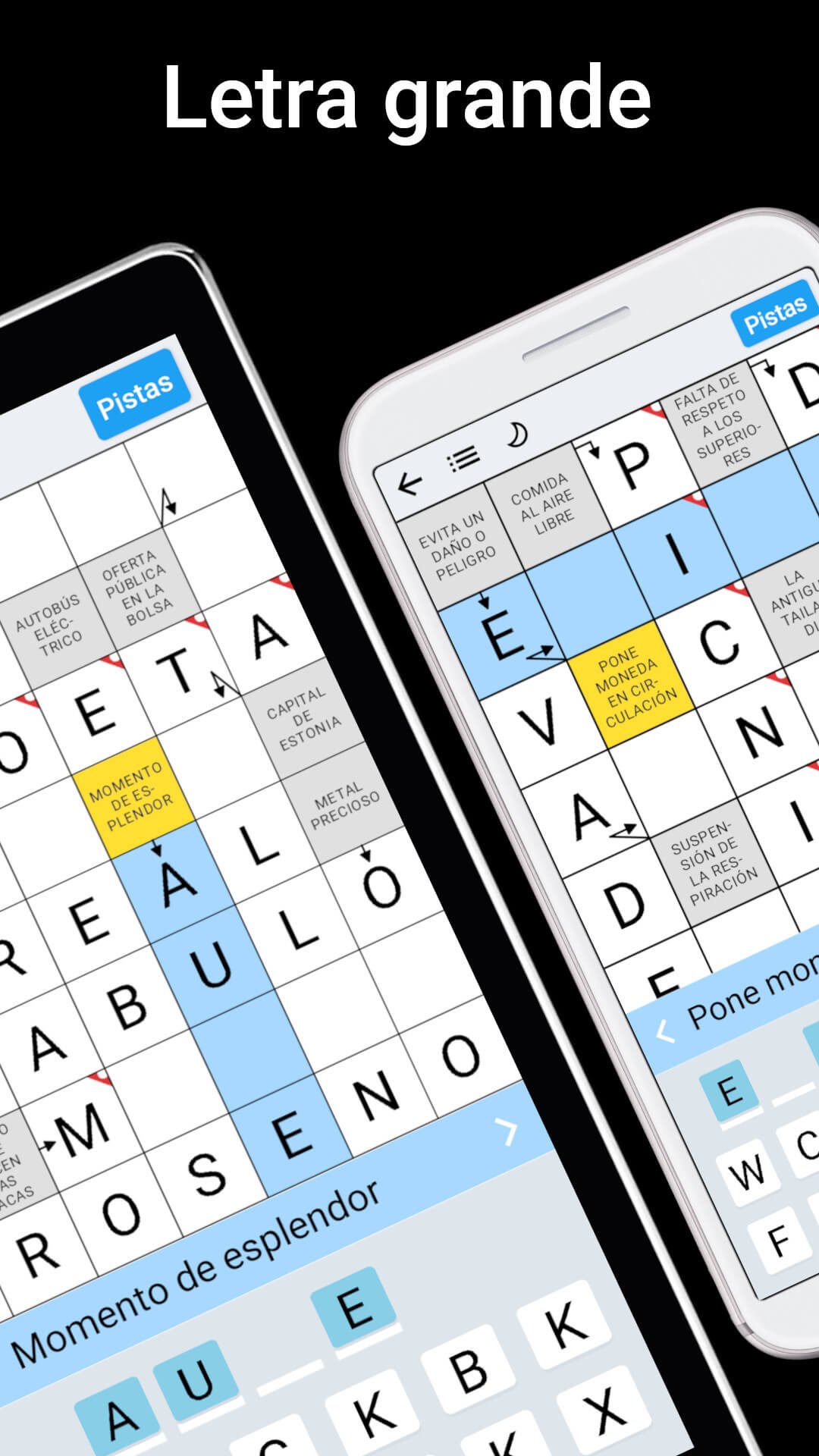
• Large font for easy reading.
• Zoom in on the grid for comfortable play even on a small screen.
• Landscape or portrait screen orientation for large tablets.
• Choose between a full keyboard or anagrams and enable key sounds.
✔ No internet connection required
✔ Light/Dark mode
• Dark (night) mode reduces eye strain and is ideal in low-light conditions.
✔ Automatic saving for the most convenient solving process
• Start solving any crossword puzzle right away.
✔ Completely free
• All crosswords are available to all players at no extra cost.
• If you don't know the answer, you can use three types of free hints.
✔ The app is optimized for phones, tablets, and all screen sizes.
• Intuitive controls.
• Takes up little space on your device.
• Doesn't drain your battery thanks to minimal system requirements.
✔ No time limits
• Play at your own pace.
In this app, you can explore more than 45,000 words spread across a wide variety of themes and difficulty levels. It's the perfect way to sharpen your mental agility, expand your vocabulary, and practice your memory and spelling.
In addition to their cultural value, crosswords stimulate attention and concentration, help you relax and relieve stress, and contribute to improved self-esteem by offering a profound sense of well-being and personal satisfaction upon completion.
Discover the joy of mastering the art of crosswords with Crossword - Self-Defining, a classic that combines fun, ingenuity, and learning in every game. Ideal for those who love word games and seek a timeless challenge.
Avance
Etiquetas
CrucigramaCasualUn solo jugadorDesconectadoInformación
Desarrollador
FgCos Games
La última versión
1.4.1-minSdk24
Última actualización
2026-10-02
Categoría
Juegos de palabras
Disponible en
Google Play
Mostrar más
Cómo jugar Crucigrama - Autodefinido con GameLoop en PC
1. Descargue GameLoop desde el sitio web oficial, luego ejecute el archivo exe para instalar GameLoop.
2. Abra GameLoop y busque "Crucigrama - Autodefinido", busque Crucigrama - Autodefinido en los resultados de búsqueda y haga clic en "Instalar".
3. Disfruta jugando Crucigrama - Autodefinido en GameLoop.
Minimum requirements
OS
Windows 8.1 64-bit or Windows 10 64-bit
GPU
GTX 1050
CPU
i3-8300
Memory
8GB RAM
Storage
1GB available space
Recommended requirements
OS
Windows 8.1 64-bit or Windows 10 64-bit
GPU
GTX 1050
CPU
i3-9320
Memory
16GB RAM
Storage
1GB available space