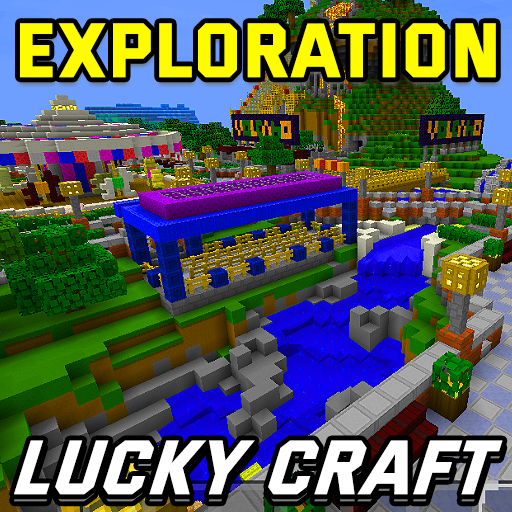
3D Lucky Craft Mini World Exploration para PC
Lucky Craftsman Crafting
Descarga 3D Lucky Craft Mini World Exploration en PC con GameLoop Emulator
3D Lucky Craft Mini World Exploration en PC
3D Lucky Craft Mini World Exploration, proveniente del desarrollador Lucky Craftsman Crafting, se ejecuta en el sistema Android en el pasado.
Ahora, puedes jugar 3D Lucky Craft Mini World Exploration en PC con GameLoop sin problemas.
Descárgalo en la biblioteca de GameLoop o en los resultados de búsqueda. No más mirar la batería o llamadas frustrantes en el momento equivocado nunca más.
Simplemente disfrute de 3D Lucky Craft Mini World Exploration PC en la pantalla grande de forma gratuita!
3D Lucky Craft Mini World Exploration Introducción
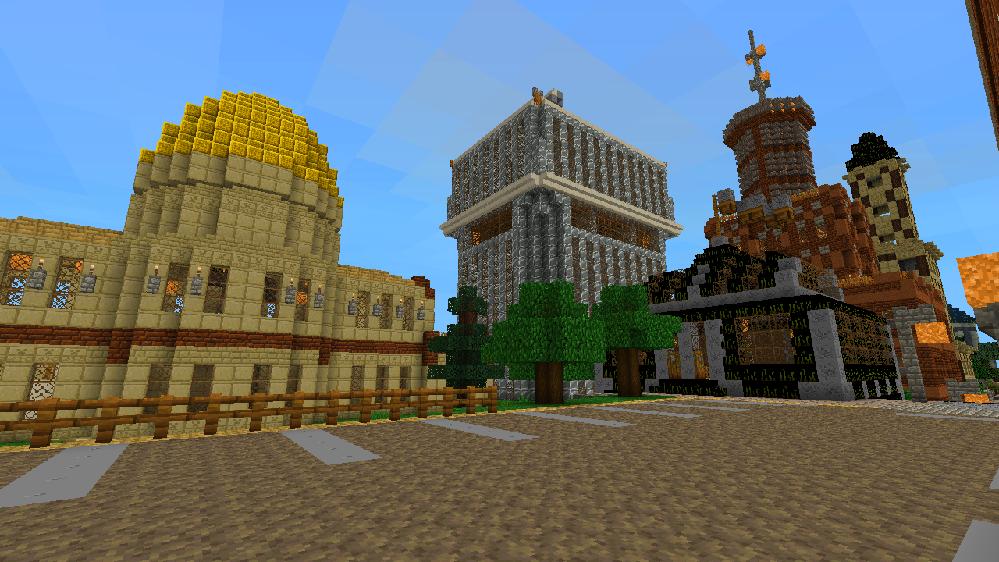
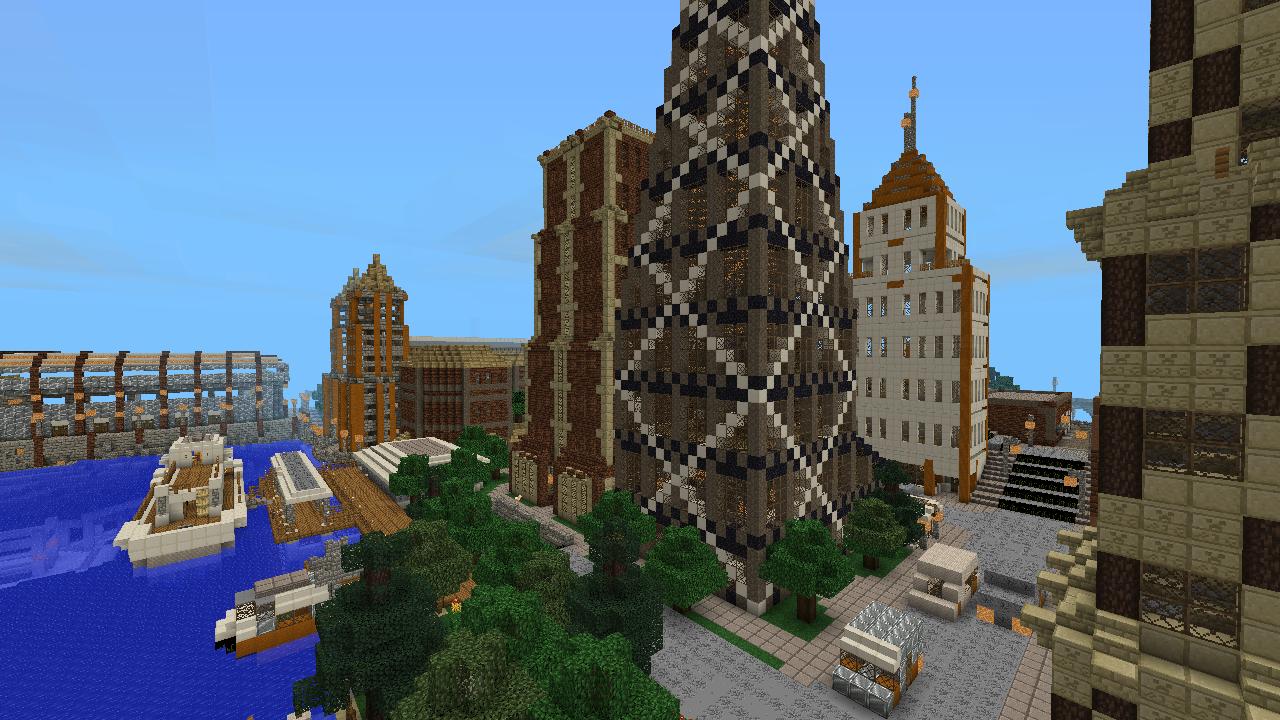
Amazing Maps Include this Lucky Craft games, explore every corner of the city and your will amaze and find new thing you can't imagine, this city build colorful and many kind of blocks (Blue Concrete, Green Shulker Box, End Stone Bricks, Purpur Slab, Red Sandstone Stairs carpet, sea lantern, Acacia Wood, Dark Oak Wood and more). If your expert in crafting make another new blocks and some tools : White Glazed Terracotta, Orange Glazed Terracotta, Golden Sword, Diamond Hoe, Ender Pear. If you have egg spawn so congratulation for you .. you can easy have a Mushroom, horse, wolf, rabbit, Llama, Squid etc. Play Survival Maps? One advice for you .... don't explore and go outside at night.
Avance
Información
Desarrollador
Lucky Craftsman Crafting
La última versión
5.3.0
Última actualización
2019-07-12
Categoría
Juegos de palabras
Disponible en
Google Play
Mostrar más
Cómo jugar 3D Lucky Craft Mini World Exploration con GameLoop en PC
1. Descargue GameLoop desde el sitio web oficial, luego ejecute el archivo exe para instalar GameLoop.
2. Abra GameLoop y busque "3D Lucky Craft Mini World Exploration", busque 3D Lucky Craft Mini World Exploration en los resultados de búsqueda y haga clic en "Instalar".
3. Disfruta jugando 3D Lucky Craft Mini World Exploration en GameLoop.
Minimum requirements
OS
Windows 8.1 64-bit or Windows 10 64-bit
GPU
GTX 1050
CPU
i3-8300
Memory
8GB RAM
Storage
1GB available space
Recommended requirements
OS
Windows 8.1 64-bit or Windows 10 64-bit
GPU
GTX 1050
CPU
i3-9320
Memory
16GB RAM
Storage
1GB available space