
YouCam Video: AI Video Editor para PC
Perfect Mobile Corp.
Descarga YouCam Video: AI Video Editor en PC con GameLoop Emulator
YouCam Video: AI Video Editor en PC
YouCam Video: AI Video Editor, proveniente del desarrollador Perfect Mobile Corp., se ejecuta en el sistema Android en el pasado.
Ahora, puedes jugar YouCam Video: AI Video Editor en PC con GameLoop sin problemas.
Descárgalo en la biblioteca de GameLoop o en los resultados de búsqueda. No más mirar la batería o llamadas frustrantes en el momento equivocado nunca más.
Simplemente disfrute de YouCam Video: AI Video Editor PC en la pantalla grande de forma gratuita!
YouCam Video: AI Video Editor Introducción
Transform your footage with YouCam Video, an intuitive video editor that simplifies every step of the creative video editing process.
All-In-One Video Editor
Experience the future of video editing with AI features that automate the hard work.
• AI Auto-Edit: Turn raw footage into polished vlogs with AI Auto-Edit, which now lets you mix up to 30 minutes of source video, 60 clips, and 300 photos. Just pick your video style and add a prompt to let the app edit, add BGM, and layer a voiceover that perfectly matches your pace.
• Video Enhancer: Fix blurry or low-res footage and upscale old videos to HD quality.
• Object Removal: Remove unwanted objects or backgrounds from videos.
• AI Video Expansion: Expand your video’s borders beyond the original frame for outpainting and filling backgrounds.
•AI Animation: Transform footage into Anime, Manga, or 3D Cartoon styles.
Intuitive Video Editing Tools
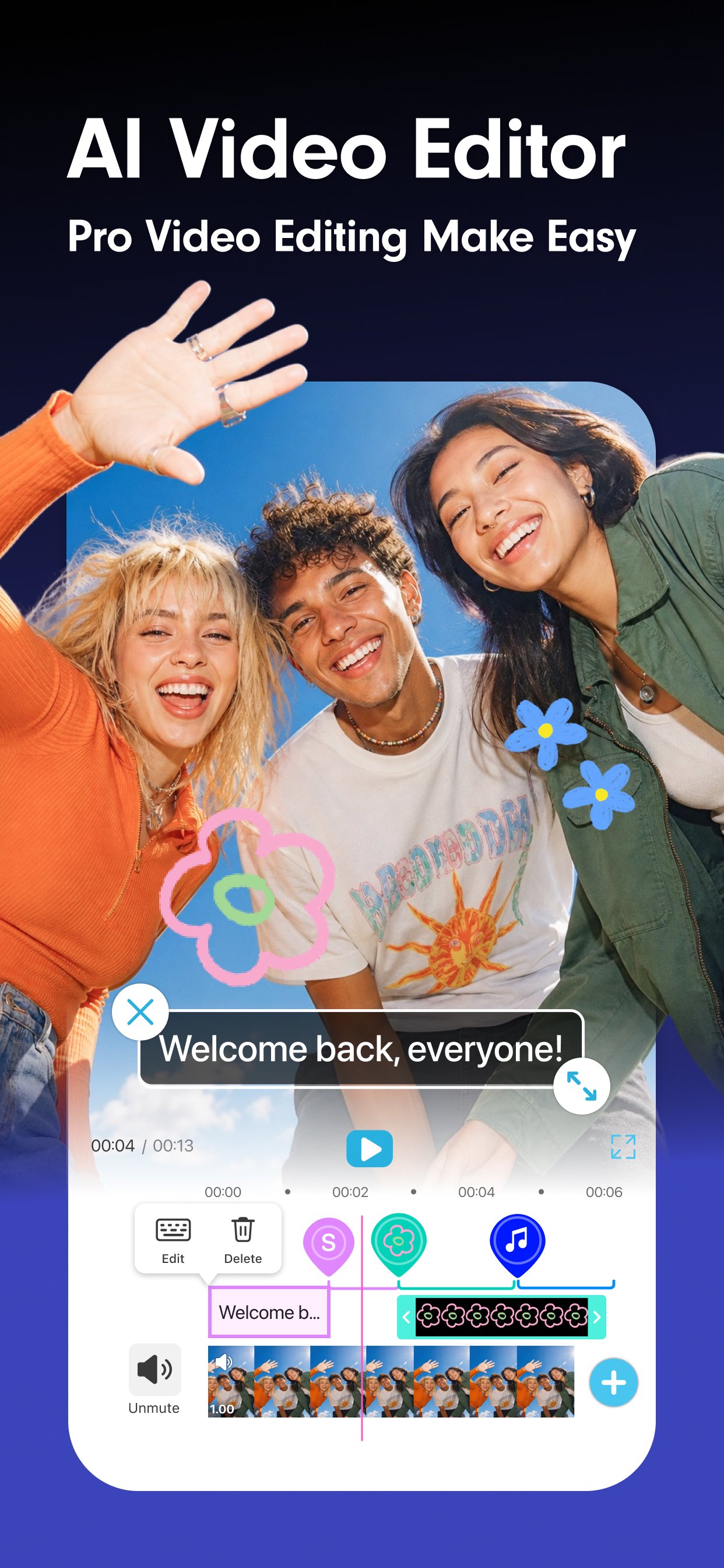
• Video Timeline Editing: Keep your edit clear from start to finish. Split, trim, and merge clips on an intuitive video timeline designed for frame-precise cuts.
• AI Color Enhance: Auto-adjust lighting, contrast, saturation, and temperature for natural, balanced results with our upgraded engine.
• Auto Captions (Subtitles): Generate accurate subtitles for talking videos. Customize fonts and styles for high engagement.
•Keyframe & Curve: Bring captions and overlays to life with advanced Keyframe Animation and 30 cinematic Curve Presets for custom text and sticker movement.
• Speed Control: Adjust video speed to create dramatic slow-motion effects or time-lapses.
• Video Transitions: 100+ professional transitions to make your cuts flow seamlessly.
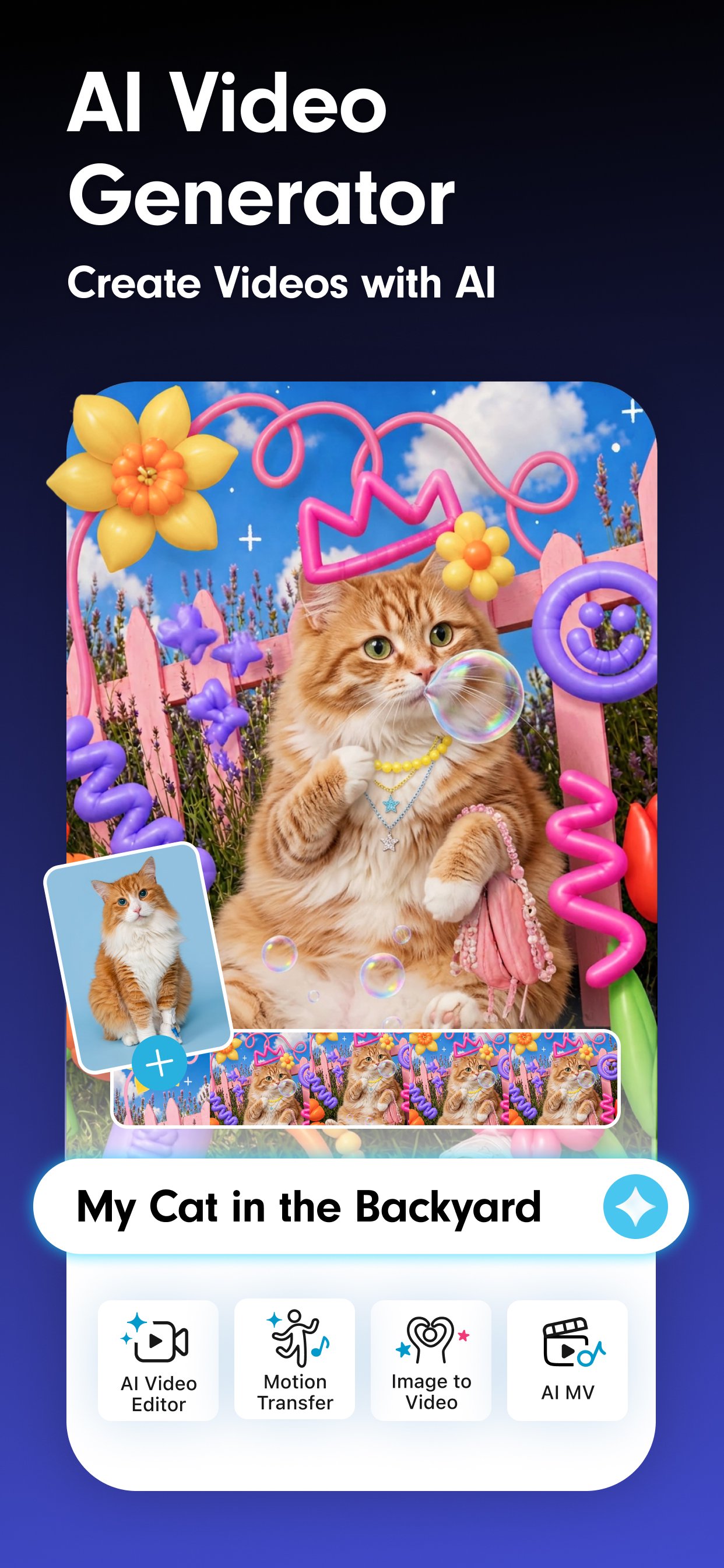
Next-Gen AI Video Generator
Powered by the top models (Veo, Kling, Vidu, Wan, Seedance 2.5).
•AI Music Video: Drop a portrait, pick your vibe, and let the AI magically craft custom scripts, killer tracks, and auto-subtitles into a viral 1080p music video.
• Text/Image-to-Video: Turn prompts or static photos into high-quality cinematic footage.
• AI Group Video: Merge 2 photos into one realistic pairshot using AI templates for couples, pets, & more.
• Character Swap: Apply movements from a reference video to your character photos. Swap the character while keeping the original background intact.
• AI Video Editor: Use text or reference images to modify outfits, scenes, and styles.
Video Face Retouch, Reshape & Makeup
•Face Reshape: Elevate your video retouching with hyper-detailed facial symmetry controls. Customize your eyes, reshape lips and the philtrum line, and contour eyebrows for a flawless, natural look.
•Face Lift: Sculpt facial features independently—refine forehead width, eye positioning, cheekbones, and mouth lines.
•Smile: Apply realistic smile effects—Classic, Chic, or Charming—that look seamless in motion.
• Face Retouch & Smooth: Erase eye bags, remove blemishes, smooth skin, and conceal dark circles natrually.
• Virtual Makeup: Apply realistic lipstick, eyeshadow, blush, and lashes that stay tracked to your movement.
Video Body Editor & Shaper
• Full Body Edit: Use updated body-contouring tools to shape a lean waist and seamlessly adjust your legs, arms, and posture.
• Proportions: Subtle slimming or height adjustment for fitness content & OOTD videos.
• Background Protection: Our AI ensures your background doesn't warp when you edit your body shape.
Audio and Music Effects
• Noise Reduction: Reduce background noise to deliver clearer, cleaner audio.
• Speech Enhance: Automatically enhance human voices for clearer speech and a cleaner listening experience.
Made For
Vloggers, KOLs, and content creators looking to craft polished, viral social media clips, video editing lovers seeking clean cutting tools, overlays, & precise audio syncing, & anyone looking for a complete, all-in-one video editing app.
Perfect Corp’s Terms of Use (https://www.beautycircle.com/info/terms-of-service.action)
Privacy Policy (https://www.beautycircle.com/info/privacy.action).
Avance
Etiquetas
Video-PlayersInformación
Desarrollador
Perfect Mobile Corp.
La última versión
1.67.1
Última actualización
2026-11-26
Categoría
Video-players-editors
Disponible en
Google Play
Mostrar más
Cómo jugar YouCam Video: AI Video Editor con GameLoop en PC
1. Descargue GameLoop desde el sitio web oficial, luego ejecute el archivo exe para instalar GameLoop.
2. Abra GameLoop y busque "YouCam Video: AI Video Editor", busque YouCam Video: AI Video Editor en los resultados de búsqueda y haga clic en "Instalar".
3. Disfruta jugando YouCam Video: AI Video Editor en GameLoop.
Minimum requirements
OS
Windows 8.1 64-bit or Windows 10 64-bit
GPU
GTX 1050
CPU
i3-8300
Memory
8GB RAM
Storage
1GB available space
Recommended requirements
OS
Windows 8.1 64-bit or Windows 10 64-bit
GPU
GTX 1050
CPU
i3-9320
Memory
16GB RAM
Storage
1GB available space