
VBox LiveTV (Legacy) para PC
VBox Communications
Descarga VBox LiveTV (Legacy) en PC con GameLoop Emulator
VBox LiveTV (Legacy) en PC
VBox LiveTV (Legacy), proveniente del desarrollador VBox Communications, se ejecuta en el sistema Android en el pasado.
Ahora, puedes jugar VBox LiveTV (Legacy) en PC con GameLoop sin problemas.
Descárgalo en la biblioteca de GameLoop o en los resultados de búsqueda. No más mirar la batería o llamadas frustrantes en el momento equivocado nunca más.
Simplemente disfrute de VBox LiveTV (Legacy) PC en la pantalla grande de forma gratuita!
VBox LiveTV (Legacy) Introducción
*** This App only works with a VBox TV Gateway Device ***
- To learn more about the VBox TV Gateway PVR please go to - www.vboxcomm.com
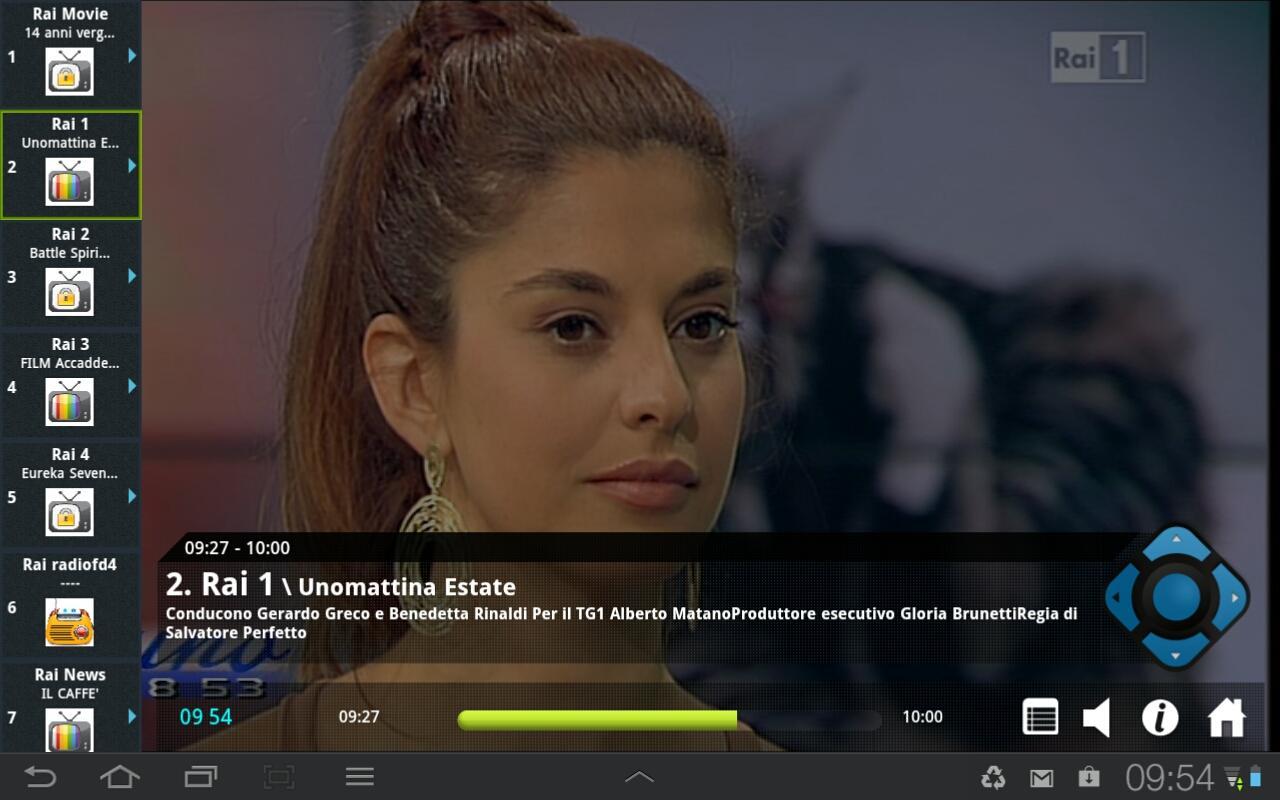
Bring Live TV to Android Smartphone and Tablet*
Watch and Record Live TV on any device, anywhere!
- Watch all your favorite Live TV channels
- Bring live TV and recordings to your Android Smartphone and Tablet
- In full broadcast quality
- Record live, scheduled and series TV - recordings are stored on an attached USB storage or network drive (NAS) as configured on your VBox TV Gateway
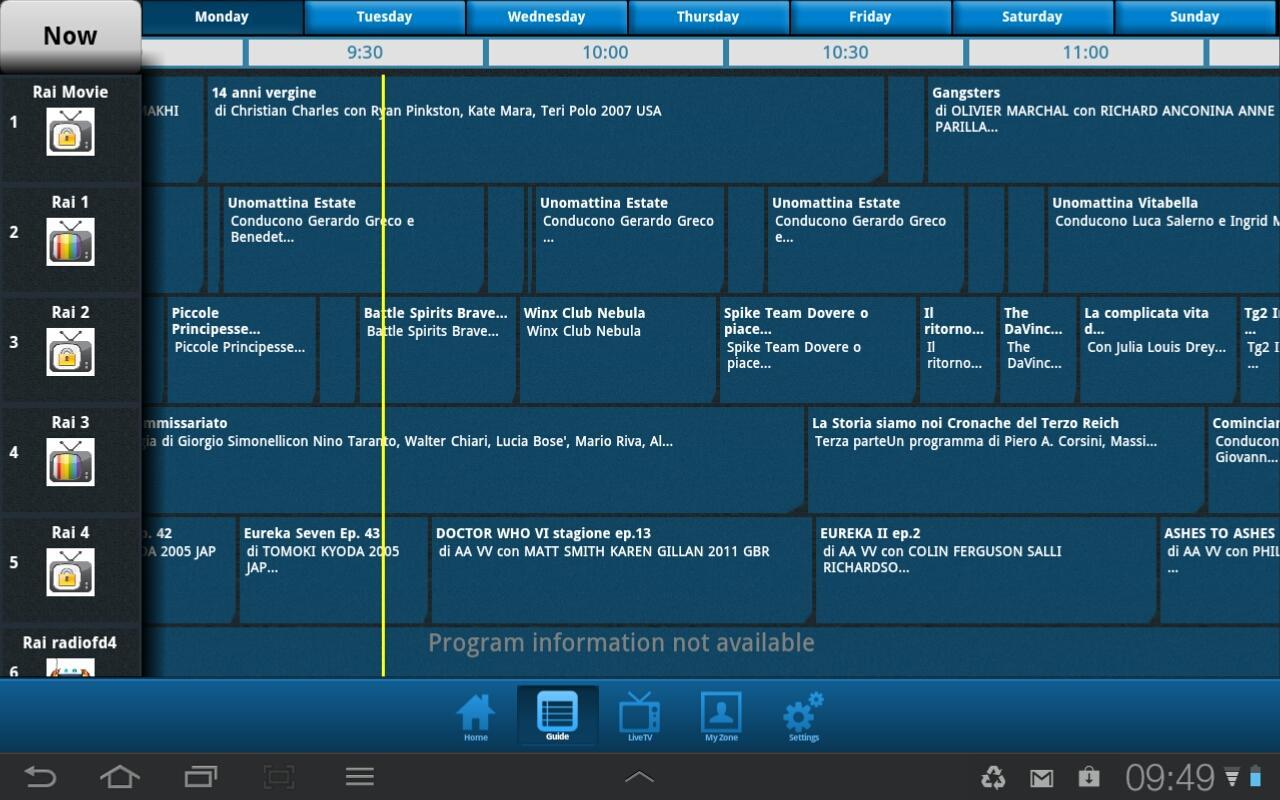
- Discover programs with the free program guide EPG
- Easy navigation
- Watch Live and recorded programs or set recordings from outside your home
No internet connection is required! the VBox TV Gateway receives broadcast TV signal from your Satellite, Cable or digital Antenna, converts the signal to IP and streams multiple live TV channels to any connected device over your home network.
* For Android Box please use the VBox Live TV for Set Top Box "Pink" app
Avance
Etiquetas
Video-PlayersInformación
Desarrollador
VBox Communications
La última versión
1.09
Última actualización
2016-05-28
Categoría
Video-players-editors
Disponible en
Google Play
Mostrar más
Cómo jugar VBox LiveTV (Legacy) con GameLoop en PC
1. Descargue GameLoop desde el sitio web oficial, luego ejecute el archivo exe para instalar GameLoop.
2. Abra GameLoop y busque "VBox LiveTV (Legacy)", busque VBox LiveTV (Legacy) en los resultados de búsqueda y haga clic en "Instalar".
3. Disfruta jugando VBox LiveTV (Legacy) en GameLoop.
Minimum requirements
OS
Windows 8.1 64-bit or Windows 10 64-bit
GPU
GTX 1050
CPU
i3-8300
Memory
8GB RAM
Storage
1GB available space
Recommended requirements
OS
Windows 8.1 64-bit or Windows 10 64-bit
GPU
GTX 1050
CPU
i3-9320
Memory
16GB RAM
Storage
1GB available space