Rec Screen : Video Recorder para PC
Apps for Mobile Translator
Descarga Rec Screen : Video Recorder en PC con GameLoop Emulator
Rec Screen : Video Recorder en PC
Rec Screen : Video Recorder, proveniente del desarrollador Apps for Mobile Translator, se ejecuta en el sistema Android en el pasado.
Ahora, puedes jugar Rec Screen : Video Recorder en PC con GameLoop sin problemas.
Descárgalo en la biblioteca de GameLoop o en los resultados de búsqueda. No más mirar la batería o llamadas frustrantes en el momento equivocado nunca más.
Simplemente disfrute de Rec Screen : Video Recorder PC en la pantalla grande de forma gratuita!
Rec Screen : Video Recorder Introducción
In the dynamic digital age, where visual communication is king,screen recorder with facecam emerges as an invaluable asset for a multitude of purposes. Whether you're a seasoned content creator, a dedicated educator, a remote worker, or a gamer looking to share your epic gaming moments, a screen recorder for gaming is the key to transforming your on-screen actions into compelling, shareable content. In this comprehensive guide, we delve into the world of video recorder, exploring the screen recorder with audio, practical techniques video recorder background.
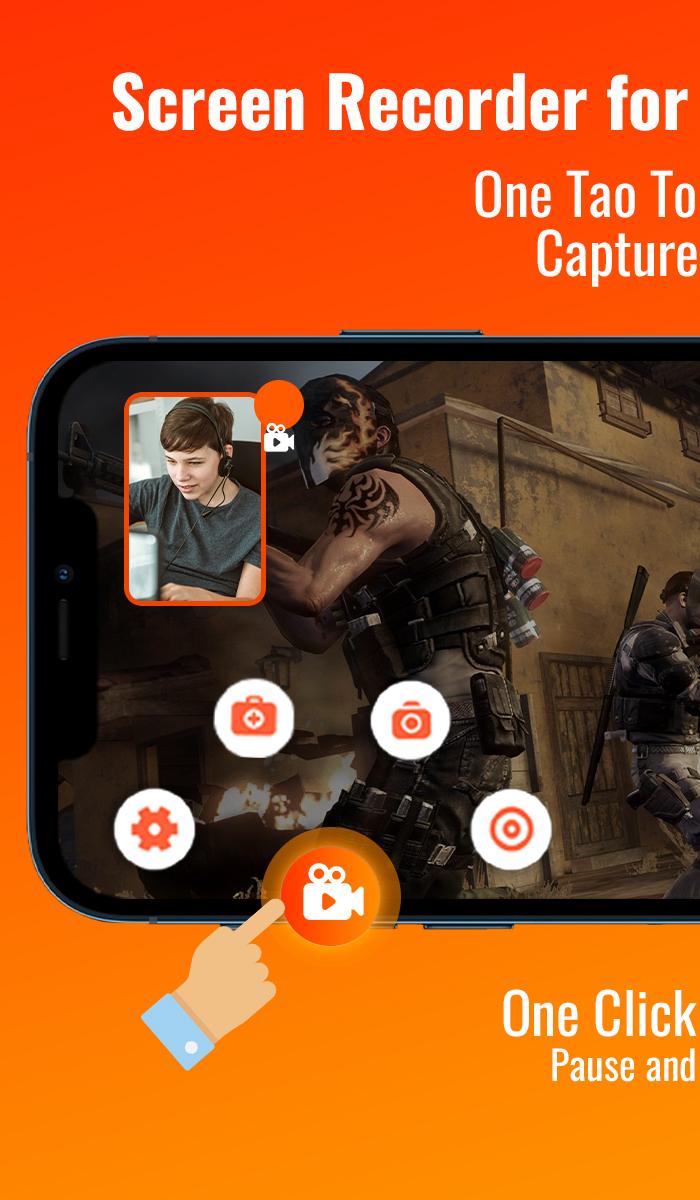
🏅📹Screen Recorder Features:🚀
●Capture the screen to obtain clear screenshots.
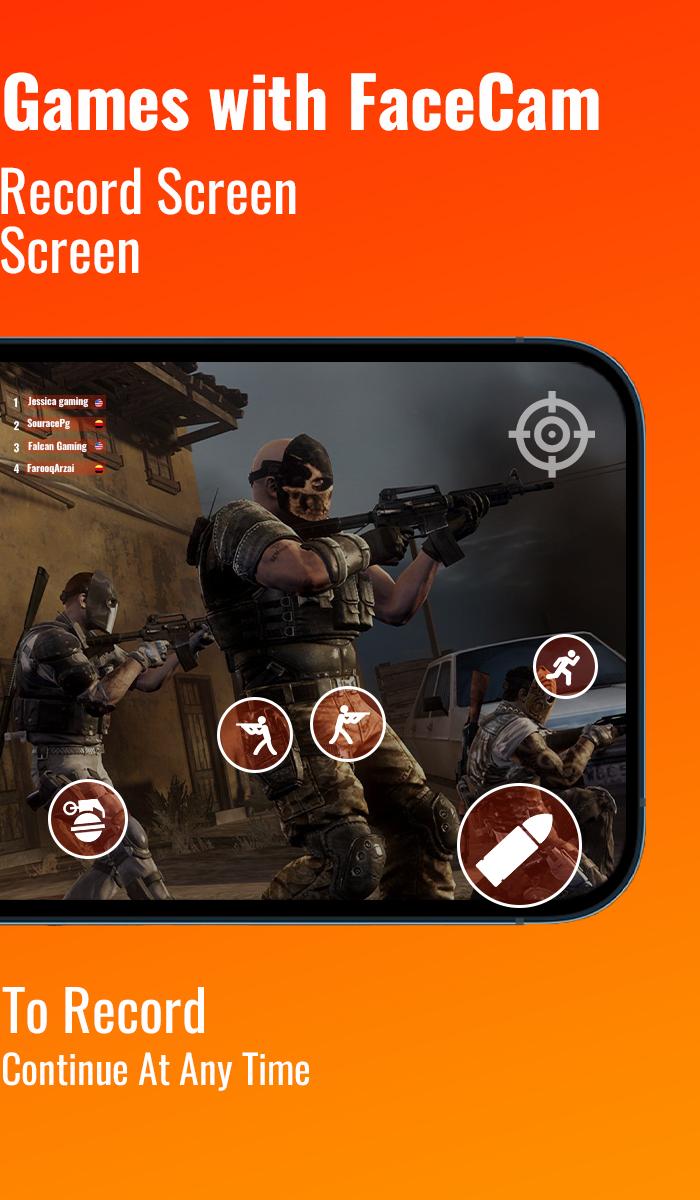
●Record gameplay on your smartphone.
●Record internal audio without any noise (only available on Android 10 and above).
●Export full HD videos with customizable settings, ranging from 240p to 1080p, at 60FPS and 12Mbps.
●Enjoy watermark-free recordings for clean videos and screenshots video recorder background.
●Record without any time limits or the need for root access.
●Use the floating window feature for one-touch screenshot capture or hide it when not needed.
●Utilize the countdown timer for fully prepared recording sessions.
●Choose your preferred storage location, whether internal storage or an SD card.
●Easily pause and resume recordings and rotate the screen as needed.
●Screen Recorder in FULL HD
●Video recorder background
✨Why Opt for a Screen Recorder with mic?🌟
Screen recorder for gaming stands as a versatile solution that empowers individuals, educators, and businesses across diverse domains to communicate, educate, collaborate, and entertain. Let's discover why you should consider integrating screen recording into your digital arsenal:
🎧Content Creation: Video call recorder
Aspiring content creators, Social Media Creator, bloggers, and digital storytellers leverage screen recorder to craft engaging tutorials, comprehensive product reviews, and informative walkthroughs that captivate and educate their audience.
🎬🏆Remote Work and Collaboration:
In an era where remote work is the norm, screen recording becomes a powerful tool to facilitate seamless presentations, live demos, and collaborative discussions with colleagues, clients, or prospects.
🥇Education Reimagined : Screen recorder with internal audio
Educators and trainers harness screen recorder for gaming potential to create interactive e-learning materials that resonate with their tech-savvy students, facilitating a more engaging learning experience.
★screen recorder for gaming: video recorder background
Gamers worldwide depend on screen recording to capture their breathtaking gameplay moments and build a loyal fan base on
social media platforms.
🎉Apowersoft Online Screen Recorder in HD:
Offering a convenient online platform for quick recordings without the need for installations or downloads, making it a popular choice for those who seek simplicity.
🔊Screen Recorder with Audio:
Hit the record button to commence capturing your on-screen activities, presentations, or gameplay.
🎥Save and Share : video recording app
After recording and optional editing, save your work in your desired format (typically MP4), and share it with your audience or intended recipients via your preferred platform.
Avance
Etiquetas
Video-PlayersInformación
Desarrollador
Apps for Mobile Translator
La última versión
3.2.1
Última actualización
2025-07-16
Categoría
Video-players-editors
Disponible en
Google Play
Mostrar más
Cómo jugar Rec Screen : Video Recorder con GameLoop en PC
1. Descargue GameLoop desde el sitio web oficial, luego ejecute el archivo exe para instalar GameLoop.
2. Abra GameLoop y busque "Rec Screen : Video Recorder", busque Rec Screen : Video Recorder en los resultados de búsqueda y haga clic en "Instalar".
3. Disfruta jugando Rec Screen : Video Recorder en GameLoop.
Minimum requirements
OS
Windows 8.1 64-bit or Windows 10 64-bit
GPU
GTX 1050
CPU
i3-8300
Memory
8GB RAM
Storage
1GB available space
Recommended requirements
OS
Windows 8.1 64-bit or Windows 10 64-bit
GPU
GTX 1050
CPU
i3-9320
Memory
16GB RAM
Storage
1GB available space