
Pinterest Downloader para PC
CMS Apps Studio
Descarga Pinterest Downloader en PC con GameLoop Emulator
Pinterest Downloader en PC
Pinterest Downloader, proveniente del desarrollador CMS Apps Studio, se ejecuta en el sistema Android en el pasado.
Ahora, puedes jugar Pinterest Downloader en PC con GameLoop sin problemas.
Descárgalo en la biblioteca de GameLoop o en los resultados de búsqueda. No más mirar la batería o llamadas frustrantes en el momento equivocado nunca más.
Simplemente disfrute de Pinterest Downloader PC en la pantalla grande de forma gratuita!
Pinterest Downloader Introducción
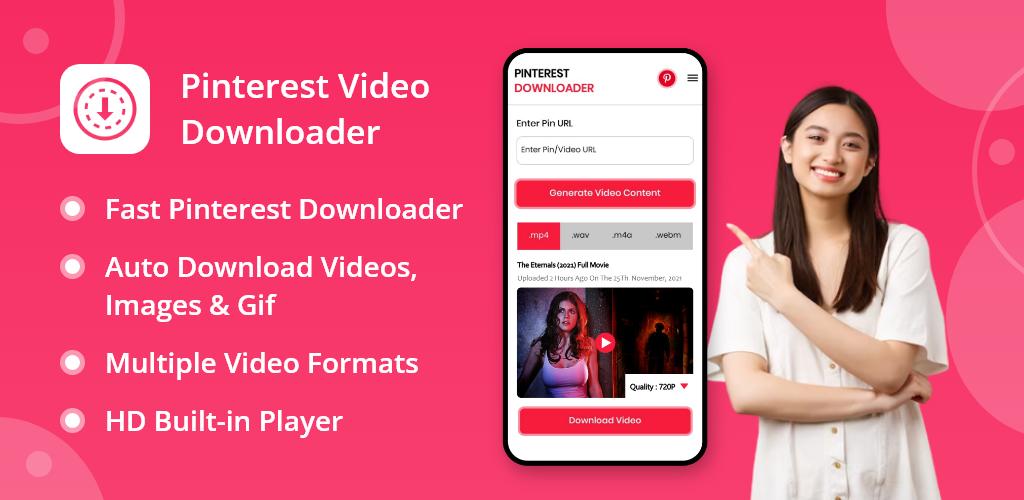
Tired of searching for the perfect Pinterest video downloader? Look no further! Our pinterest downloader app is the ultimate solution for all your video-saving needs. With a range of convenient features and a user-friendly interface, you can now download your favorite Pinterest videos with ease.
How to Use Pinterest Video Downloader:
Now, here we are going to show you how to use this video downloader for Pinterest in the step-by-step guide.
1. Start by downloading and installing the pinterest download app without watermark.
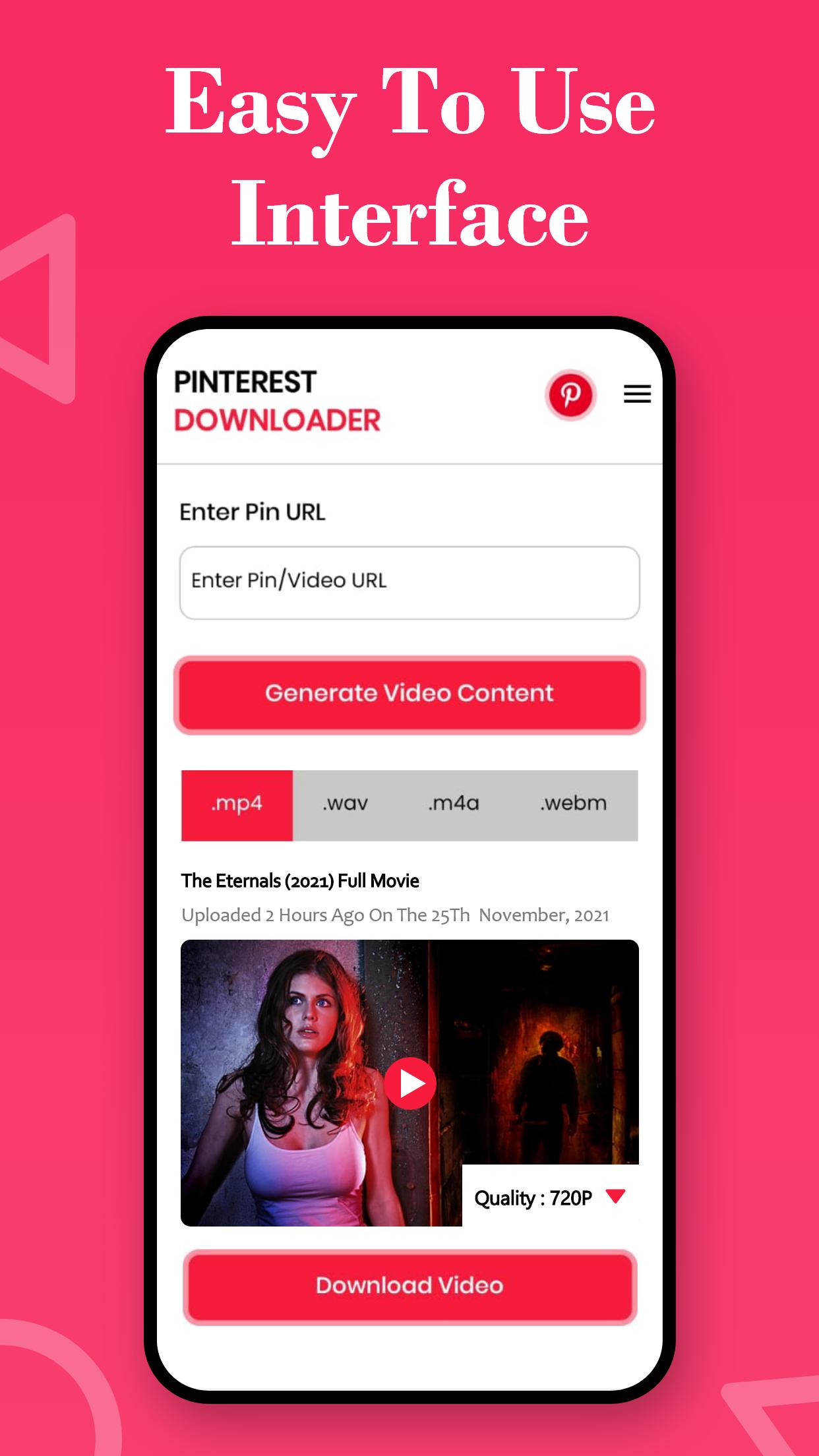
2. Open the pinterest downloader app once it's installed, and you'll be greeted with a user-friendly interface.
3. Now, what you have to do is navigate to Pinterest and find the video you want to download. You can also open your Pinterest application by simply clicking on the button provided in the upper right corner of the Video Downloader for Pinterest application.
4. Tap on the video, copy its link, and return to the Pinterest Video Downloader app.
5. Paste the video link into the Pinterest Downloader app and click the "Download Video" button. Your video will start downloading instantly.
6. Once the download is complete, you can enjoy your Pinterest video offline, wherever and whenever you like.
Features of Pinterest Video Downloader:
Hassle-Free Video Downloads:
Say goodbye to complicated download processes. Video Downloader for Pinterest simplifies video downloads, making it a breeze to save those captivating Pinterest videos directly to your mobile device. Even if you have seen a GIF and want to download it, then this GIF Pinterest downloader or pinterest download app can also do that for you.
Top-Notch Video Quality:
You can enjoy your downloaded Pinterest videos in stunning quality. We ensure that the videos you save retain their original resolution, delivering an unparalleled viewing experience.
Time and Data Savings:
No more endless video streaming! Save both time and data by downloading Pinterest videos once and watching them offline at your convenience.
User-Friendly Interface:
Pinterest Video Downloader app boasts a user-friendly interface that is designed specifically for you. Whether you're an IT person or a normal user, you'll find navigating and download Pinterest videos effortless.
Auto Download Video:
Another useful option of this Pinterest downloader application is its auto-download video feature. With the help of this feature, users can directly download the video by just pasting its link. This feature is controllable, which means users can turn it on or off when they want to.
Ready to enhance your Pinterest experience? Download this Video Downloader for Pinterest today and unlock a world of seamless video downloads and offline viewing. Say hello to convenience, and start enjoying Pinterest like never before.
Disclaimer:
This Pinterest video downloader app or pin Downloader app is not associated with Pinterest.
We are not responsible for any intellectual property violations resulting from unauthorized re-posting of a video or photo.
Avance
Etiquetas
Video-PlayersInformación
Desarrollador
CMS Apps Studio
La última versión
1.1.8
Última actualización
2023-10-16
Categoría
Video-players-editors
Disponible en
Google Play
Mostrar más
Cómo jugar Pinterest Downloader con GameLoop en PC
1. Descargue GameLoop desde el sitio web oficial, luego ejecute el archivo exe para instalar GameLoop.
2. Abra GameLoop y busque "Pinterest Downloader", busque Pinterest Downloader en los resultados de búsqueda y haga clic en "Instalar".
3. Disfruta jugando Pinterest Downloader en GameLoop.
Minimum requirements
OS
Windows 8.1 64-bit or Windows 10 64-bit
GPU
GTX 1050
CPU
i3-8300
Memory
8GB RAM
Storage
1GB available space
Recommended requirements
OS
Windows 8.1 64-bit or Windows 10 64-bit
GPU
GTX 1050
CPU
i3-9320
Memory
16GB RAM
Storage
1GB available space