
Lark Video Player: HD Video para PC
Lark Player Studio - Video, MP4 & Music Player
Descarga Lark Video Player: HD Video en PC con GameLoop Emulator
Lark Video Player: HD Video en PC
Lark Video Player: HD Video, proveniente del desarrollador Lark Player Studio - Video, MP4 & Music Player, se ejecuta en el sistema Android en el pasado.
Ahora, puedes jugar Lark Video Player: HD Video en PC con GameLoop sin problemas.
Descárgalo en la biblioteca de GameLoop o en los resultados de búsqueda. No más mirar la batería o llamadas frustrantes en el momento equivocado nunca más.
Simplemente disfrute de Lark Video Player: HD Video PC en la pantalla grande de forma gratuita!
Lark Video Player: HD Video Introducción
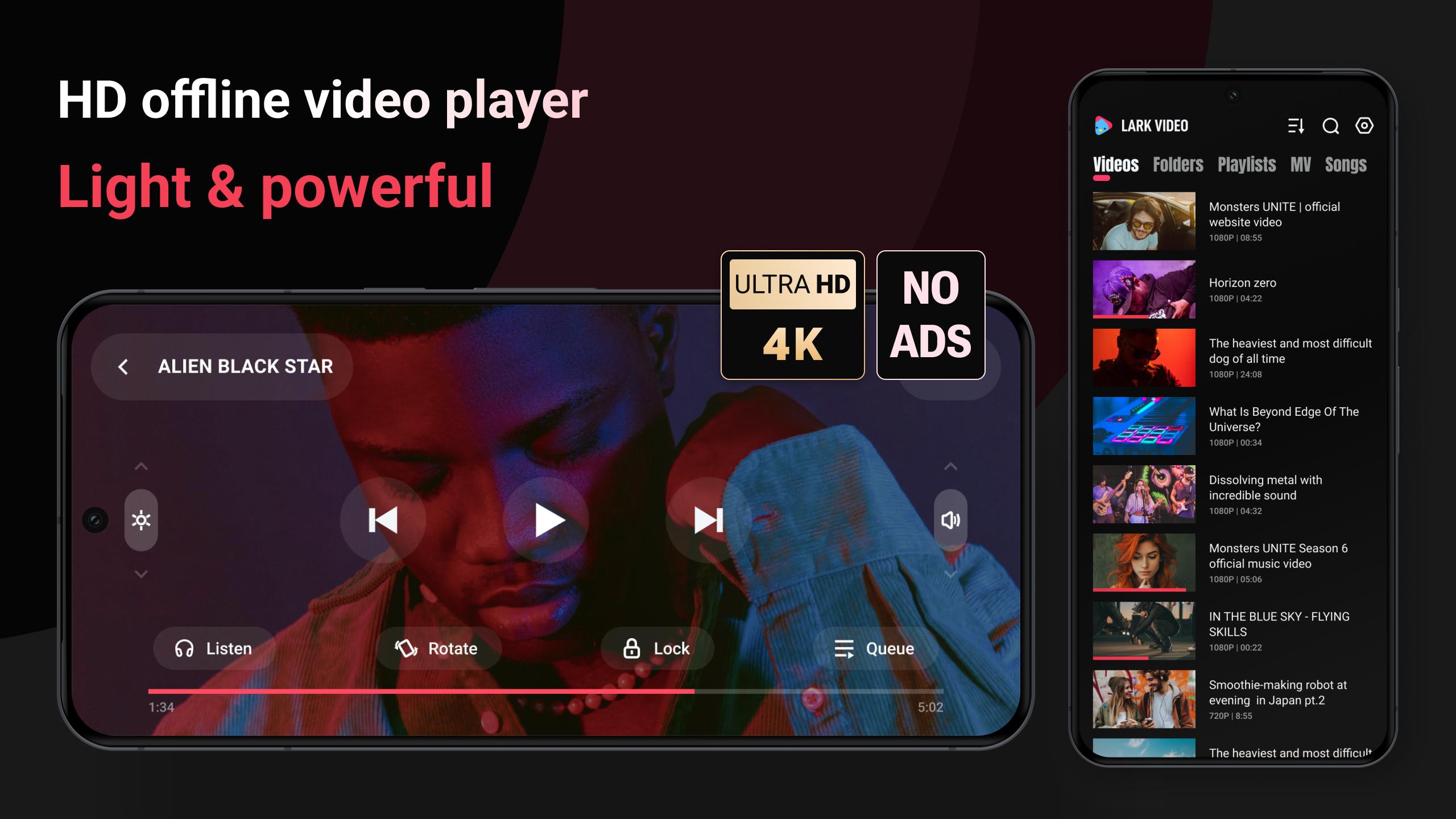
🌟 A light & powerful offline video player, with full HD video & major formats supported.
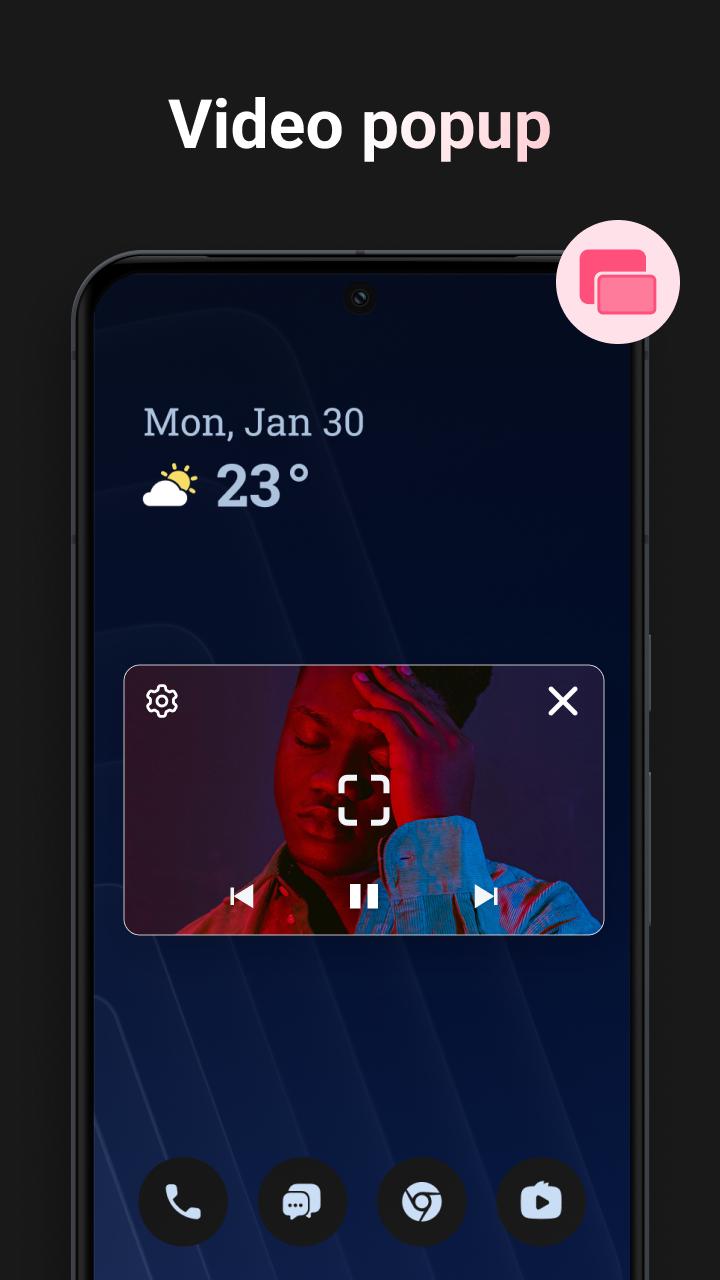
🌟 You can play offline video in a video pop-up, also to play video as MP3.
🌟 It loads video subtitles, and also work as a powerful media file manager.
Key features:
💿 HD, ultra HD video
HD video, Full HD video, Ultra HD video all run smoothly, experience the ultimate in offline video playback with Lark Video Player.
🎥 All formats
It's compatible with major formats, including mkv, mp4, m4v, mov, 3gp, 3gp2, mpg2, ts, webm etc.
📲 Video popup
Tired of interruptions while watching videos? Lark Video Player covers video popup feature. Enjoy stable floating video playback even while multitasking or using other apps on your device.
🔒Keep videos in the private folder
Hide your videos in a private folder to protect your privacy, set password for the private folder.
🎧 Play offline video as MP3
When you're occupied, you can listen to the video by playing video as audio in the background.
📁 Manage media files
Organizing video files has never been easier. The HD video player allows you to search, manage your video files & other media files effortlessly, with auto sorting by folders and by categories.
👆🏻 Gestures & one click to control
Adjust progress, brightness, video volume, speed, auto-rotate, items to be played, etc with gestures or one click.
🕶️ Light & stylish video player
Play your videos with this lightweight and stylish offline video player, takes less space in your device.
🎵 offline player for HQ music
Manage and listen to offline music files, with cool sound effect. The offline player make it one-stop for music & video play when there is no network.
It's a feature-packed, high-quality offline video player for Android. Start to play video, experience the smooth & clean HD video playback with this offline video player now.
If any suggestions please contact with Lark Video Player dev team in 'Setting' - 'Feedback'.
Avance
Etiquetas
Video-PlayersInformación
Desarrollador
Lark Player Studio - Video, MP4 & Music Player
La última versión
1.19.7
Última actualización
2025-01-06
Categoría
Video-players-editors
Disponible en
Google Play
Mostrar más
Cómo jugar Lark Video Player: HD Video con GameLoop en PC
1. Descargue GameLoop desde el sitio web oficial, luego ejecute el archivo exe para instalar GameLoop.
2. Abra GameLoop y busque "Lark Video Player: HD Video", busque Lark Video Player: HD Video en los resultados de búsqueda y haga clic en "Instalar".
3. Disfruta jugando Lark Video Player: HD Video en GameLoop.
Minimum requirements
OS
Windows 8.1 64-bit or Windows 10 64-bit
GPU
GTX 1050
CPU
i3-8300
Memory
8GB RAM
Storage
1GB available space
Recommended requirements
OS
Windows 8.1 64-bit or Windows 10 64-bit
GPU
GTX 1050
CPU
i3-9320
Memory
16GB RAM
Storage
1GB available space