
KwaiCut - Video Editor para PC
Kwai Technology Limited
Descarga KwaiCut - Video Editor en PC con GameLoop Emulator
KwaiCut - Video Editor en PC
KwaiCut - Video Editor, proveniente del desarrollador Kwai Technology Limited, se ejecuta en el sistema Android en el pasado.
Ahora, puedes jugar KwaiCut - Video Editor en PC con GameLoop sin problemas.
Descárgalo en la biblioteca de GameLoop o en los resultados de búsqueda. No más mirar la batería o llamadas frustrantes en el momento equivocado nunca más.
Simplemente disfrute de KwaiCut - Video Editor PC en la pantalla grande de forma gratuita!
KwaiCut - Video Editor Introducción
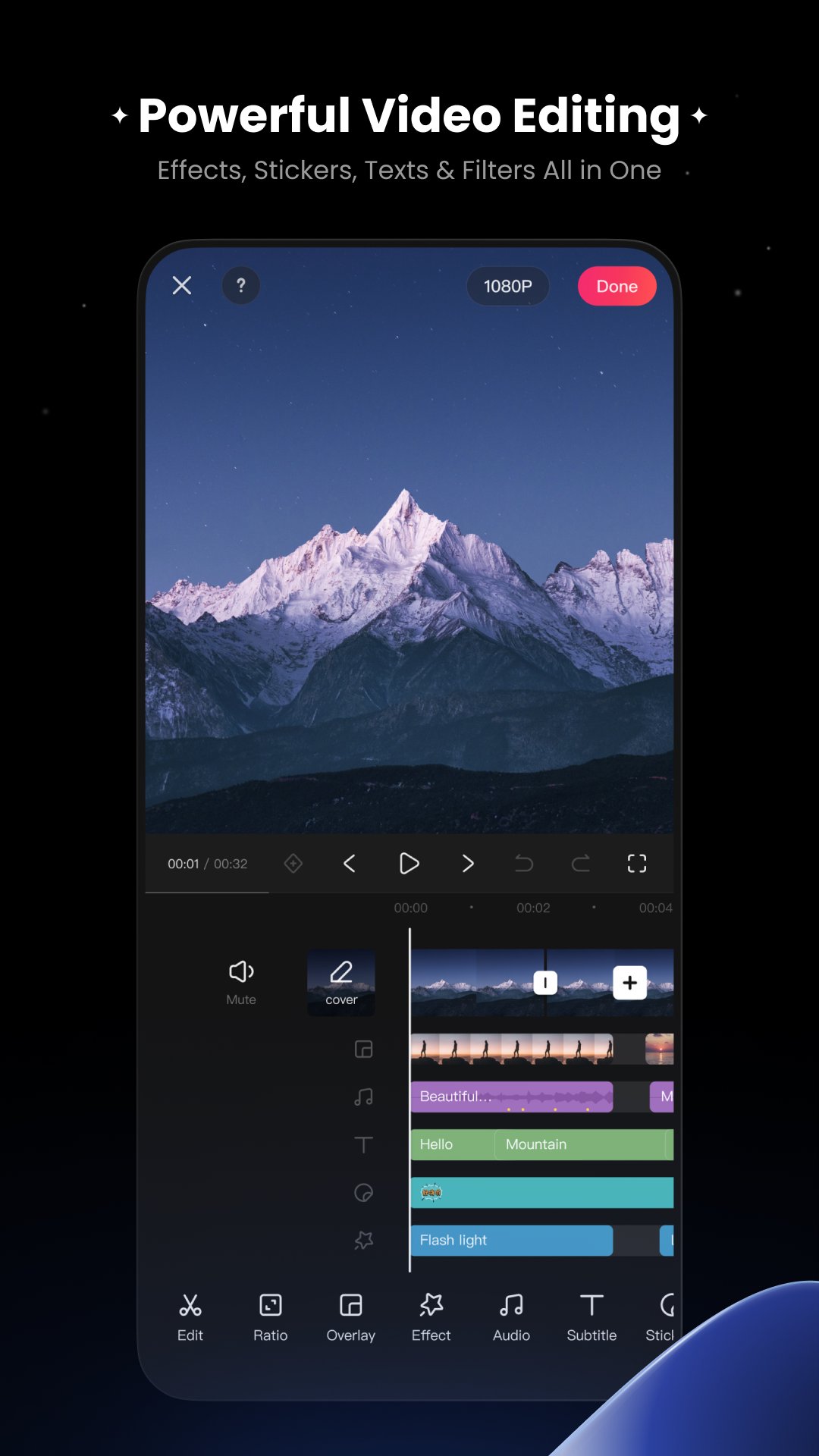
KwaiCut provides you with completely free, powerful and easy-to-use professional video editing capabilities to help you efficiently realize creativity at zero cost.
[Free & Easy]
Precise video segmentation, cropping, splicing, rewind, and speed adjustment
Supports exporting in multiple ultra-high definition resolutions, compatible with various platforms
[Rich Sound]
Professional audio noise reduction for clear vocal performance
Multi-style sound effect library for easily adding video music
[Smart Subtitles]
Convenient manual subtitle adding and editing tools
Hundreds of professional subtitle styles and dynamic effects library
[Cinematic Filters]
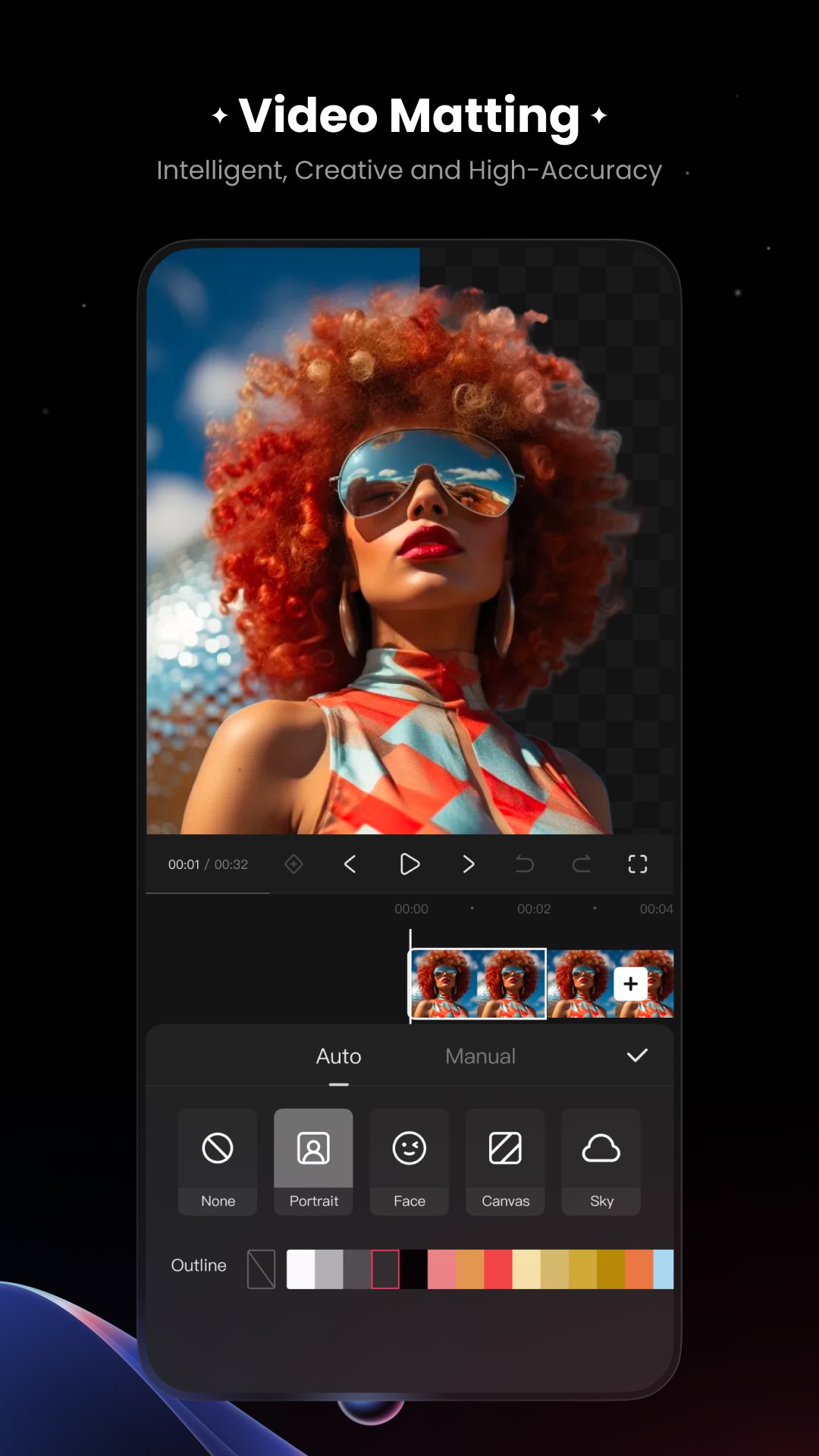
Offers advanced visual effects for professional dynamic results
Massive movie-grade filters with adjustable intensity
[Creative Stickers]
Extensive static and dynamic sticker library covering multiple themes
Supports custom sticker import and management, convenient sticker addition, scaling, and adjustment
[Inspiration Center]
Material center upgraded - apply trending materials with one click
Vast exclusive design materials - endless creative inspiration
Avance
Etiquetas
Video-PlayersInformación
Desarrollador
Kwai Technology Limited
La última versión
7.5.0.710135
Última actualización
2025-12-25
Categoría
Video-players-editors
Disponible en
Google Play
Mostrar más
Cómo jugar KwaiCut - Video Editor con GameLoop en PC
1. Descargue GameLoop desde el sitio web oficial, luego ejecute el archivo exe para instalar GameLoop.
2. Abra GameLoop y busque "KwaiCut - Video Editor", busque KwaiCut - Video Editor en los resultados de búsqueda y haga clic en "Instalar".
3. Disfruta jugando KwaiCut - Video Editor en GameLoop.
Minimum requirements
OS
Windows 8.1 64-bit or Windows 10 64-bit
GPU
GTX 1050
CPU
i3-8300
Memory
8GB RAM
Storage
1GB available space
Recommended requirements
OS
Windows 8.1 64-bit or Windows 10 64-bit
GPU
GTX 1050
CPU
i3-9320
Memory
16GB RAM
Storage
1GB available space