
Message Maker -ARでメッセージを伝える- para PC
マイプリント株式会社
Descarga Message Maker -ARでメッセージを伝える- en PC con GameLoop Emulator
Message Maker -ARでメッセージを伝える- en PC
Message Maker -ARでメッセージを伝える-, proveniente del desarrollador マイプリント株式会社, se ejecuta en el sistema Android en el pasado.
Ahora, puedes jugar Message Maker -ARでメッセージを伝える- en PC con GameLoop sin problemas.
Descárgalo en la biblioteca de GameLoop o en los resultados de búsqueda. No más mirar la batería o llamadas frustrantes en el momento equivocado nunca más.
Simplemente disfrute de Message Maker -ARでメッセージを伝える- PC en la pantalla grande de forma gratuita!
Message Maker -ARでメッセージを伝える- Introducción
When you hold the photo printed on the invitation or the seating order list with a profile on your smartphone using the dedicated viewing app,
You can watch the printed photos as a video.
* Please install the viewing application "Catch The Message" separately for viewing.
* The video viewing period is from the wedding date to half a year.
======================================
*how to use
======================================
how to use
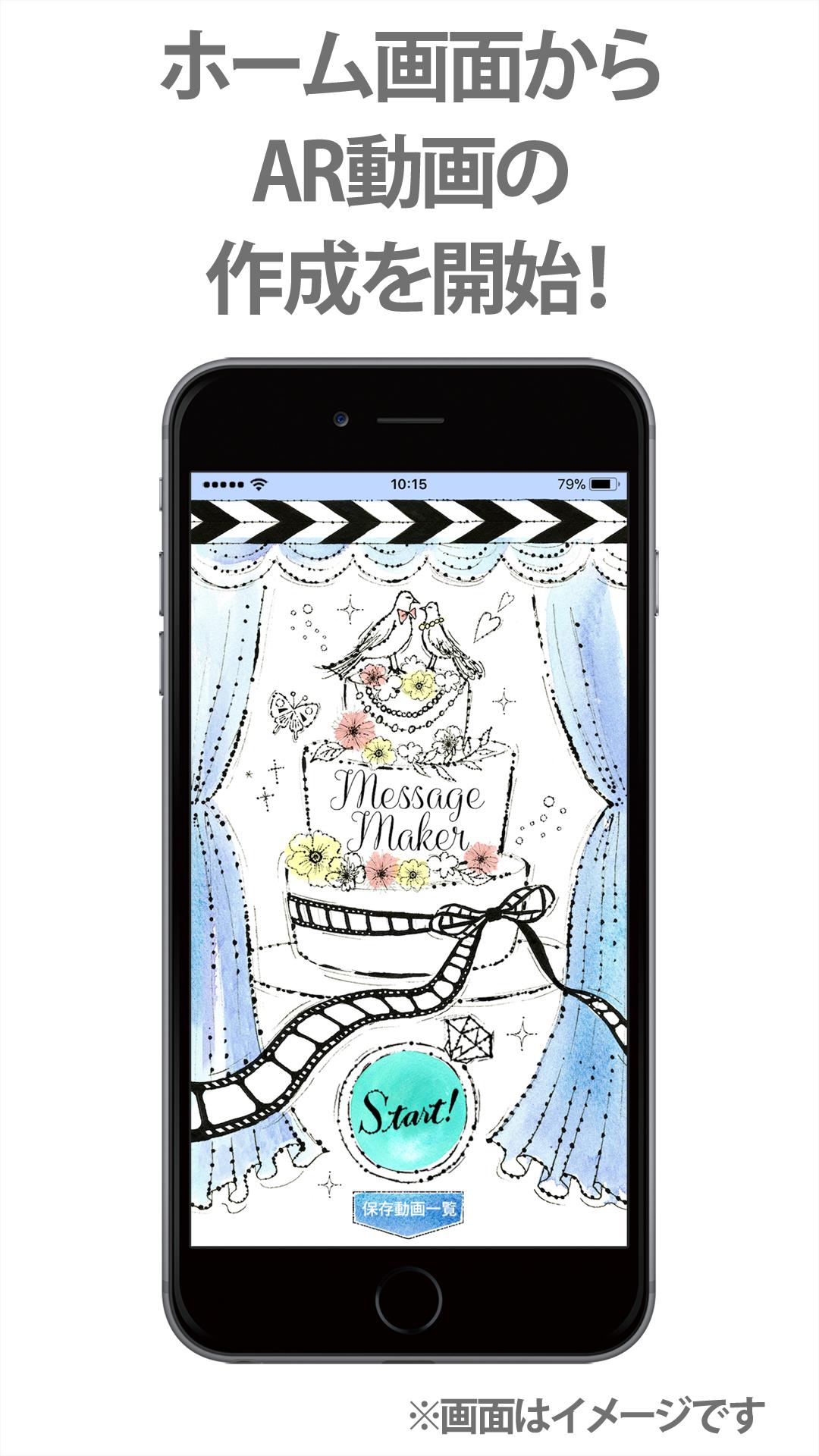
1) Start "Message Maker".
2) Select the card to create
3) Select a video.
4) Select a design.
5) Edit the design.
6) Complete the application.
======================================
Supported platforms
======================================
Android 7.0 and above
Avance

Etiquetas
Video-PlayersInformación
Desarrollador
マイプリント株式会社
La última versión
1.6.6
Última actualización
2023-11-08
Categoría
Video-players-editors
Disponible en
Google Play
Mostrar más
Cómo jugar Message Maker -ARでメッセージを伝える- con GameLoop en PC
1. Descargue GameLoop desde el sitio web oficial, luego ejecute el archivo exe para instalar GameLoop.
2. Abra GameLoop y busque "Message Maker -ARでメッセージを伝える-", busque Message Maker -ARでメッセージを伝える- en los resultados de búsqueda y haga clic en "Instalar".
3. Disfruta jugando Message Maker -ARでメッセージを伝える- en GameLoop.
Minimum requirements
OS
Windows 8.1 64-bit or Windows 10 64-bit
GPU
GTX 1050
CPU
i3-8300
Memory
8GB RAM
Storage
1GB available space
Recommended requirements
OS
Windows 8.1 64-bit or Windows 10 64-bit
GPU
GTX 1050
CPU
i3-9320
Memory
16GB RAM
Storage
1GB available space