
Jamong Player para PC
duongame
Descarga Jamong Player en PC con GameLoop Emulator
Jamong Player en PC
Jamong Player, proveniente del desarrollador duongame, se ejecuta en el sistema Android en el pasado.
Ahora, puedes jugar Jamong Player en PC con GameLoop sin problemas.
Descárgalo en la biblioteca de GameLoop o en los resultados de búsqueda. No más mirar la batería o llamadas frustrantes en el momento equivocado nunca más.
Simplemente disfrute de Jamong Player PC en la pantalla grande de forma gratuita!
Jamong Player Introducción
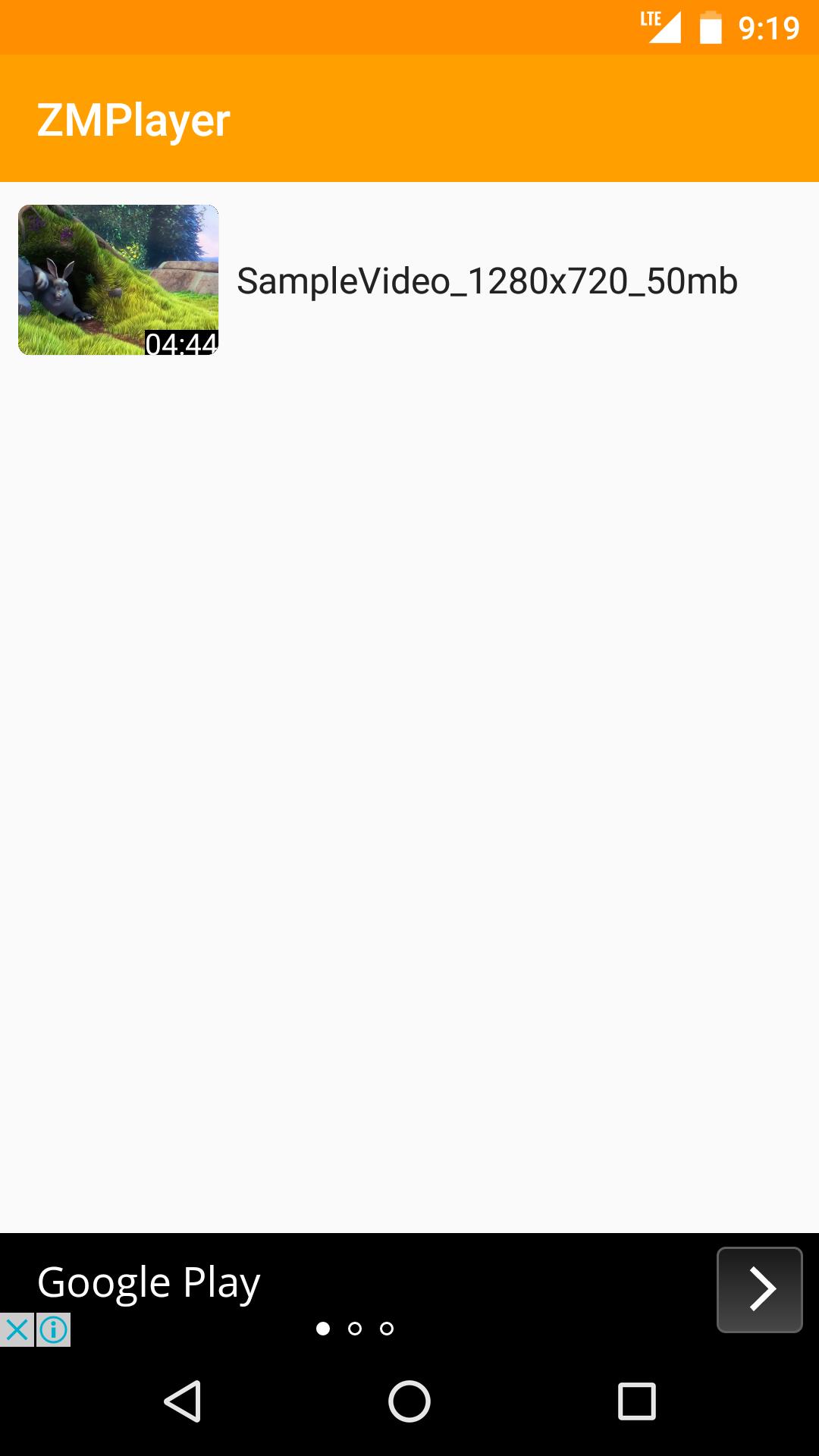
Jamong Player(HD Video, Subtitles)
-Supports All Video Formats
-Supports Subtitles include non Unicode Text
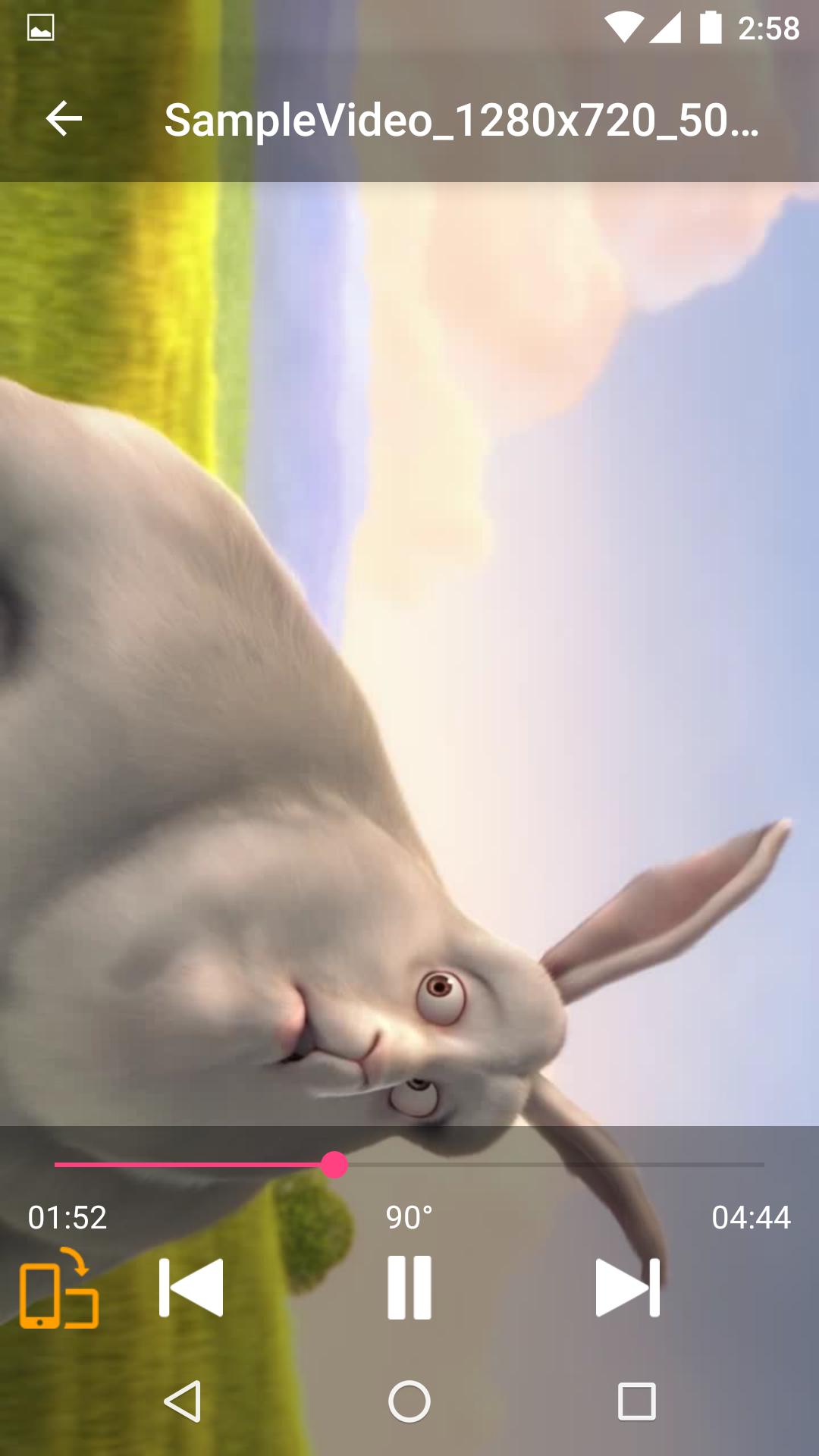
-Supports Force Video Rotation(Recent file's rotation information will be saved)
'Force Video Rotation' is the reason why we made Jamong Player.
User recorded videos often save wrong rotation information.
With Jamong Player, you don't worry about that.
If you have any suggestion or question, please send us an email.
Thank you.
--
Some of the screens are from the Big Buck Bunny licensed under the Creative Commons Attribution 3.0 Unported.
(c) copyright 2008, Blender Foundation / www.bigbuckbunny.org
Avance
Información
Desarrollador
duongame
La última versión
1.0.2
Última actualización
2017-06-30
Categoría
Video-players-editors
Disponible en
Google Play
Mostrar más
Cómo jugar Jamong Player con GameLoop en PC
1. Descargue GameLoop desde el sitio web oficial, luego ejecute el archivo exe para instalar GameLoop.
2. Abra GameLoop y busque "Jamong Player", busque Jamong Player en los resultados de búsqueda y haga clic en "Instalar".
3. Disfruta jugando Jamong Player en GameLoop.
Minimum requirements
OS
Windows 8.1 64-bit or Windows 10 64-bit
GPU
GTX 1050
CPU
i3-8300
Memory
8GB RAM
Storage
1GB available space
Recommended requirements
OS
Windows 8.1 64-bit or Windows 10 64-bit
GPU
GTX 1050
CPU
i3-9320
Memory
16GB RAM
Storage
1GB available space