
dream Player para PC
Christian Fees
Descarga dream Player en PC con GameLoop Emulator
dream Player en PC
dream Player, proveniente del desarrollador Christian Fees, se ejecuta en el sistema Android en el pasado.
Ahora, puedes jugar dream Player en PC con GameLoop sin problemas.
Descárgalo en la biblioteca de GameLoop o en los resultados de búsqueda. No más mirar la batería o llamadas frustrantes en el momento equivocado nunca más.
Simplemente disfrute de dream Player PC en la pantalla grande de forma gratuita!
dream Player Introducción
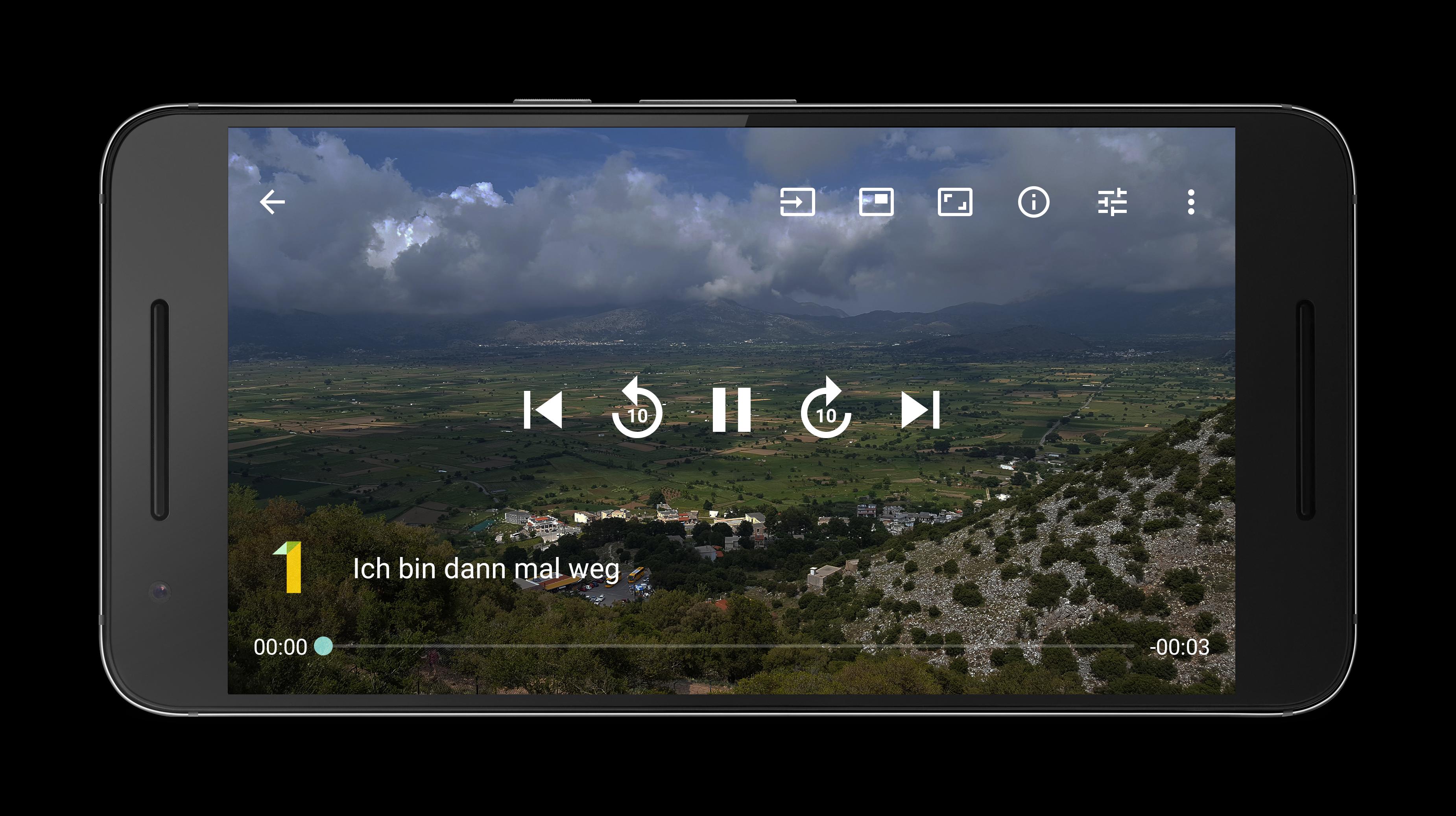
The perfect streaming app to stream Live TV, radio and movies to your mobile phone or tablet directly from your Enigma2 receiver e.g. dreambox VU+ Gigablue Xtrend Edision Optimuss openATV Octagon Telestar Axas WWIO Opticum Atemio Zgemma and more.
Features:
- Watch SD and HD channels
- Listen to radio channels
- Play recorded movies
- Show picons/channel logos
- Zap channels in Live TV mode (swipe left or right to the next/previous channel)
- Quick forward and rewind in movie mode (use seekbar or buttons)
- Display subtitles
- Change aspect ratio
- Swipe up and down to control volume/brightness
- Play audio in background
- Window mode: Shows video in a small resizable window
- Download movies and watch it offline (premium version)
- Use dream Player as mediaplayer to play local files
- Perfect in companion with the app dream EPG and dream EPG Premium
Prerequisites:
- Enigma2 compatible receiver (e.g. VU+ dreambox Gigablue Xtrend Edision Optimuss openATV Octagon ...)
- Enabled webinterface (OpenWebIf or Webinterface Plugin)
Hint:
Please use the app dream Player for Android TV on Android TV devices and the app dream Player for Fire TV on Fire TV devices. These apps need to be purchased separately.
Foreground service usage:
- A foreground service is used for Picture-in-Picture feature.
- A foreground service is used for downloading recordings.
Avance

Etiquetas
Video-PlayersInformación
Desarrollador
Christian Fees
La última versión
14.1.1
Última actualización
2025-09-06
Categoría
Video-players-editors
Disponible en
Google Play
Mostrar más
Cómo jugar dream Player con GameLoop en PC
1. Descargue GameLoop desde el sitio web oficial, luego ejecute el archivo exe para instalar GameLoop.
2. Abra GameLoop y busque "dream Player", busque dream Player en los resultados de búsqueda y haga clic en "Instalar".
3. Disfruta jugando dream Player en GameLoop.
Minimum requirements
OS
Windows 8.1 64-bit or Windows 10 64-bit
GPU
GTX 1050
CPU
i3-8300
Memory
8GB RAM
Storage
1GB available space
Recommended requirements
OS
Windows 8.1 64-bit or Windows 10 64-bit
GPU
GTX 1050
CPU
i3-9320
Memory
16GB RAM
Storage
1GB available space