Add Face to Video para PC
Lbort App
Descarga Add Face to Video en PC con GameLoop Emulator
Add Face to Video en PC
Add Face to Video, proveniente del desarrollador Lbort App, se ejecuta en el sistema Android en el pasado.
Ahora, puedes jugar Add Face to Video en PC con GameLoop sin problemas.
Descárgalo en la biblioteca de GameLoop o en los resultados de búsqueda. No más mirar la batería o llamadas frustrantes en el momento equivocado nunca más.
Simplemente disfrute de Add Face to Video PC en la pantalla grande de forma gratuita!
Add Face to Video Introducción
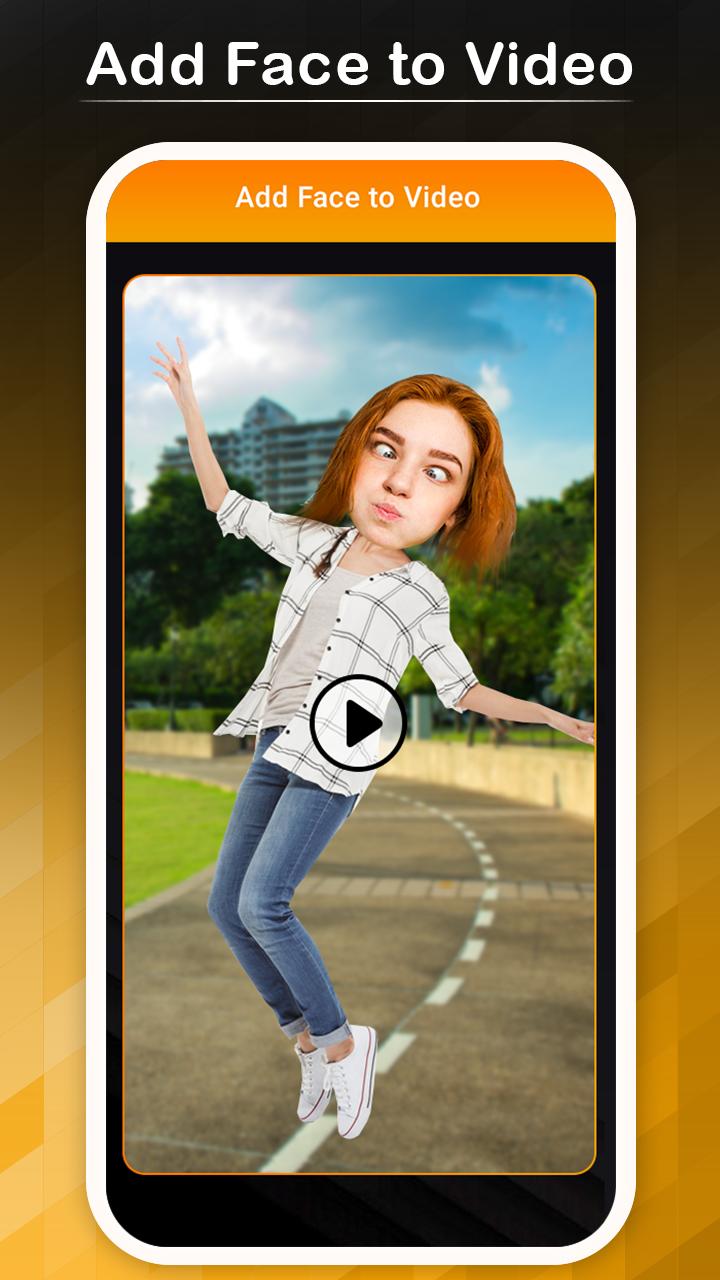
Add Face to Video - Face Changer Video Editor app allows users to change anyone's faces into a video clip with a selection of faces part from a body. Create instant funny video clips with face editing option via Add Face to Video - Face Changer Video Editor app. The app allows users to add face into a funny video clip or make fun with anyone to make more laugh. Just select one of your wish videos and adjust face image to video clip and save it with right-click.
Face changer lets you easily change your face into a funny video clip and share it with all friends to make fun.it simple to swap your face into a video clip. This app has amazing fun making the option to add your face into funny videos. Face Editor application has the best collection of funny videos in which you just need to set your image with one touch and make fun anytime to laugh anyone.
Add Face to Video - Face Changer Video Editor has simple steps to change video clip into the funny face...
Tap on the Start button
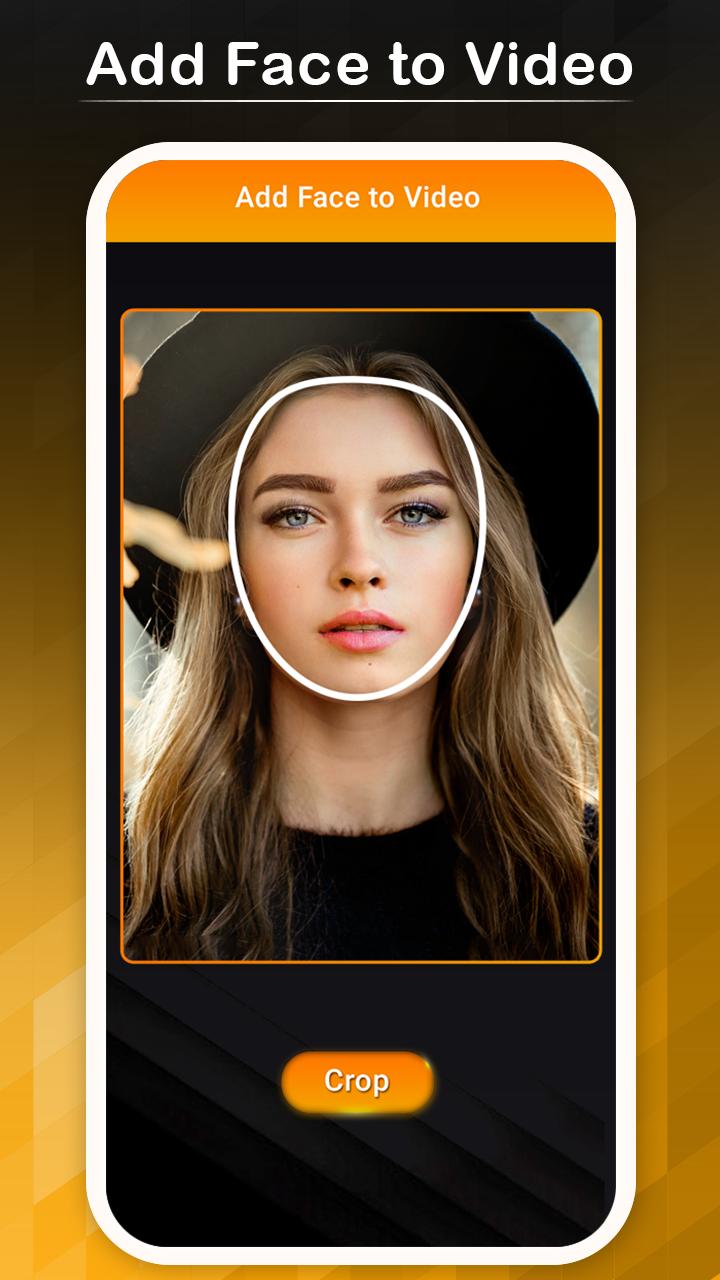
Select your face from mobile gallery
Crop image
App allows an option to set mask in image
Add one of your wish mask in image
Tap on right-click to save video clip
See an instant preview of video clip
Make fun with friends through share video on social side
Avance
Etiquetas
Video-PlayersInformación
Desarrollador
Lbort App
La última versión
7.0
Última actualización
2021-04-27
Categoría
Video-players-editors
Disponible en
Google Play
Mostrar más
Cómo jugar Add Face to Video con GameLoop en PC
1. Descargue GameLoop desde el sitio web oficial, luego ejecute el archivo exe para instalar GameLoop.
2. Abra GameLoop y busque "Add Face to Video", busque Add Face to Video en los resultados de búsqueda y haga clic en "Instalar".
3. Disfruta jugando Add Face to Video en GameLoop.
Minimum requirements
OS
Windows 8.1 64-bit or Windows 10 64-bit
GPU
GTX 1050
CPU
i3-8300
Memory
8GB RAM
Storage
1GB available space
Recommended requirements
OS
Windows 8.1 64-bit or Windows 10 64-bit
GPU
GTX 1050
CPU
i3-9320
Memory
16GB RAM
Storage
1GB available space