
Cam Audio video Crop,Trimmer para PC
Data Coder
Descarga Cam Audio video Crop,Trimmer en PC con GameLoop Emulator
Cam Audio video Crop,Trimmer en PC
Cam Audio video Crop,Trimmer, proveniente del desarrollador Data Coder, se ejecuta en el sistema Android en el pasado.
Ahora, puedes jugar Cam Audio video Crop,Trimmer en PC con GameLoop sin problemas.
Descárgalo en la biblioteca de GameLoop o en los resultados de búsqueda. No más mirar la batería o llamadas frustrantes en el momento equivocado nunca más.
Simplemente disfrute de Cam Audio video Crop,Trimmer PC en la pantalla grande de forma gratuita!
Cam Audio video Crop,Trimmer Introducción
In this twenty first century every one is in search of quality audio-video maker and Image editing.
Some of the apps in play store or app store are providing only video editing tools facilities and some are only photo editor or audio editor and converters. Which are not fulfill the users all in one editor requirements.
In conclusion of above Editors we introduce all in one audio-video and photo editor in this "Cam video Cropper &Trimmer ,Cam Photo Editor, Audio" with easy and user friendly interface.
If you want to shorter your video for making story for any social media app then this shorter video maker app will definitely help you to cut and trim your video as your desire.
Video to audio converter app is the most familiar and useful app now a days, You can convert your video file into mp3 file and can send it to your friends, family and relatives.
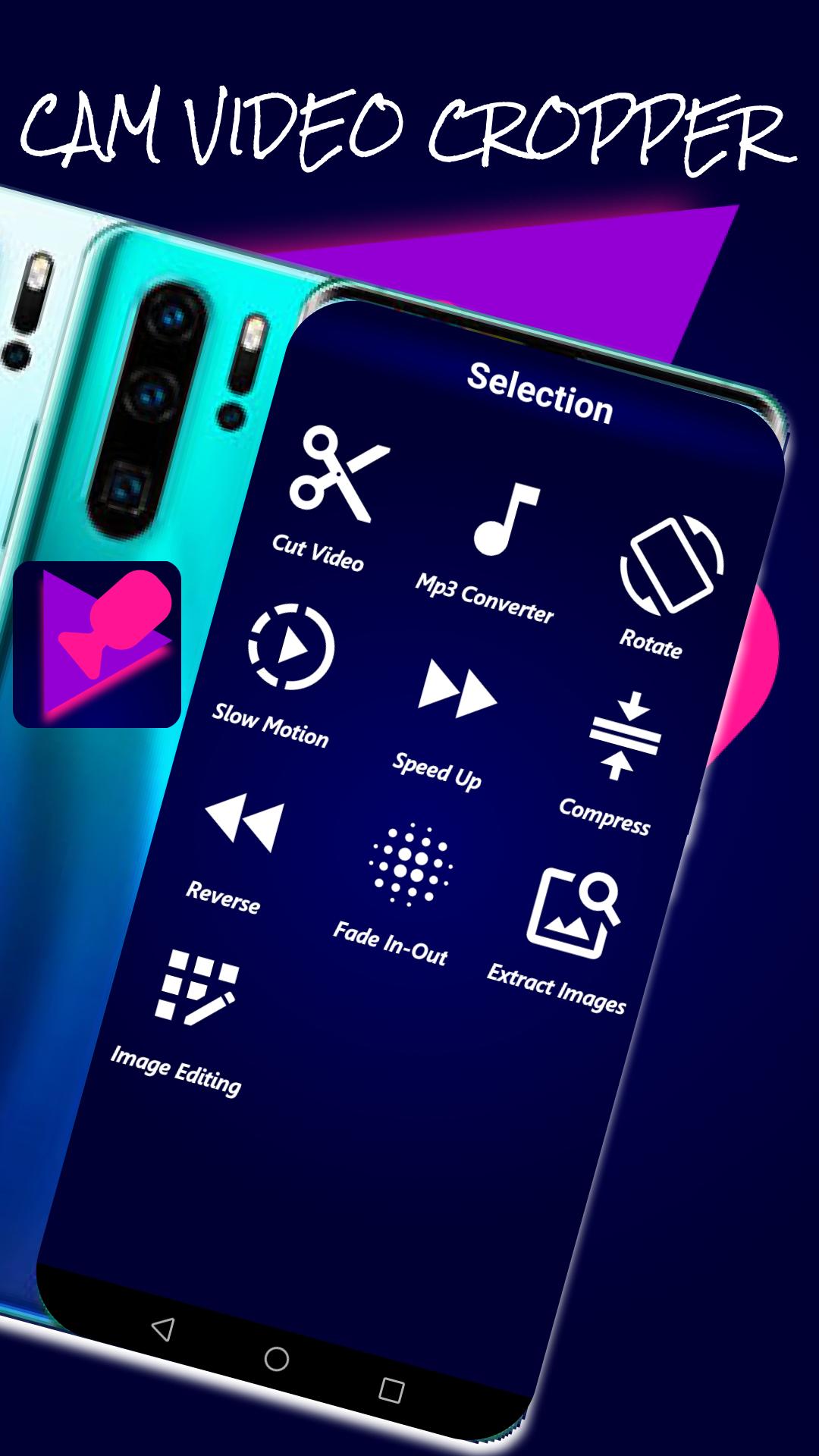
In this app we include video cutter, video trimmer, photo kutter, slow motion video maker , fast speed video maker , video to audio (mp3) converter , fade in-out , image extractor, Photo extractor, video rota-tor app , pic compressor , reverse video and Image Editing.
It is the hub of powerful editors and editing tools for cam video cutter, pic blend ,cam photo cropper with new background eraser app .
If you want to slow your video's speed then select slow motion option from this app and upload video which you want to slower.
Now Photo Editing become very easy due to "Cam video Cropper &Trimmer ,Cam Photo Editor, Audio" because it has the new 2021 picture Editor with some Advance Image Editor Features.
Changing background or erase background is always a challenging task but this change background app make it easy to change the background of photo and image.
You can add frames, Filters ,Rounded image, photo collage , Exposure , Contrast , vignette, photo cropping , photo Orientation , saturation, photo sharpness ,photo drawing , photo stickers app and Adding Text to your photos and images
This cam photo-video cropper and trimmer will cut, crop and trim your short or long videos in fast and Efficient way with Built in video player.
The features of this "Cam video Cropper &Trimmer, Cam Photo Editor, Audio" are as given below :
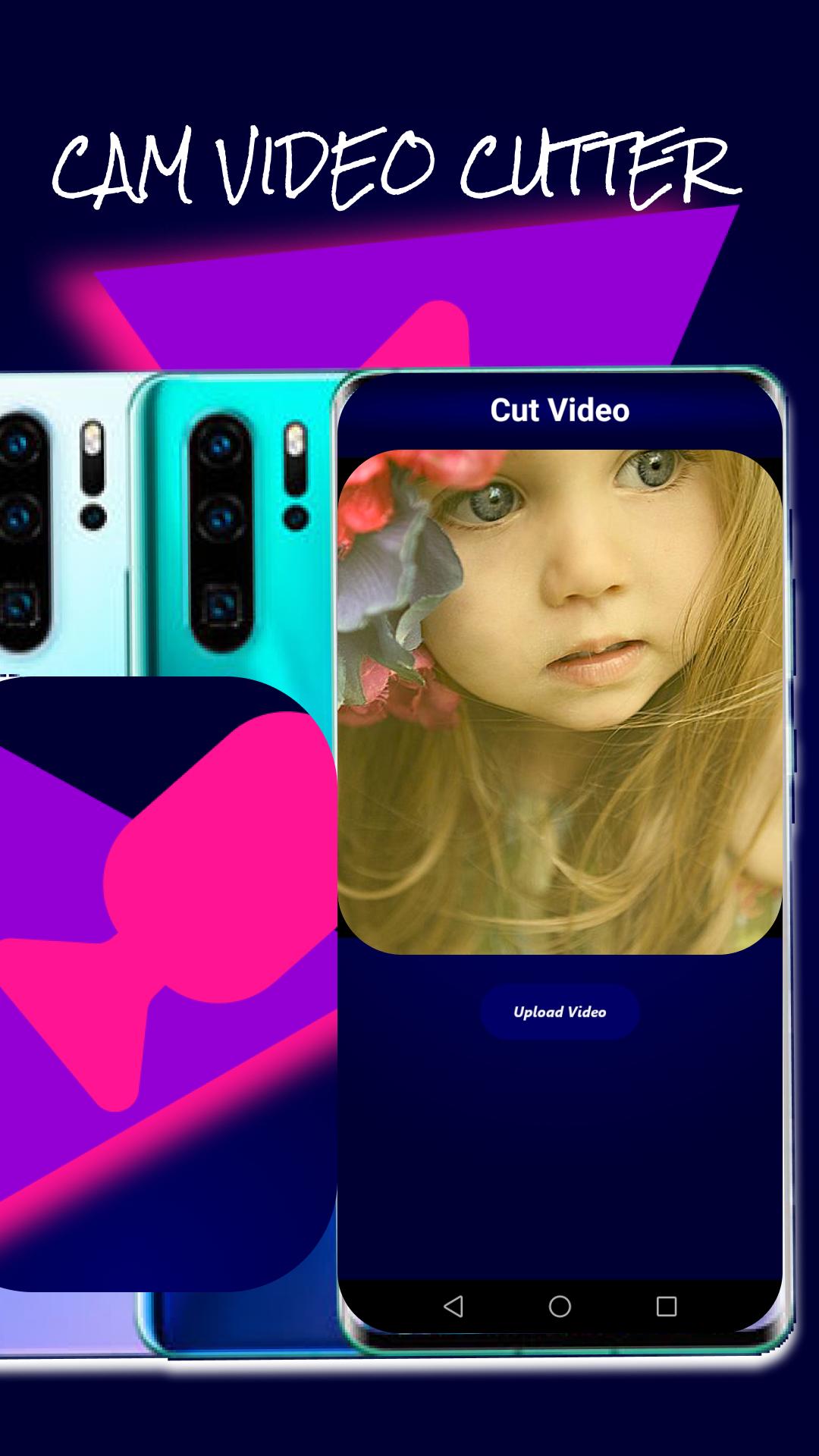
(1) Video Cutter and Trimmer
---
> supports almost all video formats including AVI , MP4, 3GP , M4V , MOV , TS , MPG , FLV etc.
> ARM(CPU) devices support
> Many video formats support to trim video.
> cut video with time intervals.
> Save your video to Mobile phone storage.
> video size Reducing and shrinking video
> Trim-cut & split
> Video compressor & resize
> shorter videos maker
(2) Video to Mp3 Converter(Audio Convertor)
---
> Pick video from gallery then click "convert" button cam Mp3 convertor will convert it into Mp3 format.
(3) Video Screen Rotate
---
> Pick video from Phone storage then click "Rotate" button cam video screen rotatory will rotate video according to your need.
(4) Slow Motion
---
> slow your actual video speed by this cam video slower app.
(5) Fast Video app
---
> fast your video speed by this new fast video editor 2021 app.
(6) Video Compressor
---
> compress any video format by this fast video compressor by just clicking compress button.
(7) Image Extractor
---
> Extract any image format by this all in one Photo extractor.
(8) Video Reverse
---
> reverse your video within seconds by this best video editor.
(9) Video Fade app
---
> fade in and out by this pro video editor 2021
(10) new Photo Editor
---
> Add new and advance filters to your pictures by using pic editor 2021
> Make your photo cool by this cam photo frame adder.
> Round your image, photo and icons by this rounded photo icon app.
> All Format photo editor included png and jpg etc.
> Includes image cropper app to crop photo.
> Background eraser app
> Background remover
> Add new stickers to photo by this photo sticker app
> Add fancy text to your pictures by fancy photo Editor
Avance
Etiquetas
Video-PlayersInformación
Desarrollador
Data Coder
La última versión
1.3
Última actualización
2022-01-21
Categoría
Video-players-editors
Disponible en
Google Play
Mostrar más
Cómo jugar Cam Audio video Crop,Trimmer con GameLoop en PC
1. Descargue GameLoop desde el sitio web oficial, luego ejecute el archivo exe para instalar GameLoop.
2. Abra GameLoop y busque "Cam Audio video Crop,Trimmer", busque Cam Audio video Crop,Trimmer en los resultados de búsqueda y haga clic en "Instalar".
3. Disfruta jugando Cam Audio video Crop,Trimmer en GameLoop.
Minimum requirements
OS
Windows 8.1 64-bit or Windows 10 64-bit
GPU
GTX 1050
CPU
i3-8300
Memory
8GB RAM
Storage
1GB available space
Recommended requirements
OS
Windows 8.1 64-bit or Windows 10 64-bit
GPU
GTX 1050
CPU
i3-9320
Memory
16GB RAM
Storage
1GB available space