Ace Scanner (OCR) & Translator para PC
Impress Medium
Descarga Ace Scanner (OCR) & Translator en PC con GameLoop Emulator
Ace Scanner (OCR) & Translator en PC
Ace Scanner (OCR) & Translator, proveniente del desarrollador Impress Medium, se ejecuta en el sistema Android en el pasado.
Ahora, puedes jugar Ace Scanner (OCR) & Translator en PC con GameLoop sin problemas.
Descárgalo en la biblioteca de GameLoop o en los resultados de búsqueda. No más mirar la batería o llamadas frustrantes en el momento equivocado nunca más.
Simplemente disfrute de Ace Scanner (OCR) & Translator PC en la pantalla grande de forma gratuita!
Ace Scanner (OCR) & Translator Introducción
This app has shut down. Please do not purchase new subscriptions. Subscriptions will remain active for existing customers till expiry.
------
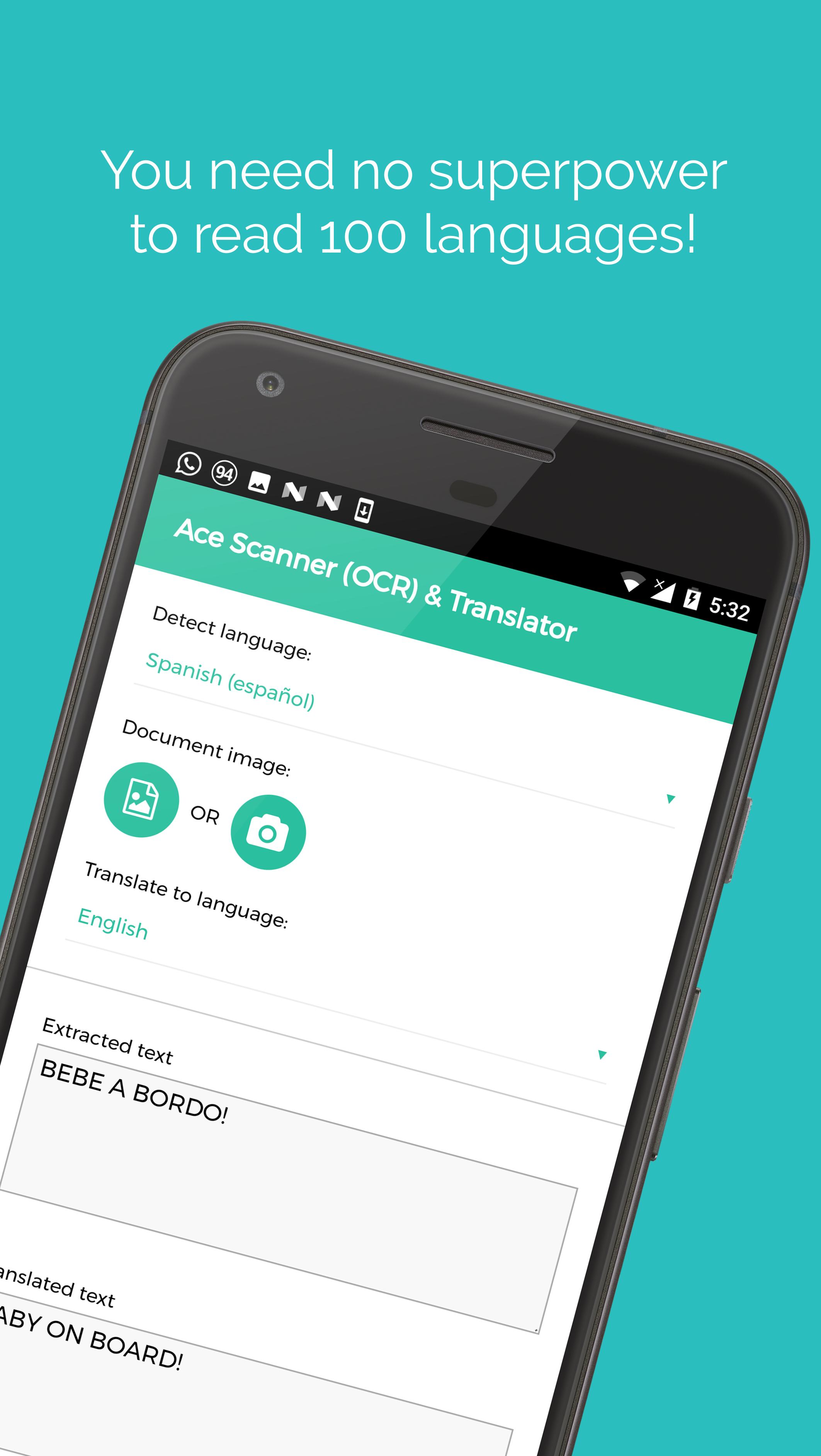
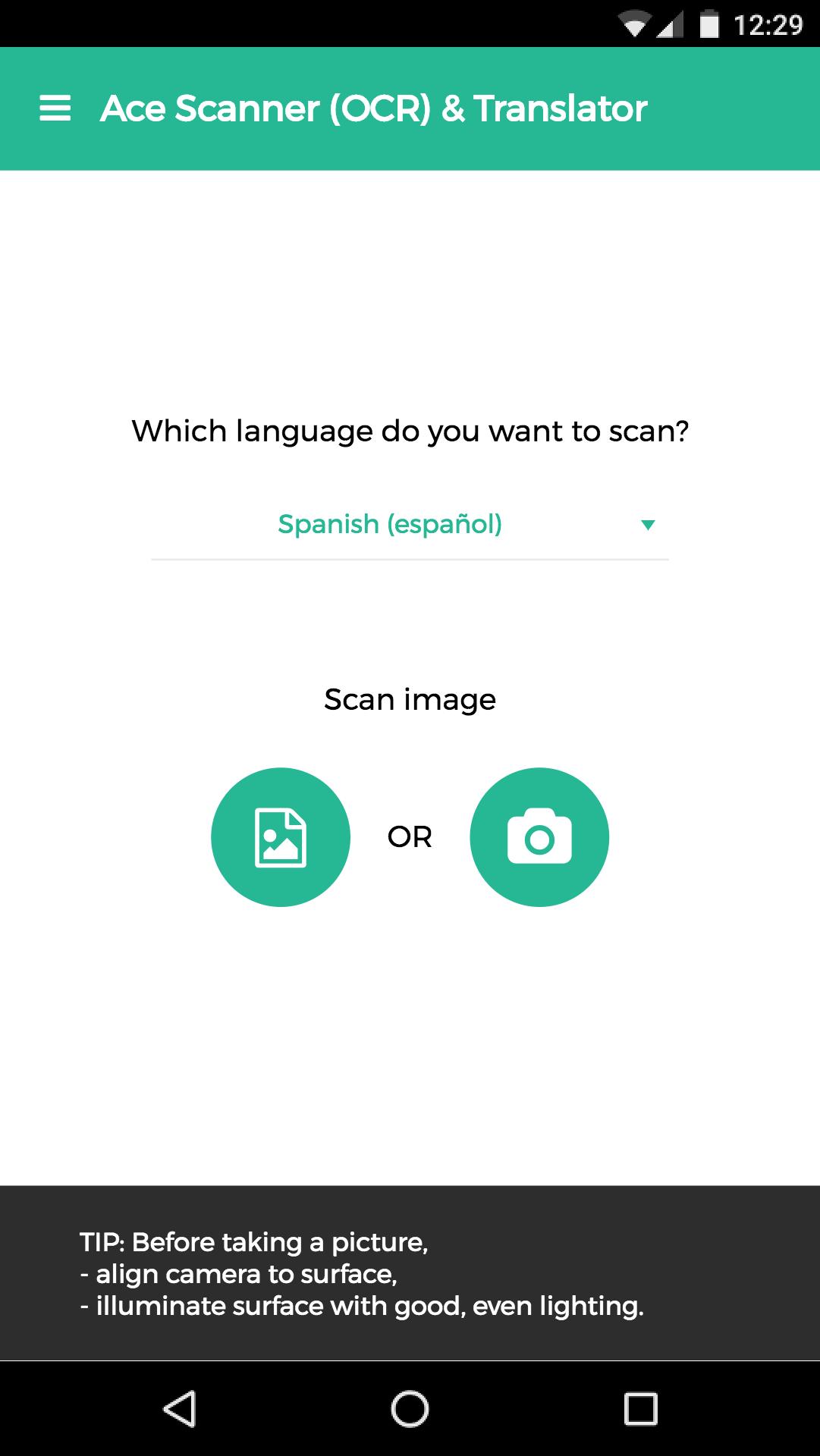
Take a photo of printed text, and this app extracts the text and translates it for you.
More than 100 languages supported.
*Free trail of 6 images and/or 12 translations.*
[Uses]
1. Travel: Translate sign boards, menus while traveling.
2. Work: Convert office/government documents to text and then share over email, or translate it to a language you understand.
3. Study: Convert documents to shareable text.
4. Learn: Image to text translation helps in learning languages.
Usage of deep learning OCR technology, makes this app more accurate than competitors - try it yourself ;)
Note: App needs internet connection. Handwriting recognition isn't supported.
Standard Google Play refund policies apply (that is, currently, refunds are accepted within 48 hours of purchase*).
* could be changed by Google in the future
Avance
Etiquetas
Travel-&Información
Desarrollador
Impress Medium
La última versión
2.13.0
Última actualización
2018-08-12
Categoría
Travel-local
Disponible en
Google Play
Mostrar más
Cómo jugar Ace Scanner (OCR) & Translator con GameLoop en PC
1. Descargue GameLoop desde el sitio web oficial, luego ejecute el archivo exe para instalar GameLoop.
2. Abra GameLoop y busque "Ace Scanner (OCR) & Translator", busque Ace Scanner (OCR) & Translator en los resultados de búsqueda y haga clic en "Instalar".
3. Disfruta jugando Ace Scanner (OCR) & Translator en GameLoop.
Minimum requirements
OS
Windows 8.1 64-bit or Windows 10 64-bit
GPU
GTX 1050
CPU
i3-8300
Memory
8GB RAM
Storage
1GB available space
Recommended requirements
OS
Windows 8.1 64-bit or Windows 10 64-bit
GPU
GTX 1050
CPU
i3-9320
Memory
16GB RAM
Storage
1GB available space