Whatscan for Web: WhatsWeb App para PC
Essence Apps Studio
Descarga Whatscan for Web: WhatsWeb App en PC con GameLoop Emulator
Whatscan for Web: WhatsWeb App en PC
Whatscan for Web: WhatsWeb App, proveniente del desarrollador Essence Apps Studio, se ejecuta en el sistema Android en el pasado.
Ahora, puedes jugar Whatscan for Web: WhatsWeb App en PC con GameLoop sin problemas.
Descárgalo en la biblioteca de GameLoop o en los resultados de búsqueda. No más mirar la batería o llamadas frustrantes en el momento equivocado nunca más.
Simplemente disfrute de Whatscan for Web: WhatsWeb App PC en la pantalla grande de forma gratuita!
Whatscan for Web: WhatsWeb App Introducción
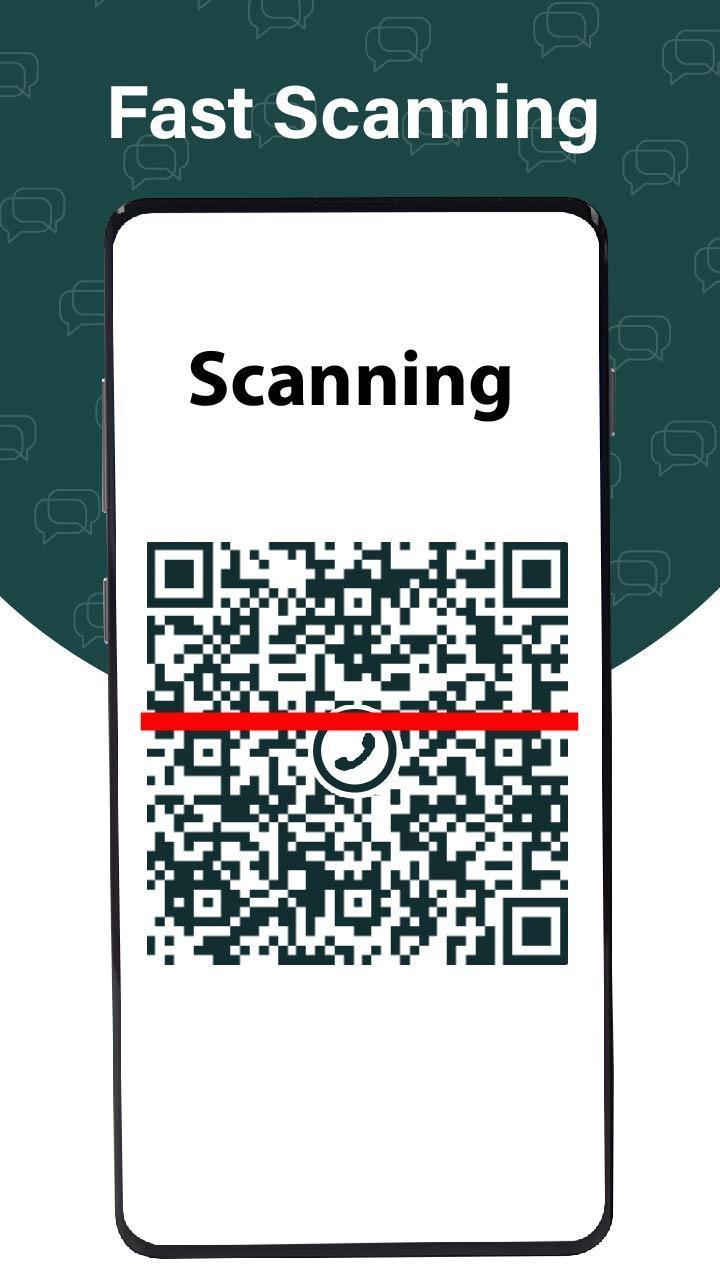
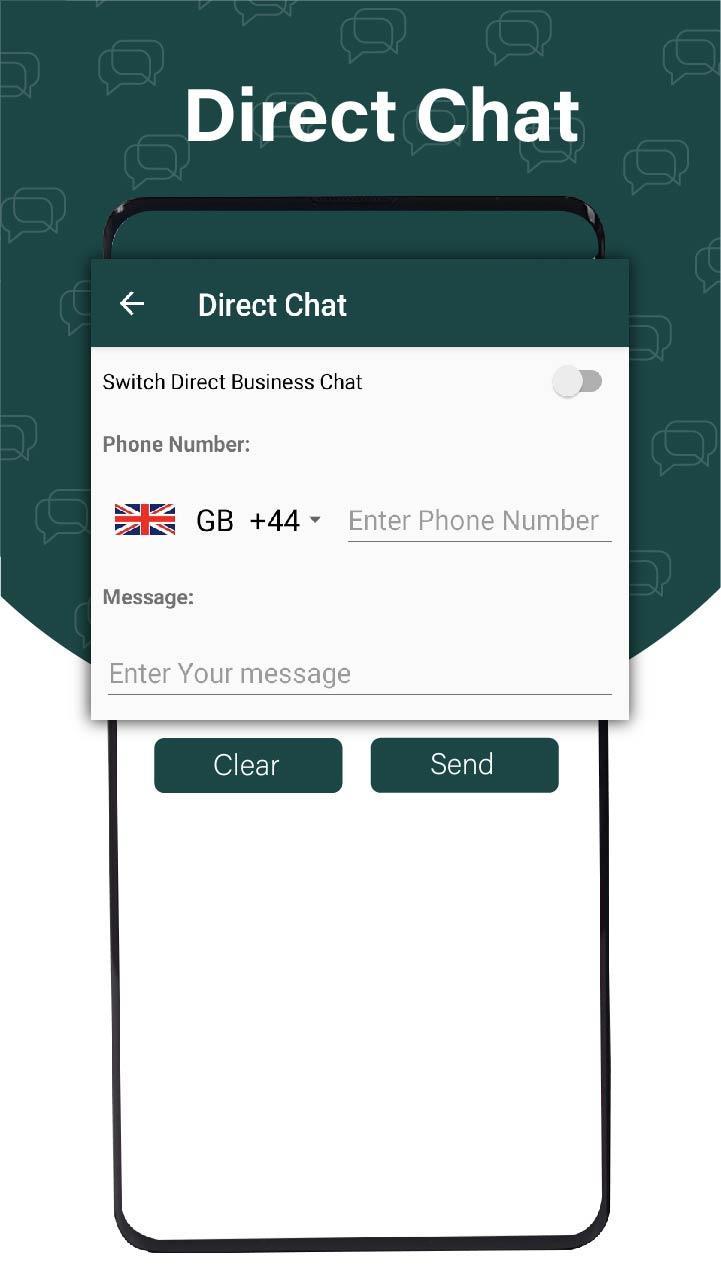
Whatscan: Whats Web Scan is an android app which is used to directly send the message without saving number for both simple and business purpose because this app is built with Direct Chat feature. Just enter the number and message then simply send it. Whatscan: Whats Web Scan allows you to easily switch to message directly. You can save simple status and as business status Watch saved status at any time, which are in the form of images and videos. Whatscan: allows you to see the recently saved status and new saved status in one tab or you can also see all saved status in one tab that you can see in your free time. Whatscan: Whats Web Scan allows you to share this app with other android users if you like it. WhatsWeb Scan is developed with some unique features like optimized code, quick and efficient working, super-fast scanning of QR Code, super-duper QR Code reader. Whats Web Scan is a perfect app for dual chat and story saver or status saver. Whatscan you to run and manage the dual account of wtsup, on the same device. Normally, if you want to use dual accounts, you need two mobile phones but if you want to use dual accounts on one device, Whatscan is perfect for you. QR code generator allows you to have dual chat accounts from different numbers within one device like a dual sim phone. What scan: what’s Web Scan allows you to easily manage dual accounts and do chatting from both accounts at the same time, on the same mobile
Whatscan: Whats Web Scan allows you to have multiple accounts for Whats web on various devices. Whats Scan best app provides you dual space in your device where you can operate two parallel accounts of watsup with parallel space in one device. You can simply scan code from the Whats Web Scan or what scan scanner app and open your account on another device and manage multiple accounts on the same device instead of managing two different accounts on two different devices. Whats Web Scan is the latest chat app that is built with the Direct Chat feature which is very simple and easy to use. What direct chat is the best what stools for both simple chat and business chat? allows you to quickly do open chat with anyone without saving numbers in contacts. So, start your open chat & what direct message quickly on both Simple wasup and Busines. Whats Web Scan can quickly capture QR from the screen and pick it instantly. Whatscan: QR Scanner allows you to quickly scan the code and enjoy chatting.
Simple Steps to use Whatscan: Whats Web Scan:
1. Open this Direct Chat option from the Web Scanner App
2. Select country code, enter number and text message
3. Press send button
4. You can use both simple and business direct chat.
5. What scan for web
6. What web scan with QR whatscan
7. WhatScan QR Scanner with direct chat
Enjoy free What scan What Direct What’s Scan application for you and your family.
Avance
Etiquetas
HerramientasInformación
Desarrollador
Essence Apps Studio
La última versión
1.1.1
Última actualización
2025-01-29
Categoría
Herramientas
Disponible en
Google Play
Mostrar más
Cómo jugar Whatscan for Web: WhatsWeb App con GameLoop en PC
1. Descargue GameLoop desde el sitio web oficial, luego ejecute el archivo exe para instalar GameLoop.
2. Abra GameLoop y busque "Whatscan for Web: WhatsWeb App", busque Whatscan for Web: WhatsWeb App en los resultados de búsqueda y haga clic en "Instalar".
3. Disfruta jugando Whatscan for Web: WhatsWeb App en GameLoop.
Minimum requirements
OS
Windows 8.1 64-bit or Windows 10 64-bit
GPU
GTX 1050
CPU
i3-8300
Memory
8GB RAM
Storage
1GB available space
Recommended requirements
OS
Windows 8.1 64-bit or Windows 10 64-bit
GPU
GTX 1050
CPU
i3-9320
Memory
16GB RAM
Storage
1GB available space