What'scan- Dual Web Accounts para PC
ITamazons
Descarga What'scan- Dual Web Accounts en PC con GameLoop Emulator
What'scan- Dual Web Accounts en PC
What'scan- Dual Web Accounts, proveniente del desarrollador ITamazons, se ejecuta en el sistema Android en el pasado.
Ahora, puedes jugar What'scan- Dual Web Accounts en PC con GameLoop sin problemas.
Descárgalo en la biblioteca de GameLoop o en los resultados de búsqueda. No más mirar la batería o llamadas frustrantes en el momento equivocado nunca más.
Simplemente disfrute de What'scan- Dual Web Accounts PC en la pantalla grande de forma gratuita!
What'scan- Dual Web Accounts Introducción
What'scan- Dual Web Accounts is a utility app that helps you to use multiple accounts on a single device. What'scan- Dual Web Accounts is your one step solution for many functionality which is not available on social App. You can directly send messages to any mobile number, save your friend or relatives App statuses, handle multiple accounts and many more with just one Click!
What's New?
● Do you want to save your App user status?
● Want to clean, remove junk and harmful files?
● Do you manage more than one Web account on your single device?
Congratulations! You have landed at the right place.
You can get all these features in this App: What'scan- Dual Web Accounts
Let’s dive into the What'scan- Dual Web Accounts unique features one by one.
Top Features:
What'scan- Dual Web Accounts
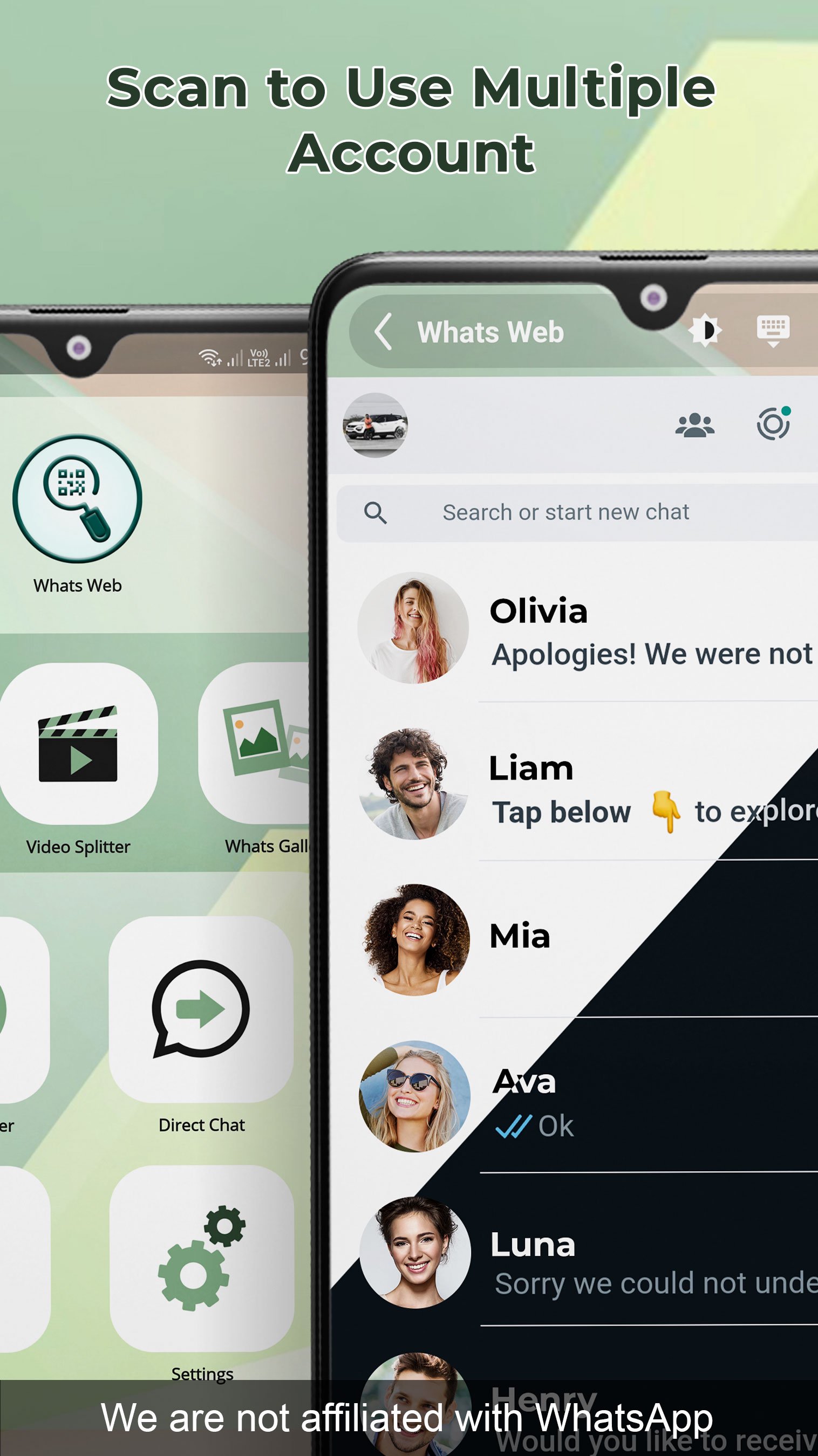
Have you ever tried to manage multiple accounts on one app?Yes, it's possible to login to multiple accounts without facing any issues. This app will help you to open two account on same device or same account on multiple devices by scanning Web QR code. What'scan- Dual Web Accounts offers strong connection and avoids unexpected logouts.
Web QR Scan
What'scan- Dual Web Accounts app allows you to manage anyone's account by scanning a QR code and linking their account.
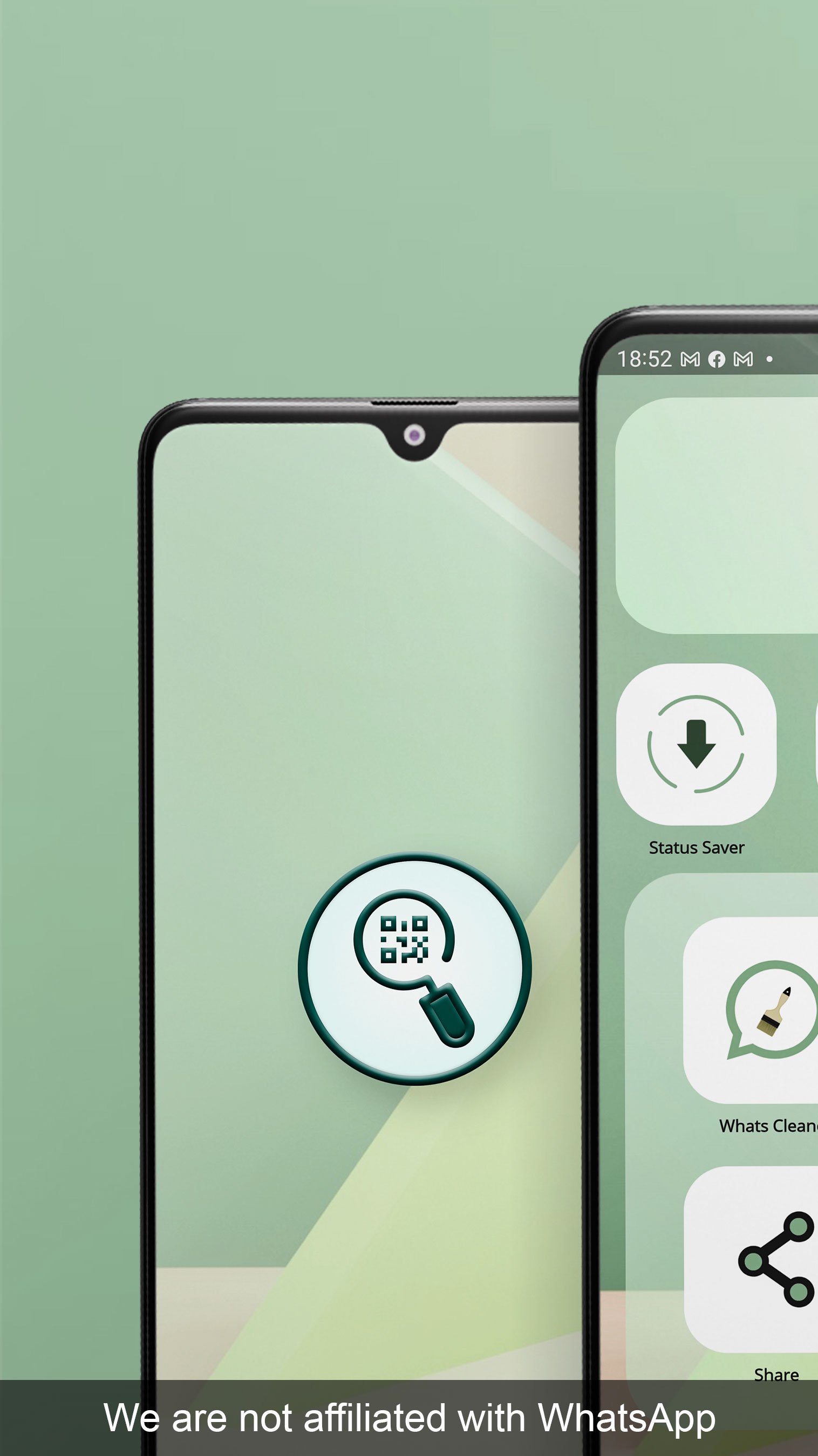
Status Saver
What'scan- Dual Web Accounts app helps to store other's status on mobile device storage and access them any time.
Video Splitter
What'scan- Dual Web Accounts app has a unique feature that called Video Splitter Status. Using this feature You can upload any video no matter how long it is and split according to your need. Directly update your status without any mess.
What's Gallery
What'scan- Dual Web Accounts app helps you to manage images and videos, user can delete or share images and videos directly from What'scan- Dual Web Accounts app.
What's Cleaner
What'scan- Dual Web Accounts app helps you to clean, remove junk and harmful files. Sometimes we download some files and don’t realize that they might be harmful for our system. With this app you can sit and relax because it cleans unwanted harmful files which use most of your device storage.
Direct Chat
Do you want to send the message but don't want to save the number in your contact? Then, this What'scan- Dual Web Accounts is designed for you! Just message on any number without the bother of saving it with our Direct chat feature.
What'scan- Dual Web Accounts app has a unique feature that helps you send messages to other people without saving their contact numbers.
Quotes
What'scan- Dual Web Accounts App has added a new feature called Quotes. Nowadays everyone needs a nice caption to upload photos or videos on social media platforms. Lots of time just wasted in search for that perfect quote. Now get the caption for your post according to your mood with just one click. Thanks to What'scan- Dual Web Accounts!
And many more features are there, happy customers are our property and we serve the best to them.
Hope you will enjoy it.
What'scan- Dual Web Accounts app is a totally free app, you no need to pay extra for any feature.
Feel free to drop your review to encourage our team's hard work. And if you are facing any problem using this app, drop your message, we will get in touch soon.
Don’t forget to rate your experience with us.
Disclaimer:
What'scan- Dual Web Accounts App is created by us and is not an official WhatsApp application. We are not affiliated, associated, authorized, endorsed by, or in any way officially connected with WhatsApp Inc.
Avance
Etiquetas
HerramientasComunicacionesInformación
Desarrollador
ITamazons
La última versión
8.5.6
Última actualización
2024-02-22
Categoría
Herramientas
Disponible en
Google Play
Mostrar más
Cómo jugar What'scan- Dual Web Accounts con GameLoop en PC
1. Descargue GameLoop desde el sitio web oficial, luego ejecute el archivo exe para instalar GameLoop.
2. Abra GameLoop y busque "What'scan- Dual Web Accounts", busque What'scan- Dual Web Accounts en los resultados de búsqueda y haga clic en "Instalar".
3. Disfruta jugando What'scan- Dual Web Accounts en GameLoop.
Minimum requirements
OS
Windows 8.1 64-bit or Windows 10 64-bit
GPU
GTX 1050
CPU
i3-8300
Memory
8GB RAM
Storage
1GB available space
Recommended requirements
OS
Windows 8.1 64-bit or Windows 10 64-bit
GPU
GTX 1050
CPU
i3-9320
Memory
16GB RAM
Storage
1GB available space