USB OTG Checker: USB Connector para PC
The App Company INC
Descarga USB OTG Checker: USB Connector en PC con GameLoop Emulator
USB OTG Checker: USB Connector en PC
USB OTG Checker: USB Connector, proveniente del desarrollador The App Company INC, se ejecuta en el sistema Android en el pasado.
Ahora, puedes jugar USB OTG Checker: USB Connector en PC con GameLoop sin problemas.
Descárgalo en la biblioteca de GameLoop o en los resultados de búsqueda. No más mirar la batería o llamadas frustrantes en el momento equivocado nunca más.
Simplemente disfrute de USB OTG Checker: USB Connector PC en la pantalla grande de forma gratuita!
USB OTG Checker: USB Connector Introducción
Manage Your USB Files Easily with OTG Connector – The Ultimate USB OTG File Manager for Android!
Looking for a fast and easy way to access your USB drive on your Android phone? USB OTG Connector: OTG Checker is your go-to app for managing USB files, checking OTG support, and transferring data with ease. Whether you’re using a USB OTG connector, OTG adapter for Android, or a micro USB OTG cable, our app makes file management seamless.
🔍 Key Features
✔️ Detect and connect to USB OTG devices
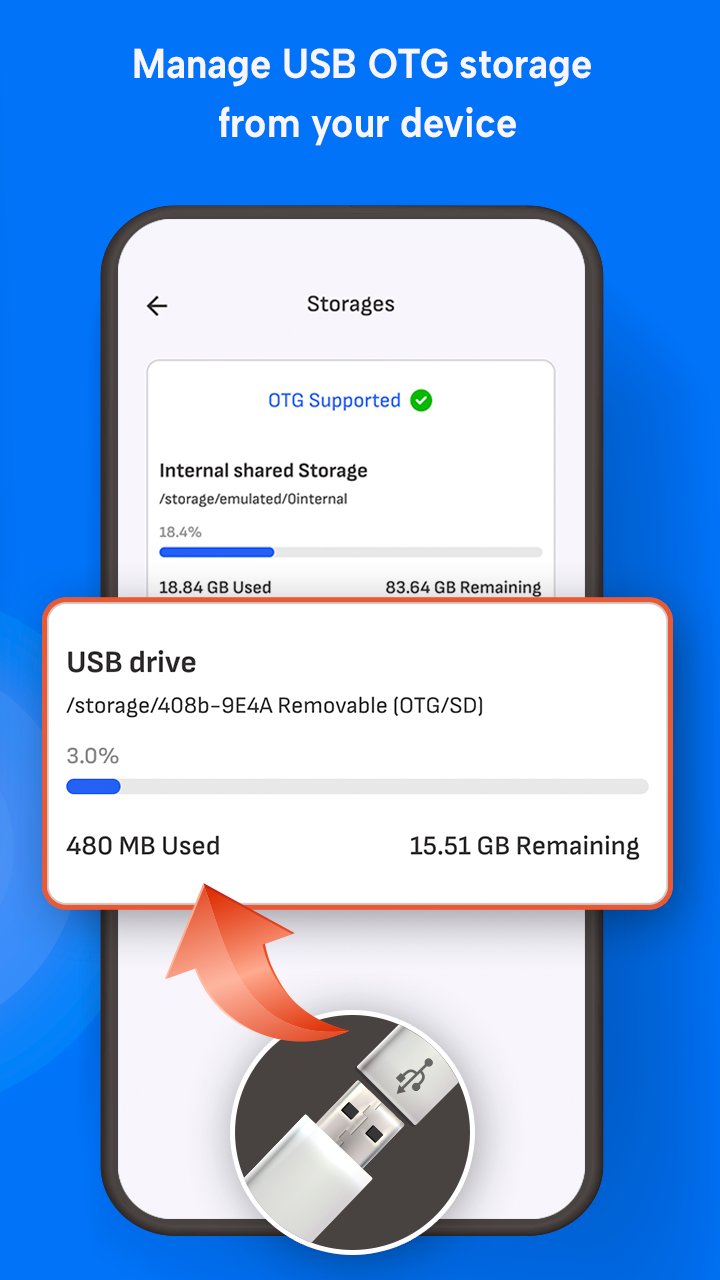
✔️ Copy, Paste, Delete and Move files from USB to Internal Storage
✔️ Works with OTG adapter micro USB and USB OTG connector
✔️ Built-in USB checker to test port compatibility
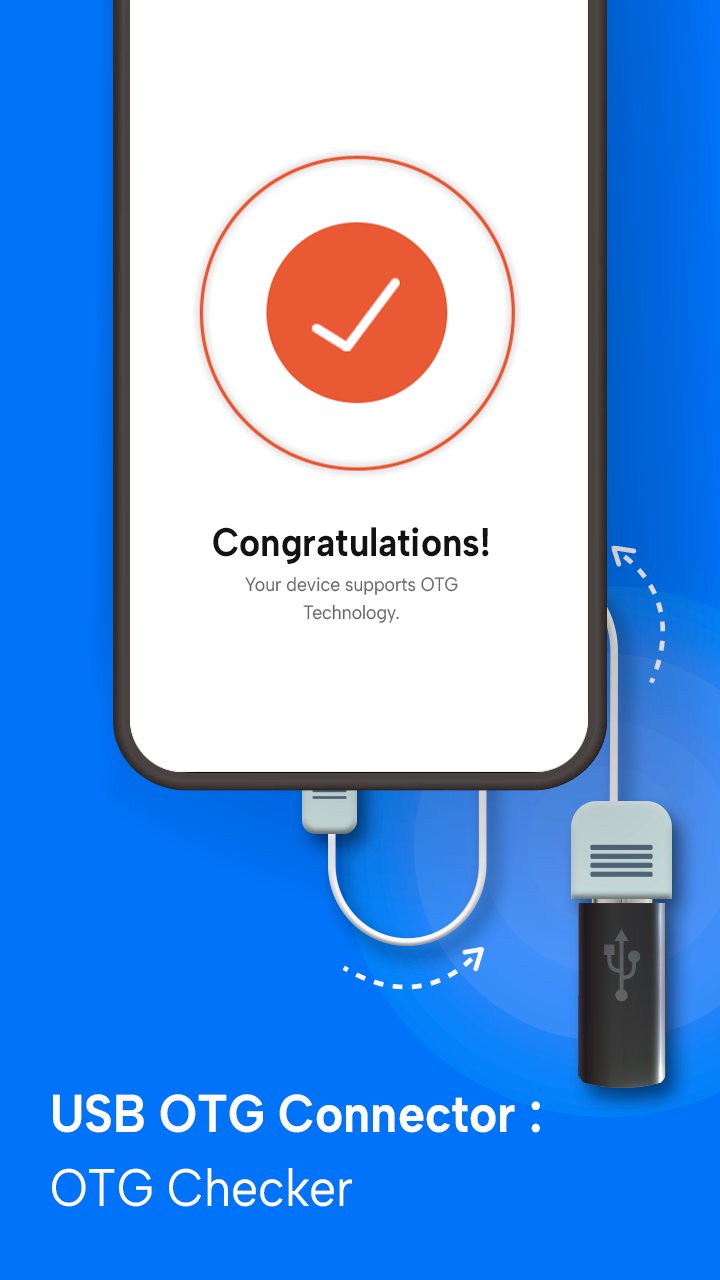
✔️ OTG checker tool to verify device support
✔️ Fast file transfer with intuitive interface
✔️ Supports all major file formats and USB drives
✔️ Lightweight OTG connector software for Android devices
💡 Why Choose This USB OTG File Manager?
Our app combines the power of a file explorer with smart USB detection. If you're using an OTG adapter or USB OTG checker, this app ensures full compatibility and smooth operation. No need to root your device — just plug in your USB drive and get started!
📦 Perfect For
• Accessing external USB storage
• Transferring large files without internet
• Using USB flash drives with OTG-enabled phones
• Managing folders with an OTG connector app
• Users searching for USB checker and USB file transfer tools
🧪 Built-in USB & OTG Checkers
Not sure if your device supports OTG? Use the app’s built-in USB OTG checker and USB checker to test and verify in seconds!
📱 Compatible With Most Android Devices
Tested on major brands like Samsung, Xiaomi, OnePlus, Vivo, Oppo, and more. Whether you’re using a USB OTG adapter or micro USB OTG cable, our app ensures full compatibility and fast performance.
Get the best out of your Android phone with USB OTG Connector: OTG Checker USB File Manager. Download now and take full control of your USB file transfers!
Avance
Etiquetas
HerramientasInformación
Desarrollador
The App Company INC
La última versión
2.9
Última actualización
2026-04-10
Categoría
Herramientas
Disponible en
Google Play
Mostrar más
Cómo jugar USB OTG Checker: USB Connector con GameLoop en PC
1. Descargue GameLoop desde el sitio web oficial, luego ejecute el archivo exe para instalar GameLoop.
2. Abra GameLoop y busque "USB OTG Checker: USB Connector", busque USB OTG Checker: USB Connector en los resultados de búsqueda y haga clic en "Instalar".
3. Disfruta jugando USB OTG Checker: USB Connector en GameLoop.
Minimum requirements
OS
Windows 8.1 64-bit or Windows 10 64-bit
GPU
GTX 1050
CPU
i3-8300
Memory
8GB RAM
Storage
1GB available space
Recommended requirements
OS
Windows 8.1 64-bit or Windows 10 64-bit
GPU
GTX 1050
CPU
i3-9320
Memory
16GB RAM
Storage
1GB available space