
TLS Tunnel: Fast Secure VPN para PC
TLSVPN
Descarga TLS Tunnel: Fast Secure VPN en PC con GameLoop Emulator
TLS Tunnel: Fast Secure VPN en PC
TLS Tunnel: Fast Secure VPN, proveniente del desarrollador TLSVPN, se ejecuta en el sistema Android en el pasado.
Ahora, puedes jugar TLS Tunnel: Fast Secure VPN en PC con GameLoop sin problemas.
Descárgalo en la biblioteca de GameLoop o en los resultados de búsqueda. No más mirar la batería o llamadas frustrantes en el momento equivocado nunca más.
Simplemente disfrute de TLS Tunnel: Fast Secure VPN PC en la pantalla grande de forma gratuita!
TLS Tunnel: Fast Secure VPN Introducción
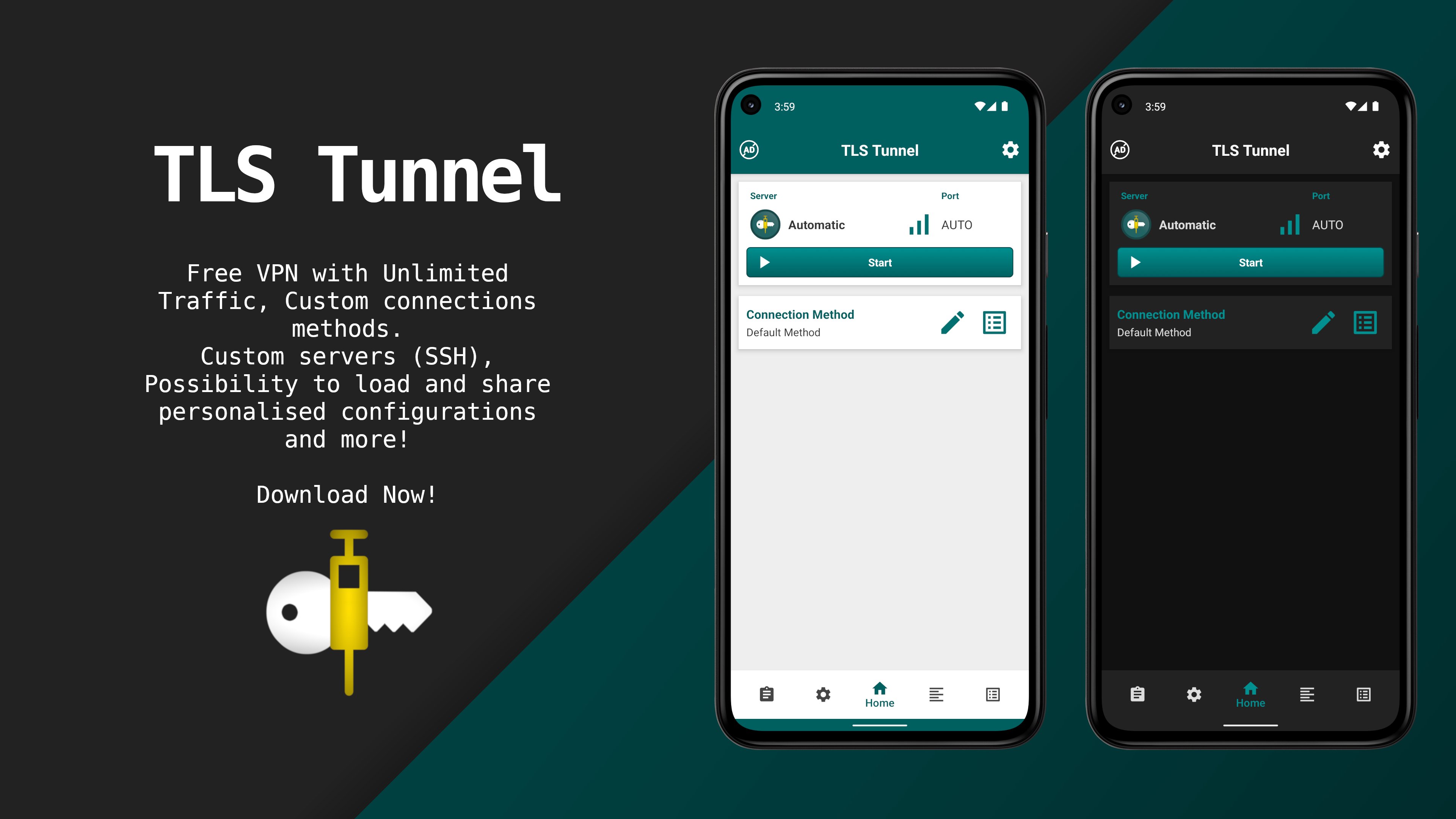
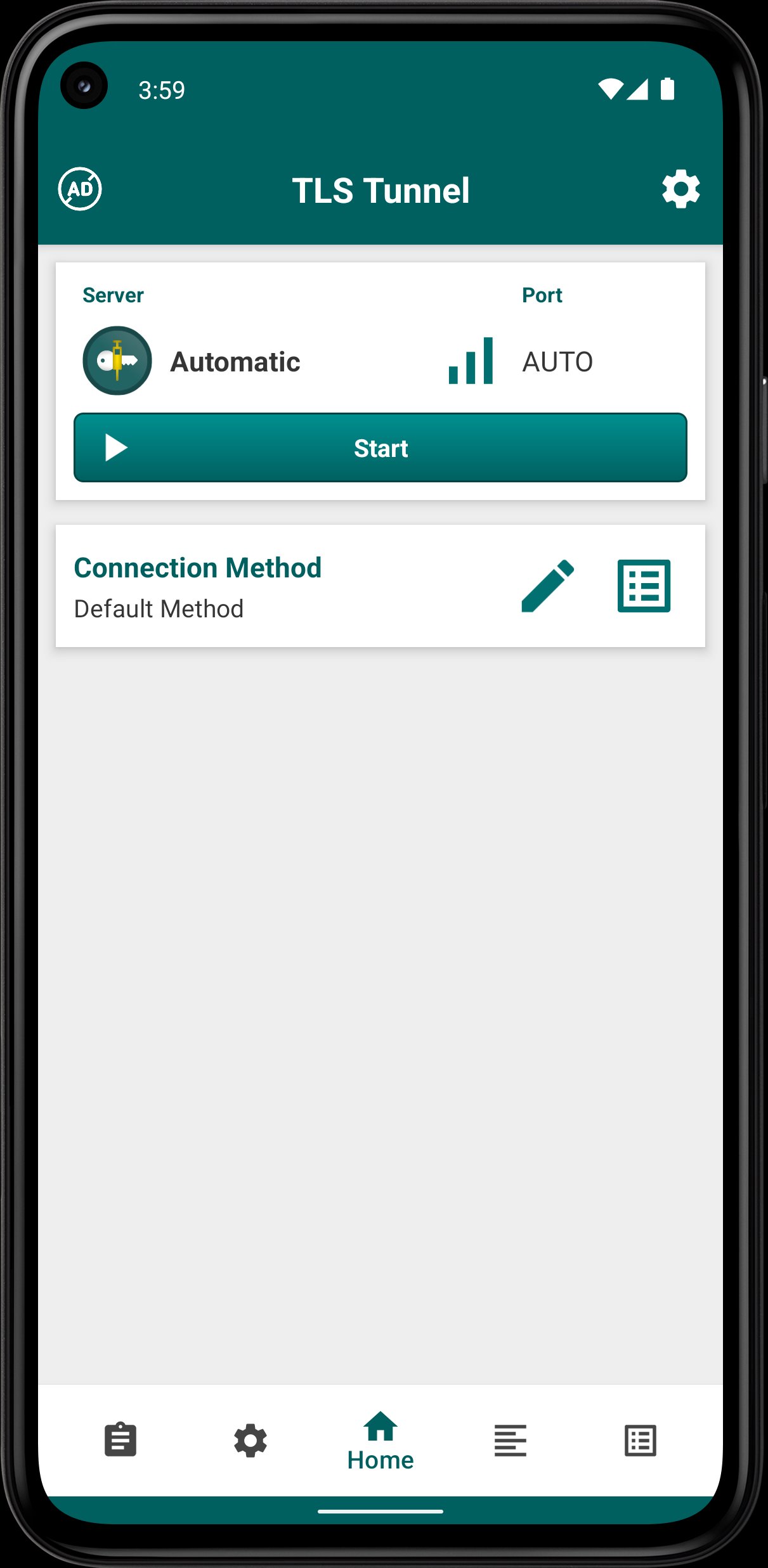
TLS Tunnel is a free, high-performance VPN that aims to cross barriers imposed by internet providers and governments, guaranteeing your privacy, freedom, and anonymity online.
Whether you need to bypass restrictions, secure your data on public Wi-Fi, or hide your IP address, TLS Tunnel provides a robust and highly customizable experience with no registration or payment required.
🛡️ Proprietary Security (TLSVPN)
Our official servers utilize a custom protocol we call TLSVPN. It protects your connection using state-of-the-art encryption via TLS 1.3 the same cryptographic standard used by secure HTTPS sites. Every connection is verified to completely prevent interception and man-in-the-middle attacks.
⚙️ Advanced Customization & SSH Support
Advanced users can take full control by using the Private Server option:
Connect to your own server using standard SSH (Port 22).
Customize connection texts and use SNI (Server Name Indication) if your server is prepared to receive these types of connections.
🚀 Next-Gen Connectivity
Full IPv6 Support: Our official servers are fully equipped to handle modern IPv6 routing, ensuring faster and more reliable connections.
Gaming & UDP: Official servers allow the passage of any IPv4/IPv6 protocol. (Note: SSH private servers route TCP only. UDP routing for online gaming on private servers requires a UDP Gateway, such as badvpn-udpgw).
🔋 Battery Optimized & Always-On
Engineered for ultimate efficiency, TLS Tunnel features incredibly low background battery consumption. Enable the "Always-On VPN" feature in your device settings for uninterrupted, 24/7 protection without draining your battery life.
🌐 Network Features
By default, your traffic is strictly isolated. However, official servers offer an optional feature to communicate with other users connected to the same server via a generated internal IP. (This is disabled by default to ensure strict security, but can be enabled for specific use cases).
Important Note on Private Servers:
TLS Tunnel is completely free. If you use the Private Server option and do not own a server, you may access third-party servers. Please keep in mind that TLS Tunnel is not responsible for these third-party private servers. If you experience issues with private servers, contact the server owner directly.
Avance
Etiquetas
HerramientasInformación
Desarrollador
TLSVPN
La última versión
8.4.0
Última actualización
2026-08-16
Categoría
Herramientas
Disponible en
Google Play
Mostrar más
Cómo jugar TLS Tunnel: Fast Secure VPN con GameLoop en PC
1. Descargue GameLoop desde el sitio web oficial, luego ejecute el archivo exe para instalar GameLoop.
2. Abra GameLoop y busque "TLS Tunnel: Fast Secure VPN", busque TLS Tunnel: Fast Secure VPN en los resultados de búsqueda y haga clic en "Instalar".
3. Disfruta jugando TLS Tunnel: Fast Secure VPN en GameLoop.
Minimum requirements
OS
Windows 8.1 64-bit or Windows 10 64-bit
GPU
GTX 1050
CPU
i3-8300
Memory
8GB RAM
Storage
1GB available space
Recommended requirements
OS
Windows 8.1 64-bit or Windows 10 64-bit
GPU
GTX 1050
CPU
i3-9320
Memory
16GB RAM
Storage
1GB available space