
CTimer: timer & stopwatch para PC
AmazingByte
Descarga CTimer: timer & stopwatch en PC con GameLoop Emulator
CTimer: timer & stopwatch en PC
CTimer: timer & stopwatch, proveniente del desarrollador AmazingByte, se ejecuta en el sistema Android en el pasado.
Ahora, puedes jugar CTimer: timer & stopwatch en PC con GameLoop sin problemas.
Descárgalo en la biblioteca de GameLoop o en los resultados de búsqueda. No más mirar la batería o llamadas frustrantes en el momento equivocado nunca más.
Simplemente disfrute de CTimer: timer & stopwatch PC en la pantalla grande de forma gratuita!
CTimer: timer & stopwatch Introducción
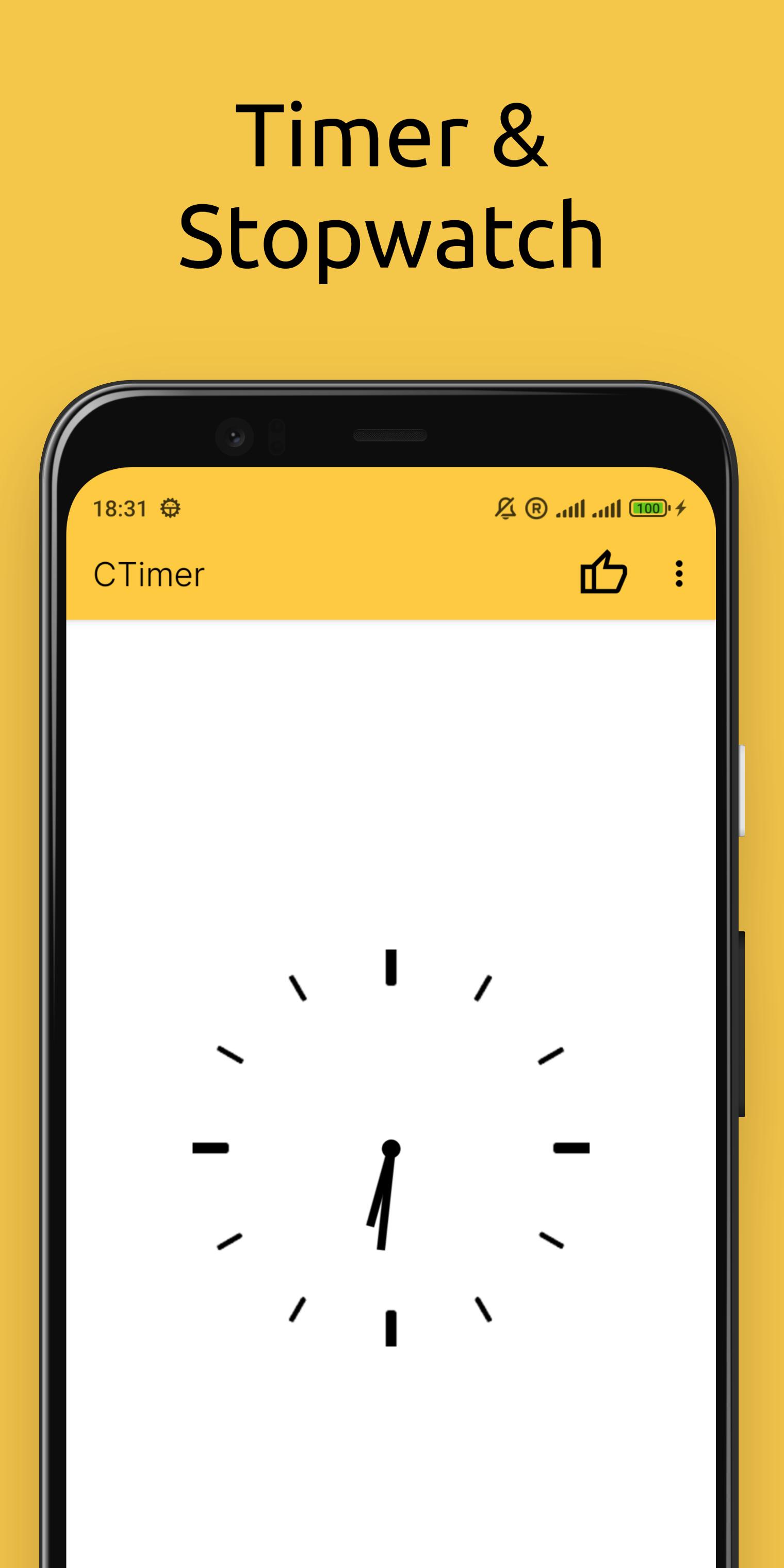
Looking for a simple, handy timer and stopwatch? CTimer is the ultimate Android app for counting down to any event with precision! Perfect for cooking, workouts, labs, or parties – it combines timer, stopwatch, and clock in one sleek package.
WHY CHOOSE CTIMER?
All-in-one timekeeping:
• Countdown timer (set hours, minutes, seconds)
• Accurate stopwatch (lap tracking included)
• Home screen widget (glanceable updates)
Designed for convenience:
• Minimalist interface – easy to use with just a few taps
• Lightweight – won’t slow down your device
• Stylish design – fits any Android phone or tablet
PERFECT FOR:
• Events & Competitions: Time weddings, parties, or kids’ games effortlessly.
• Sports & Fitness: Track races, swimming laps, or gym intervals.
• Cooking: Measure frying, boiling, or baking times.
• Science & Labs: Monitor reaction times in experiments.
Standout Features:
High accuracy – rival’s mechanical timers.
Customizable widget – see time without opening the app
Install CTimer today – always ready when you need it!
Avance

Etiquetas
HerramientasInformación
Desarrollador
AmazingByte
La última versión
6.2
Última actualización
2025-10-30
Categoría
Herramientas
Disponible en
Google Play
Mostrar más
Cómo jugar CTimer: timer & stopwatch con GameLoop en PC
1. Descargue GameLoop desde el sitio web oficial, luego ejecute el archivo exe para instalar GameLoop.
2. Abra GameLoop y busque "CTimer: timer & stopwatch", busque CTimer: timer & stopwatch en los resultados de búsqueda y haga clic en "Instalar".
3. Disfruta jugando CTimer: timer & stopwatch en GameLoop.
Minimum requirements
OS
Windows 8.1 64-bit or Windows 10 64-bit
GPU
GTX 1050
CPU
i3-8300
Memory
8GB RAM
Storage
1GB available space
Recommended requirements
OS
Windows 8.1 64-bit or Windows 10 64-bit
GPU
GTX 1050
CPU
i3-9320
Memory
16GB RAM
Storage
1GB available space