
Speed Test WiFi Analyzer 4G/5G para PC
SPECURE GmbH
Descarga Speed Test WiFi Analyzer 4G/5G en PC con GameLoop Emulator
Speed Test WiFi Analyzer 4G/5G en PC
Speed Test WiFi Analyzer 4G/5G, proveniente del desarrollador SPECURE GmbH, se ejecuta en el sistema Android en el pasado.
Ahora, puedes jugar Speed Test WiFi Analyzer 4G/5G en PC con GameLoop sin problemas.
Descárgalo en la biblioteca de GameLoop o en los resultados de búsqueda. No más mirar la batería o llamadas frustrantes en el momento equivocado nunca más.
Simplemente disfrute de Speed Test WiFi Analyzer 4G/5G PC en la pantalla grande de forma gratuita!
Speed Test WiFi Analyzer 4G/5G Introducción
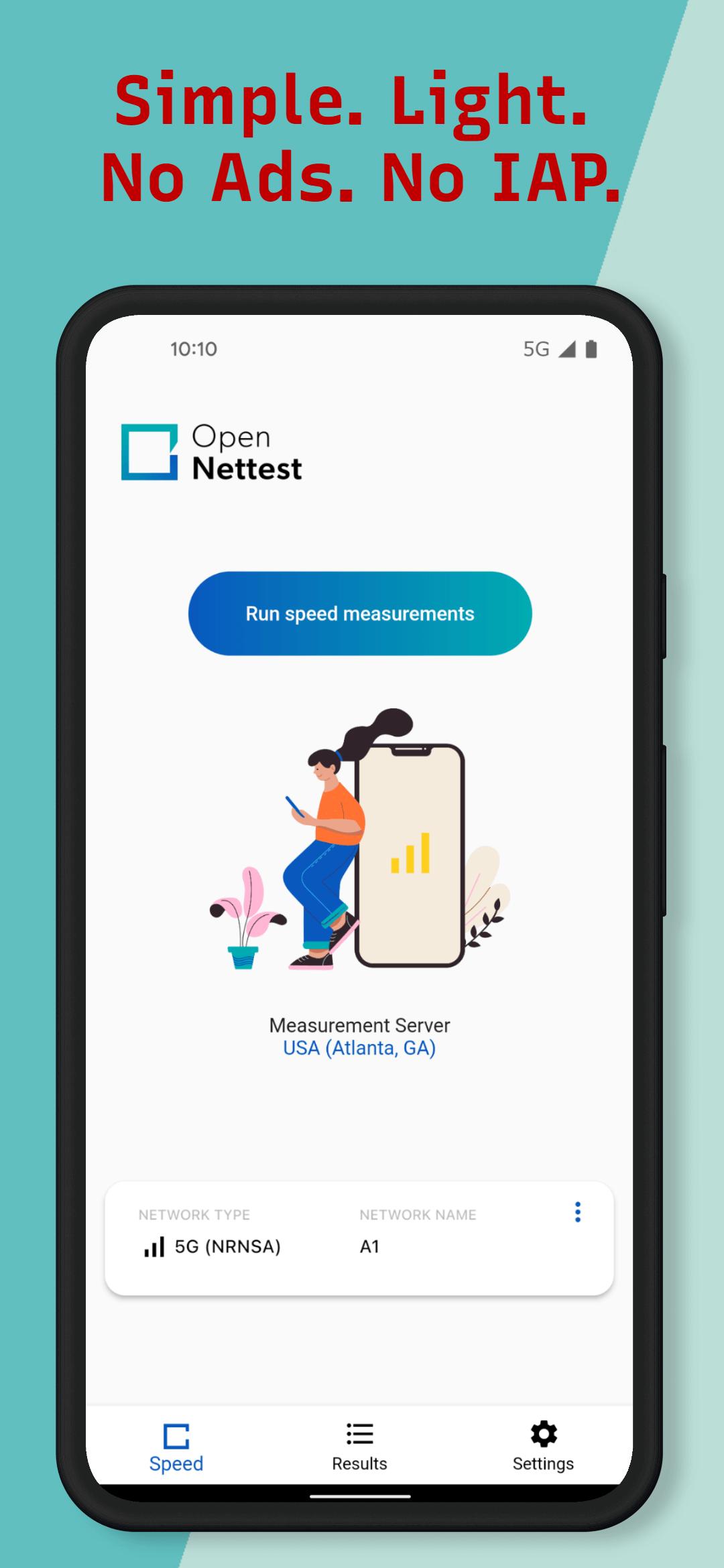
Use Open NetTest to run a truly reliable Internet speed test on your fixed, cellular, or WiFi network (4G/5G speed test).
Open NetTest is completely free, with no ads or in-app purchases, and its main focus is providing reliable Internet connection speed test results. It measures several parameters, including download and upload speed, ping (latency), jitter, and packet loss.
What sets it apart from the plethora of speed test apps already available is its use of an open, transparent methodology. Its speed testing servers are located in Internet peering exchange points.
Main Features:
- Ad-free. Open NetTest doesn't include any in-app purchases or ads, thus you can test your Internet connection speed or analyze your WiFi without interruptions.
- Reliable. It uses measurement servers in Internet Peering Exchange Points, with no ISPs who would sponsor the speed testing ecosystem.
- Protects you privacy. We do not collect any unnecessary personal data from users. We properly anonymize sensitive data (i.e. location and IP), before we use it for statistical analysis and reports.
- Real-time speed test results. You can see in real-time speed testing parameters (i.e. download/upload speed, ping). When the results are in, it will show you how good your Internet connection is for playing online games, streaming videos and so on.
- Historic internet speed test results. View all your internet speed tests by device and network. By keeping records of previous speed tests, you can track how your Internet speed changed over time.
- Multiple testing platforms. Open NetTest is available as a mobile app for Android/iOS but also as a web app. Hardware speed testing probes and a command-line client (CLI) are available for more advanced use cases.
Open NetTest follows industry standards and KPIs as defined by BEREC, ITU and others to provide accurate results. You can trust it to test the speed of your mobile or broadband connection as well as an WiFi analyzer for 4G or 5G networks.
We would love to hear from you. If you have any suggestions, feel free to share your opinion by writing an honest review.
Avance

Etiquetas
HerramientasInformación
Desarrollador
SPECURE GmbH
La última versión
5.2.16
Última actualización
2024-11-12
Categoría
Herramientas
Disponible en
Google Play
Mostrar más
Cómo jugar Speed Test WiFi Analyzer 4G/5G con GameLoop en PC
1. Descargue GameLoop desde el sitio web oficial, luego ejecute el archivo exe para instalar GameLoop.
2. Abra GameLoop y busque "Speed Test WiFi Analyzer 4G/5G", busque Speed Test WiFi Analyzer 4G/5G en los resultados de búsqueda y haga clic en "Instalar".
3. Disfruta jugando Speed Test WiFi Analyzer 4G/5G en GameLoop.
Minimum requirements
OS
Windows 8.1 64-bit or Windows 10 64-bit
GPU
GTX 1050
CPU
i3-8300
Memory
8GB RAM
Storage
1GB available space
Recommended requirements
OS
Windows 8.1 64-bit or Windows 10 64-bit
GPU
GTX 1050
CPU
i3-9320
Memory
16GB RAM
Storage
1GB available space