Sound Meter & Generator para PC
Grade Star Apps
Descarga Sound Meter & Generator en PC con GameLoop Emulator
Sound Meter & Generator en PC
Sound Meter & Generator, proveniente del desarrollador Grade Star Apps, se ejecuta en el sistema Android en el pasado.
Ahora, puedes jugar Sound Meter & Generator en PC con GameLoop sin problemas.
Descárgalo en la biblioteca de GameLoop o en los resultados de búsqueda. No más mirar la batería o llamadas frustrantes en el momento equivocado nunca más.
Simplemente disfrute de Sound Meter & Generator PC en la pantalla grande de forma gratuita!
Sound Meter & Generator Introducción
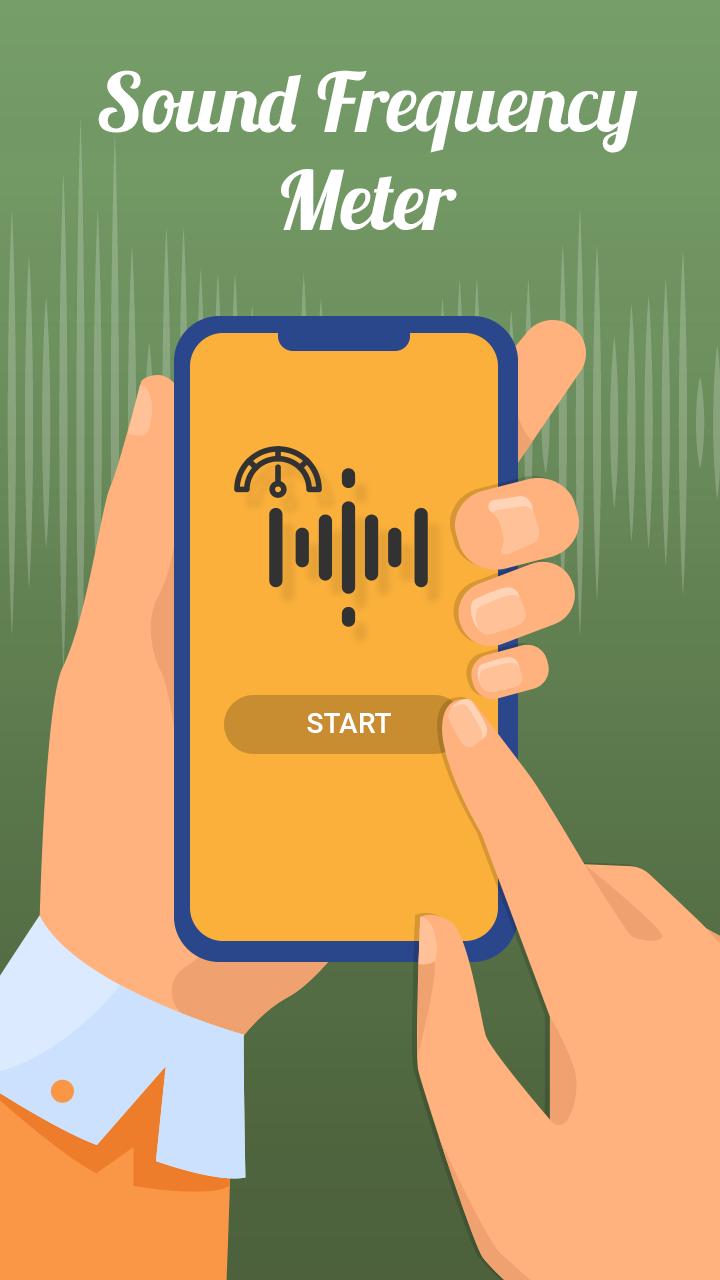
Frequency Sound Generator is a simple wave form sound generator and oscillator. It is easy to use tool so you can create high variety of sounds and signals in just few seconds. All controls are in real time so you can dynamically change the sound signals.
Sound frequency meter, frequency generator app allow user to generate different type of Frequencies
Frequency Generator Sound player lets you generate a sine, square, sawtooth or triangle sound wave with a frequency between 10Hz and 25000Hz (hertz). It produces accurate tone & soundwaves while being simple and easy to use. Frequency sound generator app is one of the most important tool for hear testing and other purpose to.e.
Key Features :
--------------------
1. Generate .10Hz to more than 25000Hz & -80.00 dB to .00 dB Frequency with (Sine, SQU, SAW etc., Sound Generate Options)
2. Sound Frequency Meter (Sound Detector or Sound Level Meter)
- Sound Frequency in dB
- Show Minimum, Maximum & Average Sound Frequency in dB.
- Show Frequency Chart.
- Show Frequency Sound Info with Different types of sounds(Thunder, Motorcycle, Truck, Loud Music, Heavy Traffic, Office Room, Library etc.,)
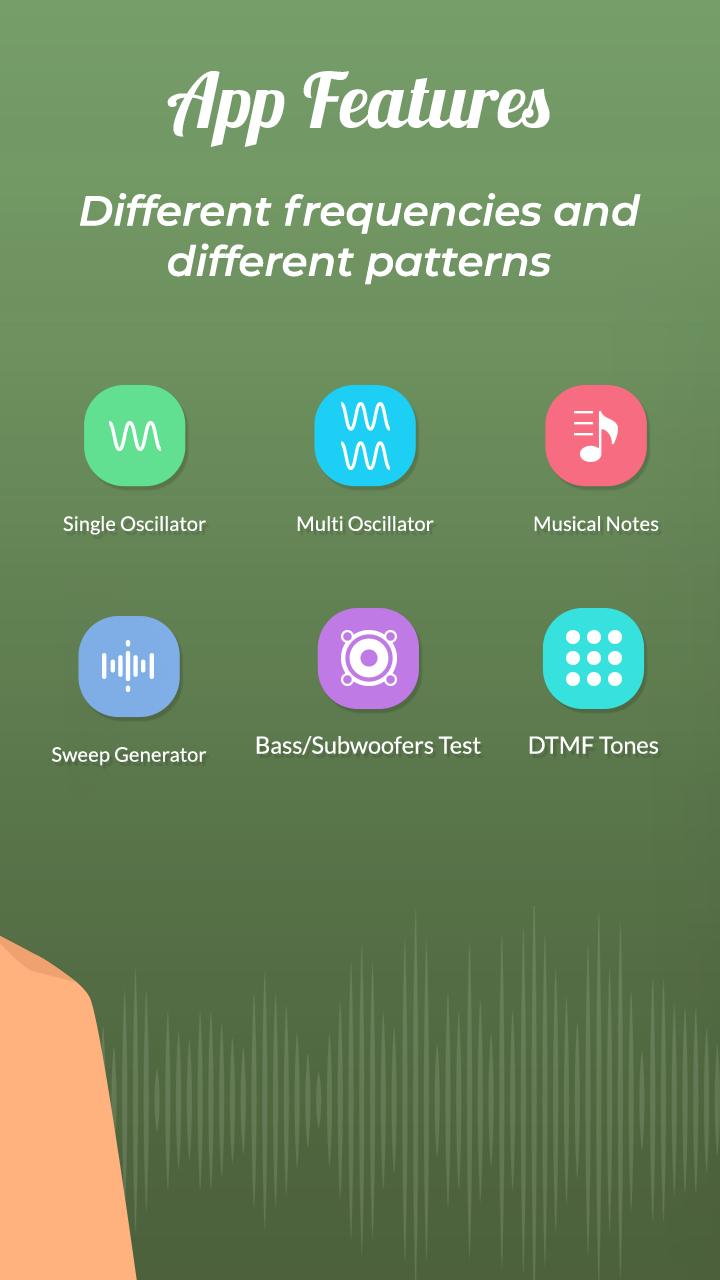
3. Sound Wave Generator:-
- Single Osclillator
- Multiple Osclillator
- Musical Notes
- Bass Test
- Sweep Generator
- Dial Tones Multi Frequency
Download the all new Sound Frequency Meter - Sound Frequency Generator app for FREE!!!
Avance
Etiquetas
HerramientasInformación
Desarrollador
Grade Star Apps
La última versión
1.3
Última actualización
2022-07-28
Categoría
Herramientas
Disponible en
Google Play
Mostrar más
Cómo jugar Sound Meter & Generator con GameLoop en PC
1. Descargue GameLoop desde el sitio web oficial, luego ejecute el archivo exe para instalar GameLoop.
2. Abra GameLoop y busque "Sound Meter & Generator", busque Sound Meter & Generator en los resultados de búsqueda y haga clic en "Instalar".
3. Disfruta jugando Sound Meter & Generator en GameLoop.
Minimum requirements
OS
Windows 8.1 64-bit or Windows 10 64-bit
GPU
GTX 1050
CPU
i3-8300
Memory
8GB RAM
Storage
1GB available space
Recommended requirements
OS
Windows 8.1 64-bit or Windows 10 64-bit
GPU
GTX 1050
CPU
i3-9320
Memory
16GB RAM
Storage
1GB available space