
Smart Voice Lock Screen para PC
Dilip Master Apps
Descarga Smart Voice Lock Screen en PC con GameLoop Emulator
Smart Voice Lock Screen en PC
Smart Voice Lock Screen, proveniente del desarrollador Dilip Master Apps, se ejecuta en el sistema Android en el pasado.
Ahora, puedes jugar Smart Voice Lock Screen en PC con GameLoop sin problemas.
Descárgalo en la biblioteca de GameLoop o en los resultados de búsqueda. No más mirar la batería o llamadas frustrantes en el momento equivocado nunca más.
Simplemente disfrute de Smart Voice Lock Screen PC en la pantalla grande de forma gratuita!
Smart Voice Lock Screen Introducción
With this unique screen lock with various different screen lock options available.
Get various different lock themes that are stylish to make your lock screen stand out.
App Main Features :
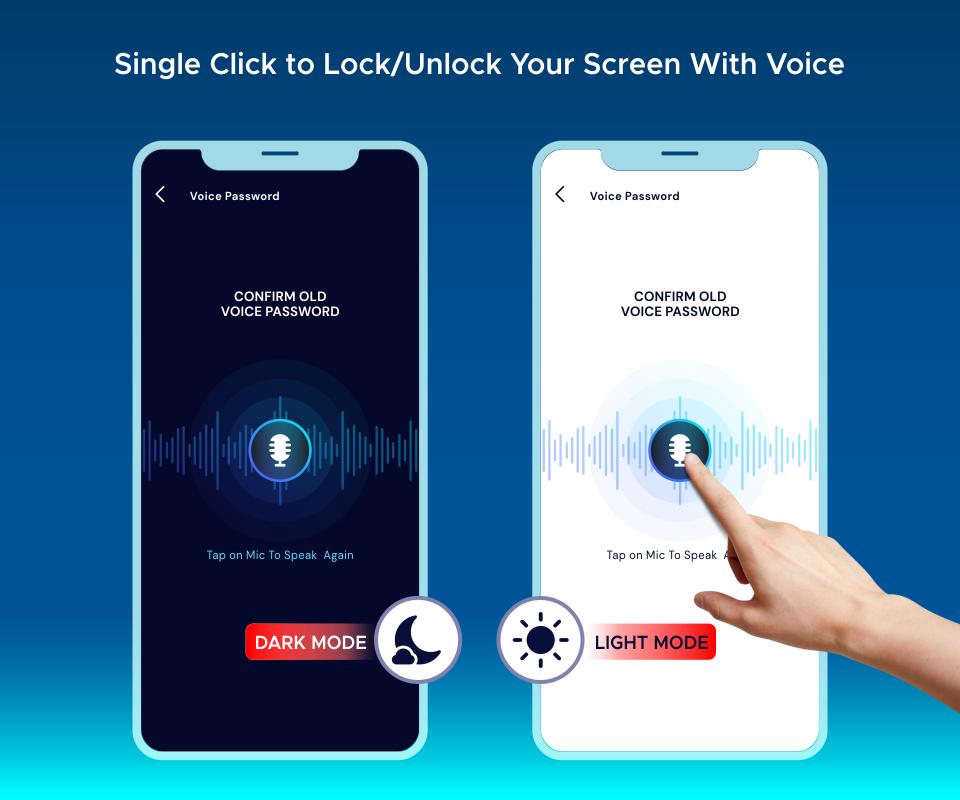
- Voice Screen Lock allows you to unlock your phone using voice command.
- Speak and unlock your device using your voice set password.
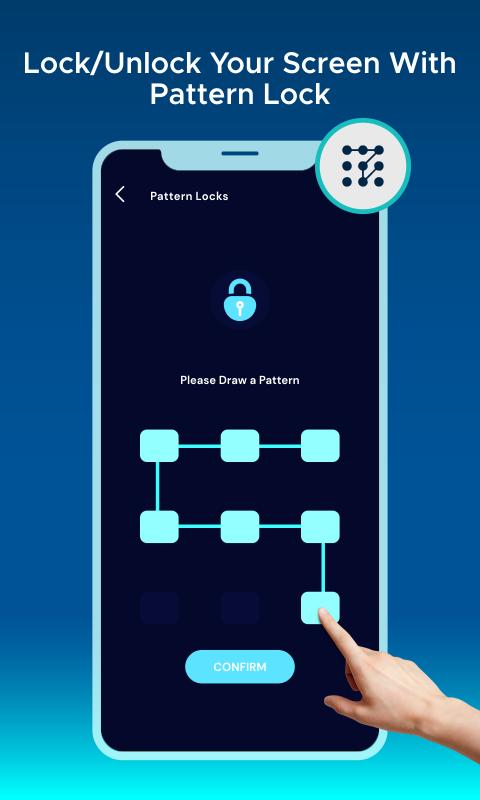
- You can use other types of lock screen too, for example PIN Lock, Pattern Lock etc.
- Get cool collection of themes for all kind of screen locks.
- Pin Screen Lock is compatible with almost every android device.
- Pattern Lock Screen is a secure and customizable Lock Screen App for free with various Beautiful Wallpaper.
- All Screen Locks shows and displays real-time clock and date.
- Set beautiful pattern design on your lock screen with an easy password.
- Gesture Lock Screen app gives you pattern lock screen with high security.
- Time Screen Lock Password (Dynamic Password) for the rescue.
- You can make your phone current time its lock screen password. And time changes every minute, so does the password too, so no one can even guess it
- Change color of time and date.
- Change font style on your Voice Lock Screen.
- Change background of screen lock from our designed wallpaper or with your personal photos.
Avance
Etiquetas
HerramientasInformación
Desarrollador
Dilip Master Apps
La última versión
1.4
Última actualización
2023-08-18
Categoría
Herramientas
Disponible en
Google Play
Mostrar más
Cómo jugar Smart Voice Lock Screen con GameLoop en PC
1. Descargue GameLoop desde el sitio web oficial, luego ejecute el archivo exe para instalar GameLoop.
2. Abra GameLoop y busque "Smart Voice Lock Screen", busque Smart Voice Lock Screen en los resultados de búsqueda y haga clic en "Instalar".
3. Disfruta jugando Smart Voice Lock Screen en GameLoop.
Minimum requirements
OS
Windows 8.1 64-bit or Windows 10 64-bit
GPU
GTX 1050
CPU
i3-8300
Memory
8GB RAM
Storage
1GB available space
Recommended requirements
OS
Windows 8.1 64-bit or Windows 10 64-bit
GPU
GTX 1050
CPU
i3-9320
Memory
16GB RAM
Storage
1GB available space