
Smart-M para PC
Palette
Descarga Smart-M en PC con GameLoop Emulator
Smart-M en PC
Smart-M, proveniente del desarrollador Palette, se ejecuta en el sistema Android en el pasado.
Ahora, puedes jugar Smart-M en PC con GameLoop sin problemas.
Descárgalo en la biblioteca de GameLoop o en los resultados de búsqueda. No más mirar la batería o llamadas frustrantes en el momento equivocado nunca más.
Simplemente disfrute de Smart-M PC en la pantalla grande de forma gratuita!
Smart-M Introducción
Technology overview
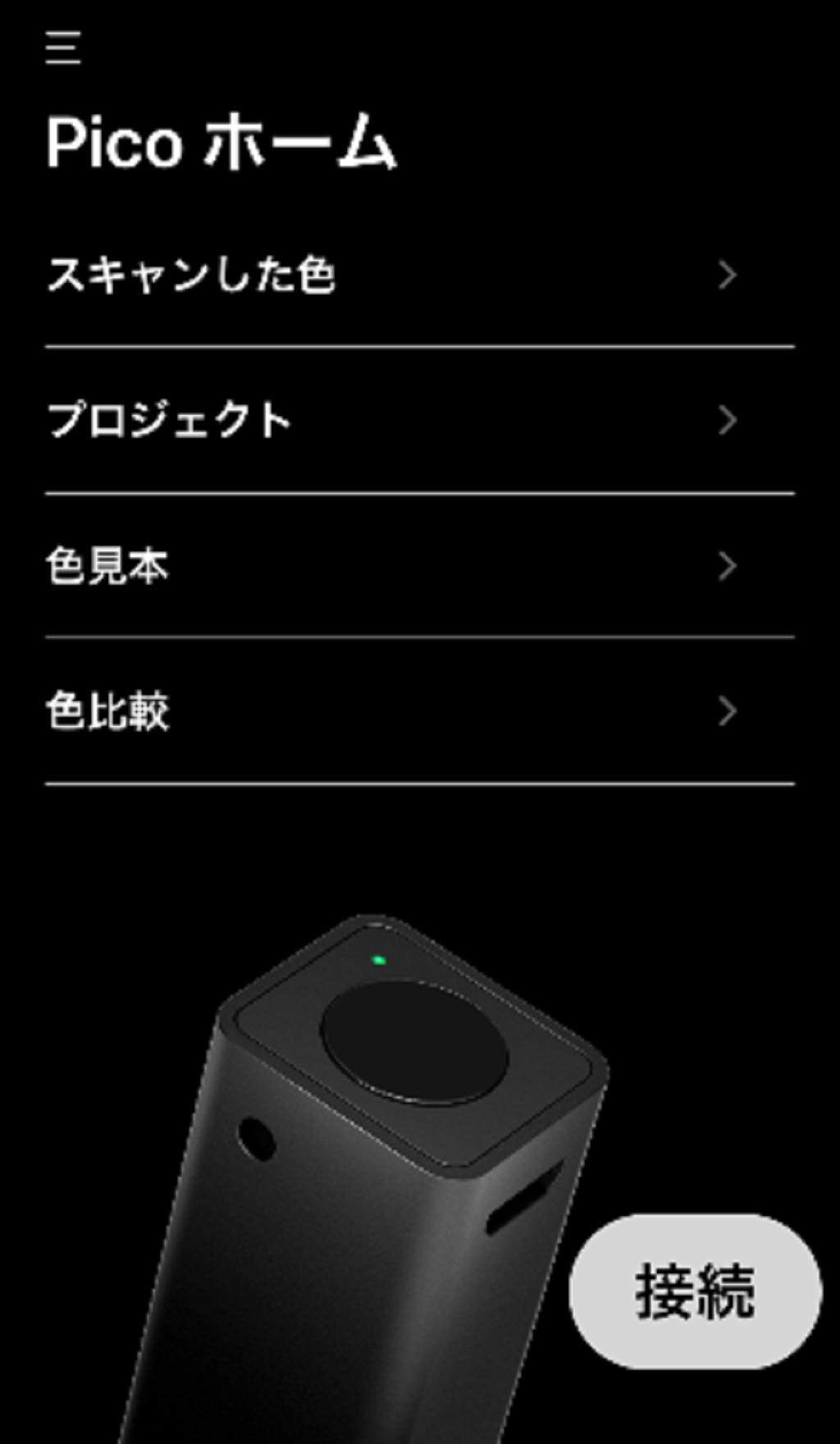
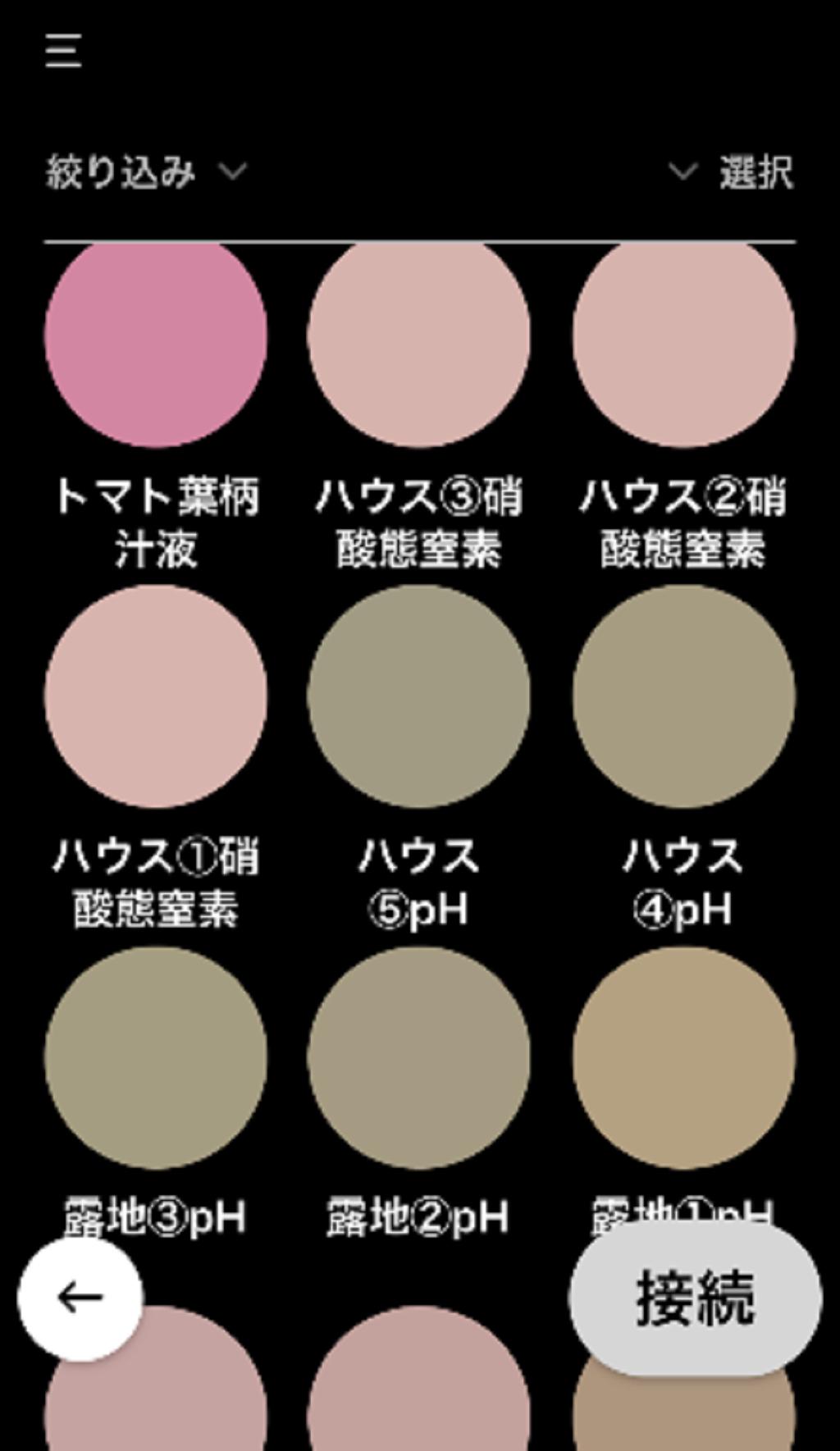
This application is used for soil analysis by combining a test paper "Midori-kun ®" that develops color according to the nutrient concentration of the soil and "Pico", a device that reads color.
What is Midori-kunⓇ
A simple soil diagnostic test kit developed by Tokyo University of Agriculture.
When purified water is added to the soil and the test paper is dipped directly into the shaken suspension, the color changes depending on the concentration of soil nutrients.
What is Pico (simple colorimeter)
It is a thumb size (18×15×60mm/16g) colorimeter.
You can read the color from the real thing, transfer the information via Bluetooth connection to the dedicated app installed on the iOS or Android smartphones and tablets, and check it against the color sample book registered in advance.
Avance
Etiquetas
HerramientasInformación
Desarrollador
Palette
La última versión
1.0.6
Última actualización
2024-11-17
Categoría
Herramientas
Disponible en
Google Play
Mostrar más
Cómo jugar Smart-M con GameLoop en PC
1. Descargue GameLoop desde el sitio web oficial, luego ejecute el archivo exe para instalar GameLoop.
2. Abra GameLoop y busque "Smart-M", busque Smart-M en los resultados de búsqueda y haga clic en "Instalar".
3. Disfruta jugando Smart-M en GameLoop.
Minimum requirements
OS
Windows 8.1 64-bit or Windows 10 64-bit
GPU
GTX 1050
CPU
i3-8300
Memory
8GB RAM
Storage
1GB available space
Recommended requirements
OS
Windows 8.1 64-bit or Windows 10 64-bit
GPU
GTX 1050
CPU
i3-9320
Memory
16GB RAM
Storage
1GB available space