Simple Calculator - SimpleCalc para PC
Everyday Calculation Apps
Descarga Simple Calculator - SimpleCalc en PC con GameLoop Emulator
Simple Calculator - SimpleCalc en PC
Simple Calculator - SimpleCalc, proveniente del desarrollador Everyday Calculation Apps, se ejecuta en el sistema Android en el pasado.
Ahora, puedes jugar Simple Calculator - SimpleCalc en PC con GameLoop sin problemas.
Descárgalo en la biblioteca de GameLoop o en los resultados de búsqueda. No más mirar la batería o llamadas frustrantes en el momento equivocado nunca más.
Simplemente disfrute de Simple Calculator - SimpleCalc PC en la pantalla grande de forma gratuita!
Simple Calculator - SimpleCalc Introducción
The classic desk calculator experience, now on your phone.
Tired of complicated scientific calculators that use confusing order of operations? Simple Calculator - SimpleCalc brings you the reliable, "running total" Casio-style logic that business professionals and retail owners have trusted for decades.
Whether you are at the office, in a retail shop, or managing home finances, get fast and accurate results with the familiar 12-digit layout you know by heart.
✅ Ideal for Business and Retail
Streamline your daily bookkeeping with dedicated tools for professional results.
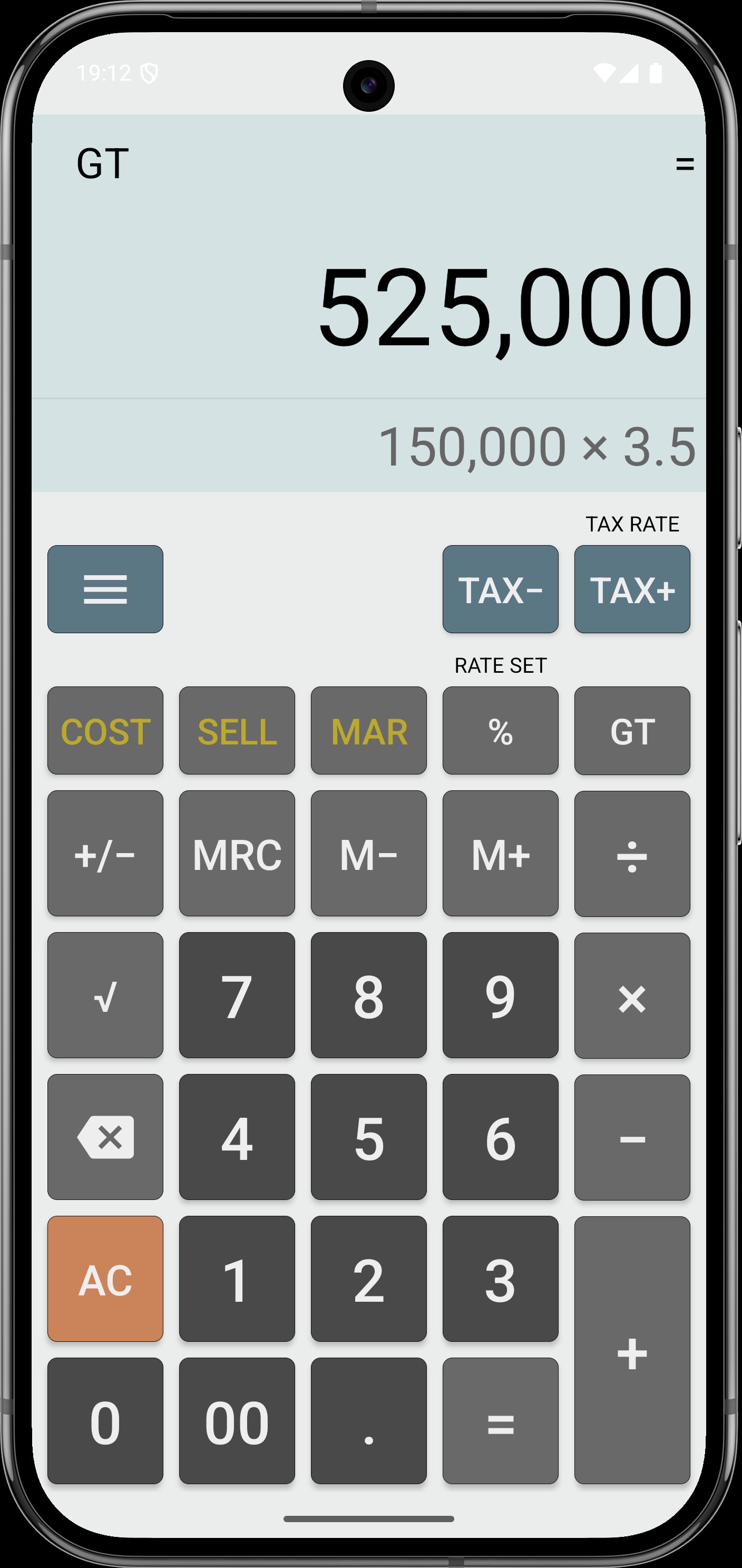
Tax Calculations: Dedicated TAX+ and TAX- buttons for instant GST, VAT, and sales tax computations.
Profit & Margin: Quickly calculate Cost, Sell Price, and Profit Margin to manage your retail markups on the fly.
Grand Total (GT): Easily tally multiple results with the iconic Grand Total feature.
✅ Classic Calculator Features
Real Running Total Logic: No complex PEMDAS formulas. It calculates as you type, just like a traditional pocket calculator.
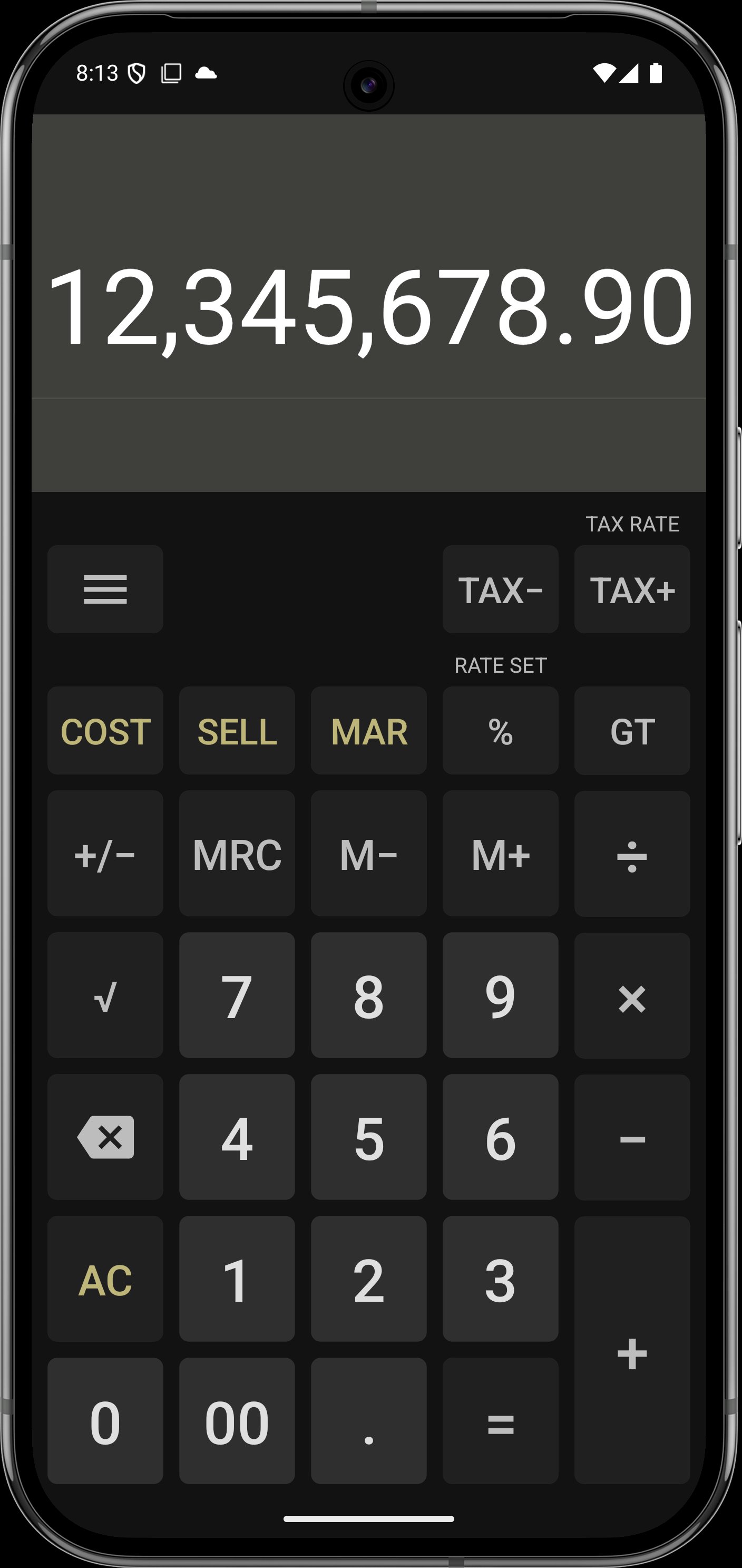
Large 12-Digit Display: High-visibility screen designed for professional financial tasks.
Memory Keys: Includes standard M+, M-, and MR/MC functions for complex multi-step problems.
Percentage & Square Root: One-tap keys for quick discounts and basic math.
✅ Modern Comfort, Retro Feel
Custom Themes: Choose from classic gray, sleek dark mode, or vibrant vintage styles.
Haptic Feedback: Optional vibration on keypress to give you that tactile "physical button" confidence.
History Log: Swipe to review your recent calculations so you never lose track of your work.
Download the most reliable Casio-style calculator today and simplify your daily business math.
Avance
Etiquetas
HerramientasInformación
Desarrollador
Everyday Calculation Apps
La última versión
2.0.3
Última actualización
2026-01-10
Categoría
Herramientas
Disponible en
Google Play
Mostrar más
Cómo jugar Simple Calculator - SimpleCalc con GameLoop en PC
1. Descargue GameLoop desde el sitio web oficial, luego ejecute el archivo exe para instalar GameLoop.
2. Abra GameLoop y busque "Simple Calculator - SimpleCalc", busque Simple Calculator - SimpleCalc en los resultados de búsqueda y haga clic en "Instalar".
3. Disfruta jugando Simple Calculator - SimpleCalc en GameLoop.
Minimum requirements
OS
Windows 8.1 64-bit or Windows 10 64-bit
GPU
GTX 1050
CPU
i3-8300
Memory
8GB RAM
Storage
1GB available space
Recommended requirements
OS
Windows 8.1 64-bit or Windows 10 64-bit
GPU
GTX 1050
CPU
i3-9320
Memory
16GB RAM
Storage
1GB available space