
Show Dislike (Return YT Count) para PC
M2 Softworks
Descarga Show Dislike (Return YT Count) en PC con GameLoop Emulator
Show Dislike (Return YT Count) en PC
Show Dislike (Return YT Count), proveniente del desarrollador M2 Softworks, se ejecuta en el sistema Android en el pasado.
Ahora, puedes jugar Show Dislike (Return YT Count) en PC con GameLoop sin problemas.
Descárgalo en la biblioteca de GameLoop o en los resultados de búsqueda. No más mirar la batería o llamadas frustrantes en el momento equivocado nunca más.
Simplemente disfrute de Show Dislike (Return YT Count) PC en la pantalla grande de forma gratuita!
Show Dislike (Return YT Count) Introducción
Return the Dislike Button – See What Others Really Think!
YouTube removed the dislike count, but Show Dislike brings it back! With our app, you can see the dislike count, likes, and rating for any video—just like before. Small, smart, and easy to use, Show Dislike is your go-to tool for transparency on YouTube.
How It Works:
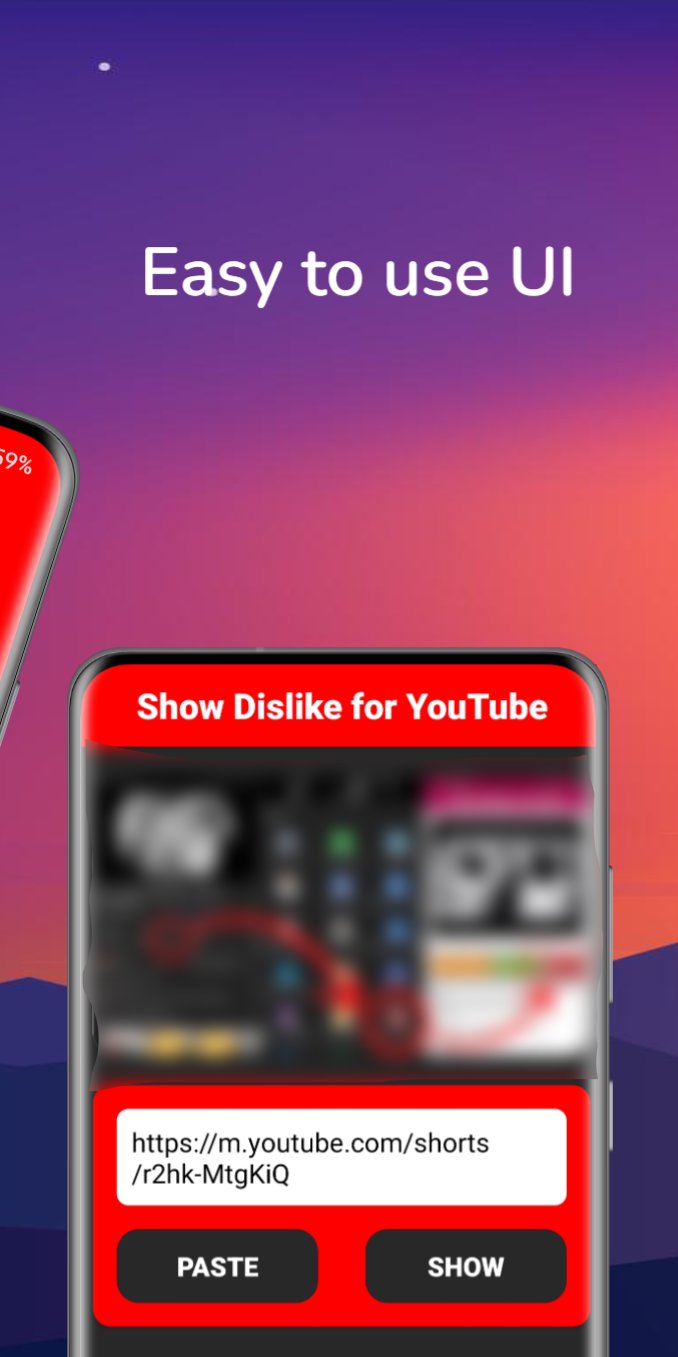
Open Show Dislike and tap the "Activate" button (make sure to grant necessary permissions).
Go to any video in the official YouTube app and click the Share button.
Select Show Dislike from the list of apps.
A popup will instantly show you the dislike count, likes, and rating progress bar for the video.
Key Features:
See Dislike Counts: Find out how many people disliked any video.
View Likes & Ratings: Get a complete picture of audience feedback.
Rating Progress Bar: Visualize the like-to-dislike ratio with an easy-to-read progress bar.
Lightweight App: Tiny size, no clutter—just the info you need.
No Ads: Enjoy a seamless experience without interruptions.
All data is powered by: Return YouTube Dislike API .
Why You’ll Love It:
Transparency: Know exactly what others think about a video.
Simple & Fast: Get the info you need in seconds.
Creator-Friendly: Help creators improve their content by understanding audience reactions.
Join Thousands of Users Who Trust Show Dislike!
Don’t let hidden dislike counts ruin your YouTube experience. Download Show Dislike now and take control of your viewing!
Avance
Etiquetas
HerramientasInformación
Desarrollador
M2 Softworks
La última versión
1.0.34
Última actualización
2025-03-06
Categoría
Herramientas
Disponible en
Google Play
Mostrar más
Cómo jugar Show Dislike (Return YT Count) con GameLoop en PC
1. Descargue GameLoop desde el sitio web oficial, luego ejecute el archivo exe para instalar GameLoop.
2. Abra GameLoop y busque "Show Dislike (Return YT Count)", busque Show Dislike (Return YT Count) en los resultados de búsqueda y haga clic en "Instalar".
3. Disfruta jugando Show Dislike (Return YT Count) en GameLoop.
Minimum requirements
OS
Windows 8.1 64-bit or Windows 10 64-bit
GPU
GTX 1050
CPU
i3-8300
Memory
8GB RAM
Storage
1GB available space
Recommended requirements
OS
Windows 8.1 64-bit or Windows 10 64-bit
GPU
GTX 1050
CPU
i3-9320
Memory
16GB RAM
Storage
1GB available space