
Share Us - File Transfer & Share para PC
Globe Pixesiz
Descarga Share Us - File Transfer & Share en PC con GameLoop Emulator
Share Us - File Transfer & Share en PC
Share Us - File Transfer & Share, proveniente del desarrollador Globe Pixesiz, se ejecuta en el sistema Android en el pasado.
Ahora, puedes jugar Share Us - File Transfer & Share en PC con GameLoop sin problemas.
Descárgalo en la biblioteca de GameLoop o en los resultados de búsqueda. No más mirar la batería o llamadas frustrantes en el momento equivocado nunca más.
Simplemente disfrute de Share Us - File Transfer & Share PC en la pantalla grande de forma gratuita!
Share Us - File Transfer & Share Introducción
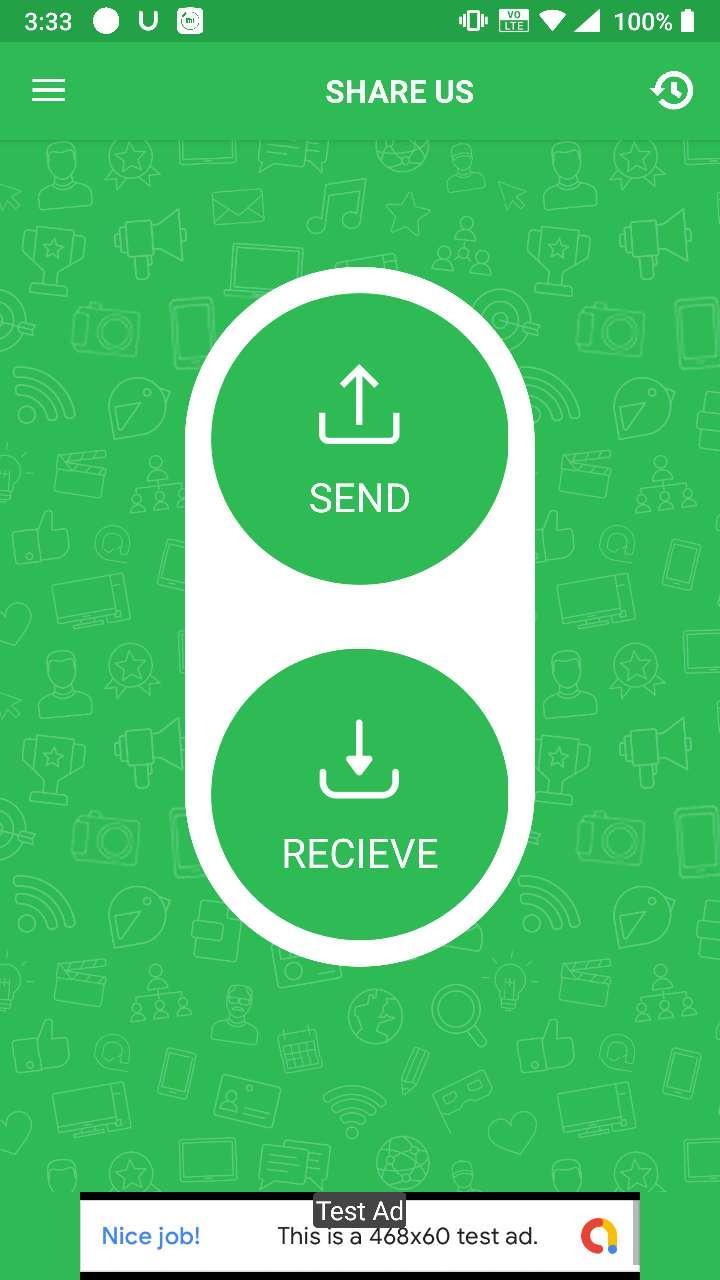
Share Us is a great sharing application, free file transfer tool, fast and works without connecting to the Internet!
Share files from device to device without cables.No Internet ? No problem , you can share video,audio,photo,file with nearby friends.The Best feature of Turbo Share is that you can share files separately or in a form of a bucket as well which includes Apps , videos , photos , music , office (PDF,docs) etc.
😍 Features
- Totally Free.
- Send and receive all types of files.
- Copy my data from another phone quickly
- Share Big files without internet or mobile data usage
- No USB! No internet needed!
– No cable required
- Fast, Optimized and Powerful tool.
👉 No Account Required
Just download Share Us and start sharing application, free file transfer tool, fast and works without connecting to the Internet
Thank You for Downloading...
Give ***** Valuable Feedback
Avance
Información
Desarrollador
Globe Pixesiz
La última versión
1.2
Última actualización
2020-10-12
Categoría
Herramientas
Disponible en
Google Play
Mostrar más
Cómo jugar Share Us - File Transfer & Share con GameLoop en PC
1. Descargue GameLoop desde el sitio web oficial, luego ejecute el archivo exe para instalar GameLoop.
2. Abra GameLoop y busque "Share Us - File Transfer & Share", busque Share Us - File Transfer & Share en los resultados de búsqueda y haga clic en "Instalar".
3. Disfruta jugando Share Us - File Transfer & Share en GameLoop.
Minimum requirements
OS
Windows 8.1 64-bit or Windows 10 64-bit
GPU
GTX 1050
CPU
i3-8300
Memory
8GB RAM
Storage
1GB available space
Recommended requirements
OS
Windows 8.1 64-bit or Windows 10 64-bit
GPU
GTX 1050
CPU
i3-9320
Memory
16GB RAM
Storage
1GB available space