
ShAirDisk para PC
Princeton Ltd.
Descarga ShAirDisk en PC con GameLoop Emulator
ShAirDisk en PC
ShAirDisk, proveniente del desarrollador Princeton Ltd., se ejecuta en el sistema Android en el pasado.
Ahora, puedes jugar ShAirDisk en PC con GameLoop sin problemas.
Descárgalo en la biblioteca de GameLoop o en los resultados de búsqueda. No más mirar la batería o llamadas frustrantes en el momento equivocado nunca más.
Simplemente disfrute de ShAirDisk PC en la pantalla grande de forma gratuita!
ShAirDisk Introducción
This app, Princeton ShAirDisk (PTW-WMS1) is a dedicated app.
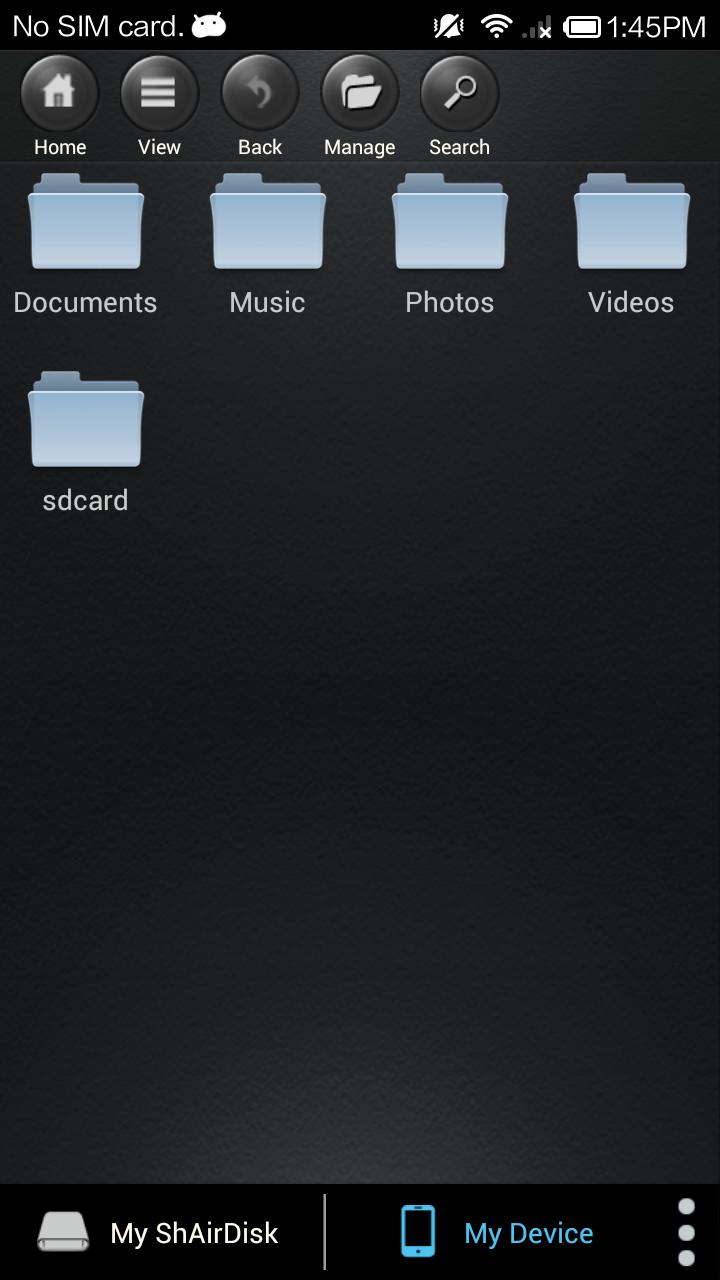
Connect with Android terminal and wireless, you can copy the photos and videos of USB flash memory or USB hard disk in browse or each other as external storage.
Also ShAirDisk (PTW-WMS1) The wireless access point function, there is a wireless repeater function, you can make the settings for these network settings and security in this app.
· For more information on PTW-WMS1, refer to the Princeton product page below.
http://www.princeton.co.jp/product/ptwwms1.html
Inquiry, please to email form on our Web site.
http://www.princeton.co.jp/contacts.html
I was supported version 1.3.444 than Android5.0.1.
Avance

Etiquetas
HerramientasInformación
Desarrollador
Princeton Ltd.
La última versión
1.3.444
Última actualización
2015-01-05
Categoría
Herramientas
Disponible en
Google Play
Mostrar más
Cómo jugar ShAirDisk con GameLoop en PC
1. Descargue GameLoop desde el sitio web oficial, luego ejecute el archivo exe para instalar GameLoop.
2. Abra GameLoop y busque "ShAirDisk", busque ShAirDisk en los resultados de búsqueda y haga clic en "Instalar".
3. Disfruta jugando ShAirDisk en GameLoop.
Minimum requirements
OS
Windows 8.1 64-bit or Windows 10 64-bit
GPU
GTX 1050
CPU
i3-8300
Memory
8GB RAM
Storage
1GB available space
Recommended requirements
OS
Windows 8.1 64-bit or Windows 10 64-bit
GPU
GTX 1050
CPU
i3-9320
Memory
16GB RAM
Storage
1GB available space