
Serial Monitor para PC
CSA Apps
Descarga Serial Monitor en PC con GameLoop Emulator
Serial Monitor en PC
Serial Monitor, proveniente del desarrollador CSA Apps, se ejecuta en el sistema Android en el pasado.
Ahora, puedes jugar Serial Monitor en PC con GameLoop sin problemas.
Descárgalo en la biblioteca de GameLoop o en los resultados de búsqueda. No más mirar la batería o llamadas frustrantes en el momento equivocado nunca más.
Simplemente disfrute de Serial Monitor PC en la pantalla grande de forma gratuita!
Serial Monitor Introducción
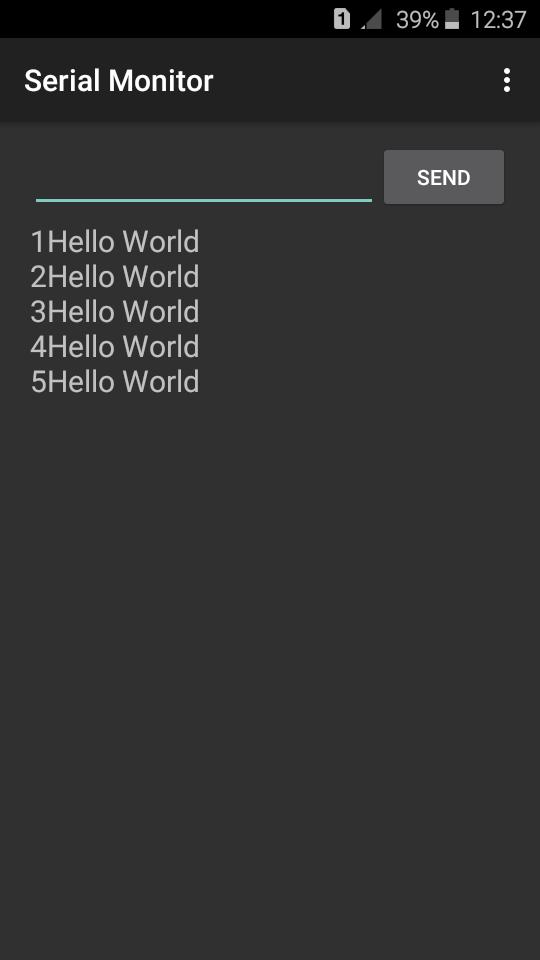
This is a user friendly serial monitor interface for experiments with Arduino
This app specially developed for Arduino users who tries to make projects using their Android device.
Special features
★ Auto open the serial port when app starting
No need to tap on button like “Connect” or “Open”
★ Close the serial port when app pausing not only when exiting.
This feature available serial port to other apps like Arduino code uploading apps to upload code to Arduino without interference.
★ Reopen serial port when app resuming
No need to reopen serial port by tapping on button
★ Reset the Arduino board when serial port opening
This will help you to see the serial outputs in void setup() function without resetting the board manually
★ Default values set to typical values
As an example default baud rate is set to 9600. This is the typical baud rate use with most of Arduino experiments. It’s means you just want to install and play. No need to change settings. However, you can change them from settings as your requirement
★ Ability to change the baud rate from settings
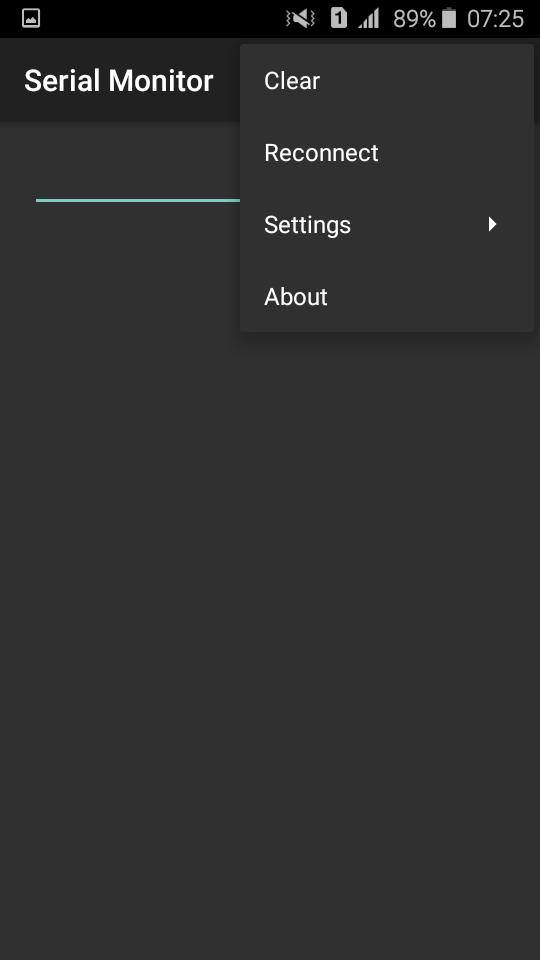
★ Have a feature to reconnect
★ Have a feature to disconnect
★ Ability to enable or disable the auto scroll feature of output text view
(Double tap on the output text view to enable or disable this feature or change it from settings)
★ Ability to keep your phone's screen on
This will help you to see the incoming outputs for a long time
(This feature also can be change from settings. You can enable or disable as your requirement)
★ Not only arduino also supports Node MCU boards
Can use to view and send serial data via USB
★ Have many themes
Currently have 4 themes you can choice them as your interest
Avance
Etiquetas
HerramientasInformación
Desarrollador
CSA Apps
La última versión
4.9.9
Última actualización
2024-12-09
Categoría
Herramientas
Disponible en
Google Play
Mostrar más
Cómo jugar Serial Monitor con GameLoop en PC
1. Descargue GameLoop desde el sitio web oficial, luego ejecute el archivo exe para instalar GameLoop.
2. Abra GameLoop y busque "Serial Monitor", busque Serial Monitor en los resultados de búsqueda y haga clic en "Instalar".
3. Disfruta jugando Serial Monitor en GameLoop.
Minimum requirements
OS
Windows 8.1 64-bit or Windows 10 64-bit
GPU
GTX 1050
CPU
i3-8300
Memory
8GB RAM
Storage
1GB available space
Recommended requirements
OS
Windows 8.1 64-bit or Windows 10 64-bit
GPU
GTX 1050
CPU
i3-9320
Memory
16GB RAM
Storage
1GB available space