Screen Mirroring For Hisense para PC
Arata Shamon
Descarga Screen Mirroring For Hisense en PC con GameLoop Emulator
Screen Mirroring For Hisense en PC
Screen Mirroring For Hisense, proveniente del desarrollador Arata Shamon, se ejecuta en el sistema Android en el pasado.
Ahora, puedes jugar Screen Mirroring For Hisense en PC con GameLoop sin problemas.
Descárgalo en la biblioteca de GameLoop o en los resultados de búsqueda. No más mirar la batería o llamadas frustrantes en el momento equivocado nunca más.
Simplemente disfrute de Screen Mirroring For Hisense PC en la pantalla grande de forma gratuita!
Screen Mirroring For Hisense Introducción
Screen mirroring app For Hisense has a simple interface with attractive added features. Hisense Roku TV screen mirroring is user-friendly, simple and highly intuitive app. It allows screen sharing phone to TV or screen sharing to TV or screen share to TV effortlessly. You can mirror android phone to TV or screen mirror android phone to TV all your media to TV. This screen mirroring app for Hisense Roku TV or screen mirroring app enables you to screen share phone to TV all your images, documents, videos and applications. Mirroring app for TV or mirror app for android can be used for seamlessly mirroring your favorite movies and games from phone to TV.
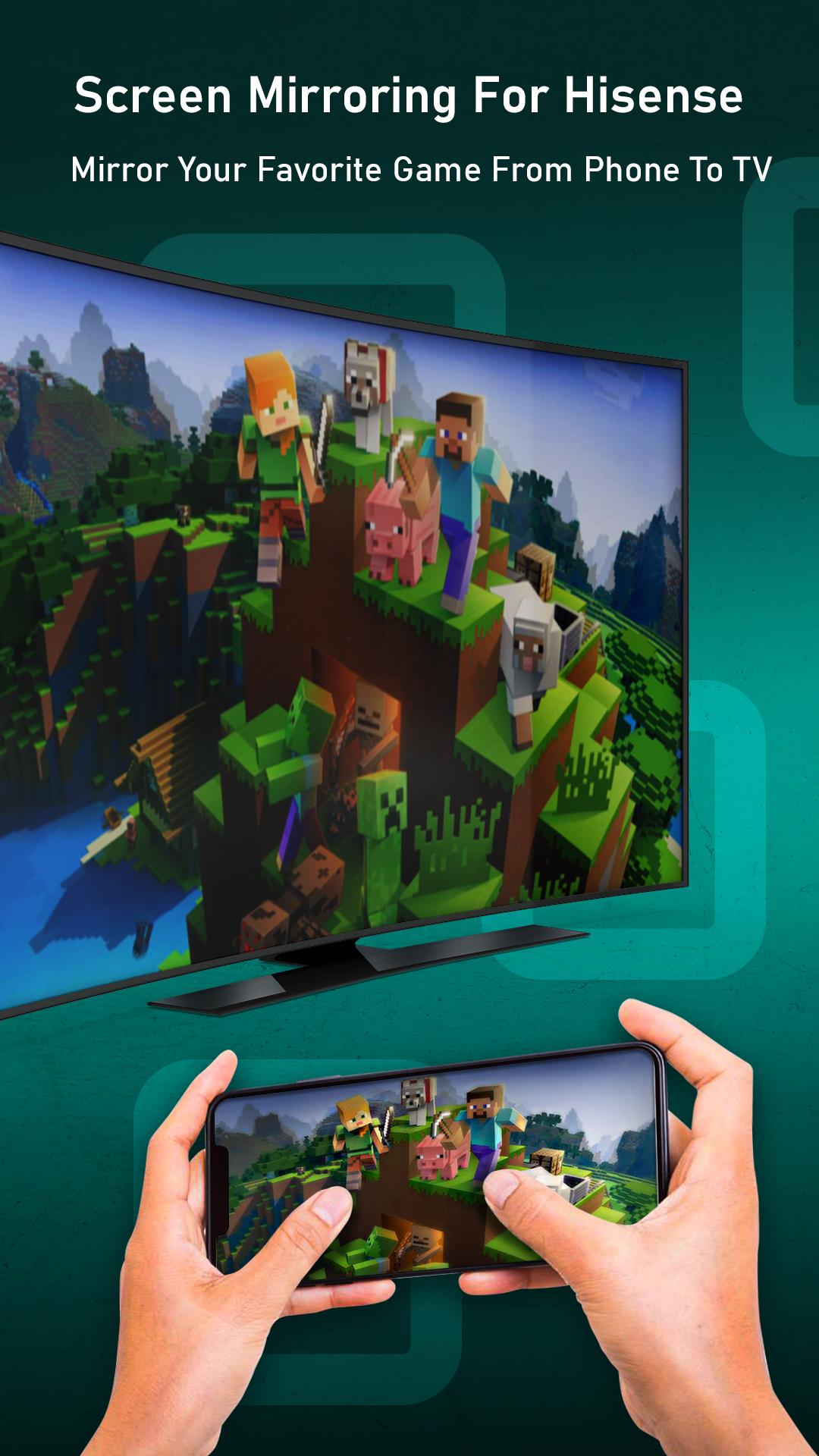
Screen mirroring and screen share app can be used for mirroring all your favorite movies, shows and episodes seamlessly from phone to TV. Mirror your favorite games from phone to TV and play them unlimitedly on big smart TV screen. The screen sharing app helps you to read your favorite E-book or novel on big screen with smart HD view.
Miracast screen sharing app allows you to share android phone screen to your smart TV or wireless display devices or Miracast enabled dongles. Miracast to TV allows you to mirror phone to TV in HD quality. Miracast screen mirroring or Miracast screen sharing allows you to play your favorite videos, music, photos, documents to TV.
🖥Mirror Office Presentations And Applications From Phone To Hisense Smart TV Screen!
📺Download 4K Screen Mirroring Application For Free And Invite Your Friends To Use This App!
🏆Features of Hisense Screen Mirroring App:
✔User Friendly, Clean UI For Better User Experience
✔Easy Streaming And Mirroring To TV Directly From Phone
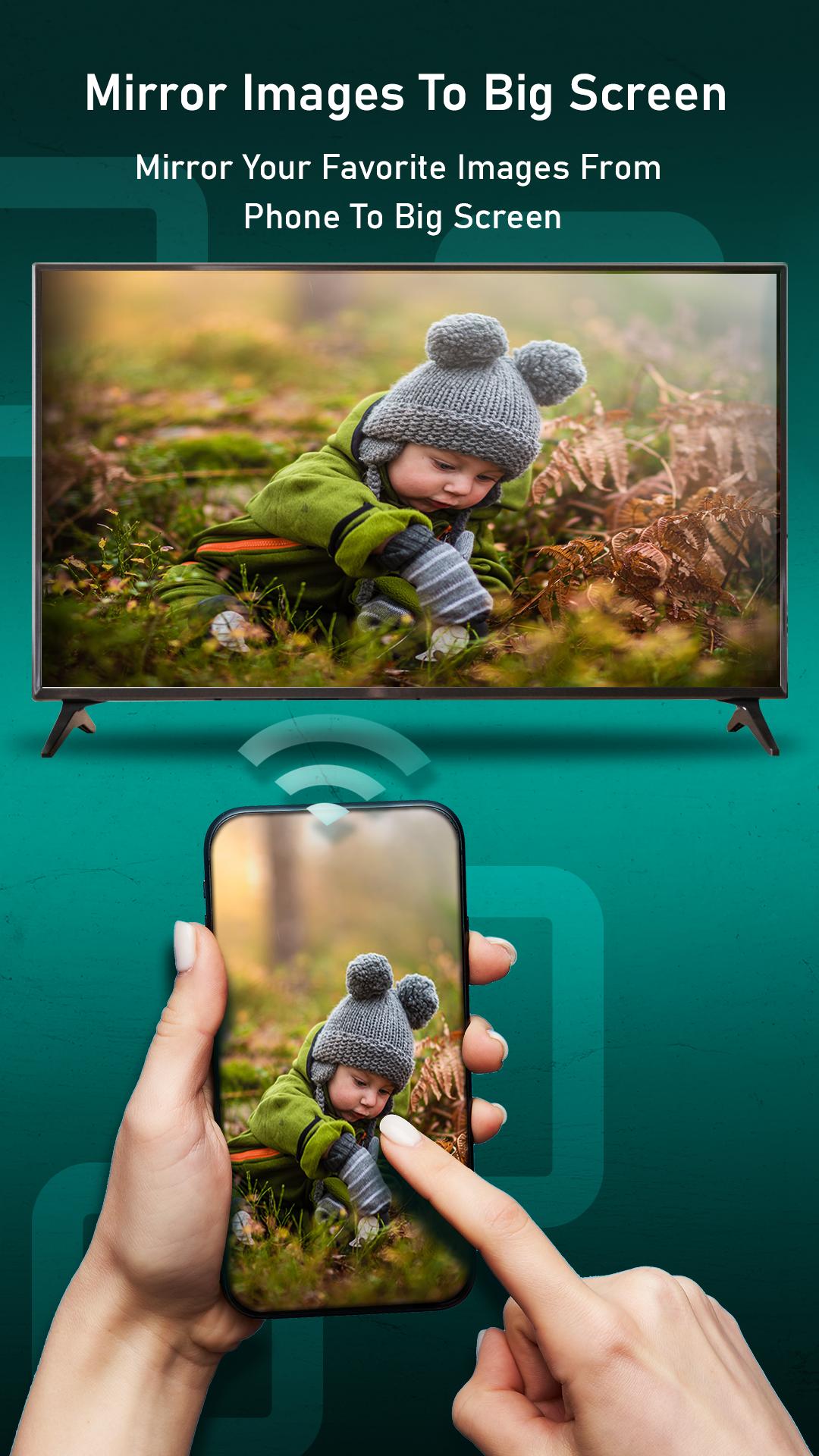
✔Mirror Images, Photos, Music, Documents From Phone To TV
✔Mirror Your Phone With One Tap Option
✔Best Seamless Viewing Experience Of Watching Movies And Applications
✔Simple And Fast Connection
✔All Media Files Supported And Documents
✔Improved Gaming Experience
✔Supports All Hisense Smart TV and Roku Devices
✔Easy To Use And Fast Screen Share
✔High Quality Images, Videos And Documents
🖥Supported Roku Players:-
-Roku TV models (Hisense R8F Roku TV and many more)
-Roku Ultra
-Roku Premiere
-Roku Streaming Stick
-Roku Streambar
-Roku Box
-Roku Express 4K+
-Roku Express+
-55"4K UHD Hisense Roku TV
-Hisense 40-Inch Class H4 Series LED Roku Smart TV
🔔Disclaimer: This app is not affiliated with Roku or any other trademark mentioned here. This app is not affiliated with Roku or official Hisense TV app or any other trademark mentioned here.
Avance
Etiquetas
HerramientasInformación
Desarrollador
Arata Shamon
La última versión
1.4
Última actualización
2022-05-09
Categoría
Herramientas
Disponible en
Google Play
Mostrar más
Cómo jugar Screen Mirroring For Hisense con GameLoop en PC
1. Descargue GameLoop desde el sitio web oficial, luego ejecute el archivo exe para instalar GameLoop.
2. Abra GameLoop y busque "Screen Mirroring For Hisense", busque Screen Mirroring For Hisense en los resultados de búsqueda y haga clic en "Instalar".
3. Disfruta jugando Screen Mirroring For Hisense en GameLoop.
Minimum requirements
OS
Windows 8.1 64-bit or Windows 10 64-bit
GPU
GTX 1050
CPU
i3-8300
Memory
8GB RAM
Storage
1GB available space
Recommended requirements
OS
Windows 8.1 64-bit or Windows 10 64-bit
GPU
GTX 1050
CPU
i3-9320
Memory
16GB RAM
Storage
1GB available space