Satellite Finder (Dishpointer) para PC
Comptech
Descarga Satellite Finder (Dishpointer) en PC con GameLoop Emulator
Satellite Finder (Dishpointer) en PC
Satellite Finder (Dishpointer), proveniente del desarrollador Comptech, se ejecuta en el sistema Android en el pasado.
Ahora, puedes jugar Satellite Finder (Dishpointer) en PC con GameLoop sin problemas.
Descárgalo en la biblioteca de GameLoop o en los resultados de búsqueda. No más mirar la batería o llamadas frustrantes en el momento equivocado nunca más.
Simplemente disfrute de Satellite Finder (Dishpointer) PC en la pantalla grande de forma gratuita!
Satellite Finder (Dishpointer) Introducción
Align your satellite dish with precision using Satellite Finder Pro!
Do you want to have your satellite dish aligned without any physical strain? Satellite Finder Pro (Dishpointer) will do the work for you. It does not matter whether you are setting up the dish for the first time or you are planning to realign it to increase the strength of the signal, this Satellite Finder Pro (Dishpointer) application will always make the process fast, accurate, and friendly to users.Poor reception and constant signal loss becomes a thing of the past with this Sat Finder App: Dish TV Pointer application as it will effortlessly and effectively locate the satellite signal that you are looking for.
📄 Satellite Finder Pro Key Features:📄
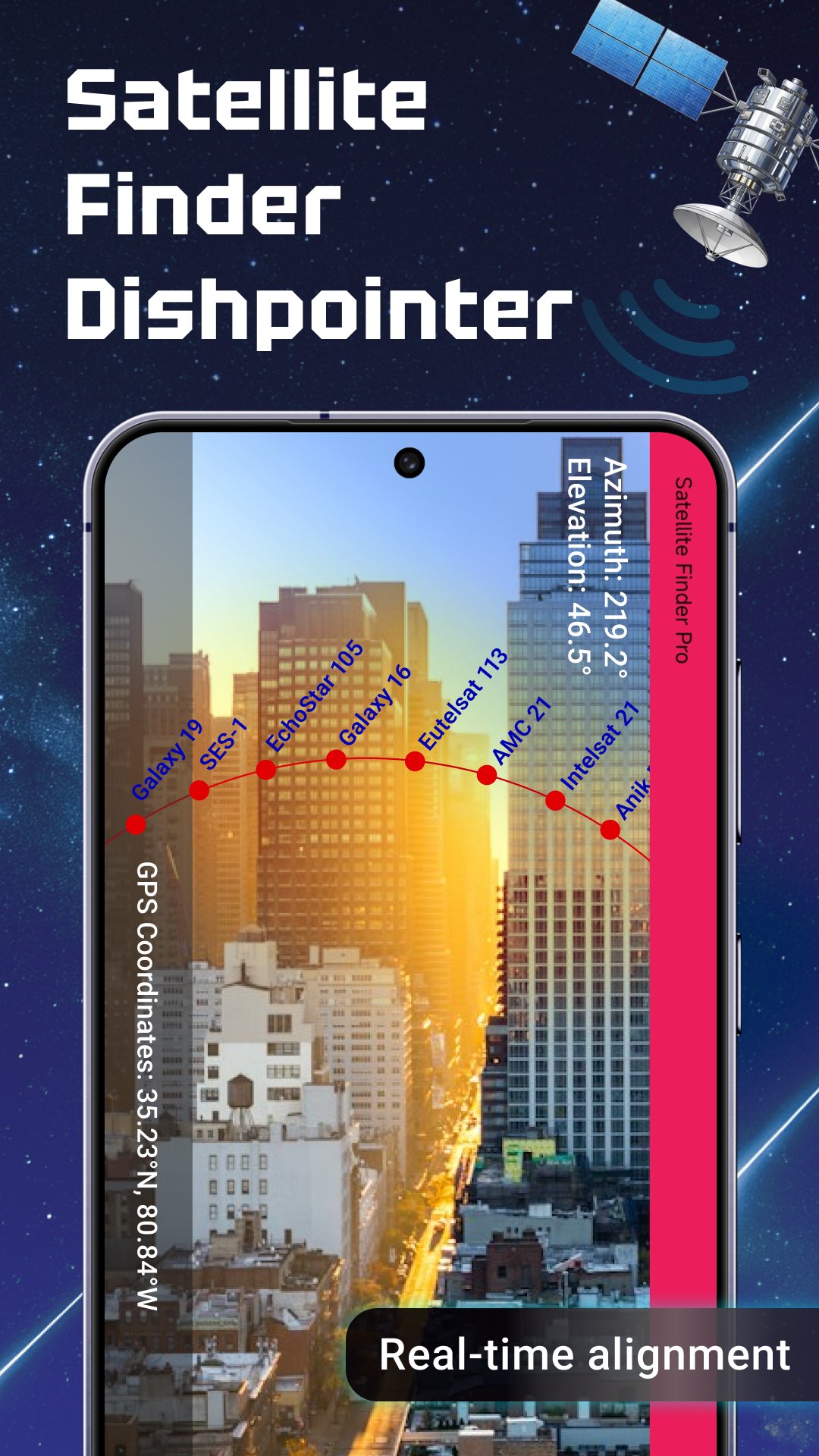
📡 AR View for visualization of satellite locations in real-time;
📡 Calculating azimuth with a compass and gyro-compass to achieve perfection;
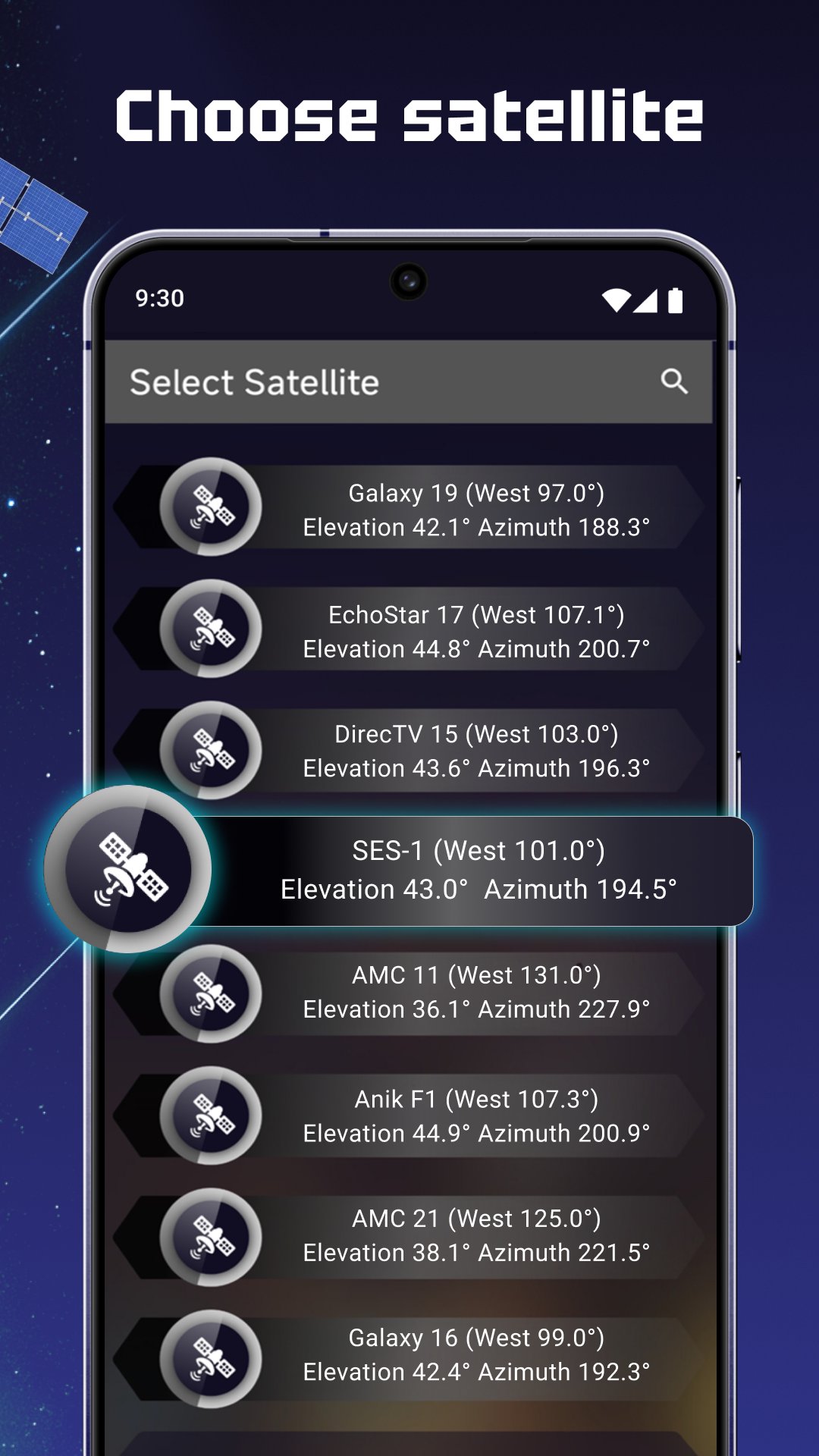
📡 Choosing/locating satellites in reference of gps for proper alignment;
📡 Live Earth Map: Normal view, Hybrid, Satellite, Terrain;
📡 Real-time Signal Finder: Sat Dish Pointer Pro precision pointing;
📡 Satellite Finder: Set Dish Finder App with live guides for directional indications;
📡 Access encrypted channels with ease using Biss Key Finder;
📡 Easy interface With Satfinder Pro: Align Dish;
📡 GPS-enhanced result Sat Finder App: Dish TV Pointer;
📡 Advanced signal tracking, Satellite Finder Pro(Dishpointer).
Maximize Accuracy When Pointing Your Dish!
Aguemented reality on the Satellite Finder Pro (Dishpointer) allows for maximum alignment of a satellite dish. With ease, you can point your phone towards the sky and know exactly where satellites are locked. Not only does the system have a built in compass, the gyrocompass shows the azmiuth angle graphically meaning the user is in total control of how the dish is pointed.To Make Finding Satellites Easier, Use AR Technology: 🌍
With the Satellite Finder Pro (Dishpointer), all you have to do is touch the AR icon and begin seeing the satellite positions from your phone's camera. Satellite Finder Pro (Dishpointer) has advanced techniques that tell you which direction to go and where to point your camera. Satfinder Pro: Align Dish is the ultimate guide for dish setup, perfect for both professionals and everyday users.
For Better Control, Enhanced Tools: 🛰️
Get the Live Earth Map with its four unique views and analyze your surroundings to identify the optimal installation area. Satellite Finder: Set Dish Finder App comes with smarter traffic flow indicators and terrain analysis for better decision making. Precise direction and signal alignment with the help of Signal Finder: Sat Dish Pointer Pro are now at your fingertips.
Satfinder Pro: Align Dish Features Are Quick: 🔑
Using the fast Satfinder Pro: Align Dish, discovering satellite channels is effortless. This Sat Finder App: Dish TV Pointer application automatically updates the keys, ensuring carefree and uninterrupted viewing. Modern users will be pleased to know that Sat Finder App: Dish TV Pointer comes loaded with advanced features.
Begin Aligning Today with Satellite Finder Pro!
Regardless of your expertise, Satellite Finder Pro (Dishpointer) has everything required for an effortless dish alignment. With features such as augmented reality, compass tools, and satellite mapping, Satfinder Pro: Align Dish puts the power in your hands. Install the Satellite Finder: Set Dish Finder application today and let Signal Finder: Sat Dish Pointer Pro lead you to perfect reception!Note:
This satfinder app uses your phone sensor to get your azimuth so satellite position calculation depends on the accuracy of your mobile sensors.
Avance
Etiquetas
HerramientasInformación
Desarrollador
Comptech
La última versión
7.1.0
Última actualización
2025-05-15
Categoría
Herramientas
Disponible en
Google Play
Mostrar más
Cómo jugar Satellite Finder (Dishpointer) con GameLoop en PC
1. Descargue GameLoop desde el sitio web oficial, luego ejecute el archivo exe para instalar GameLoop.
2. Abra GameLoop y busque "Satellite Finder (Dishpointer)", busque Satellite Finder (Dishpointer) en los resultados de búsqueda y haga clic en "Instalar".
3. Disfruta jugando Satellite Finder (Dishpointer) en GameLoop.
Minimum requirements
OS
Windows 8.1 64-bit or Windows 10 64-bit
GPU
GTX 1050
CPU
i3-8300
Memory
8GB RAM
Storage
1GB available space
Recommended requirements
OS
Windows 8.1 64-bit or Windows 10 64-bit
GPU
GTX 1050
CPU
i3-9320
Memory
16GB RAM
Storage
1GB available space