Satbara (7/12) Maharashtra E-b para PC
Dev-Infotech
Descarga Satbara (7/12) Maharashtra E-b en PC con GameLoop Emulator
Satbara (7/12) Maharashtra E-b en PC
Satbara (7/12) Maharashtra E-b, proveniente del desarrollador Dev-Infotech, se ejecuta en el sistema Android en el pasado.
Ahora, puedes jugar Satbara (7/12) Maharashtra E-b en PC con GameLoop sin problemas.
Descárgalo en la biblioteca de GameLoop o en los resultados de búsqueda. No más mirar la batería o llamadas frustrantes en el momento equivocado nunca más.
Simplemente disfrute de Satbara (7/12) Maharashtra E-b PC en la pantalla grande de forma gratuita!
Satbara (7/12) Maharashtra E-b Introducción
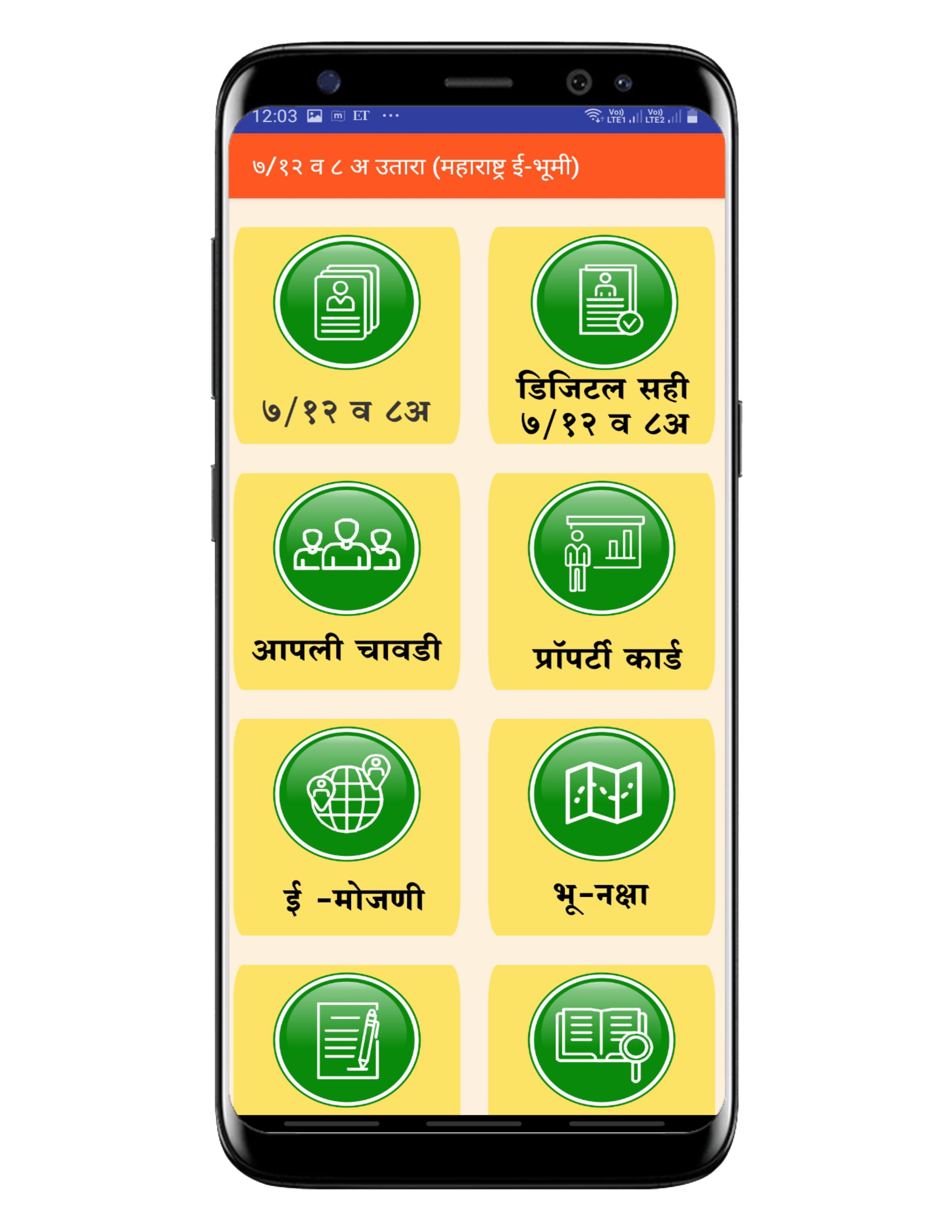
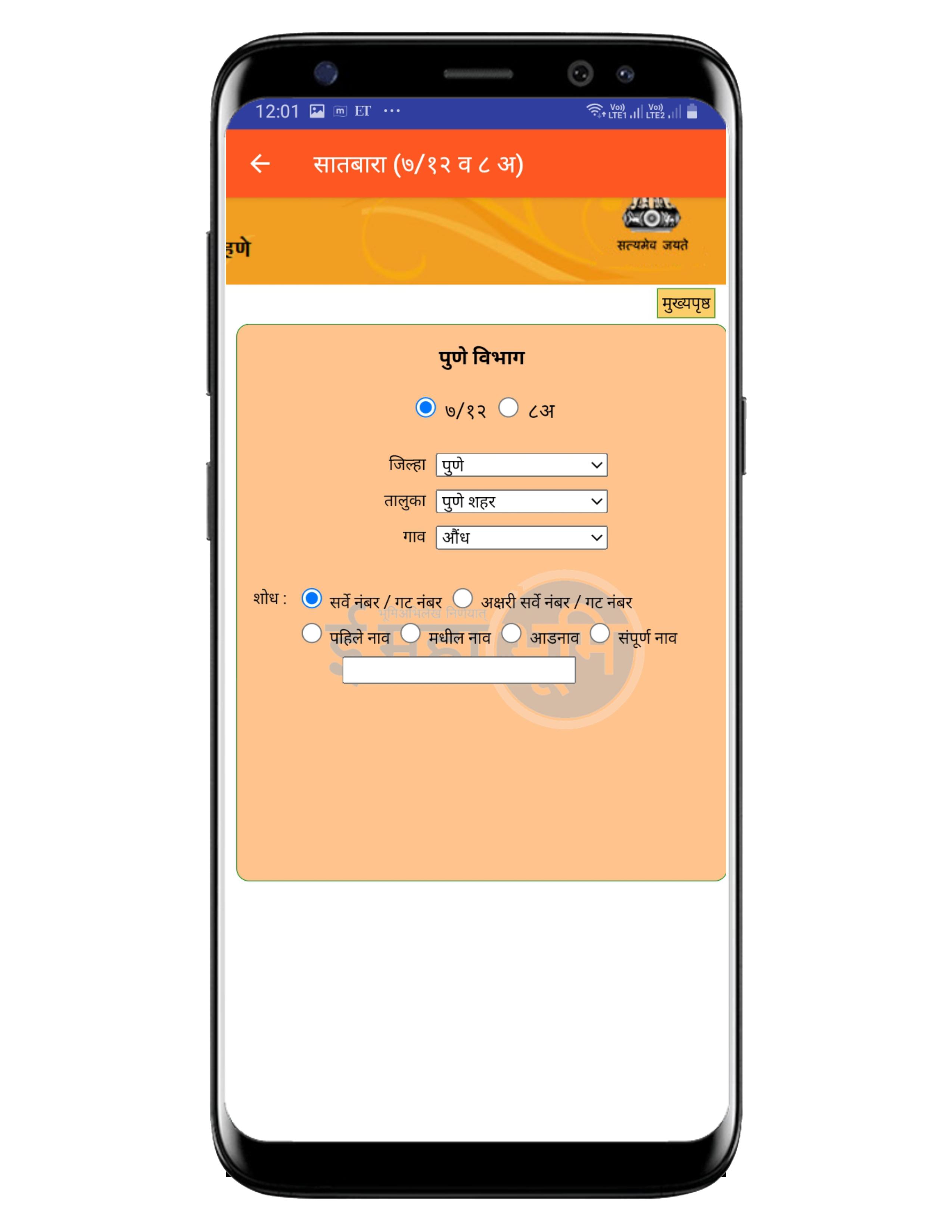
The Utara (bhumi abhilekh from mahabhulekh) gives information of the survey number of the land, Land owner name, the area of the land, the type of cultivation (irrigated / rain fed). By use of this Maharashtra E-Bhumi App can see his land 7/12, 8(a), 6and more in details. User can see more information of land via survey number, District, Taluka, Village Survey Number. User can get their land details any time and anywhere from their mobile.
⦿ Application Features :
1) 7/ 12
2) Digital Signed 7/ 12
3) Apli Chavadi
4) Bhu naksha
5) E Search
6) Nondani & Mudrank
7) E-RECORDS
8) E-MOJANI
9) E-Hakk
10) Aaple Sarkar
11) Property card
विशेष वैशिष्ट्ये:
• ७/१२ उतारा शोधा सर्वे नंबर / गट नंबर, पहिले नाव, आडनावाद्वारे सर्च करून.
• ८अ उतारा शोधा खाते नंबर, नावाद्वारे सर्च करून.
• क्षेत्रफळ रूपांतरण व कर्ज गणक.
• विभाग निहाय वर्गीकरण.
• कोणत्याही स्टेप वरून, मागील स्टेपवर जाण्याची सोय.
• वापरण्यास व समजण्यास सोपे.
• जलद लोडींग.
Disclaimer:
You can view the land records only if it is registered with the Maharashtra Government official digital portal https://bhulekh.mahabhumi.gov.in. This app is not sponsored or approved by Mahabhulekh. This app is for personal use only.
Avance
Etiquetas
HerramientasInformación
Desarrollador
Dev-Infotech
La última versión
1.2
Última actualización
2021-08-27
Categoría
Herramientas
Disponible en
Google Play
Mostrar más
Cómo jugar Satbara (7/12) Maharashtra E-b con GameLoop en PC
1. Descargue GameLoop desde el sitio web oficial, luego ejecute el archivo exe para instalar GameLoop.
2. Abra GameLoop y busque "Satbara (7/12) Maharashtra E-b", busque Satbara (7/12) Maharashtra E-b en los resultados de búsqueda y haga clic en "Instalar".
3. Disfruta jugando Satbara (7/12) Maharashtra E-b en GameLoop.
Minimum requirements
OS
Windows 8.1 64-bit or Windows 10 64-bit
GPU
GTX 1050
CPU
i3-8300
Memory
8GB RAM
Storage
1GB available space
Recommended requirements
OS
Windows 8.1 64-bit or Windows 10 64-bit
GPU
GTX 1050
CPU
i3-9320
Memory
16GB RAM
Storage
1GB available space