Real-Time FPS Meter & Display para PC
JSK Sol
Descarga Real-Time FPS Meter & Display en PC con GameLoop Emulator
Real-Time FPS Meter & Display en PC
Real-Time FPS Meter & Display, proveniente del desarrollador JSK Sol, se ejecuta en el sistema Android en el pasado.
Ahora, puedes jugar Real-Time FPS Meter & Display en PC con GameLoop sin problemas.
Descárgalo en la biblioteca de GameLoop o en los resultados de búsqueda. No más mirar la batería o llamadas frustrantes en el momento equivocado nunca más.
Simplemente disfrute de Real-Time FPS Meter & Display PC en la pantalla grande de forma gratuita!
Real-Time FPS Meter & Display Introducción
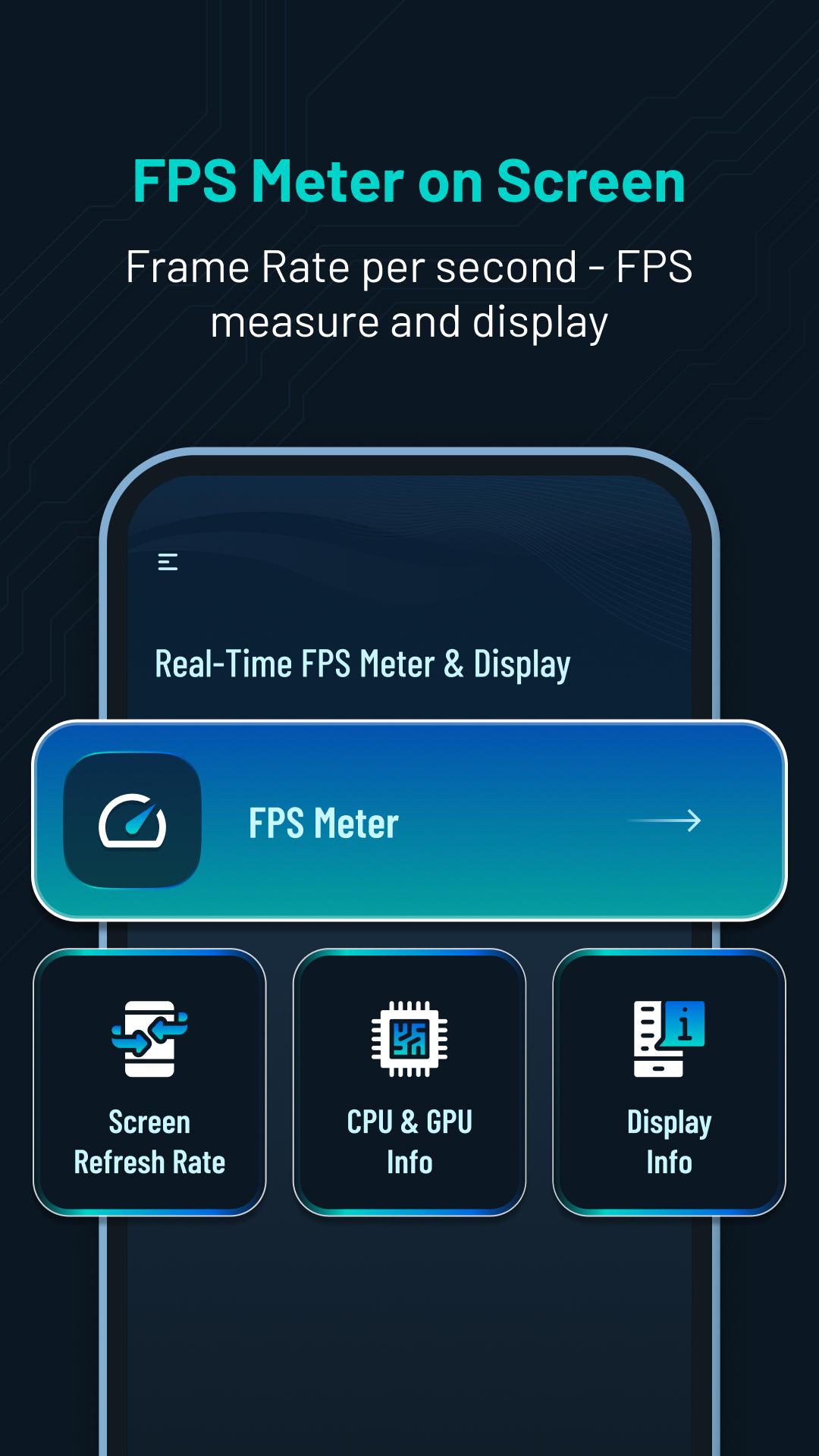
Get real-time performance information and customization for your device. 📲Track FPS rate, screen refresh rate, CPU & GPU info and display details. ⚡️
Main Features:
⏱️FPS Meter Display:
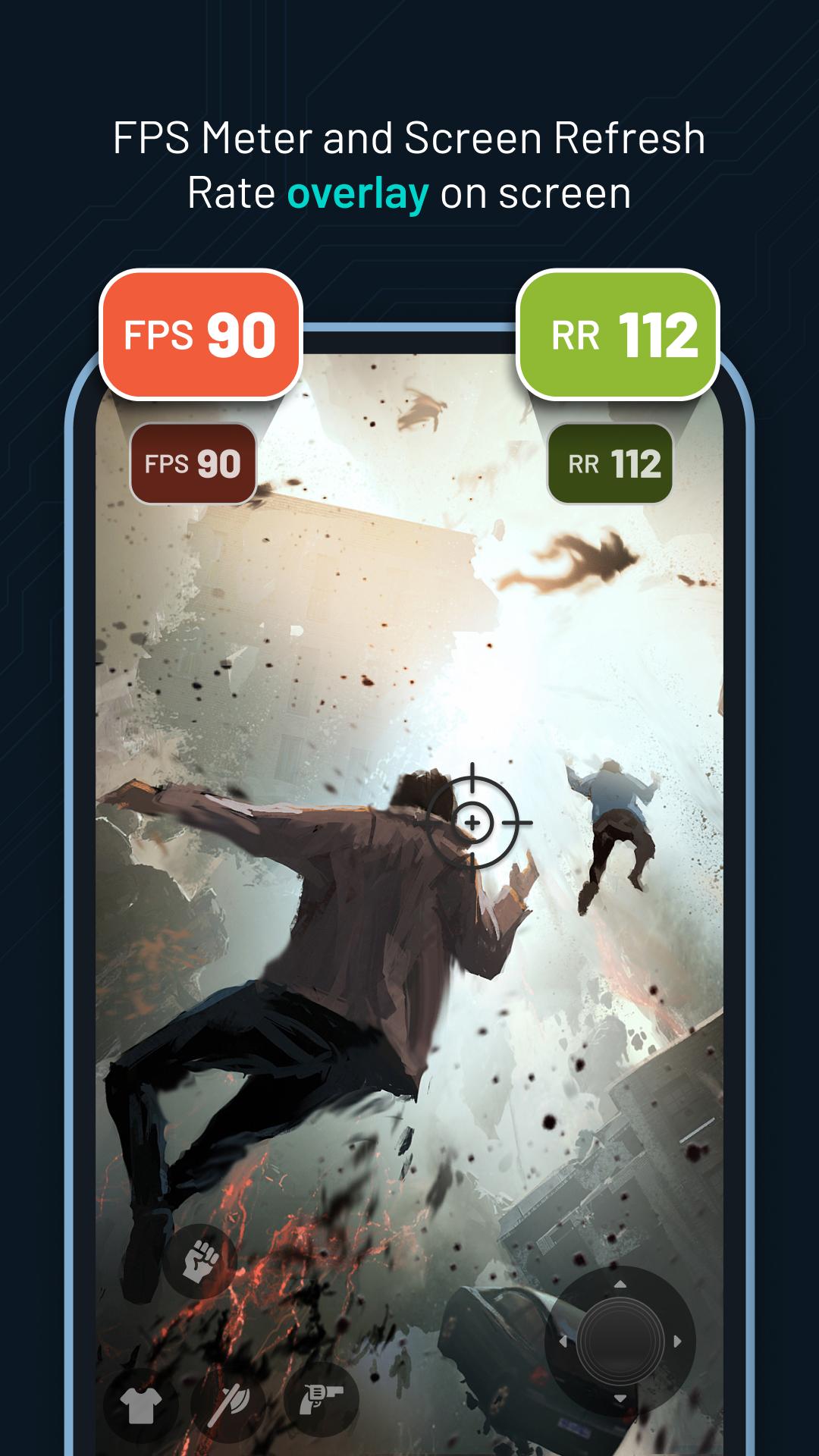
- Display frames per second (FPS) rate🎮 on your screen.
- Customize🎨 the FPS meter's appearance, including overlay and status bar options.
- Set the update interval rate⏱️ for precise monitoring.
- Customize✍️ FPS rate text size, color and position.
- Easily toggle⚙️ the display of FPS rate on or off from the screen.
🔄Screen Refresh Rate Display:
- View the screen refresh rate🔄 on your device's screen.
- Customize the appearance of the refresh rate display🎚️, including overlay and status bar options.
- Set the update interval⌛ for accurate monitoring.
- Customize refresh rate text size✏️, color and position.
- Turn on or off the screen rate display from the screen📲.
💻CPU & 🎮GPU Info:
- Access detailed information and specifications about your device's CPU and GPU.
- Gain insights into the capabilities and performance of your CPU and GPU. 💪
🖥️Display Information:
- Explore micro details📊 related to your device's display.
- View information such as OpenGL version 🖥️, resolution, density, refresh rate and more.
Permission :
Overlay permission :To display FPS and Refresh Rate view above other apps, the app requires the Overlay permission.This allows the app to show the information on top of other apps.
Avance
Etiquetas
HerramientasInformación
Desarrollador
JSK Sol
La última versión
1.0.2
Última actualización
2023-10-11
Categoría
Herramientas
Disponible en
Google Play
Mostrar más
Cómo jugar Real-Time FPS Meter & Display con GameLoop en PC
1. Descargue GameLoop desde el sitio web oficial, luego ejecute el archivo exe para instalar GameLoop.
2. Abra GameLoop y busque "Real-Time FPS Meter & Display", busque Real-Time FPS Meter & Display en los resultados de búsqueda y haga clic en "Instalar".
3. Disfruta jugando Real-Time FPS Meter & Display en GameLoop.
Minimum requirements
OS
Windows 8.1 64-bit or Windows 10 64-bit
GPU
GTX 1050
CPU
i3-8300
Memory
8GB RAM
Storage
1GB available space
Recommended requirements
OS
Windows 8.1 64-bit or Windows 10 64-bit
GPU
GTX 1050
CPU
i3-9320
Memory
16GB RAM
Storage
1GB available space