PDF Scanner & Document Scanner para PC
Office Lens: Android Tool, Translate, Scanner, PDF
Descarga PDF Scanner & Document Scanner en PC con GameLoop Emulator
PDF Scanner & Document Scanner en PC
PDF Scanner & Document Scanner, proveniente del desarrollador Office Lens: Android Tool, Translate, Scanner, PDF, se ejecuta en el sistema Android en el pasado.
Ahora, puedes jugar PDF Scanner & Document Scanner en PC con GameLoop sin problemas.
Descárgalo en la biblioteca de GameLoop o en los resultados de búsqueda. No más mirar la batería o llamadas frustrantes en el momento equivocado nunca más.
Simplemente disfrute de PDF Scanner & Document Scanner PC en la pantalla grande de forma gratuita!
PDF Scanner & Document Scanner Introducción
📄 PDF Scanner App – Scan Documents, Convert Images, and Create PDFs
Looking for a PDF scanner app to scan documents, convert images, and create high-quality PDF files? The PDF Scanner & Document Scanner App is your all-in-one solution for scanning PDFs, converting images to PDF, editing documents, and managing scanned files effortlessly. Whether you need a document scanner, PDF maker, or PDF converter, this app provides everything in one place.
📲 All-in-One Document Scanner & PDF Maker
✔️ Scan documents into professional PDF files.
✔️ Convert images to PDF quickly and efficiently.
✔️ Edit, merge, crop, rotate, and resize PDFs.
✔️ E-sign documents and share them securely.
✔️ Organize PDFs with smart file management.
💼 Powerful PDF Scanner & File Organizer
With this document scanner, you can scan PDF files, convert images, and manage documents with ease. Perfect for students, professionals, and businesses, this PDF scanner ensures a hassle-free scanning experience anytime, anywhere.
📷 Smart Camera Scanner – Scan & Enhance Instantly
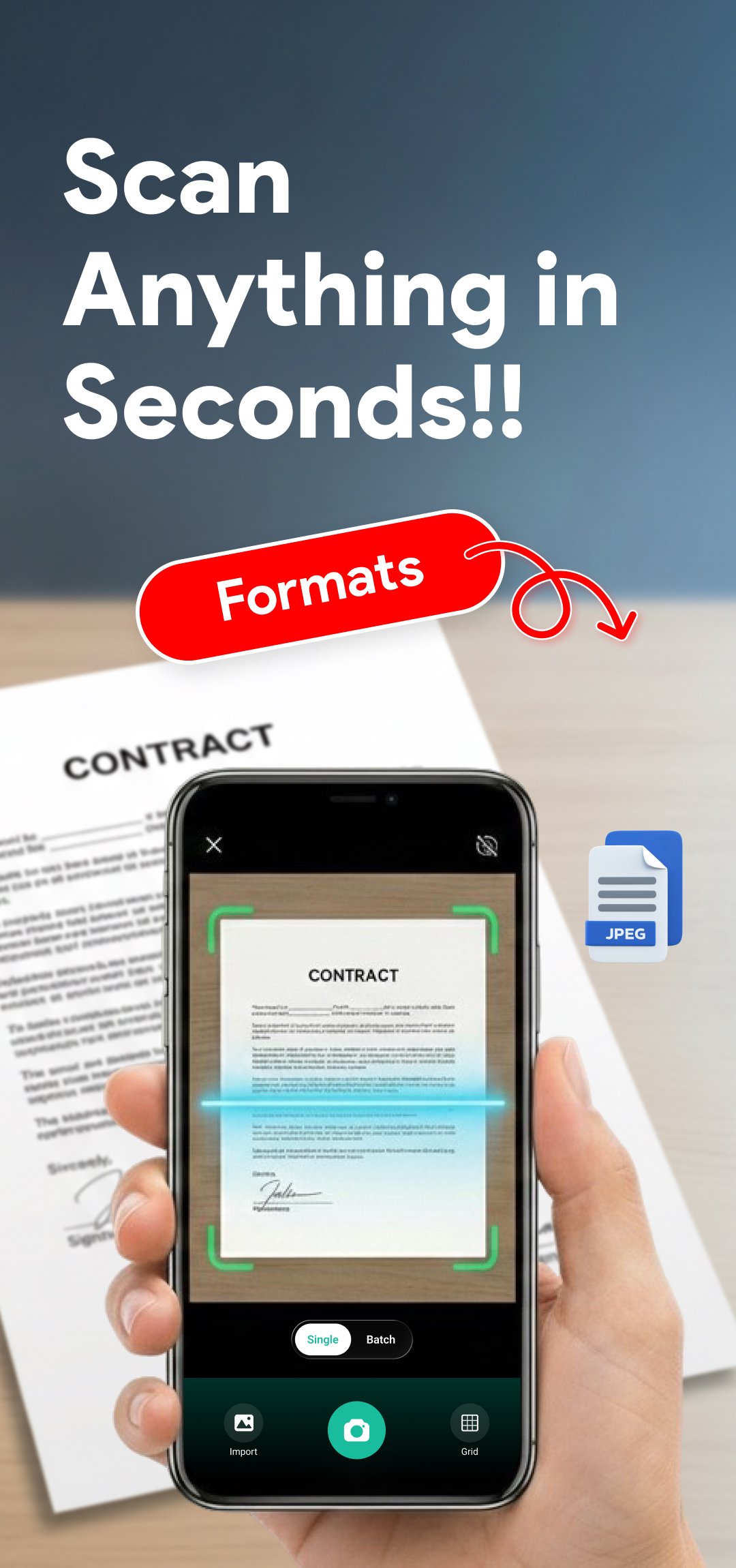
✔️ Use your phone camera scanner for high-quality PDF scanning.
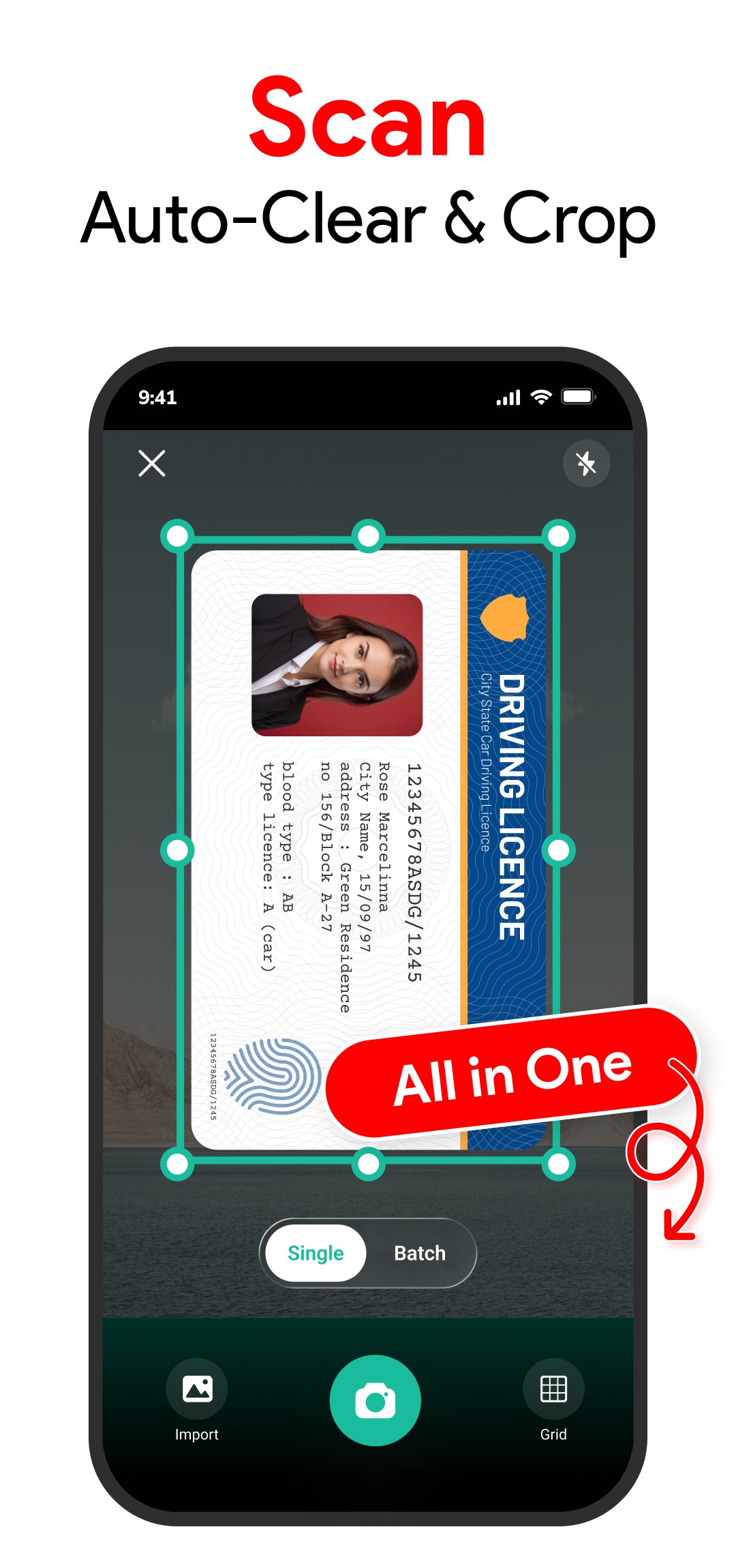
✔️ Auto edge detection ensures sharp and clear scans.
✔️ OCR scanner extracts text from images for easy editing.
✔️ Save scans in PDF, JPG, or PNG format.
📚 Scan Any Document with Ease
✅ Scan PDF files, contracts, receipts, ID cards, books, invoices, and business documents.
✅ Multi-page scanning – scan and merge multiple pages into a single PDF file.
✅ Crop, rotate, and enhance scanned documents for improved readability.
🌍 PDF Maker & PDF Converter – Convert Files in Seconds
The PDF maker and PDF converter feature allows you to convert images, photos, and scanned documents into PDF format instantly. Whether you have JPG, PNG, or other image files, you can use the JPG to PDF converter to create professional PDFs in just a few taps.
✔️ Convert JPG to PDF, PNG to PDF, and other images to PDF effortlessly.
✔️ Merge multiple images into a single PDF file.
✔️ Customize page size, orientation, and quality for PDF conversion.
✔️ Save and share converted PDFs instantly.
🌟 Additional Features of the PDF Scanner App
✔️ Fast & accurate document scanning.
✔️ Auto-enhance feature for clear document visibility.
✔️ PDF editor – merge, split, and rearrange scanned documents.
✔️ E-signature tool to add digital signatures.
✔️ Cloud storage support – save and sync documents online.
✔️ Offline PDF scanner – scan documents without internet access.
📝 How to Use the PDF Scanner App?
📌 Open the PDF Scanner App.
📌 Use your camera scanner or import an image.
📌 Adjust, crop, and apply filters for clarity.
📌 Save the scanned document as a PDF.
📌 Convert images using the JPG to PDF converter.
📌 Share, print, or organize PDFs effortlessly.
🚀 Why Choose This PDF Scanner & PDF Converter?
✔️ Quick and high-quality scanning for all document types.
✔️ Multi-format support – scan, convert, and edit PDFs easily.
✔️ Perfect for work, school, and personal document management.
✔️ Compact, lightweight, and fast document scanner.
📥 Download the PDF Scanner App Now & Convert Documents with Ease!
Avance
Etiquetas
HerramientasInformación
Desarrollador
Office Lens: Android Tool, Translate, Scanner, PDF
La última versión
2.2.1
Última actualización
2026-10-01
Categoría
Herramientas
Disponible en
Google Play
Mostrar más
Cómo jugar PDF Scanner & Document Scanner con GameLoop en PC
1. Descargue GameLoop desde el sitio web oficial, luego ejecute el archivo exe para instalar GameLoop.
2. Abra GameLoop y busque "PDF Scanner & Document Scanner", busque PDF Scanner & Document Scanner en los resultados de búsqueda y haga clic en "Instalar".
3. Disfruta jugando PDF Scanner & Document Scanner en GameLoop.
Minimum requirements
OS
Windows 8.1 64-bit or Windows 10 64-bit
GPU
GTX 1050
CPU
i3-8300
Memory
8GB RAM
Storage
1GB available space
Recommended requirements
OS
Windows 8.1 64-bit or Windows 10 64-bit
GPU
GTX 1050
CPU
i3-9320
Memory
16GB RAM
Storage
1GB available space