Dual Space - Second Space App para PC
Fz Apps Studio
Descarga Dual Space - Second Space App en PC con GameLoop Emulator
Dual Space - Second Space App en PC
Dual Space - Second Space App, proveniente del desarrollador Fz Apps Studio, se ejecuta en el sistema Android en el pasado.
Ahora, puedes jugar Dual Space - Second Space App en PC con GameLoop sin problemas.
Descárgalo en la biblioteca de GameLoop o en los resultados de búsqueda. No más mirar la batería o llamadas frustrantes en el momento equivocado nunca más.
Simplemente disfrute de Dual Space - Second Space App PC en la pantalla grande de forma gratuita!
Dual Space - Second Space App Introducción
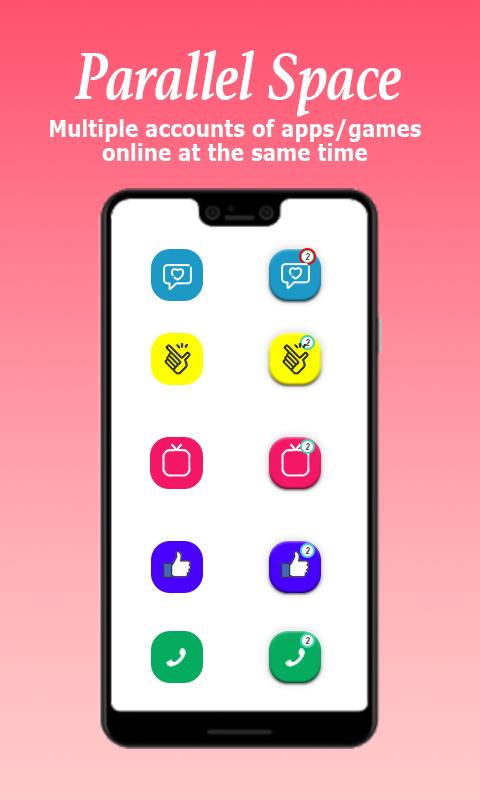
Dual Space - Dual App found the solution of keeping multiple phones for multi social and game accounts. Second space app allows the users to create multiple accounts of any social media apps or game apps with one device. You can quickly switch to any account with just a single tap.
• Is it difficult to use multi accounts in one phone?
• Is it difficult to manage personal and professional account with one device at same time?
• Is it difficult to get multi play experience in gaming apps with one device?
Dual space is providing solution to all of these problems. Now you can use one device to log in to multiple accounts of same app. You can remain online from all of your accounts at same time.
• Clone Multiple apps:
Dual space is compatible with almost all of social and gaming apps. This cloning application create a second space in your phone for multiple accounts so you can get updated about all your personal and professional accounts with a single device.
• Multi accounts:
With Dual space app create a dual space for other account. Now login to multiple accounts at same time and remain online from all of these accounts.
• Multi WA accounts:
Now there is no need of keeping two phones to use multiple WApp accounts. You can clone a WApp app to create another account and use them simultaneously. Dual space app keep you updated with all multi accounts notification at same time.
• Keep your personal and work life separate:
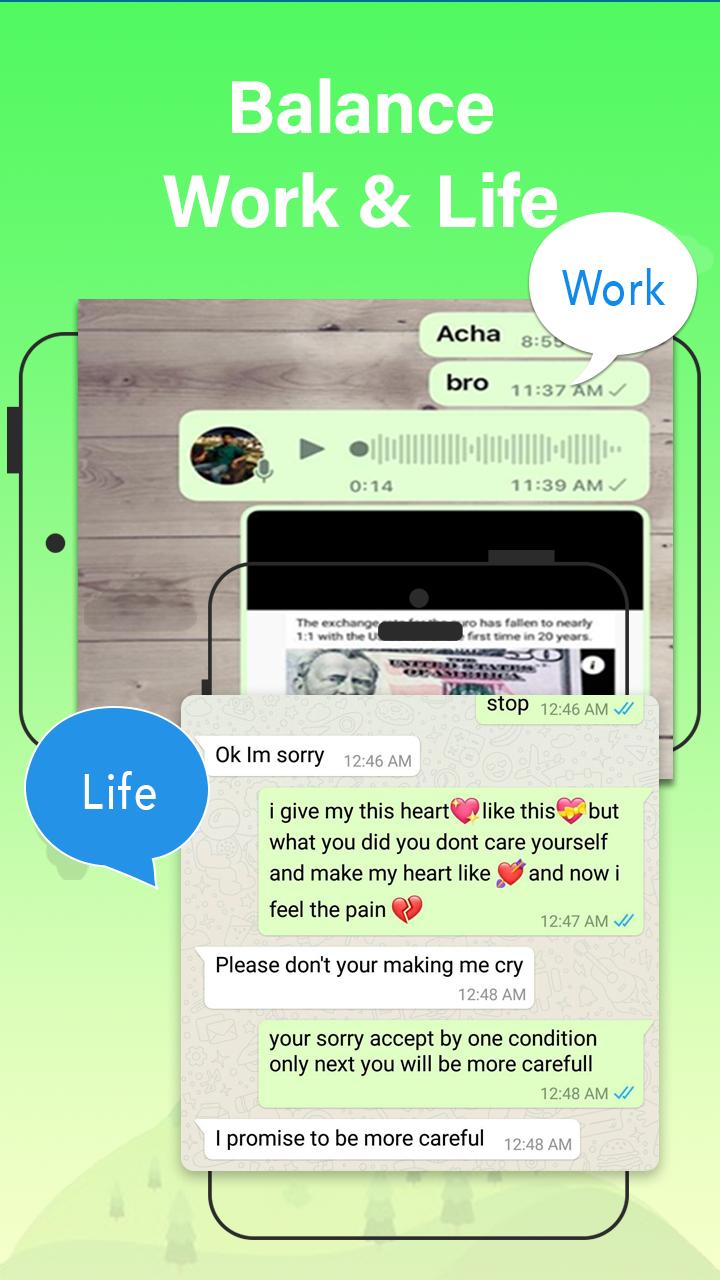
Now maintain a balance of personal and professional life. Dual space app allows you to keep all your personal and professional accounts in one device and use them simultaneously. With this cloning app, you can get notified about all these multi accounts with any interference of data between them.
• Protect users’ privacy:
This clone app provides an option of security lock so you can hide data of parallel account from other users. Dual space app keeps the privacy of user protected and keep the data safe from getting stolen.
• Fast switch between multi apps:
Dual space is very easy to use app that makes it easy to use multi accounts of clone app at one time. You just need to single tap to switch between accounts that too within seconds.
• Customize the clone apps:
With this Dual space multi account app, you can create a clone of app for as many multi accounts as you want. With this cloning app you can not only clone an app but also customize the appearance or theme of app from available options.
Dual space app is top rated android app to clone dual accounts of same app with one device. Dual space is compatible with almost all android apps. Get this app now to use multi accounts, keep a balance of personal and professional life and protect the privacy of multi apps.
Avance
Etiquetas
HerramientasInformación
Desarrollador
Fz Apps Studio
La última versión
0.8
Última actualización
2024-05-02
Categoría
Herramientas
Disponible en
Google Play
Mostrar más
Cómo jugar Dual Space - Second Space App con GameLoop en PC
1. Descargue GameLoop desde el sitio web oficial, luego ejecute el archivo exe para instalar GameLoop.
2. Abra GameLoop y busque "Dual Space - Second Space App", busque Dual Space - Second Space App en los resultados de búsqueda y haga clic en "Instalar".
3. Disfruta jugando Dual Space - Second Space App en GameLoop.
Minimum requirements
OS
Windows 8.1 64-bit or Windows 10 64-bit
GPU
GTX 1050
CPU
i3-8300
Memory
8GB RAM
Storage
1GB available space
Recommended requirements
OS
Windows 8.1 64-bit or Windows 10 64-bit
GPU
GTX 1050
CPU
i3-9320
Memory
16GB RAM
Storage
1GB available space