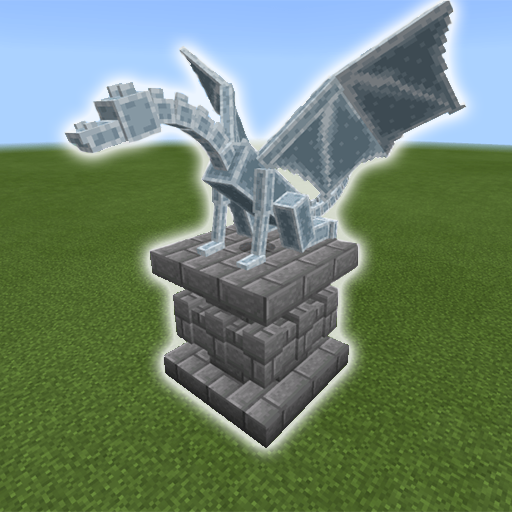
Mob Statues Addon para PC
VC Gaming Studio
Descarga Mob Statues Addon en PC con GameLoop Emulator
Mob Statues Addon en PC
Mob Statues Addon, proveniente del desarrollador VC Gaming Studio, se ejecuta en el sistema Android en el pasado.
Ahora, puedes jugar Mob Statues Addon en PC con GameLoop sin problemas.
Descárgalo en la biblioteca de GameLoop o en los resultados de búsqueda. No más mirar la batería o llamadas frustrantes en el momento equivocado nunca más.
Simplemente disfrute de Mob Statues Addon PC en la pantalla grande de forma gratuita!
Mob Statues Addon Introducción
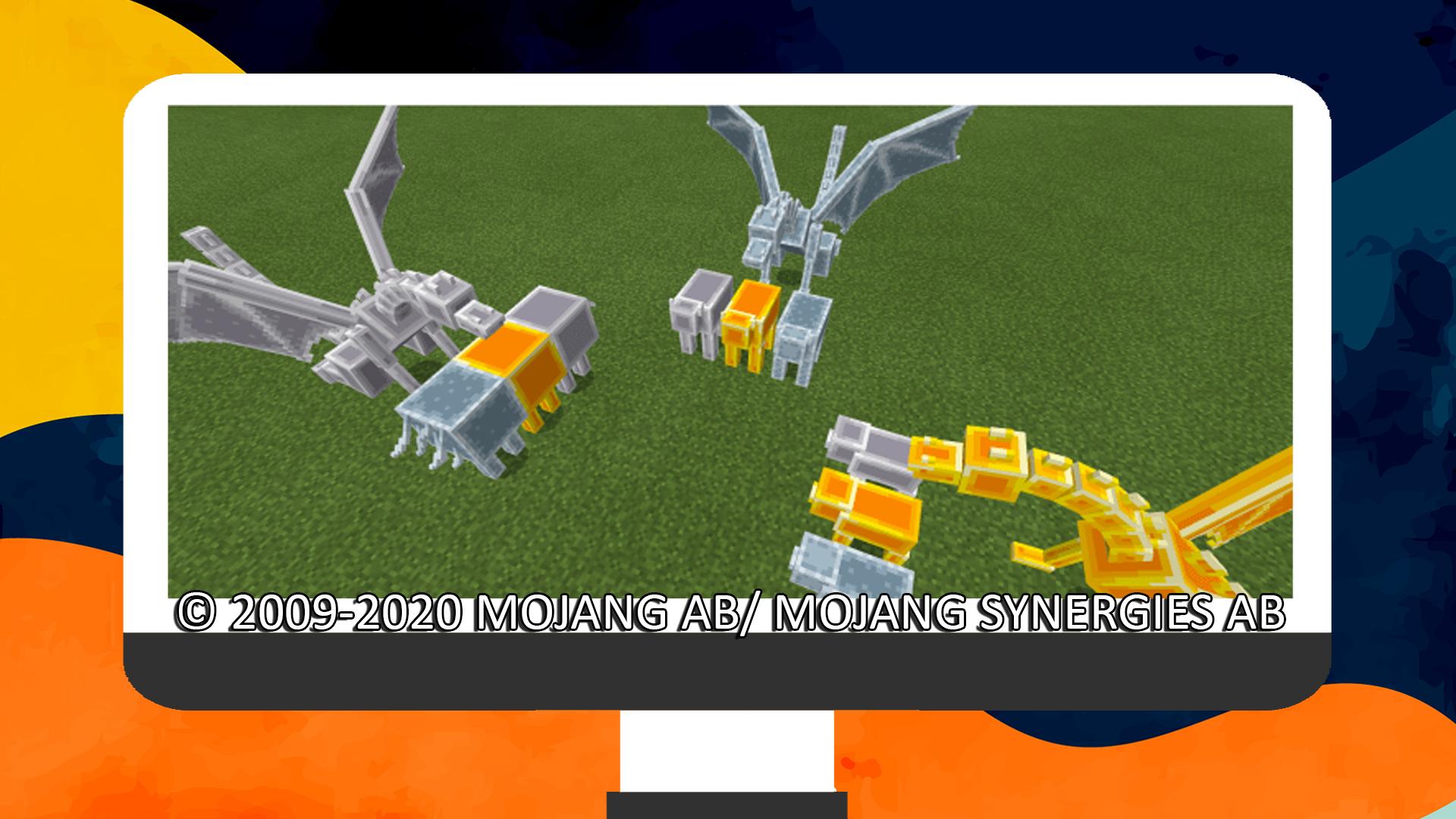
This add-on adds 53 statues that are based on the vanilla world mobs! You can use a chisel to rotate them and a pickaxe to remove them. They’re great for decorations, especially entrances, rooftops, rooms, and wherever you want them to be!
These are not craftable in survival and are only used for decorations. They use the shulker’s behavior which makes them teleport if they don’t have a block that supports them, so make sure to place them somewhere convenient.
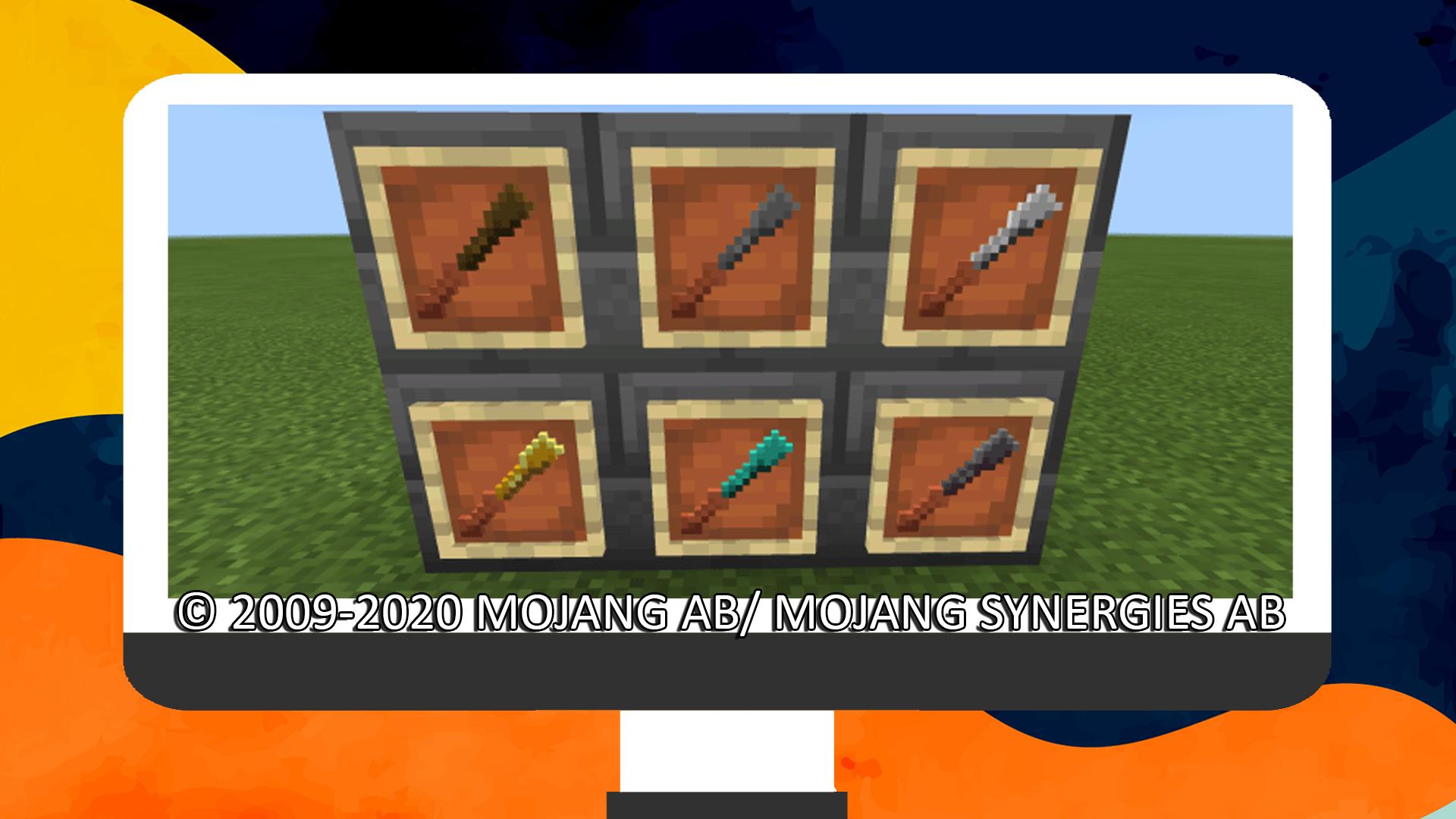
You can use a chisel to rotate statues by 45 degrees, this will wear down the chisel.
You can use a pickaxe to remove statues, make sure to crouch/sneak while interacting with it to do so.
This application was not developed by Mojang AB, and we are not affiliated with this company in any way! The Minecraft game and all related assets are the property of Mojang AB.
All rights reserved as follows from http://account.mojang.com/documents/brand_guidelines
Avance
Etiquetas
HerramientasInformación
Desarrollador
VC Gaming Studio
La última versión
1.0
Última actualización
2020-10-28
Categoría
Herramientas
Disponible en
Google Play
Mostrar más
Cómo jugar Mob Statues Addon con GameLoop en PC
1. Descargue GameLoop desde el sitio web oficial, luego ejecute el archivo exe para instalar GameLoop.
2. Abra GameLoop y busque "Mob Statues Addon", busque Mob Statues Addon en los resultados de búsqueda y haga clic en "Instalar".
3. Disfruta jugando Mob Statues Addon en GameLoop.
Minimum requirements
OS
Windows 8.1 64-bit or Windows 10 64-bit
GPU
GTX 1050
CPU
i3-8300
Memory
8GB RAM
Storage
1GB available space
Recommended requirements
OS
Windows 8.1 64-bit or Windows 10 64-bit
GPU
GTX 1050
CPU
i3-9320
Memory
16GB RAM
Storage
1GB available space